If you need a temporary email generator for marketing automation software free trials, use one during early evaluation to verify the account, receive setup emails, and keep long-term vendor follow-ups out of your main inbox.
It works best when you are comparing several platforms at once and want to test automation workflows before giving every sales team a permanent work address.
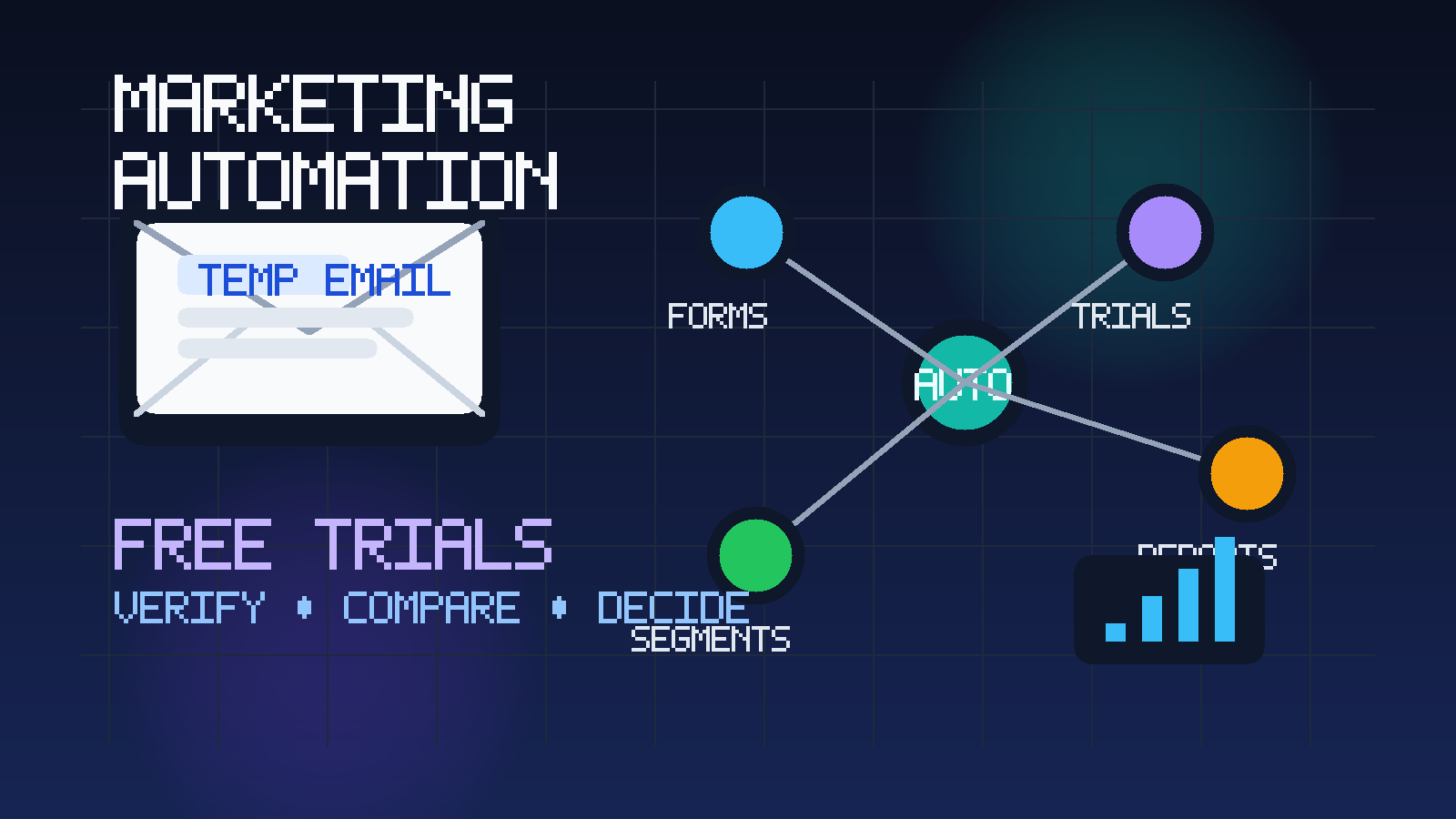
That matters because marketing automation trials rarely stop at a single confirmation email. The moment you sign up, many vendors begin sending onboarding sequences, feature announcements, webinar invites, template libraries, demo prompts, and account-expansion follow-ups. If you are researching tools like HubSpot, Marketo, ActiveCampaign, Mailchimp, Customer.io, Braze, or similar platforms, the product evaluation phase can turn into an inbox-management problem surprisingly fast.
A temporary inbox gives you breathing room. You can open the account, confirm the login, review the first setup instructions, and explore the product without immediately tying your everyday work email to every trial. A tool like Anonibox fits that early comparison stage well because it helps separate curiosity from commitment.
Why marketing automation trials create so much inbox noise
Marketing automation software sits close to revenue, lead generation, lifecycle messaging, and campaign reporting, so vendors put serious effort into follow-up. From their side, that makes sense. A free trial is a buying signal. From your side, it means one signup can trigger several kinds of messages at once:
- account verification emails
- getting-started checklists
- product-tour emails
- integration suggestions
- “book a strategy call” requests
- trial-expiration reminders
- pricing and upgrade nudges
Now multiply that by three to six vendors in the same week. Suddenly your real inbox contains overlapping nurture sequences before you have even decided which platform deserves a second look. A temporary inbox solves a practical workflow problem: you still get the messages you need, but you do not have to treat every test account like a long-term relationship.
When a temporary inbox makes sense for marketing automation evaluations
This approach is most useful when you are still narrowing the field and do not want your main email attached to every experiment. It is especially sensible when you want to:
- compare multiple free trials in a short period
- test landing pages, forms, automations, and templates before a real rollout
- review onboarding emails without adding more noise to your everyday work inbox
- keep vendor research separate from live customer communication
- avoid long sales follow-up from tools that may never make your shortlist
Consultants, founders, RevOps teams, marketing managers, and small in-house teams often benefit most from this because they evaluate quickly and need clean notes. If five vendors all begin sending “helpful” material at once, clarity disappears fast.
When you should switch to a permanent work email instead
A temporary inbox is best for screening and comparison, not for ownership forever. Once a platform becomes a serious finalist, move to a permanent work email that your team controls. That usually makes more sense when you need:
- admin ownership and password recovery you can access later
- billing records, procurement communication, or legal review
- shared visibility for teammates involved in the decision
- implementation planning with sales engineers or onboarding specialists
- a stable account for production integrations and deliverability settings
Think of temporary email as a filter. It helps you answer the first question: Is this trial worth deeper attention? Once the answer becomes yes, switch to a durable address and handle the account like a real business system.
How to use a temporary email generator for marketing automation software free trials
1. Create the inbox before you start signing up
Generate the inbox first so your evaluation stays organized from the beginning. If you are comparing several platforms, decide whether you want one temporary inbox for the whole research session or one inbox per vendor. A single inbox is faster. Separate inboxes make vendor-specific tracking cleaner.
2. Use it for trial activation and early onboarding only
The sweet spot is verification, first-login instructions, sample workspace access, and initial product-tour emails. This stage tells you whether the vendor makes setup easy and whether the product looks promising. You get the operational value of the signup without committing your long-term inbox to every follow-up sequence.
3. Save important information outside the inbox
Temporary inboxes are convenient, but they should not become your record-keeping system. Save the trial URL, username, expiration date, setup checklist, and any notes about feature limits or upgrade gates in your own document. If the trial looks good later, you will want those notes long after the first verification email has done its job.
4. Judge the software by the workflow, not by the email campaign
Some vendors are excellent at nurture marketing and only average in the product. Others send very little email but provide a cleaner campaign builder, better segmentation, or more practical reporting. Keep your attention inside the app. The goal is to answer product-fit questions, not reward whoever sends the nicest welcome sequence.
5. Move finalists to a real team-owned address
After the shortlist is clear, update the account or create a clean permanent one for the vendor you are seriously considering. That gives you stable access for demos, procurement, security reviews, and implementation planning while keeping throwaway trials separate from long-term ownership.
What to evaluate inside a marketing automation software trial
If you are using a temporary inbox to protect your main address, make sure the time you save actually improves the evaluation. Focus on the features that determine whether the platform can run real programs for your team.
Forms and lead capture
Can you create forms quickly? Is the embed process simple? Do field mapping, hidden fields, and source tracking feel practical? If lead capture is clumsy, the rest of the platform usually feels clumsy too.
Journey building and automation logic
Look closely at the workflow builder. Can you create sensible branching paths? Are triggers, delays, conditions, and exit rules easy to understand? A good marketing automation product should make it obvious how leads move through welcome sequences, nurture flows, and re-engagement campaigns.
Segmentation and personalization
Test how easily you can build audiences. Useful segmentation should not require heroic effort. Check whether you can combine firmographic data, engagement signals, lifecycle stages, list membership, or behavioral events in a way that matches your real campaigns.
Reporting and attribution visibility
Early dashboards often look polished, but the real question is whether the reporting helps you make decisions. Can you see campaign performance clearly? Can you understand conversions, drop-off points, and engagement trends without exporting everything to another tool?
Integrations
Even in a free trial, you should get a feel for how well the product connects with CRMs, ecommerce tools, analytics platforms, or data warehouses. You do not need to wire up your entire stack on day one, but you should be able to tell whether integrations are first-class or awkward.
Collaboration and approvals
If more than one person will use the system, look at permissions, shared assets, commenting, approval steps, and team usability. A platform can be powerful but still painful if only one advanced user can navigate it comfortably.
Pricing pressure points
Free trials often hide the most expensive parts until later: contact-volume jumps, seat-based limits, premium reporting, SMS add-ons, or higher-tier automation features. Keep notes on what is locked, what is limited, and what seems designed to push an early upgrade.
Common mistakes to avoid
- Using a temporary inbox for a production account: once a tool becomes important, move it to a permanent address you control long term.
- Comparing too many platforms without structure: if you trial five vendors at once without notes, they blur together.
- Forgetting to save setup details: activation links, trial dates, and feature notes should live in your own evaluation document.
- Confusing marketing polish with product fit: a great nurture sequence does not guarantee a great workflow builder.
- Ignoring downstream requirements: admin ownership, integrations, security review, and billing all matter once a platform moves beyond testing.
A practical checklist before you leave a trial
- Did the signup and verification process work smoothly?
- Could you build a realistic form, list, or segment without friction?
- Did the automation builder make sense for your real campaigns?
- Were reporting and attribution useful enough to guide decisions?
- Did anything important feel locked behind a higher tier?
- Is this vendor strong enough to justify moving to a permanent work email?
If the answer to the last question is no, that is exactly where a temporary inbox has done its job well. You explored the software, captured the emails you needed, and avoided months of unnecessary follow-up from a tool you are not going to buy.
Final takeaway
A temporary email generator for marketing automation software free trials is a simple but effective way to protect your main inbox during product research. It lets you verify accounts, collect onboarding instructions, and compare platforms without immediately inviting long-term sales and nurture email into your everyday workflow.
Use it for early-stage testing, keep clear notes on what matters, and move serious finalists to a real team-owned address once the evaluation becomes operational. That way you can focus on the quality of the automation platform itself instead of spending half the trial period cleaning up your inbox.