If you are comparing Clio, MyCase, PracticePanther, or similar tools, a temporary email generator for legal practice management software free trials lets you activate accounts, collect onboarding links, and test law-firm software without handing every vendor your permanent firm inbox on day one.
Use a temporary inbox during early evaluation, save the notes and setup details you need, then move serious finalists to a durable team address once the trial turns into a real buying process.
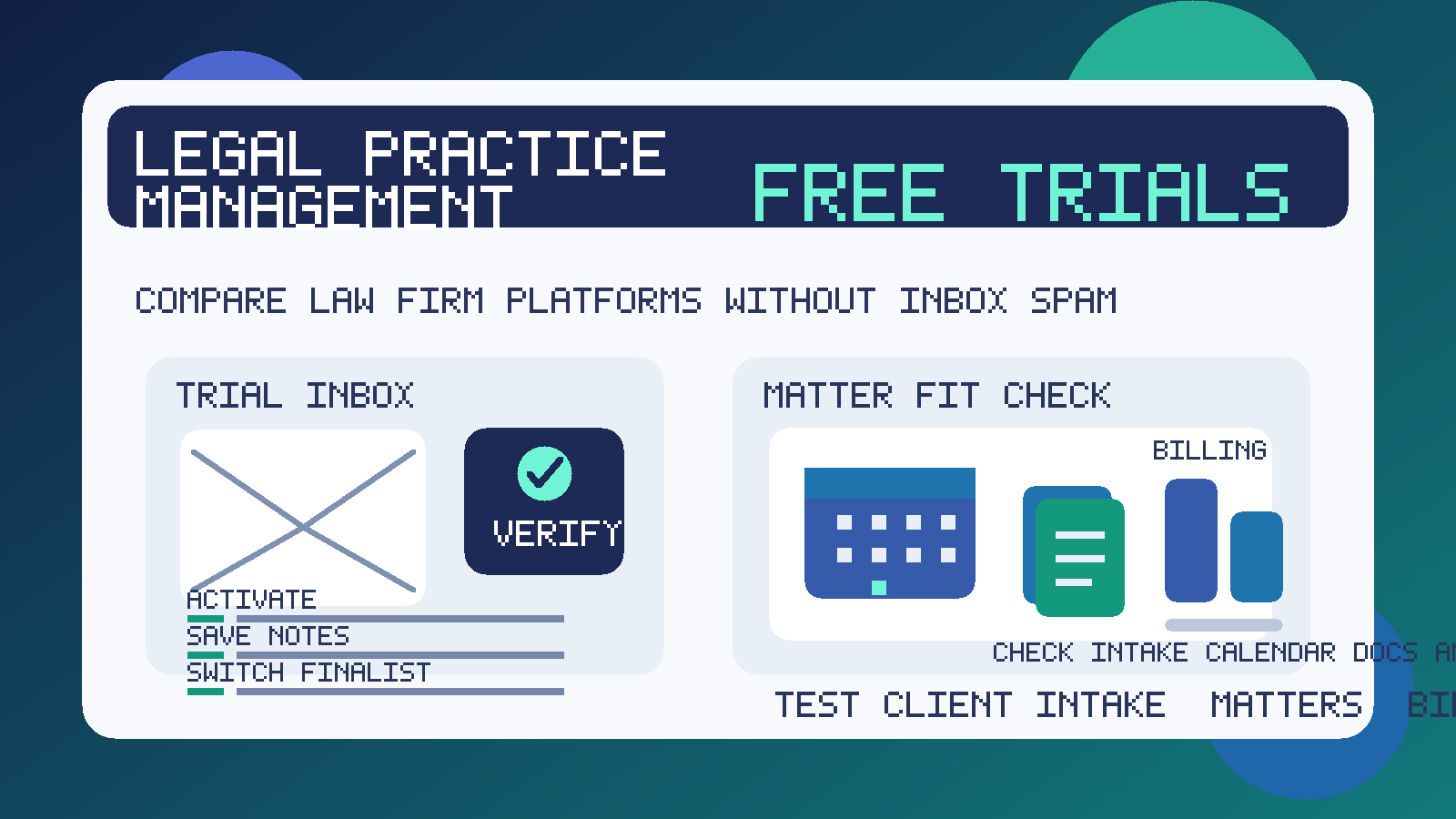
That workflow is especially useful in legal software because trial signups rarely stop at one confirmation email. A single registration can trigger product tours, webinar invites, migration pitches, billing follow-up, implementation checklists, and repeated requests to book a sales call. If you are comparing several platforms at once, the inbox noise piles up fast.
A temporary inbox keeps that first pass contained. You still get the verification email, login links, and initial onboarding messages, but you do not have to expose the address your firm uses every day for real client communication, court-related administration, internal operations, or vendor accounts that already matter. If you use Anonibox or another temporary inbox during the shortlist stage, you can separate casual research from real adoption much more cleanly.
Why legal practice management free trials are a strong fit for temporary email
Legal practice management software sits at the center of daily firm operations. Depending on the product, it may touch intake, matter organization, calendaring, task tracking, document workflows, billing, reporting, client portals, and automation. That makes the software important, but it also makes the sales process noisy. Vendors know they are competing for high-value, sticky workflows, so they often push hard once a trial starts.
There is nothing inherently wrong with that. The problem is timing. During the first stage of evaluation, you may simply want to see whether the product feels usable, whether the workflow matches your firm, and whether the platform deserves deeper review. A temporary inbox gives you room to answer those questions before you invite long-term follow-up into the inbox your team already relies on.
This approach is especially useful when:
- you are comparing multiple law-firm platforms side by side
- you want to inspect workflow fit before involving the full team
- you need activation emails and setup links without months of extra follow-up
- you are testing a narrow use case such as solo practice, plaintiff work, family law, litigation support, or small-firm operations
- you want early vendor conversations to stay separate from your permanent firm inbox
How to use a temporary email generator for legal practice management software free trials
1. Create the inbox before opening vendor signup forms
Start with the inbox, not the trial form. That way every confirmation email, password setup link, welcome sequence, and scheduling prompt lands in one place instead of mixing into your normal operations inbox.
2. Decide whether you want one inbox or one per vendor
If you are testing only one platform, one inbox may be fine. If you are doing a real comparison, separate inboxes can make the process much easier to manage. Each vendor’s trial reminders, onboarding prompts, and login messages stay isolated, which makes side-by-side evaluation less messy.
3. Use the temporary inbox for activation and first-pass onboarding
This is where temporary email does its best work. Confirm the account, log in, complete the basic setup, and get to the actual product quickly. If the platform feels confusing or limited early on, you can move on without adding another long-term sender to your firm’s everyday inbox.
4. Save useful details outside the inbox
A temporary inbox is not your permanent system of record. Save trial end dates, notes about pricing, feature gaps, migration concerns, and any useful setup details in your own evaluation document. That way the decision survives even if the inbox later expires or becomes irrelevant.
5. Move true finalists to a permanent team-owned address
Once a platform becomes a serious contender, switch it to a durable business email that the right people at the firm can access. That is the right moment for procurement, security review, team invitations, implementation planning, and long-term account ownership. Temporary email is best for screening and comparison, not for production administration.
What to evaluate inside a legal practice management trial
The whole point of using a temporary inbox is to create space for better judgment. Use that space well. A law-firm platform should win because it supports the way your practice actually works, not because its vendor follow-up was persistent.
Intake and new-matter workflow
Start with the front door. How easy is it to create a new matter, capture inquiry details, assign owners, and move work from intake into an active case or client record? If new matters already feel clumsy during the trial, the friction will only become more expensive later.
Calendar, deadlines, and task visibility
Look closely at calendar handling, reminders, recurring tasks, and day-to-day visibility. You do not need to recreate every scenario from your firm during a trial, but you should be able to tell whether the software helps people stay organized or makes ordinary coordination harder.
Document workflow and matter organization
Many firms care less about flashy dashboards and more about whether documents, notes, communications, and matter details stay easy to locate. Test how the platform handles attachments, internal notes, document grouping, templates, and the overall structure of a matter. A clean document workflow is often more valuable than a long list of marginal features.
Billing, time capture, and reporting
If billing matters to your workflow, inspect how time entries, invoices, rates, write-downs, and reporting are presented. Even if you are not using real client data in the trial, you should still be able to judge whether the billing workflow feels logical. If your practice has specialized accounting or trust-related requirements, treat that as a later diligence topic too rather than assuming a trial demo proves every detail.
Client portal and communication flow
Some firms care deeply about secure message flow, document sharing, or client-facing portals. Others mainly need better internal coordination. The trial should help you see which camp the product serves well. Look at how communication is surfaced, how updates are tracked, and whether the software feels manageable for both staff and clients.
Automation and repetitive admin work
Also test the small repetitive tasks that eat time every week: standard follow-ups, intake steps, reminders, document requests, or status updates. A platform does not need to automate everything, but it should make routine admin easier rather than burying it behind complex setup.
Permissions, team structure, and practical usability
Think beyond the solo login used for the trial. Could partners, associates, paralegals, intake staff, or administrators all work in the system without constant friction? Are the labels and navigation understandable? Can you imagine ownership and permissions making sense at your firm size? Good software should feel usable in practice, not just impressive in a demo tour.
Migration realism and support quality
Finally, pay attention to what sits outside the product interface. How much help would you need to move matters, contacts, templates, or documents? Does the vendor explain migration and support clearly? A smooth-looking dashboard matters, but operational reality matters more.
Benefits of using temporary email while comparing law-firm platforms
- Less inbox clutter: vendors that never survive the shortlist do not keep filling your main address with follow-up.
- Cleaner comparisons: each platform’s trial messages and reminders stay easier to track.
- Better privacy during early research: your long-term firm inbox does not need to go everywhere immediately.
- More focus on workflow fit: you can judge intake, matter management, billing, and document handling instead of reacting to sales cadence.
Common mistakes to avoid
- Using one inbox for every vendor: that makes activation links and trial reminders harder to untangle.
- Letting important notes live only in the temporary inbox: save useful findings in your own comparison sheet.
- Keeping the account temporary after the trial becomes serious: once a platform is a finalist, move it to a durable team-owned address.
- Evaluating only the demo surface: a polished homepage means little if matter setup, document handling, or billing feels awkward.
- Assuming a trial proves every compliance or accounting detail: deeper diligence still matters before adoption.
When a temporary inbox is the wrong tool
If you are already inviting teammates, reviewing contracts, moving toward implementation, or planning to use real long-term account ownership, switch to a permanent business email. The same goes for any stage where the vendor relationship is becoming operational rather than exploratory.
The goal is not to avoid legitimate vendors forever. The goal is to keep early evaluation clean until a platform earns broader trust, deeper diligence, and real internal attention.
Final takeaway
A temporary email generator for legal practice management software free trials is a practical way to compare law-firm platforms without turning a short software evaluation into months of unnecessary inbox noise. You still get the activation emails and onboarding links you need, but you keep exploratory signups separate from the address your team depends on every day.
Use temporary email for the shortlist stage, review intake, matter organization, calendaring, documents, billing, and reporting carefully, and switch serious finalists to a permanent team address once the buying process becomes real. It is a simple habit, but it makes legal-tech evaluation calmer, cleaner, and easier to manage.