If you are wondering whether a temp email for Supabase is a good idea, the short answer is yes for disposable prototypes, auth-flow tests, and one-off project invites, but no for production apps, billing, or shared long-term ownership.
Use a temporary inbox to verify the account, test the workflow, and keep early experimentation out of your main mailbox, then switch to a stable address the moment the project starts to matter.
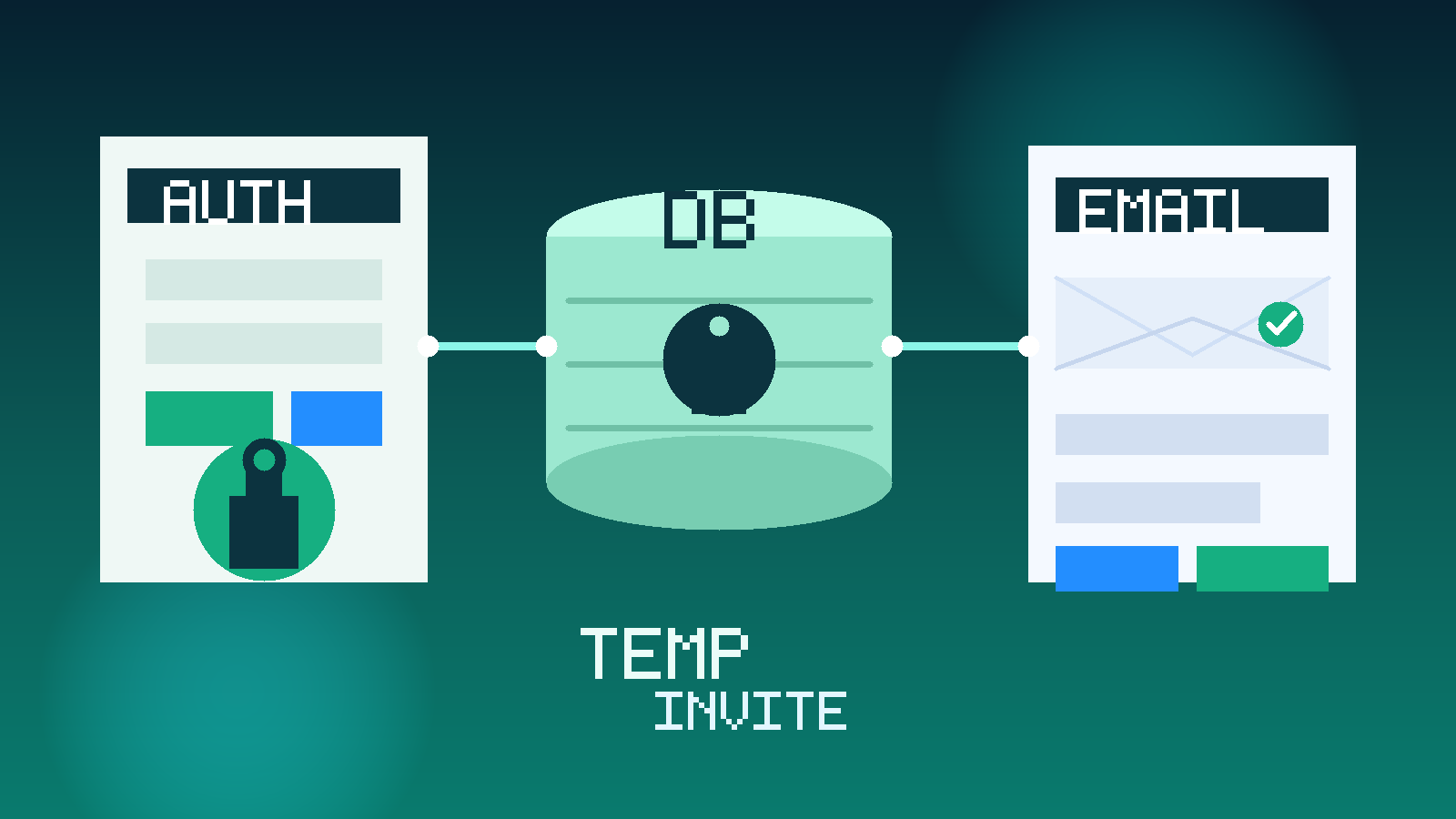
Why people look for a temp email for Supabase
Supabase is exactly the kind of platform that attracts lots of quick experiments. Someone wants to test a login flow, spin up a demo backend, compare a hosted database option, validate a proof of concept, or open a throwaway project before deciding whether the stack belongs in real work. That early stage is useful, but it does not always justify connecting every test to the email address you live in every day.
That is where a temporary inbox can help. You still receive the verification link, the first onboarding emails, and any invite messages needed to get started, but you keep the experiment separate from your permanent inbox. If you already use a service like Anonibox for low-stakes signups, Supabase is a very natural place to apply the same habit.
When a temp email for Supabase makes sense
A temporary inbox is most helpful when the project is clearly exploratory. Good examples include:
- testing whether Supabase feels easier than your current backend workflow,
- running a short auth demo with magic links, email verification, or password resets,
- opening a disposable project to compare database setup, storage, or edge functions,
- trying a one-off hackathon, proof of concept, or internal demo,
- isolating early onboarding and invite noise from your real work inbox.
In those cases, the goal is not to build a forever account on day one. The goal is to evaluate the platform quickly and cleanly without turning every experiment into a permanent email relationship.
When a temp email is the wrong choice
Supabase projects often become important faster than expected. A quick auth test turns into a real app. A small backend demo becomes the base for a client prototype. A solo experiment becomes something another teammate needs to access. Once that happens, a disposable inbox stops being convenient and starts becoming a liability.
A temp email is a poor fit if the account is tied to:
- production databases or live applications,
- billing, paid plans, or subscription management,
- shared team ownership and recurring collaborator invites,
- security notices, password resets, or account recovery you cannot afford to miss,
- ongoing admin responsibility for auth settings, storage, or edge functions,
- client work you may need to revisit months later.
If losing access to the inbox would create stress, cleanup work, or real business risk, the account deserves a permanent address from the start.
A practical workflow for using a temp email with Supabase
1. Decide whether the project is truly disposable
Before signup, be honest about the likely lifespan of the project. If this is only a quick sandbox for comparison or testing, a temporary inbox is reasonable. If there is any serious chance the project will survive into paid, shared, or production use, start with a stable address and skip the future migration mess.
2. Generate the inbox before you sign up
Create the temporary address first so every verification message lands in one place. This usually includes the welcome email, confirmation link, and any invite or first-run setup messages tied to the account.
3. Save anything you may need later
Temporary inboxes are great for speed, but not for memory. If Supabase sends a project link, invite, recovery note, or other setup detail you may want again, save it somewhere you control. The inbox should be treated as a short-term relay, not permanent documentation.
4. Test the actual workflow, not just the signup
Once the account is active, stop thinking about the inbox and start evaluating the real reason you signed up. Are you checking auth? Database ergonomics? Dashboard clarity? Storage? Edge functions? Collaboration? The temp email only matters if it helps you test those things with less friction.
5. Move the project to a permanent identity early if it proves useful
If the project survives the first day and starts looking like something you might keep, promote it to an address you control long term. Do not wait until billing, collaborators, or real users are involved. The earlier you switch, the less messy the handoff becomes.
What to evaluate inside Supabase, not just during signup
It is easy to obsess over whether the temp inbox worked and miss the bigger question of whether Supabase fits your workflow. A serious evaluation should look beyond signup speed.
Auth flow and verification behavior
Supabase is often chosen for authentication as much as for database features. Test how email verification, password resets, and magic-link flows feel in practice. Are the defaults understandable? Is the developer experience clean? Can you tell how the auth flow would behave in a real app rather than only in a toy demo?
Project setup and dashboard clarity
First impressions matter, but operational clarity matters more. See how easy it is to create a project, understand the dashboard, find connection details, and navigate between auth, database, storage, functions, and settings.
Database workflow
Supabase often appeals because it feels accessible while still being capable. Test whether basic schema work, table inspection, SQL access, and project structure feel sensible for the kind of app you are building. A fast signup means very little if the day-two workflow feels awkward.
Storage, functions, and supporting services
If your use case involves file uploads, background logic, or edge behavior, evaluate those pieces early. Some teams discover that the core database feels fine while surrounding services are where the real fit decision gets made.
Team invites and permissions
This is one of the first places where a temp email can stop being ideal. Collaboration depends on durable identity. If you expect more than solo testing, pay attention to how Supabase handles project invites, teammate roles, and ownership boundaries.
Long-term maintainability
Ask yourself whether this looks like a platform you would trust for something you may need to maintain later. A temp inbox is a useful first step, but the real question is whether the project can mature cleanly if it succeeds.
Benefits of using a temp email for Supabase
- Less inbox clutter: auth experiments and throwaway projects do not need to become permanent noise in your main mailbox.
- Cleaner separation: quick tests stay separate from production tools, clients, and long-term developer accounts.
- Faster first-pass evaluation: you can activate the account, inspect the workflow, and decide whether the platform deserves deeper attention.
- Better privacy discipline: not every prototype, sandbox, or invite needs immediate access to your primary email identity.
Those are practical workflow benefits, not magic privacy promises. The value is simply that you get a cleaner way to test the platform before deciding whether it belongs in real work.
Risks and trade-offs to be honest about
Temporary inboxes are useful, but they come with real trade-offs.
- Recovery becomes fragile: if the inbox expires or becomes inaccessible, regaining control later may be difficult.
- Billing and ownership get messy: a project that matters should not depend on a disposable mailbox for important notices.
- Team workflows weaken: invites, handoffs, and admin responsibilities work better when the owner identity is stable.
- Security signals can be missed: password resets, access warnings, and account-change notices should reach an inbox you actually monitor.
That is why the safest rule is simple: temporary email is for disposable evaluation, not durable ownership.
Common mistakes people make
Using a temp inbox for a project that is obviously becoming real
This is the biggest mistake. A developer starts with a throwaway project, then adds real data, a teammate, or a paid feature, and suddenly the account matters. At that point the “just testing” assumption no longer matches reality.
Forgetting to save important links or project details
If you need a confirmation email, invite link, or setup note later and the inbox is gone, you created unnecessary friction for yourself.
Treating the email workflow as the only thing that matters
The temp inbox should support the evaluation, not replace it. The real question is whether Supabase fits your auth, data, and project workflow, not just whether the signup was convenient.
Using temporary email to avoid responsibility
A disposable inbox is a workflow choice, not a substitute for good account management. If the project matters, proper ownership still matters.
Temp inbox vs alias vs secondary permanent inbox
If you often build demos but sometimes keep them longer than expected, a middle-ground option may be better than a fully temporary address. An alias or secondary permanent inbox gives you separation without sacrificing recovery. That setup works well for developers who experiment frequently but do not want every test to share the same main mailbox.
A useful rule of thumb looks like this:
- Temp inbox: short-lived auth tests, throwaway demos, disposable proof-of-concept backends.
- Alias or secondary permanent inbox: recurring experiments, repeat platform testing, side projects that may return later.
- Main work or team inbox: production systems, shared ownership, billing, client work, and anything you cannot afford to lose.
Using the right tier keeps your setup organized without pretending every project deserves the same treatment.
When to switch to a real email immediately
Move off the temporary inbox as soon as any of the following becomes true:
- you plan to keep the project active beyond the initial test,
- you are inviting teammates or sharing long-term ownership,
- you are enabling paid features or storing meaningful application data,
- you need dependable recovery, security, and admin communication,
- you would be frustrated if you lost access to the project next month.
That switch is not a failure. It usually means the experiment worked well enough to deserve proper ownership.
Conclusion
A temp email for Supabase is a smart move when you want to test auth flows, compare the platform, or open a disposable backend without turning a quick experiment into a long-term inbox commitment.
Just do not confuse a convenient short-term inbox with a good long-term owner identity. Once the project becomes valuable, collaborative, or tied to billing, switch to a stable address you control. That balance gives you the speed and privacy benefits of temporary email without creating avoidable recovery and ownership problems later.