If you need a temp email for Zendesk, yes — it can be a sensible way to open a trial, submit a one-off support request, or join a workspace without turning your main inbox into a long-term ticket channel.
It works best for short-lived evaluation, vendor contact, or portal access; once Zendesk becomes part of a real support workflow, move the account to a permanent address you control.
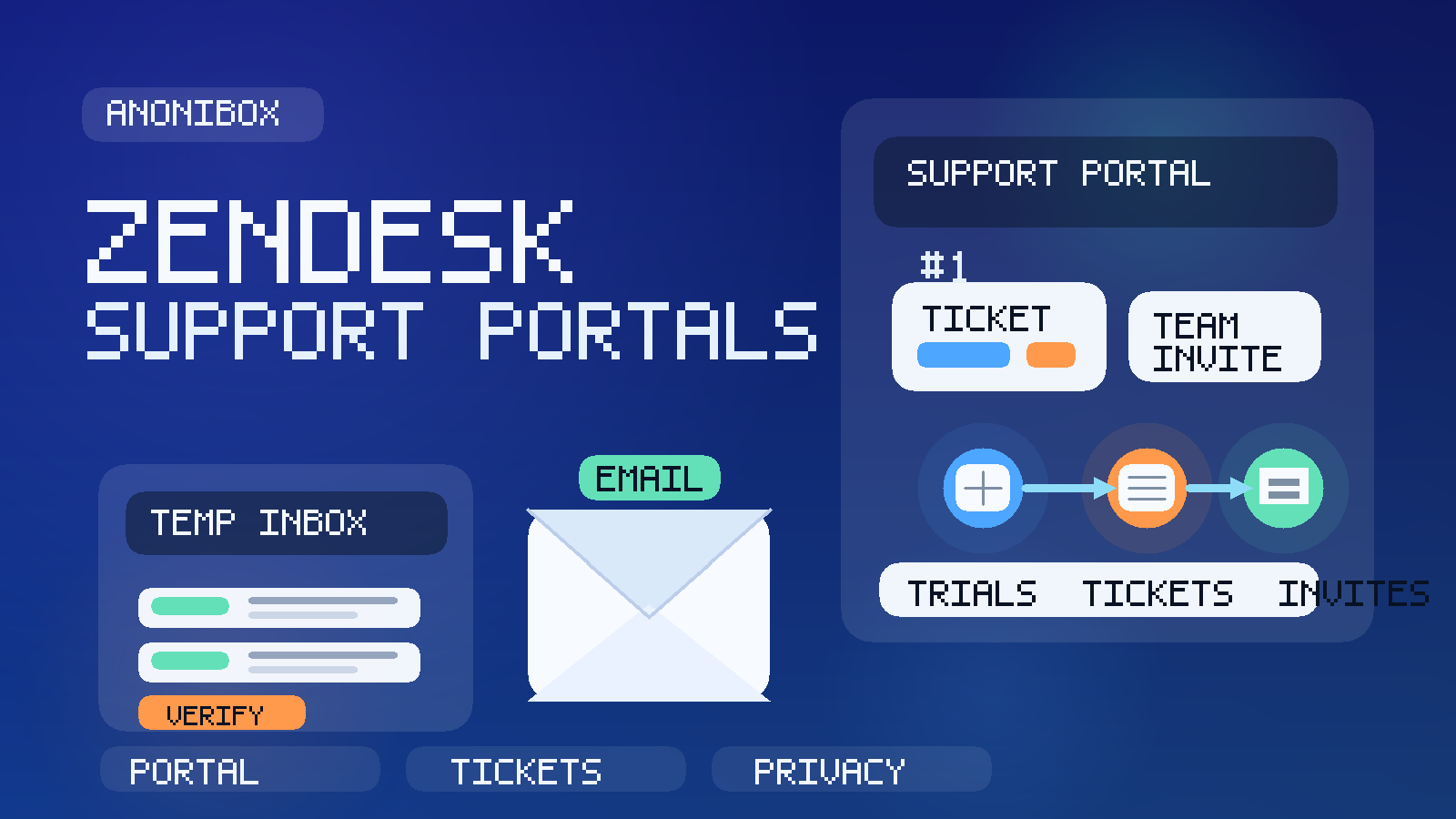
Zendesk sits in a category where email piles up quickly. A single signup can lead to verification messages, ticket confirmations, follow-up replies, product updates, onboarding prompts, admin notices, satisfaction surveys, and team invitations. Sometimes that is useful. Sometimes it is exactly the kind of traffic you do not want mixed into your everyday inbox, especially if you are only testing the platform, contacting a company once, or evaluating whether a workspace deserves a long-term account owner.
That is why this keyword makes practical sense. People are not always looking for a disposable inbox because they want to “hide.” More often, they want a clean boundary between a short-lived interaction and their permanent personal or work email. A tool like Anonibox can help during that early stage because it lets you receive the messages you actually need without automatically committing your main address to every support or trial workflow.
Why someone would use a temp email for Zendesk
Zendesk shows up in several different situations, and not all of them deserve the same contact strategy.
- Vendor evaluation: you want to test the interface, check ticket routing, or review agent features before using a permanent address.
- One-off support contact: you need a reply to a specific issue but do not want months of follow-up in your regular inbox afterward.
- Shared portals: a client, vendor, or SaaS platform invites you into a Zendesk-based support or admin portal that may only matter for a short period.
- Short-term team access: you are joining temporarily for setup, migration, or troubleshooting rather than becoming a long-term workspace owner.
In all of those cases, the goal is the same: receive the confirmation or reply you need, keep the interaction organized, and avoid expanding the footprint of your main email address too early.
When using a temporary inbox makes the most sense
A temporary inbox is most useful when the interaction is narrow, time-bound, or still exploratory.
Testing a Zendesk trial
If you are comparing customer support platforms, it is perfectly reasonable to keep Zendesk’s early trial communication separate until you know whether it is actually on the shortlist. That means you can review the signup flow, inspect the first onboarding steps, and decide whether the product is worth deeper evaluation without inviting long-term vendor traffic into your main inbox on day one.
Submitting a single support request
Sometimes a Zendesk portal is just the front end for asking a company one question, reporting a product issue, or tracking a limited exchange. In that case, a temporary inbox can be a practical buffer. You get the confirmation email, reply thread, and resolution messages you need, but you avoid keeping your primary inbox attached to that support channel forever.
Joining a short-lived external portal
Agencies, vendors, and software providers sometimes use Zendesk to handle external requests or knowledge-base access. If you only need temporary visibility for a migration, launch, audit, or handoff, a separate inbox can reduce clutter and keep the access trail easier to manage.
When a temp email is the wrong choice
There are also situations where a disposable inbox is a poor fit.
- You are becoming the long-term admin or owner of the Zendesk account.
- You need a durable record of tickets, escalations, or customer-service commitments.
- You expect teammates to rely on that address for handoffs and notifications.
- The support conversation may involve account recovery, billing disputes, or sensitive follow-up that should live under a stable identity.
In other words, temporary email is good for evaluation and limited interactions. It is not the right foundation for an account that matters operationally over time.
What a temp email actually helps you avoid
The biggest advantage is not secrecy. It is inbox control.
Using a temp email for Zendesk can help you avoid:
- trial follow-up from a product you decide not to adopt
- extra ticket notifications living next to your everyday work
- team invite messages from short-lived portals you no longer need
- satisfaction surveys and re-engagement email after a one-off support request
- mixing exploratory vendor activity with your long-term support operations
That separation becomes especially useful when you are testing multiple tools in the same week or dealing with several outside vendors at once. A clean evaluation workflow is easier to reason about than a crowded inbox full of overlapping support threads.
How to use a temp email for Zendesk step by step
1. Generate the inbox before you start
Create the temporary address before you open the signup form or support portal. If you wait until you are halfway through the process, habit usually wins and your normal email gets entered without much thought.
2. Use it for verification, not permanent ownership
Temporary inboxes work well for the first layer of access: confirmation messages, welcome emails, ticket replies, and short-term portal invitations. That is where they shine. If the relationship becomes durable, shift to a permanent address on purpose instead of letting the temporary one linger indefinitely.
3. Save important messages outside the inbox
If the conversation includes a ticket number, case summary, escalation path, or setup note you may need later, save it somewhere durable. A temporary inbox is a useful filter, but it should not be the only place that holds information you may need after the session ends.
4. Evaluate the workflow, not just the email sequence
A good Zendesk trial is not just about polished onboarding messages. Look at the actual help-desk workflow: how tickets are created, how the portal feels for end users, how agent actions are exposed, and how easy it is to understand the lifecycle of a request.
5. Move to a permanent address when the account becomes real
If the platform makes the shortlist or the support thread becomes important, switch to a stable email that your team controls. A temporary inbox is a gate for the early stage, not the final identity for production support.
What to evaluate in a Zendesk trial or portal
If you are using a temp email during evaluation, use the extra mental space to judge the product on substance.
Portal experience
Is the sign-in flow smooth? Is the help center easy to navigate? Does the portal feel clean for customers, partners, or internal staff who only need occasional access?
Ticket clarity
Can you easily tell what is open, what changed, who replied, and what needs action next? A help desk lives or dies on communication clarity.
Notification noise
Zendesk setups can generate a surprising amount of email, especially when multiple events are enabled. During a trial, pay attention to whether the notifications feel useful or exhausting. That helps you judge configuration quality before adoption.
Team invitation flow
If the platform will be used by several people, check how invites work, how roles are handled, and whether account ownership feels orderly. Invite friction is often one of the first signs of whether a tool will scale well inside a team.
Support versus sales boundary
In some cases, the platform interaction stays focused on support. In others, it quickly expands into demos, onboarding calls, or upsell prompts. That is not automatically bad, but it is useful to notice how fast the channel shifts from problem-solving into broader vendor follow-up.
How this fits with adjacent Anonibox use cases
This topic sits between two broader patterns already visible across the site. One is general help-desk use, covered in Temporary Email Generator for Support Tickets. The other is product-specific support and portal workflows, where related signups can also show up in tools like Temp Email for Jira when service desks or project-linked request portals are involved.
That is why Zendesk is a strong companion keyword rather than a random brand insertion. The broader support-ticket intent is already present on the live site, and product-specific support-platform coverage makes sense as long as it is not duplicating an existing page.
Common mistakes to avoid
- Using one temp inbox for every support platform: that recreates the same clutter you were trying to avoid.
- Leaving important ticket details only in email: save case numbers and action items elsewhere.
- Keeping a disposable inbox attached after the relationship becomes ongoing: move to a stable address before ownership matters.
- Assuming temporary email solves every privacy problem: it reduces inbox exposure, but it does not replace good judgment about what you submit in tickets.
- Using a temp inbox when a durable audit trail is essential: for serious support or account issues, permanence matters more than convenience.
A simple decision checklist
Before using a temp email for Zendesk, ask yourself:
- Is this a short-term test, ticket, or portal invite?
- Will I need long-term account ownership or escalation history?
- Do I want this communication in my permanent inbox six months from now?
- Would a separate but durable work address make more sense than a disposable one?
If the interaction is exploratory or limited, temporary email is often a smart choice. If the answer involves durable support responsibility, a stable address is usually better.
Final takeaway
Using a temp email for Zendesk is a practical way to test a support platform, submit a one-off request, or join a short-lived portal without sending every follow-up message into your primary inbox. It keeps early access clean, makes short-term support interactions easier to compartmentalize, and gives you more control over when a vendor or portal earns your long-term contact details.
Once Zendesk becomes part of a real support workflow, though, switch to a permanent address that you or your team can manage reliably. That balance is what makes temporary email helpful: use it to filter the early stage, then move to durable ownership when the relationship becomes real.