Use a temp email for TriNet when you only want to request a demo, compare PEO and payroll tools, or test the first signup flow without sending every follow-up message into your main inbox.
Do not keep a disposable inbox attached once the account is connected to real payroll, benefits, employee onboarding, HR administration, or admin recovery, because those workflows need a permanent address you control long term.
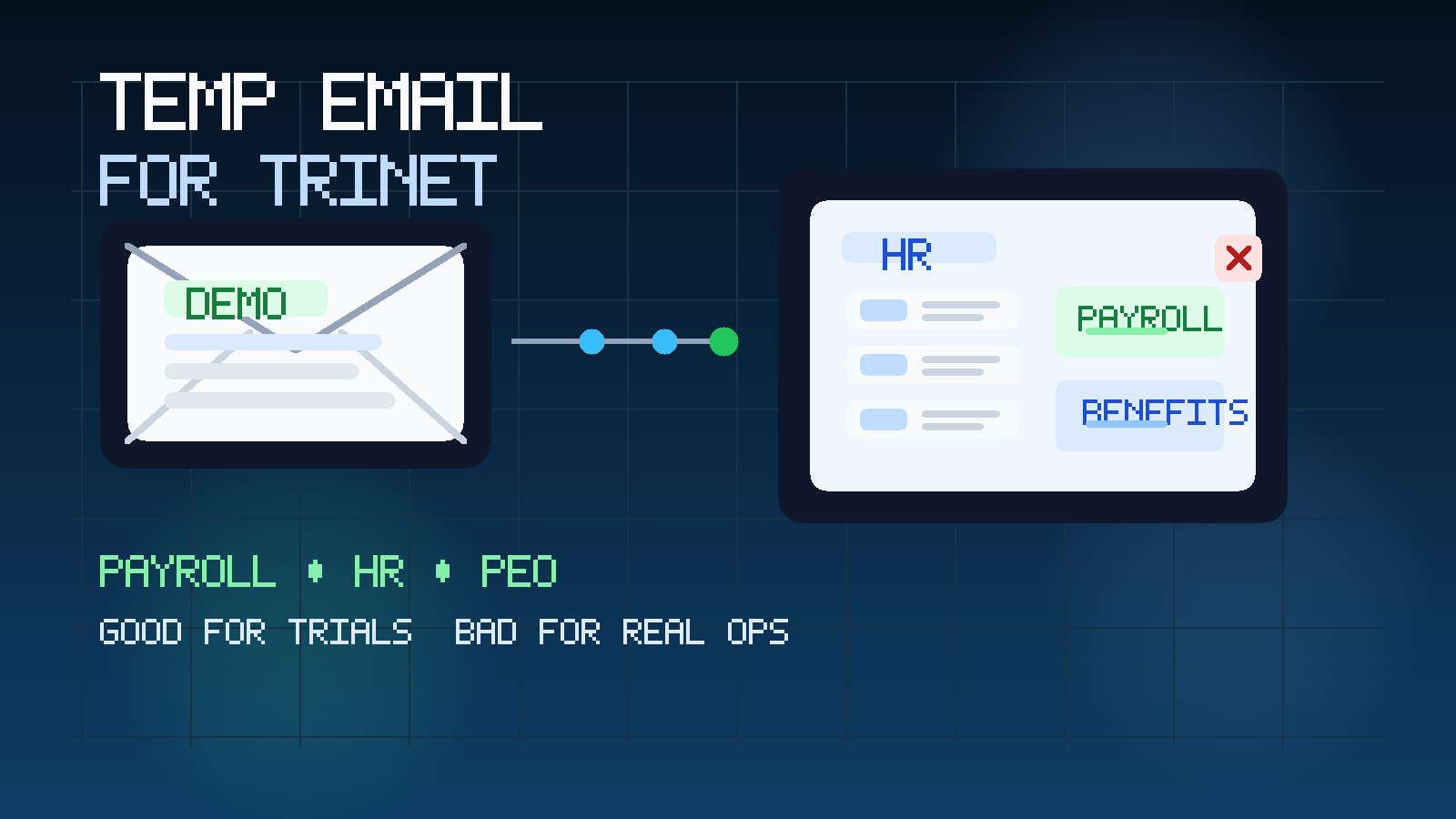
That is the direct answer, but the more useful answer depends on what stage you are in. People search for a temp email for TriNet because they want some breathing room while exploring payroll, HR, and PEO software. They may be requesting a first demo, checking how the initial workflow feels, or comparing several vendors at once. In that situation, a separate temporary inbox is often practical. You still receive the verification message and the first onboarding notes, but you do not have to invite long-term sales and nurture traffic into the inbox your company already depends on every day.
Where people get into trouble is treating a temporary inbox like a permanent account foundation. TriNet is the kind of platform that may start with a lightweight demo request and quickly move toward serious operational use. Once payroll setup, benefits coordination, employee records, or account recovery enter the picture, the inbox connected to the account stops being a convenience detail and becomes part of the system itself. That is where temporary email stops helping and starts creating avoidable risk.
Why someone would use a temp email for TriNet
TriNet sits in a category where early interest does not always mean immediate commitment. A founder might want to understand PEO options. An operations lead may be comparing payroll vendors. A people team member might just want to see how the product handles first-touch communication and onboarding before involving more stakeholders. Those are normal use cases, and they do not always justify handing over a permanent company inbox on day one.
- Reduce inbox clutter: demo follow-ups, nurture sequences, and sales reminders stay separate from your daily work email.
- Compare vendors more cleanly: if you are evaluating several HR or payroll platforms, separated inboxes make it easier to track which messages belong to which product.
- Protect your main address early: you can delay full exposure of your permanent business inbox until the platform earns a serious place on the shortlist.
- Keep exploratory research lightweight: the account can stay in “evaluation mode” instead of feeling like a long-term commitment immediately.
That is the real value of temporary email here. It is not about hiding. It is about controlling when a low-stakes evaluation becomes an ongoing relationship.
When a temp email for TriNet makes sense
The best time to use a temporary inbox is when the downside of losing access later would be annoying rather than operationally harmful.
Early demo requests
If you mainly want the first meeting invite, introductory materials, or a first-touch product conversation, a temporary address can be a reasonable choice. You are collecting information, not yet depending on the account for anything critical.
Shortlisting PEO and payroll vendors
Many teams look at several products in the same week or month. They want to compare payroll workflows, employer services, HR admin experience, or benefits-related processes without committing their permanent inbox to every vendor at once. A temp inbox works well for that phase.
Testing the first login or invite flow
Sometimes you only want to know whether the early experience feels polished. Does the verification email arrive quickly? Is the first invite easy to follow? Does the early communication feel clear or noisy? A disposable inbox is fine for a narrow first-pass test like that.
Keeping exploratory vendor traffic away from real operations
Small and growing teams often have only a few heavily used mailboxes. Finance, operations, HR, recruiting, billing, and customer work may all compete for attention in the same inboxes. A temporary address keeps “we are just looking” separate from mail that actually runs the business.
When a temp email becomes the wrong tool
The moment the account starts carrying real operational meaning, temporary email becomes a poor fit.
- Real payroll activity: payroll reminders, approvals, exceptions, and administrative follow-ups should go to a monitored permanent inbox.
- Benefits-related workflows: if enrollment, notices, or employee-related communication are involved, long-term access matters more than early privacy.
- Employee onboarding: once the account is part of real hiring or onboarding activity, a disposable address becomes a liability.
- Admin ownership and account recovery: if the inbox can reset access or receive important security messages, it must be durable.
- Multi-stakeholder collaboration: if finance, HR, founders, or operations staff will rely on the account later, it should not sit on a temporary foundation.
A simple rule helps here: if missing the next email would create a real business problem, stop using a temporary inbox and move to a stable address immediately.
What to evaluate during an early TriNet trial
If you are going to isolate the trial with a temp inbox, use that breathing room well. The point is not just to avoid clutter. The point is to judge whether the platform actually fits your team.
Payroll workflow clarity
Can you quickly understand how recurring payroll tasks would be handled? Does the product make the admin path feel clear, or does it seem like every simple task requires too much navigation? During evaluation, ease of understanding matters almost as much as feature count.
HR administration experience
Look at how the broader account feels from an operator’s perspective. Is the product easy to explain to the next person who would need access? Does the overall layout support real work, or does it mainly market itself well in the first call? A separate inbox helps you focus on product fit rather than constantly reacting to follow-up emails.
Benefits and people-ops communication
If the platform is close to benefits or employee administration, clarity matters. You are not looking for vague promises. You are looking for signs that real recurring workflows would be understandable and manageable under everyday pressure.
Vendor follow-up quality
Some platforms send genuinely useful onboarding guidance. Others mostly send pressure. A temp inbox makes that easier to observe without sacrificing your main mailbox. You can tell whether the communication is helping you evaluate the product or simply trying to accelerate commitment.
Fit for your stage of company
The best payroll or PEO choice for a small startup may not be the best choice for a more established team. During the trial, ask whether the workflow matches how your company actually operates now, not how a vendor assumes every customer operates.
How to use a temp email for TriNet without creating future problems
1. Generate the inbox before you sign up
Create the temporary address first so the whole evaluation stays segmented from the beginning. That way the verification link, welcome email, and initial outreach all land in one disposable place.
2. Use it only for low-stakes early access
Demo requests, first-touch conversations, and exploratory testing are where temp email works best. Those activities benefit from separation without putting future access at risk.
3. Save anything you would not want to lose
Temporary email is an intake layer, not a documentation system. Save rep names, demo links, setup notes, and decision criteria somewhere permanent. Otherwise a convenient first test can become a messy handoff later.
4. Keep one vendor per inbox if you are comparing several tools
Using separate inboxes for separate vendors gives you much better signal. You can instantly tell which platform triggered which message and which vendor is more useful versus more noisy.
5. Switch early when the evaluation becomes serious
Do not wait until payroll setup or admin ownership is already underway. If TriNet becomes a real contender, update the account to a permanent monitored inbox before anything sensitive or long-lived depends on it.
Temp email vs. a dedicated evaluation inbox
Some teams ask for a temp email when what they really need is a separate long-term vendor-evaluation inbox. These are not the same thing.
- Use a temp email when you only need a short evaluation window, first verification, or a lightweight demo request.
- Use a dedicated evaluation inbox when the research may last for weeks or involve multiple internal stakeholders.
- Use a permanent operational inbox when the platform is entering real payroll, HR, benefits, or admin ownership territory.
That progression is often the cleanest approach. Temporary email solves the “I want to look first without committing my main inbox” problem. It does not solve the “we need a durable ownership model for a serious platform” problem.
A practical example
Imagine a growing company comparing TriNet, Justworks, and another payroll or PEO platform in the same week. The founder wants pricing clarity. The operations lead wants to understand admin workflow. HR wants to know whether the people side will be manageable. At that point, the team is still screening. A temporary inbox for the first TriNet demo request or invite can make perfect sense because it keeps the early evaluation contained.
But once the team starts discussing implementation, shared ownership, benefits administration, or recurring payroll operations, that same temp inbox becomes the weak link. If nobody is sure who controls it, or if it disappears at the wrong time, the cost of that convenience rises quickly. The smart move is to graduate the account to a permanent address before the relationship becomes operational.
Common mistakes to avoid
- Keeping the temporary inbox attached for too long: what started as inbox protection turns into an access and recovery problem.
- Using one disposable inbox for every vendor: that removes most of the organizational benefit.
- Judging the platform mostly by email volume: the workflow and long-term fit matter more than whether the nurture sequence is annoying.
- Failing to document the transition: one person signs up, another person later needs access, and nobody knows where the important messages went.
- Treating evaluation and operations as the same stage: the right inbox strategy changes as the stakes change.
Where Anonibox fits naturally
Anonibox fits best at the front of the process. If you only need the verification email, the welcome message, or a short evaluation window, a privacy-first temporary inbox can help you explore TriNet without inviting every follow-up sequence into your main company email. That is especially useful when you are comparing several tools, screening vendors quietly, or protecting a high-traffic inbox that already carries customer and internal work.
What it should not become is the long-term home of an account that matters. Temporary email helps you manage exposure early. It is not a replacement for a durable address when payroll, benefits, onboarding, or HR administration become real.
Final takeaway
A temp email for TriNet is a smart choice when you are requesting an early demo, testing the first signup flow, or comparing payroll and PEO platforms without committing your main inbox right away. It keeps exploratory vendor traffic contained and gives you more control over when you move to a permanent address.
It is a bad choice once the account is tied to real payroll, benefits, employee onboarding, HR administration, or account recovery. Use temporary email for early evaluation, then move serious workflows to a durable inbox your team can monitor long term.