Yes, you can use a temp email for Instantly.ai during very early evaluation, but only for signup, first-look testing, and low-stakes research.
No, you should not rely on a temporary inbox once real sender mailboxes, campaign ownership, replies, account recovery, or team workflows matter.
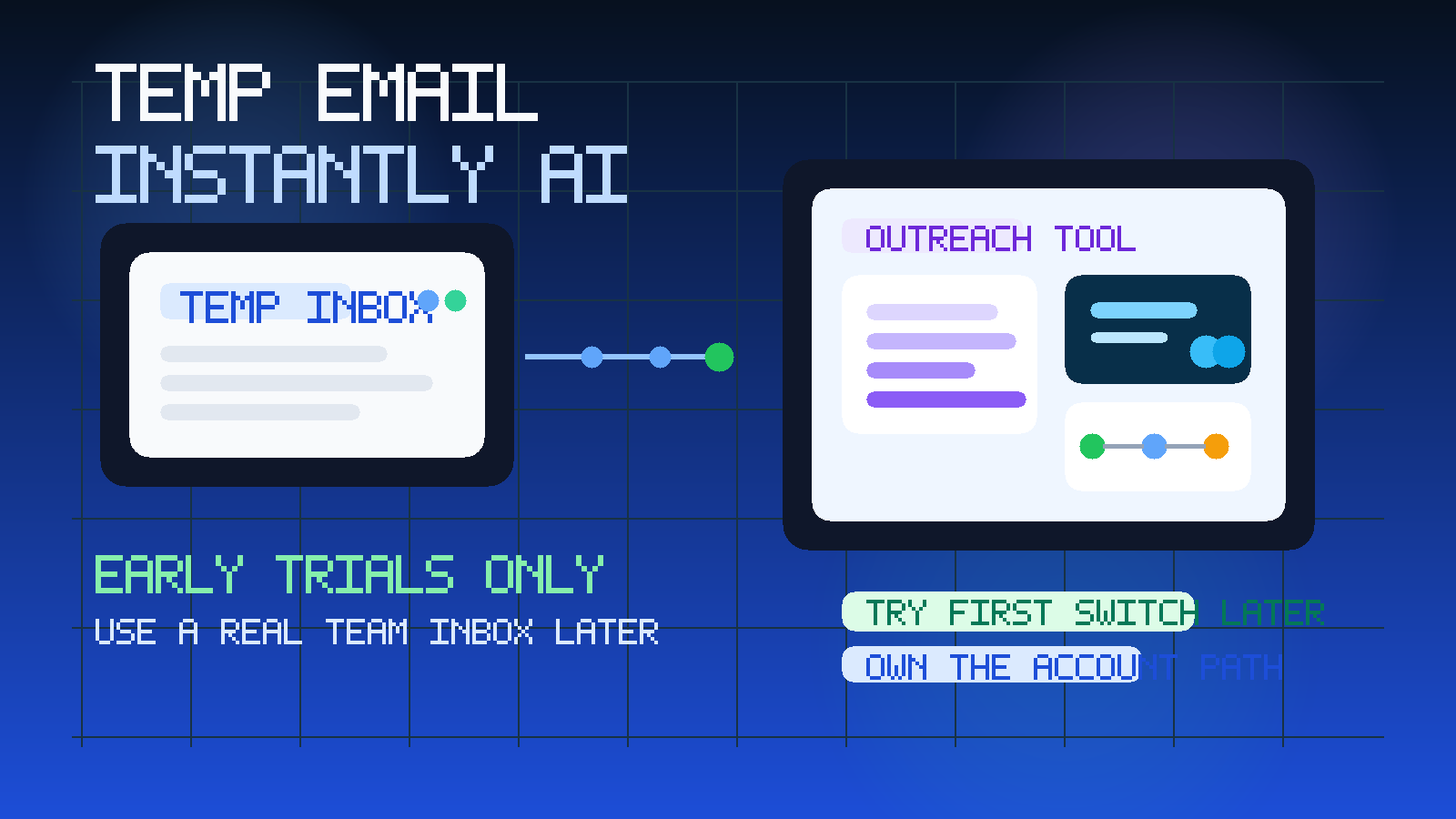
That distinction matters because Instantly.ai is not just another generic SaaS app with a welcome sequence and a dashboard tour. It sits close to live outreach, mailbox connections, sending reputation, campaign edits, reply handling, and ongoing ownership. That means the cost of a bad email setup is higher than it would be for a simple product demo.
If your goal is just to inspect the interface, look at pricing flow, review the campaign builder, and decide whether Instantly.ai deserves deeper attention, a temporary inbox can be practical. A service like Anonibox helps keep that early exploration out of your main inbox so every curiosity click does not turn into months of follow-up email. But if you are moving from browsing into actual execution, a temp inbox stops being a convenience and starts becoming a weak point.
Why people look for a temp email for Instantly.ai
The intent is easy to understand. Outreach tools tend to create a lot of follow-up once you register. Even before you connect a mailbox, you may get onboarding sequences, feature tours, upgrade nudges, webinar invites, prospecting advice, warmup-related messaging, and repeated prompts to complete setup. If you are comparing several tools in the same week, that inbox clutter adds up fast.
That is why this keyword fits a real Anonibox use case. Someone evaluating Instantly.ai is often doing the same kind of research as someone comparing sales engagement software free trials, or reading adjacent dedicated pages like Temp Email for Apollo.io, Temp Email for Mailshake, Temp Email for Outreach.io, and Temp Email for Reply.io. The pattern is the same: protect your main inbox during the research phase, then switch to a proper owned address if the tool becomes real.
When a temporary inbox makes sense for Instantly.ai
A temp inbox is most useful before you have any serious operational dependency on the account.
- You only want a first look. Maybe you want to see the dashboard, sequence builder, list structure, and basic setup steps before deciding whether the product is even worth more time.
- You are comparing several outreach tools. Separate inboxes make it easier to keep vendor messaging from collapsing into one noisy stream.
- You are not ready to connect real sending mailboxes. Early evaluation is different from live outreach execution.
- You want to reduce long-tail marketing follow-up. Trial signups can lead to a lot of emails even if you never become an active user.
- You are screening the category for someone else. A sales ops lead, founder, consultant, or RevOps teammate may only be doing early filtering before the serious evaluation starts.
That is the sweet spot for a temporary address. You still receive the verification email and onboarding instructions, but you keep exploratory activity away from the inbox that handles actual work.
Why a temp email becomes risky once the account matters
The problem is not the first login. The problem is everything that comes after it.
1. Real mailbox connection and sender ownership
Instantly.ai becomes far more important once you connect real sending accounts. At that point, the platform is no longer just a trial. It is touching mailboxes, sequences, replies, and outreach operations. If the primary account email is temporary, you create avoidable risk around ownership and recovery.
If you lose access to the inbox tied to the account, recovering the workspace can become harder right when campaigns, team members, or sender settings matter. A stable business-controlled address is simply safer for anything beyond a casual look.
2. Campaign continuity
Cold outreach workflows are not one-click events. Campaigns are reviewed, edited, paused, resumed, cloned, and handed between teammates. If the main account lives behind a disposable signup path, continuity gets weaker. A production-like setup should live behind an email your team controls consistently.
3. Reply handling and operational follow-through
Even if replies land in connected mailboxes rather than the signup inbox itself, the account still needs stable ownership for notifications, billing, account changes, support, and important settings. Disposable access is fine for a quick tour. It is a poor foundation for real outreach operations.
4. Team access and shared responsibility
Outreach tools often become collaborative quickly. One person may import leads, another may edit sequences, and someone else may monitor results or connect domains. That only works cleanly when the root account path is durable. A temp inbox is the opposite of durable.
5. Account recovery and billing events
If a platform becomes important, you need a reliable path for password resets, security notices, billing changes, and support conversations. You do not want those tied to an inbox that was created only to avoid marketing email during a one-day trial.
A better way to use a temp email for Instantly.ai
The best workflow is not all-or-nothing. It is staged.
Stage 1: Use a temp inbox for the first look
Use Anonibox or another temporary inbox for the signup verification if your goal is only to inspect the platform. In that phase, you are answering questions like:
- Does the interface look usable?
- Is the workflow clear enough to justify deeper testing?
- Can you understand the product positioning without taking a sales call?
- Does it appear relevant for your team’s outreach process?
This is where temporary email is helpful. You get access without immediately committing your long-term inbox to the vendor’s follow-up machine.
Stage 2: Evaluate the product itself
Once you are inside, use the time to evaluate the actual workflow, not just the onboarding emails. Look at list management, campaign building, sequence editing, reporting views, sender setup flow, team structure, and overall clarity. If the tool is obviously not a fit, stop there and move on.
Stage 3: Switch to a permanent team-controlled address before real use
If Instantly.ai looks promising, move to a stable inbox before you connect important mailboxes, start meaningful campaigns, add teammates, or treat the workspace like a real operating system. That stable inbox should belong to your business or to a person who has clear ongoing responsibility for the account.
In other words, use temporary email for evaluation. Use a real controlled address for ownership.
What to evaluate during the trial instead of obsessing over signup
If temporary email saves you from inbox clutter, spend that extra attention on the areas that actually matter.
Campaign builder clarity
Does the sequence editor make sense? Can you understand step timing, copy structure, branching, and scheduling without friction? A slick homepage matters less than whether the core workflow feels coherent after ten minutes inside.
List handling and targeting
Look at how leads are organized, filtered, imported, and segmented. If the product makes list hygiene awkward, that pain compounds quickly once volume increases.
Mailbox connection flow
Even if you are not ready to connect real sender accounts yet, inspect how that workflow is presented. Does the product explain the setup clearly? Is the boundary between a casual trial and a live sending environment obvious enough for a careful team?
Team structure
If more than one person might use the tool, check whether permissions and workspace logic feel manageable. Collaboration issues often appear early if you pay attention.
Reporting and operational visibility
Good outreach tools should make it easy to understand what is happening without forcing you to guess. Review the reporting layout, campaign status visibility, and the overall signal-to-noise ratio of the dashboard.
Common mistakes people make
- Keeping a disposable inbox attached for too long. The temp address is useful only while the account is still low-stakes.
- Connecting real mailboxes before deciding who owns the workspace. Ownership should be clear before the setup becomes operational.
- Judging the platform by marketing emails instead of workflow quality. Strong follow-up does not automatically mean strong product fit.
- Forgetting recovery and billing paths. Those become important as soon as the account stops being a toy.
- Using one inbox for every outreach trial. That defeats a big part of the organizational benefit.
When you should skip temp email entirely
There are situations where it is better to start with a permanent address from the beginning.
- You already know the tool is a serious finalist.
- You plan to connect live sender mailboxes immediately.
- You expect more than one teammate to join the workspace right away.
- You are moving directly into procurement, support, or billing conversations.
- You need a stable audit trail for ownership from day one.
In those cases, the small benefit of inbox isolation is outweighed by the need for continuity and clear control.
Final takeaway
A temp email for Instantly.ai is useful when you are only doing early exploration and want to keep one more outreach vendor out of your main inbox until it earns deeper attention.
It is the wrong tool once the account starts touching real sender mailboxes, live campaigns, billing, team workflows, or long-term ownership. Use temporary email for the first look, then switch to a stable team-controlled address before the platform becomes operational. That keeps your evaluation cleaner without creating avoidable problems later.