If you are comparing employee monitoring platforms, a temporary email generator is a practical way to start free trials without routing every sales follow-up, admin invite, and product-nurture sequence into your main inbox.
It works best for early evaluation and sandbox testing; once a tool becomes a serious rollout candidate, switch to a stable work address your team controls.
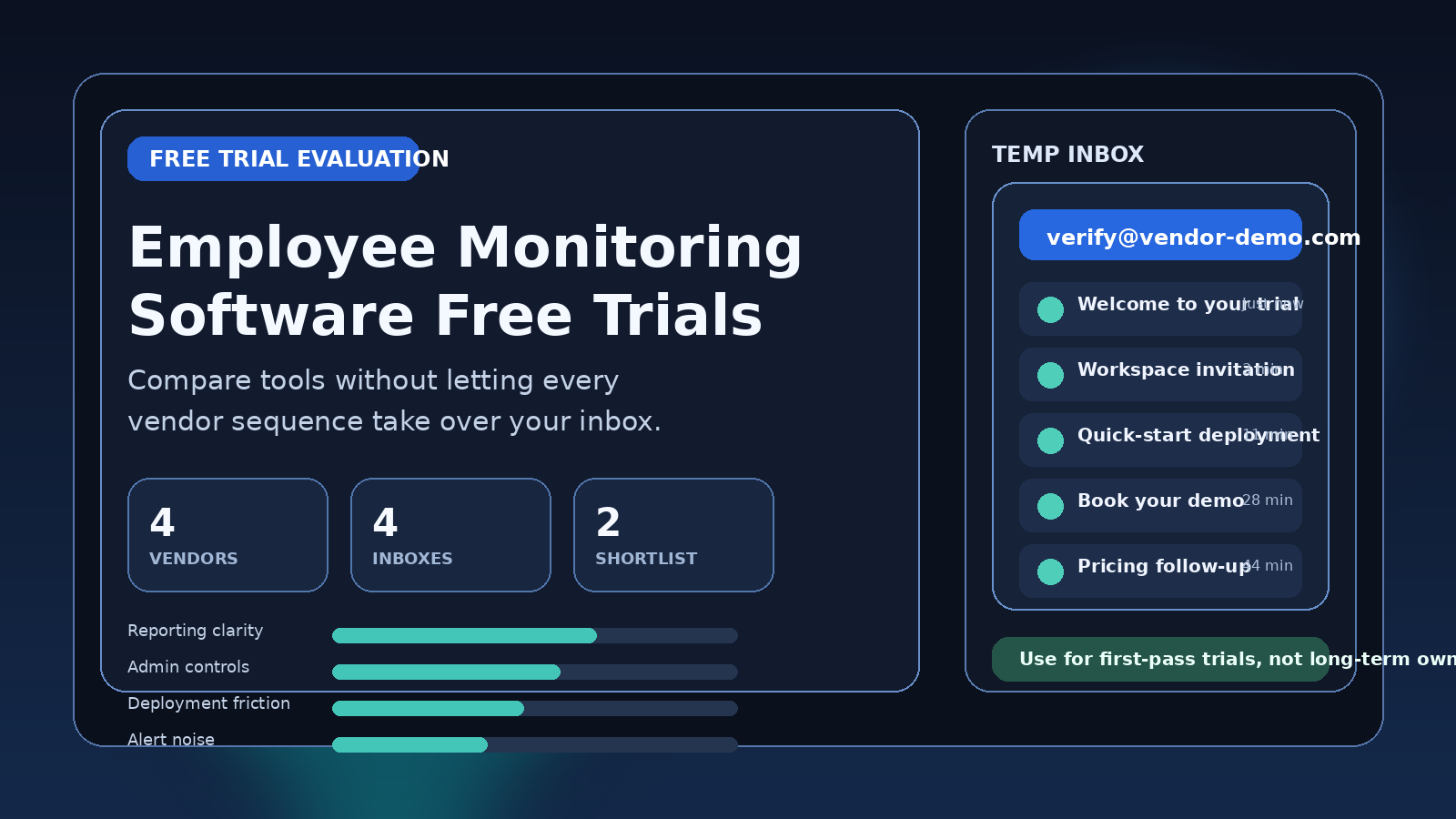
Why this category creates so much inbox noise
Employee monitoring software sits at the intersection of operations, compliance, security, analytics, and workforce management. Depending on the product, a trial may include time tracking, screenshot capture, web and app usage reports, attendance logs, productivity scoring, insider-risk signals, remote-work visibility features, or manager dashboards. That makes these tools sensitive to evaluate and surprisingly noisy to sign up for.
Vendors in this category rarely stop at one welcome email. After the first signup, you may get verification links, onboarding guides, demo-booking prompts, workspace invitations, browser-extension nudges, deployment checklists, pricing follow-ups, “here is what other teams monitor” emails, and outreach from more than one sales rep. If your team is looking at several tools in the same week, that clutter grows fast.
A temporary inbox helps keep the first round of comparison isolated. You can verify access, inspect the interface, and judge whether the product is worth deeper evaluation before you attach it to the inbox you use for real procurement and internal coordination.
When a temporary email generator makes sense for employee monitoring software free trials
The best use case is the early research stage. You want enough access to answer practical questions, but you do not yet want every vendor storing your long-term contact details as if you have already chosen them.
That usually includes situations like these:
- You are comparing multiple monitoring tools side by side.
- You want to see the dashboard, onboarding flow, and core reporting before booking a sales call.
- You are testing whether a product is built for your environment or just for a different kind of team.
- You expect aggressive follow-up once you reveal a permanent business address.
- You want to keep first-pass research separate from real deployment work.
For a shortlist round, this is efficient. You still receive the verification email and basic setup instructions, but your main inbox stays reserved for the vendors that actually earn more time.
When a temporary inbox is the wrong choice
Employee monitoring tools move from harmless trial to operationally sensitive very quickly. Once you begin adding real users, installing device agents broadly, configuring long-term policies, or relying on the platform for audits or manager workflows, a disposable contact method stops being a smart fit.
Move to a stable address when:
- You need teammates, HR, IT, security, or legal reviewers to collaborate in the account.
- You are testing production-grade deployment rather than a first-look demo.
- You need reliable access to invoices, support threads, security documentation, or contract discussions.
- You may need the account weeks later for a proof of concept or extended trial.
- You are storing configuration details you cannot afford to lose track of.
A tool like Anonibox can help at the outer edge of the evaluation funnel. It should not be the long-term identity for a platform that may end up handling workforce visibility, device agents, or compliance-sensitive reporting.
How to use a temporary email generator for employee monitoring software free trials
1. Create one inbox per vendor, not one inbox for the whole category
If you use the same address across every vendor, the inbox becomes harder to interpret. Separate inboxes make it easier to match each message, login, and follow-up sequence to the product that generated it. They also make it obvious which vendors start flooding you immediately.
2. Use the temporary address for verification and first access
The goal is to open the trial, confirm the account, and inspect what is actually available before a sales cycle takes over. You want to know whether the product is useful, not just whether the marketing emails are polished.
3. Save the details that matter right away
During a first-pass trial, the most useful messages are usually the confirmation email, initial workspace link, any quick-start deployment notes, and maybe one or two setup prompts worth comparing later. Copy those into your internal notes as soon as you know the trial is meaningful. Temporary inboxes are best treated as temporary on purpose.
4. Keep the trial scoped
For an early comparison, you usually do not need a full production rollout. A small test environment, a limited demo workspace, or a sandbox device set is enough to judge usability, friction, and data quality. That keeps the evaluation clean and reduces the chance that a short experiment turns into a messy half-deployment.
What to evaluate inside the trial
Once you are in, the useful questions are operational. A strong employee monitoring platform has to do more than collect activity. It has to present data in a way that managers, operations teams, and privacy-conscious stakeholders can actually work with.
Monitoring scope and clarity
What exactly does the platform track? Some tools focus on attendance and timekeeping. Others go much further into screenshots, keystroke-adjacent activity signals, site usage, app categories, idle time, or productivity scoring. A trial should make the boundaries obvious. If the vendor cannot explain what is captured, how often, and where it appears, that is a real product signal.
Employee transparency controls
Even if a tool is feature-rich, you should look at how transparent it lets you be. Can the product support disclosed monitoring policies, role-based visibility, and clear data review workflows? A platform that only optimizes for surveillance without good administrative controls may create internal friction later.
Deployment friction
How hard is it to install agents, connect devices, configure policies, or test browser-based tracking? Early trial access should tell you whether the vendor has a clean setup path or whether every useful step depends on a live sales engineer and multiple follow-up calls.
Reporting quality
Dashboards matter less than many buyers think; usable reports matter more. Check whether reports are understandable, filterable, and exportable enough for the kinds of conversations your team actually has. Can managers find what they need quickly, or is the interface more impressive than practical?
Alerting and exceptions
Some teams need real-time alerts. Others mainly need historical review. A good trial should show whether alert thresholds, exceptions, and review queues are configurable in a sane way instead of producing constant noise.
Retention and administrative controls
You do not need a legal deep dive during the first hour, but you should notice how the platform talks about data retention, role permissions, audit history, and account ownership. If these basics are buried or vague, the product may become harder to manage once the test becomes serious.
Common mistakes during these trials
- Using one real work inbox for every vendor: that is how a short comparison turns into months of follow-up clutter.
- Letting a trial expand too fast: it is easy to install agents or invite managers before you have even decided whether the reporting is useful.
- Confusing sales activity with product quality: frequent emails and fast follow-up do not prove the tool is a good operational fit.
- Keeping a disposable inbox attached after the tool makes the shortlist: switch to a stable address before the account becomes important.
- Ignoring the internal trust dimension: monitoring software is not just another SaaS category. How the product handles visibility, transparency, and controls affects adoption.
A simple workflow that works
- Create one temporary inbox for each employee monitoring software trial.
- Open the free trial and verify the account.
- Review the onboarding flow, what data the tool tracks, and how clearly it explains those signals.
- Test reporting, permissions, alerts, and setup friction in a limited environment.
- Save the useful emails and notes immediately.
- Only move shortlisted vendors to a permanent work address for deeper proof-of-concept work.
This approach keeps first-round research organized without confusing a disposable signup with a production-ready evaluation workflow.
Final takeaway
A temporary email generator for employee monitoring software free trials is useful because it gives you enough access to compare tools without sacrificing your main inbox to every vendor sequence at the earliest stage. It helps you verify accounts, inspect dashboards, and test setup paths while keeping exploratory research isolated.
Use that advantage for shortlisting, not for long-term account ownership. Once a monitoring platform looks credible enough for real rollout planning, switch to a stable address your team controls and continue the evaluation with the level of continuity the product deserves.