Yes — a temp email for Keywords Everywhere can make sense if you only want to verify signup, get through initial account setup, and decide whether the workflow deserves your real inbox.
It becomes a poor long-term choice once credits, billing, saved preferences or lists, password resets, and day-to-day account access start to matter.
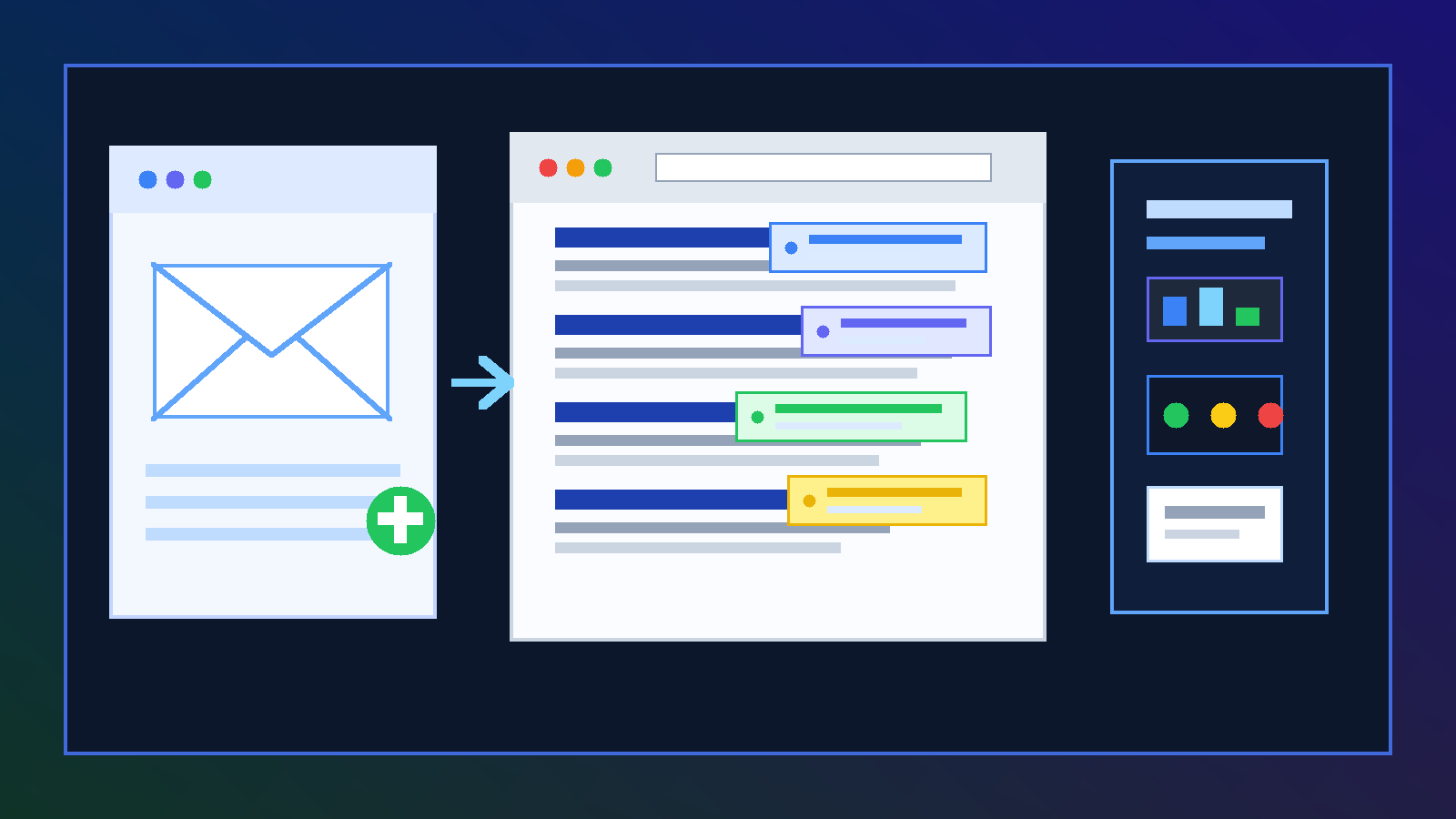
That is the practical answer. People usually look for a temp email for Keywords Everywhere because they want a fast first look at the tool without turning one SEO test into another stream of product emails, upgrade nudges, and account notifications. That instinct is reasonable. When you are comparing several SEO products in a short window, keeping your primary inbox out of every signup funnel can make the whole evaluation cleaner.
A temporary inbox from Anonibox can help at that stage. You can receive the first verification message, confirm whether the product is worth your time, and keep your main address out of another vendor sequence until you are actually ready to commit. The important part is understanding where temporary email helps and where it starts creating avoidable account friction.
Why someone would use a temp email for Keywords Everywhere
Keywords Everywhere sits in a slightly different place from big all-in-one SEO suites. People often use it as a lighter, faster research layer while comparing broader tools such as Semrush, Ahrefs, Mangools, or content-planning tools like WriterZen. In that comparison stage, the goal is usually simple: install, verify, test the workflow, and decide whether it genuinely improves your research process.
A temp inbox is attractive because the evaluation stage is not the same as the ownership stage. During evaluation, you mainly need access and a little privacy. During ownership, you need stable recovery, continuity across devices, billing clarity, and confidence that the account will still be reachable later. Problems happen when people treat a throwaway inbox like a permanent foundation.
When a temp email for Keywords Everywhere makes sense
A temporary address is usually reasonable when the test is short, low-stakes, and still part of screening rather than regular operations.
- You are comparing multiple keyword-research tools at once. If Keywords Everywhere is only one product on a shortlist, there is no strong reason to attach your everyday inbox before it proves useful.
- You want a first-pass look at the workflow. Maybe you only want to see how the overlays, search-page data, and idea-generation flow feel in practice.
- You are testing from curiosity, not commitment. Early exploration is exactly where a disposable inbox is most defensible.
- You want less inbox clutter. Even a modest signup can create verification emails, onboarding notes, release announcements, or upgrade prompts that you do not want mixed into your normal work mail.
- You are doing research before a bigger internal tool decision. One person often runs the first comparison before an SEO lead, manager, or client ever sees the product.
In those situations, temporary email is less about secrecy and more about control. You are reducing noise while you work out whether the tool belongs in your stack at all.
What you should actually evaluate during the first test
If you use a temp email to get into the product, use that early access well. Do not waste the trial just clicking around aimlessly. The point is to judge whether the tool saves time and improves decisions.
1. Does the workflow make keyword research faster?
Some SEO tools look useful in screenshots but feel clumsy in real use. During your first session, pay attention to whether the keyword data appears where you naturally work, whether the interface feels lightweight, and whether it actually helps you move from a query to a content decision faster.
If the tool only adds more numbers without making prioritization easier, that is a sign the novelty may wear off quickly.
2. Are the metrics actionable for your use case?
Keyword data only matters if it helps you decide what to publish, optimize, or investigate next. Ask whether the information is clear enough to support real choices. Can you quickly spot which ideas deserve a closer look? Can you separate curiosity clicks from commercially useful opportunities? Can you get from discovery to action without exporting everything into another tool first?
3. Does it fit your browser-based research habits?
A tool like this lives close to the places where you search and browse. That means usability matters more than feature lists alone. Notice whether the product feels natural inside your existing process or whether it slows you down with extra friction, extra tabs, or too much visual clutter.
4. What happens when you want to keep something?
Early tests often feel temporary until you find a workflow you actually like. Then suddenly you are saving ideas, preserving filters, thinking about exports, and revisiting the same account on another day. That is the moment when a disposable inbox stops being a simple convenience and starts becoming a weak point. If the account begins holding anything you would hate to lose, your email choice matters more.
5. Would you be comfortable paying or topping up on this account?
With research tools, the real decision is often not whether you can sign up but whether you would be comfortable attaching money and recurring use to the same account. If the answer is yes, that is usually your cue to move from temporary access to a stable email before the account becomes important.
Where a temp email becomes a bad fit
The downsides are not usually about basic verification. They show up later, when the account starts carrying real value.
Credits and billing
If the account controls purchased usage, credits, or any paid plan details, a throwaway inbox becomes much harder to justify. Billing-related accounts should live on an address you can reliably access later, especially if you may need receipts, renewal notices, or support threads.
Password resets and account recovery
This is the classic failure point. A temporary inbox works fine right up until you need it again. If you log out, switch devices, forget a password, or need to confirm account ownership later, that expired or inaccessible mailbox can become the thing standing between you and the account.
Repeat workflows
Temporary email is best for screening, not routine use. If you return to the tool regularly for content research, SERP checks, niche validation, or recurring planning, the account is no longer temporary in practice. Stable ownership starts to matter more than inbox privacy.
Shared or delegated work
Even if you start alone, SEO work often stops being solo. A strategist may want access, a content lead may need continuity, or a teammate may need to understand what is tied to the account. A disposable inbox is a poor long-term anchor for anything that could become team infrastructure.
A sensible way to use temporary email without creating a mess later
Start with the temp inbox before signup
Create the temporary address first so the whole test stays separate from your everyday inbox from the beginning. That is cleaner than signing up with your real address and only later wishing you had segmented the evaluation.
Use it only for the first gate
The best use case is narrow: verification, first login, first impressions, maybe one focused research session. That is enough time to decide whether the product deserves deeper attention.
Save your notes outside the account
Do not rely on a disposable inbox to preserve anything important. If you notice useful terms, content ideas, or workflow strengths and weaknesses, save them in your own docs, project notes, or comparison sheet. Temporary email should filter communications, not become your archive.
Upgrade your account hygiene early
If the tool survives the first pass, switch to the email you actually want attached to recovery, payments, and ongoing use. The best time to do that is before the account becomes important, not after it already holds value.
Common mistakes people make
- Keeping the throwaway inbox attached for too long. People mean to switch later, then forget until the account already matters.
- Using one temp inbox for every tool. That defeats most of the organizational benefit and makes it harder to tell which vendor is sending what.
- Judging the tool by the signup instead of the workflow. Fast access is useful, but the real question is whether the product improves research decisions.
- Attaching money before fixing ownership. If you are paying, use an address you control long term.
- Assuming convenience equals safety. A disposable inbox can reduce spam, but it does not magically solve account-management problems.
Better alternatives if you expect a longer evaluation
Sometimes a temp email is not the best answer even at the start. If you already suspect the test may stretch into a real pilot, a middle-ground option often works better:
- a dedicated vendor-trial alias
- a separate evaluation inbox for your SEO team
- a procurement or tooling address used for software research
Those options still protect your main inbox, but they create less risk around account recovery, billing continuity, and shared ownership. They are often the best choice when a product has a decent chance of becoming part of everyday work.
Quick checklist before you use a temp email for Keywords Everywhere
- Am I only doing a first-pass evaluation?
- Do I mainly need signup verification and a short testing window?
- Am I still comparing several SEO tools rather than choosing one?
- Would I be comfortable losing easy access to this inbox later?
- Is the account still free of important saved work, credits, or billing details?
If most of those answers are yes, a temporary inbox is probably a reasonable fit. If several answers are no, move straight to a stable address and treat the account like something you may depend on later.
Final answer
A temp email for Keywords Everywhere is a practical short-term move when you want quick account access, less inbox clutter, and a low-commitment way to test whether the research workflow helps you.
It stops being the right move once credits, billing, saved work, and repeat use matter. Use temporary email for screening, keep your real notes outside the account, and switch to a durable address before the tool becomes part of your normal SEO process.