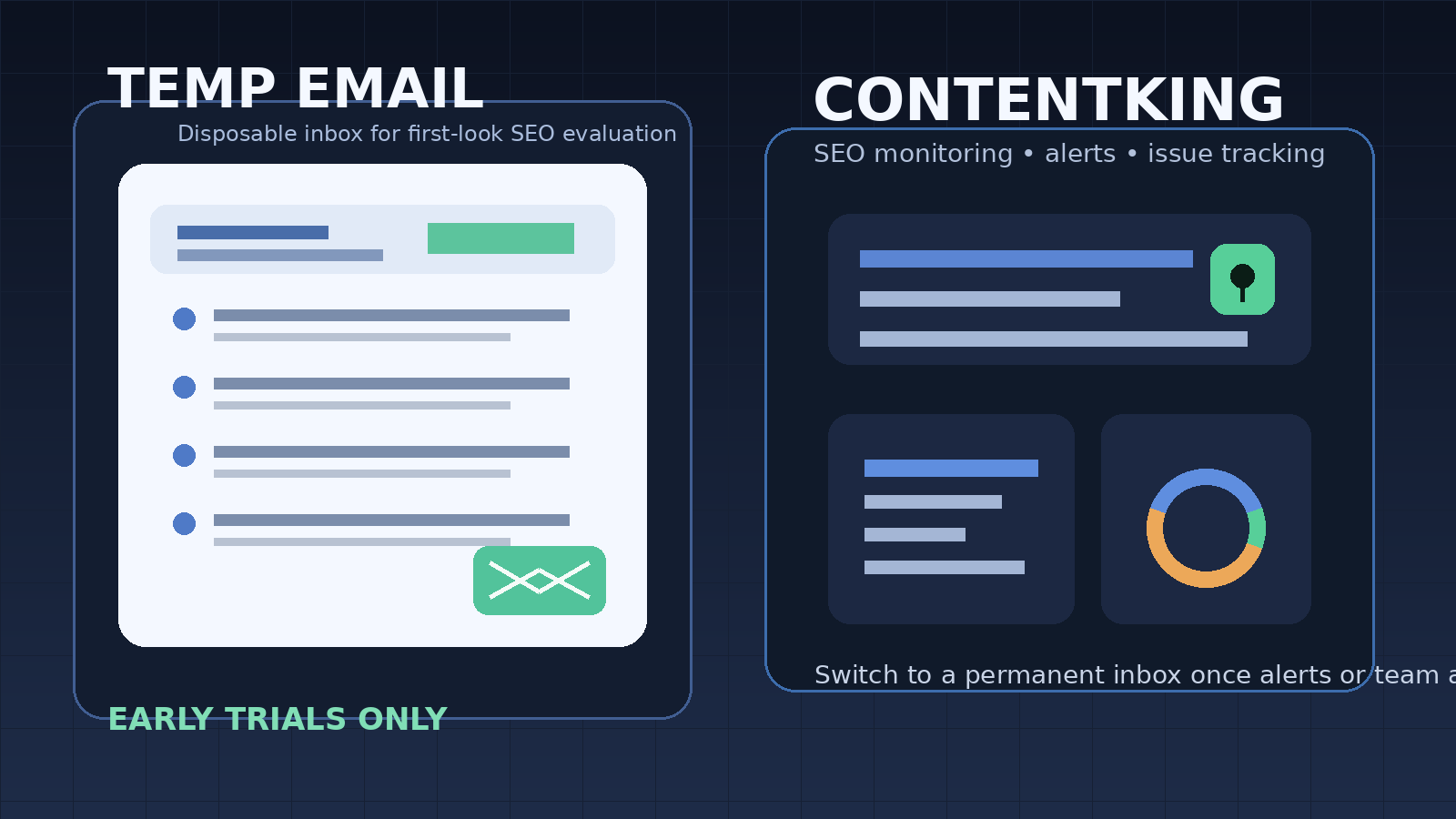
A temp email for ContentKing can work for an early trial if you only need signup verification and a first look at the monitoring workflow, but it becomes risky once alerts, saved issues, account recovery, or team access start to matter.
Use a temporary inbox for the first checkpoint, then move to a permanent address before the account becomes part of your real SEO operations.
Why people look for a temp email for ContentKing
Content teams and technical SEO teams rarely open a monitoring tool just for curiosity. Usually there is a live reason behind it: rankings slipped, pages changed unexpectedly, key templates were updated, or someone wants a clearer view of ongoing SEO issues. That makes a ContentKing trial appealing, but it also makes the signup flow more sensitive than a generic newsletter registration.
When you test a monitoring platform, you are not only creating an account. You are often stepping into onboarding emails, setup prompts, site connection steps, alert suggestions, product tours, webinar invites, and repeated follow-up from sales or customer success. If you compare several SEO tools in the same week, your regular inbox can turn into a mess fast.
That is the clean use case for Anonibox or another temporary inbox. You get the verification email and the first onboarding messages without turning an early product evaluation into long-term inbox clutter. The key is understanding where the temporary email helps and where it starts to create risk.
When a temporary inbox makes sense for a ContentKing trial
A temporary address is most useful during the earliest phase of evaluation, when you are still deciding whether the tool even deserves serious attention. That can include:
- checking whether the signup flow is simple or sales-gated,
- reviewing the dashboard and first-run experience,
- seeing how the platform surfaces SEO issues and prioritizes them,
- comparing the product with adjacent tools such as Lumar, Botify, JetOctopus, Sitebulb, or Screaming Frog,
- keeping a one-off trial separate from your permanent work inbox until the tool proves useful.
In that stage, a disposable inbox is practical because the account is still experimental. You want access, not commitment. You want to inspect the workflow, not hand every test platform a long-term communication channel on day one.
When a temp email for ContentKing becomes risky
The risk appears as soon as the account stops being disposable in practice. ContentKing is not a one-time export tool. Its value is in continuous visibility over SEO issues, page changes, and monitoring history. That means the email address tied to the account can become important surprisingly fast.
A temporary inbox is the wrong long-term choice if the account is connected to:
- persistent alerts you may need to act on quickly,
- saved issue history and ongoing remediation work,
- shared ownership across multiple teammates,
- billing, contracts, procurement, or renewal discussions,
- password resets, account recovery, or admin-level security notices.
If losing access to the inbox would create confusion, missed alerts, or extra cleanup, you have already moved past the safe disposable phase. At that point, convenience turns into fragility.
A practical way to use a temp email for ContentKing
1. Create the temporary inbox before you start the signup
Do not open the vendor form first and decide later. Generate the inbox at the beginning so every verification and onboarding message lands in one isolated place. That keeps the test clean and makes it easier to compare multiple tools without mixing their follow-up messages together.
2. Use it for verification and the first product checkpoint
The disposable address is best used for account confirmation, welcome emails, and the first product tour. This is the stage where you are figuring out whether the platform is relevant, whether the UI makes sense, and whether the setup feels worth your time. If the answer is no, you can walk away without giving the vendor a permanent inbox.
3. Save the messages that actually matter
You usually do not need every email from a trial. What you do need is the short list of messages that helps you finish the evaluation: the verification link, the first setup instructions, maybe a site-connection guide, and any explanation of how alerts or issue categories work. Copy what matters into your own notes right away instead of treating a temporary inbox as permanent storage.
4. Judge the product by operational value, not by the email sequence
Some platforms send polished onboarding campaigns. Others send almost nothing. Neither detail tells you whether the tool will help your team. The real question is whether the product makes ongoing SEO monitoring easier, clearer, and less noisy.
5. Switch to a permanent address as soon as the trial becomes real work
If the account begins holding live monitoring data, recurring alerts, issue ownership, or team collaboration, move to a stable inbox immediately. The best time to switch is before the account becomes operationally important, not after it already owns something you cannot afford to miss.
What to evaluate inside a ContentKing trial
If you are going to spend time on the trial, focus on the parts that will actually affect long-term adoption.
How easy it is to connect and understand a site
Does the setup process make sense for your team? Can you add a site, understand the initial findings, and see where problems are grouped without a lot of hand-holding? A strong monitoring tool should reduce confusion early, not create more of it.
Issue detection and prioritization
Any SEO platform can generate a list of problems. What matters is whether the tool helps you separate the urgent from the cosmetic. Look for issue groupings, trend visibility, practical context, and explanations that help you decide what to fix first.
Signal versus noise in alerts
Monitoring becomes valuable when it helps your team notice meaningful changes without training everyone to ignore notifications. Ask yourself whether the platform seems likely to support sane alerting, or whether it could become another stream of low-value messages.
Historical visibility
One of the main reasons teams adopt continuous SEO monitoring is not just to find issues, but to understand when they started and how they changed over time. If the history and trend view feels useful, that is a sign the platform may be worth deeper evaluation.
Collaboration and handoff
Even if you start the trial alone, many SEO tools become team tools once adopted. Check whether the workflow looks realistic for shared ownership. Can people review issues, align on priorities, and keep context attached to the work? If not, the account may never grow beyond a demo.
Why a disposable inbox is weak for ongoing SEO monitoring
The whole point of a monitoring platform is persistence. You want continuity, history, ownership, and predictable communication. A temporary inbox works against that once the trial matures.
For example, imagine you begin with a throwaway address, then the tool starts sending issue alerts tied to important template changes or indexability problems. If that inbox expires, gets ignored, or is no longer monitored, the account may still exist, but the communication layer is broken. That is avoidable friction.
The same problem appears with recovery. If you later need to reset the password, confirm ownership, or invite teammates from a more permanent setup, an expired inbox becomes a liability. The temporary email did its job during evaluation, but it was never meant to be the permanent foundation of the account.
A better rule: temporary first, permanent later
The most practical approach is simple. Use a temporary inbox for low-commitment evaluation, then promote the account to a real work address once the tool proves useful. That gives you the privacy and inbox control benefits of a disposable email without pretending the whole account should stay disposable forever.
That is where Anonibox fits naturally. It is useful for protecting your main inbox during the first-pass trial stage, especially if you are comparing several SEO platforms at once. But once ContentKing becomes tied to recurring monitoring, saved issues, or team workflows, a stable email address is the better decision.
Quick checklist before you sign up
- Is this only a first-look trial, or do you already expect real ongoing monitoring?
- Will the account hold alerts or issue history that matters next week?
- Could teammates need shared access soon?
- Would losing access to the inbox create recovery problems?
- Are you trying to keep multiple vendor trials out of your main inbox while you compare options?
If most of your answers point to a short exploratory test, a temporary inbox is reasonable. If the account is already drifting toward real operational use, switch to a permanent address early.
Final answer
Yes, a temp email for ContentKing can be a smart move for a first-pass trial, especially when you only want to verify the account, inspect the monitoring workflow, and avoid long-term vendor email clutter.
No, it is not the best long-term setup once the account starts owning alerts, saved issues, recovery paths, or team access. The cleanest strategy is to use a disposable inbox for evaluation and move to a stable work address as soon as the platform becomes part of real SEO operations.