No, usually you should not use your work Webex account for job interviews unless you clearly understand what your employer can see and you are comfortable with that privacy trade-off.
A personal account, a browser guest join, or an interviewer-hosted link is usually safer because a company-managed Webex setup can leave admin-visible meeting traces, account metadata, recordings, and calendar history you do not control.
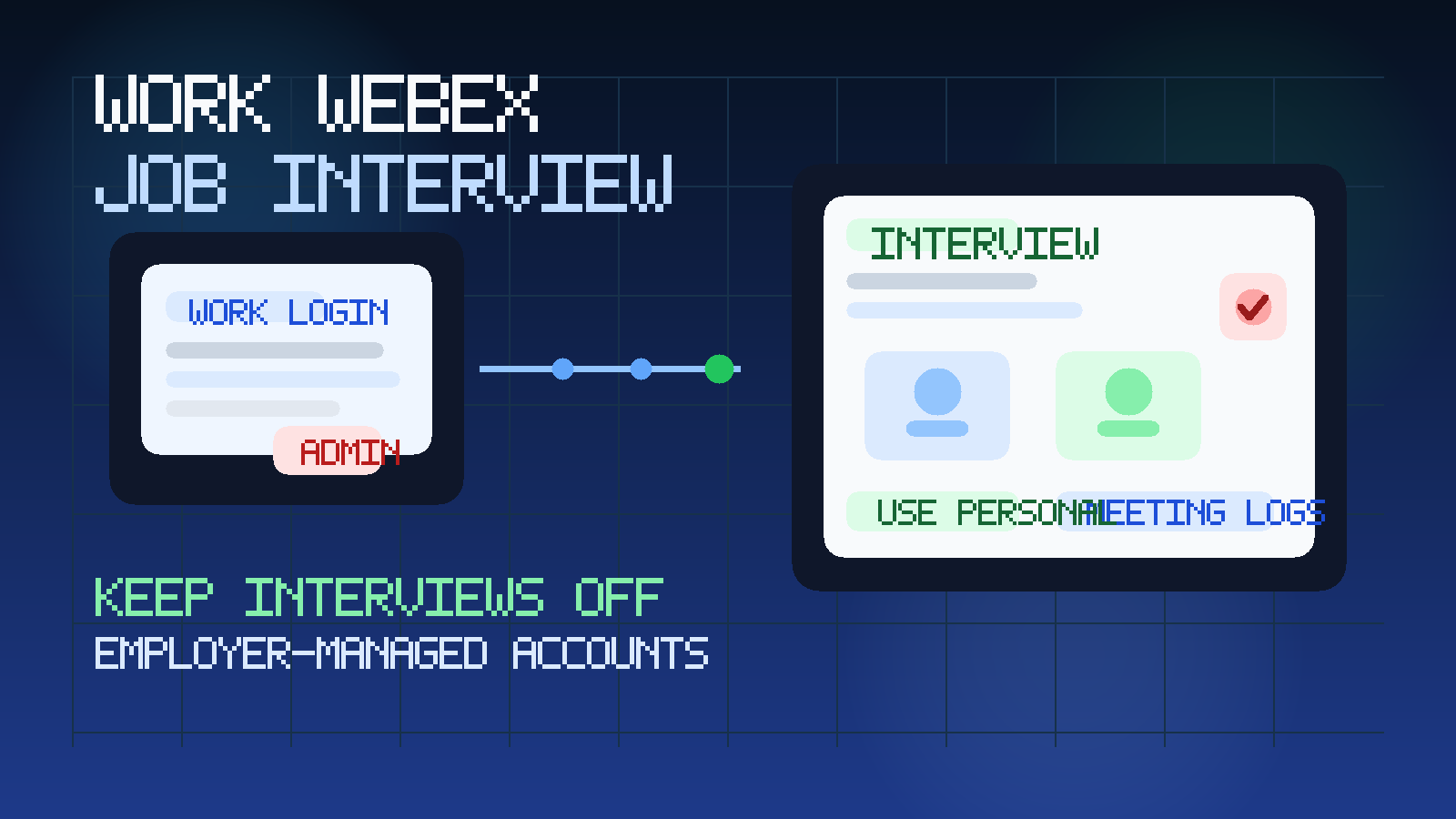
That is the short answer, but it helps to unpack why. Many people treat video meeting accounts like neutral plumbing. They assume that if a meeting works, the account choice does not matter very much. For job interviews, that assumption can be expensive. The risk is not only whether your current employer somehow listens to a call. The bigger issue is that a company-managed account can create account-level traces, invite records, login logs, meeting history, or retention artifacts that are not fully in your hands.
Webex is especially worth thinking about because it is often deployed as an employer-managed collaboration platform. In some workplaces it is tied to single sign-on, managed calendars, device policies, retention rules, or admin reporting. That means the account you use for a private interview may not be as private as it feels.
If you already separate your job search email from your work email, the same principle applies here. Just as a tool like Anonibox can help keep early job-search email away from employer-managed systems, a separate meeting identity helps keep your interview activity out of your employer’s collaboration footprint.
Short answer: use your work Webex account only if you truly accept the visibility
For most people, the safer answer is no. Use a personal meeting setup whenever possible.
The main reasons are practical:
- your employer may control the Webex tenant, user account, and retention settings
- meeting history or metadata may be visible to admins even if the interview itself is not
- calendar and invite traces can stick around in work systems
- recording, transcription, and file-sharing settings may not be under your control
- using a work account can blur your private job search with your current employer’s systems
That does not mean every employer is actively monitoring every meeting. It means you should not build your privacy assumptions on the hope that nobody looks.
Why a work Webex account creates a different privacy risk
A personal video account is still not magically anonymous, but it is at least yours. A work Webex account is usually part of a system owned, configured, and administered by your employer. That changes the risk model.
With a company-managed account, you may not control:
- how long meeting logs are retained
- who can review account activity or admin reports
- whether recordings or transcripts are enabled by default
- how meeting invitations sync with work calendar systems
- whether login events and device details are logged centrally
Even when none of that is used in an intrusive way, it is still an unnecessary privacy trade if you have safer alternatives.
What your employer may be able to see
The exact answer depends on your organization’s Webex deployment, identity setup, and admin policies. Still, these are the most common categories of exposure to think about.
Meeting metadata
Admins may be able to see that your account created, joined, hosted, or was invited to a meeting. Metadata can include timestamps, meeting titles, participant counts, host details, and related account activity. Even if that data does not reveal the full conversation, it can still show that a meeting happened and when.
Calendar traces
If your work Webex account is connected to your company calendar, interview invitations can leave traces in systems your employer controls. That can include event objects, notifications, scheduling changes, or meeting subjects if you are not careful about how the interview is booked.
Recordings and transcripts
If you host or schedule through a work account, organization defaults may affect recording behavior, storage location, transcript retention, or sharing permissions. You might assume a call is informal and private while the platform treats it like a managed business meeting.
Login and device history
Some environments log when you authenticated, from where, and on what device. Again, that does not mean anyone is stalking your interview in real time. It means your private activity may be entering a system designed for employer visibility and control.
Chat, files, and meeting artifacts
If the interview involves chat messages, uploaded files, meeting notes, or follow-up links inside the platform, those artifacts may persist longer than you expect. A resume, portfolio link, or scheduling message shared through the wrong account can create more traceability than you intended.
When it may seem harmless but still is not ideal
People often justify using a work Webex account because the meeting appears small, quick, or low stakes. Maybe it is just an initial recruiter conversation. Maybe the interviewer sent a standard Webex link. Maybe you only need the account because the work laptop already has Webex installed.
Those situations feel convenient, but convenience is not the same as good privacy practice. The problem is not only the interview content. The problem is that you are tying a personal career move to an employer-managed identity when you do not need to.
If you would feel awkward explaining that meeting trail to your current employer, that is a strong sign you should not use the work account in the first place.
Safer alternatives to using your work Webex account
1. Join through a personal browser session
If the interviewer sends a Webex meeting link, see whether you can join through a browser as a guest or with a personal account. That usually keeps the meeting inside the interviewer’s environment rather than your employer’s.
2. Use a personal device when possible
A personal laptop or phone reduces the chance that work-managed apps, device controls, or browser profiles create extra traces. This matters even more if your work machine is monitored or tightly managed.
3. Use a personal calendar and personal email for scheduling
Interview privacy gets weaker when one piece of the workflow is still tied to work systems. Try to keep the whole chain personal: email, calendar, meeting account, and device.
4. Ask for a plain guest link
If the recruiter assumes you have Webex through work, it is fine to say you prefer to join as a guest through a personal browser. Most legitimate interviewers will not care as long as you can show up reliably.
5. Keep your job-search stack separate on purpose
A good privacy setup is consistent. Personal email, personal calendar, personal meeting login, and personal device all reinforce each other. If you are already using a separate inbox for applications and recruiter messages, keep the same boundary for interviews too.
What if the interviewer sends a Webex link and you do not have a personal account?
You still usually do not need to use your work account. In many cases, a recruiter-hosted Webex meeting will let you join from the browser with your name typed manually. If sign-in is required, create or use a personal account instead of your employer-managed one.
Before the call, check these details:
- Can you join as a guest in the browser?
- Do you need to download the app, or is web join enough?
- What display name will appear to the interviewer?
- Are your camera, microphone, and screen-share settings working from the personal setup?
Testing this a few hours early is much better than falling back to your work account at the last minute.
What if you already used your work Webex account for an interview?
Do not panic. One interview does not automatically create a crisis. But it is worth cleaning up what you can and changing your setup for next time.
Practical steps:
- remove or rename any leftover meeting entries if they sit in a work calendar you control
- delete local notes or files from the work account context if appropriate
- move future interview scheduling to a personal calendar immediately
- test a personal browser join flow before your next interview
- stop using the employer-managed account just because it is convenient
The goal is not perfection after the fact. The goal is avoiding a repeat.
Questions to ask before using any work-managed meeting account
This checklist works for Webex and for similar platforms too:
- Who owns the account and the tenant?
- Can admins review meeting history or account logs?
- Will this create a calendar trace in a work system?
- Could recordings, transcripts, or chat artifacts be retained?
- Do I have an easy personal alternative?
If the answer to the last question is yes, that is usually your best option.
How this compares with Zoom, Teams, and Google Meet
The privacy pattern is similar across employer-managed meeting tools. The exact admin surfaces differ, but the broader rule does not change: your current employer’s collaboration stack is not the ideal home for a confidential interview.
If this question sounds familiar, it is because the same concern shows up across other meeting platforms too. The site already has adjacent guides for work Zoom accounts, work Microsoft Teams accounts, and work Google Meet accounts. Webex belongs in that same family of avoidable interview privacy mistakes.
Common mistakes to avoid
- Using the work account because the app is already installed: easy is not always private.
- Assuming admins only care about recordings: metadata and scheduling traces can matter too.
- Separating email but not meetings: a private inbox helps, but it is only part of the picture.
- Scheduling interviews through a work calendar: even a safe meeting link becomes less private in the wrong calendar.
- Waiting until five minutes before the interview to test your personal setup: that is how people end up using the work account by accident.
Final answer
In most cases, no, you should not use your work Webex account for job interviews. The convenience is real, but so is the risk of admin-visible traces, meeting metadata, calendar artifacts, and employer-controlled retention settings.
A personal browser join, a personal account, and a personal device are usually better choices. Keep your interview stack separate the same way you would keep your job-search email separate. That gives you more privacy, fewer awkward traces, and much better control over how your interview activity is handled.