A temp email for Service Fusion can work for a short early evaluation when you only need signup verification, the first onboarding emails, and a quick look at the platform.
It becomes risky once live dispatch, customer records, estimates, invoices, or shared team access start depending on that inbox.
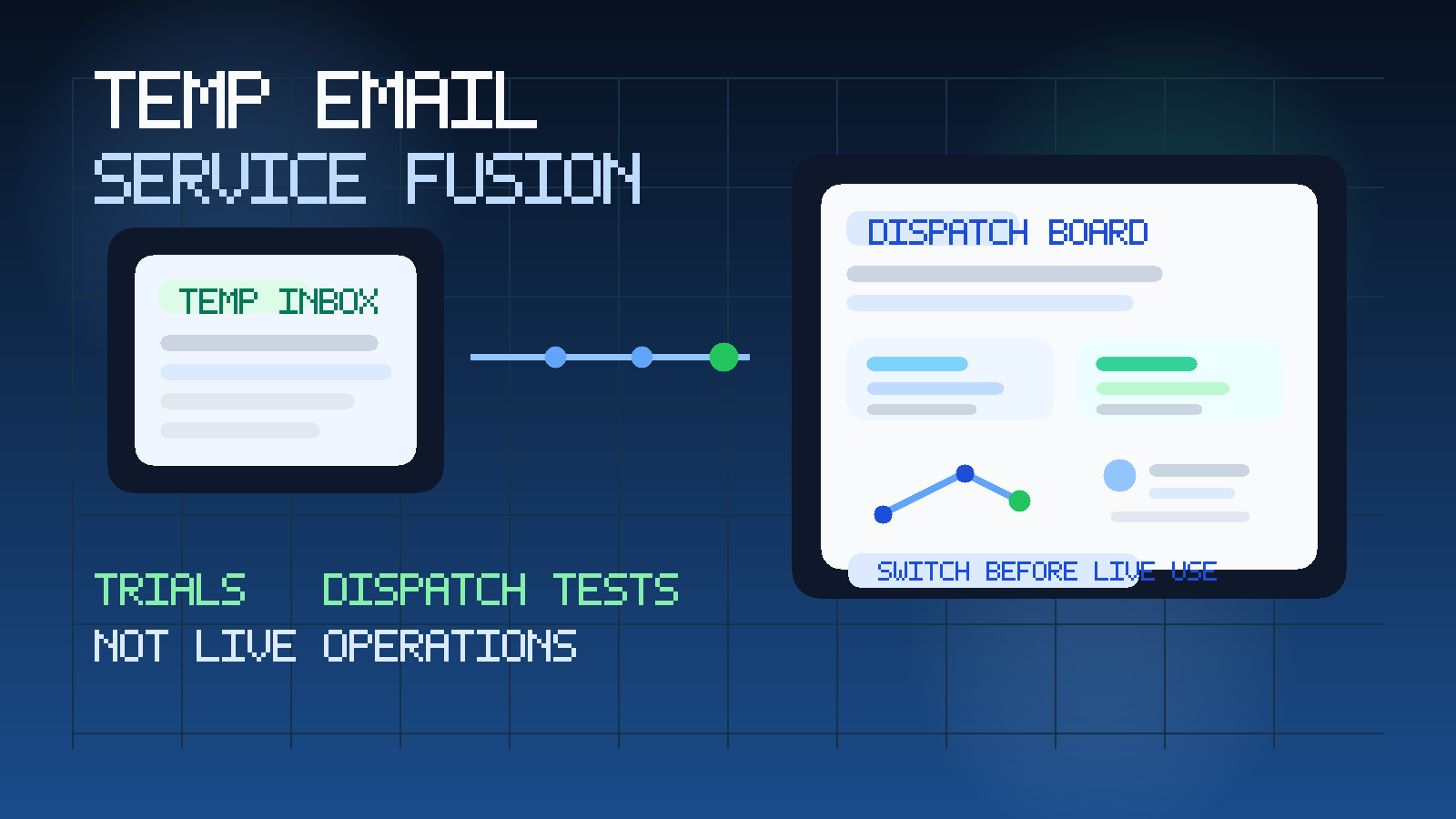
That is the practical answer. If you are only trying to decide whether Service Fusion belongs on your shortlist, a temporary inbox can help you verify the account, view the dashboard, and keep another sales sequence out of your main work email. If the account starts turning into real operational infrastructure, the disposable inbox stops being helpful and starts becoming a weak point.
Software in this category tends to move quickly from curiosity to dependency. One day you are testing forms, schedules, and workflows. A few days later the same account may hold customer names, job details, technician assignments, estimates, invoices, or internal notes that your team does not want to lose track of. That is why temporary email is best used as a front-end filter, not as the long-term anchor for a field service account.
If you already use Anonibox to keep early software trials separate from your everyday inbox, this is a good example of where the approach helps most during the research phase. You get the verification email and first-run setup messages you need, but you avoid handing a serious long-term address to every vendor before you even know which platform deserves deeper evaluation.
Why people look for a temp email for Service Fusion
The reason is usually simple: trial signup is cheap, vendor follow-up is not. A single software evaluation can create welcome emails, product-tour messages, setup reminders, demo nudges, support check-ins, and repeated sales outreach. That is normal from the vendor side, but it can turn a one-hour comparison into weeks of inbox clutter.
A temporary inbox helps create a buffer between exploration and commitment. You can still verify the account and inspect the trial, but you do not immediately connect a long-term work inbox to a tool you may decide to abandon after one afternoon.
That is especially useful when:
- you are comparing multiple field service or home service platforms in the same week
- you want to explore the software before booking a sales call
- you are trying to protect your operations inbox from extra trial noise
- you are evaluating on behalf of a business and want exploratory signups separated from production communication
- you only need the first-pass emails and do not want long-term follow-up yet
Used that way, the temp inbox is doing a reasonable job. It gives you access without forcing early commitment.
When a temporary inbox makes sense
A temp email for Service Fusion is most defensible when the trial is still lightweight, short, and mostly private.
1. Quick product screening
If you only want to get past signup, confirm the email, and see whether the interface feels promising, a temporary inbox is fine. At that stage, the account is not carrying meaningful business weight yet.
2. Side-by-side software comparison
Field service buyers often review several tools at once. Separate inboxes can make those comparisons cleaner. You can quickly tell which messages belong to which vendor and avoid mixing multiple onboarding flows in one crowded mailbox.
3. Early internal research
Sometimes an owner, ops lead, or office manager wants to evaluate software quietly before involving the whole team. A temp inbox can help that first review stay contained and organized.
4. Inbox hygiene during the shortlist stage
If you are still deciding whether the product is even worth a serious conversation, it makes sense to protect the email address tied to real jobs, customers, and everyday business operations.
Where the risk starts to rise
The problem is rarely the initial verification email. The real risk appears when the account begins acting less like a test and more like a real operating tool.
Live dispatch and schedule continuity
Once you care about calendars, job assignments, route changes, or dispatch coordination, stability matters more than inbox cleanliness. If access recovery points back to an inbox you may stop monitoring, you create avoidable friction right where the business needs consistency.
Customer records and job history
If the account starts holding real names, addresses, service notes, or job details, that account now matters. Temporary mail is the wrong foundation for something that could require password recovery, ownership confirmation, or a support handoff later.
Estimates, invoices, and follow-up work
As soon as the evaluation includes financial workflows or customer-facing follow-up, the stakes rise again. You do not want quote approvals, invoice-related setup messages, or important support replies landing in an inbox designed for short-term use.
Shared team access
The moment a teammate wants to review the platform, temporary ownership becomes awkward. A disposable inbox is fine when one person is testing alone for an hour. It is a poor long-term owner identity for software that office staff, managers, or field leads may need to rely on.
Support, billing, and account recovery
Even strong trials eventually lead to practical messages: billing discussions, plan details, support replies, or account-change notices. Those are not optional emails. They belong in a monitored mailbox your business actually controls.
What to evaluate during the trial instead of obsessing over the inbox
The inbox question matters, but it should not distract you from the software decision itself. Use the cleaner trial setup to judge the workflows that will actually determine whether the platform fits.
Dispatch clarity
Can office staff understand the schedule quickly? Is it easy to see job timing, technician assignments, and changes without confusion? If the dispatch layer already feels messy in a test environment, real usage probably will not simplify it.
Job flow from request to completion
Look at how work moves through the system. Does the process from inquiry to booking to completion feel natural, or does it require too much clicking and context switching? Good service software should reduce operational friction, not add it.
Estimate and invoice usability
You do not need to run a live business through the tool to judge whether estimate creation, approval flow, or invoicing screens feel sensible. The trial should reveal whether the platform is practical for the people who will use it daily.
Team handoff and visibility
Think about the real users: owner, dispatcher, office admin, service manager, and field techs. If the product only makes sense to the person who set up the trial, that is a warning sign. The workflow should stay understandable across roles.
General operational fit
The deeper question is whether the software feels aligned with how your business actually runs. A polished interface is not enough if the workflow would create constant workarounds once real jobs are moving through it.
A safer way to use temporary email for Service Fusion
If you want the privacy benefit without creating a cleanup problem later, use a staged workflow.
- Create the temporary inbox before signup. Keep the entire first-pass evaluation separate on purpose.
- Use it only for verification and early onboarding. Let it catch the welcome email, activation link, and first product-tour messages.
- Save any important links or notes outside the inbox. Temporary email is a filter, not your permanent records system.
- Evaluate with sample or internal test data first. Do not let the account become operational while its ownership still points to a disposable inbox.
- Switch to a permanent monitored address before the trial becomes serious. Do this before real customer data, scheduling, or shared access enter the picture.
That staged approach gives you most of the upside with much less downside. You keep your main inbox cleaner early on, then move to durable ownership before the account becomes important.
Temporary inbox vs. dedicated evaluation inbox
For some teams, a fully disposable inbox is only the first step. A dedicated evaluation inbox can be the better middle ground once the trial lasts longer than a quick first look.
A temporary inbox is best when:
- you only need short-term verification and a quick tour
- you are not sure the software belongs on the shortlist
- you mainly want to avoid immediate sales and onboarding clutter
A dedicated evaluation inbox is better when:
- the trial may run for several days or weeks
- more than one person will review the account
- you may need reliable access to support or pricing communication
- the product has a real chance of becoming a finalist
For software like Service Fusion, many teams reach the dedicated-evaluation-inbox stage faster than they expect because the account starts collecting useful setup work very quickly.
Signs you should switch away from the temp inbox immediately
- You are importing or creating real customer records.
- You are relying on the platform to model live scheduling or dispatch workflows.
- You are sharing access with teammates.
- You care about keeping estimates, billing-related notices, or support threads.
- You would be annoyed or slowed down if the inbox stopped being available tomorrow.
- The platform has moved from casual trial to serious finalist.
If even a few of those are true, the disposable phase is probably over.
Common mistakes to avoid
- Keeping the temporary inbox attached too long: the account becomes important before you move it to something stable.
- Testing real workflows under throwaway ownership: that creates unnecessary recovery and continuity risk.
- Using one inbox for every vendor: that makes the comparison less organized, not more.
- Forgetting to save useful setup details: even early-stage trials often produce links and notes worth keeping.
- Judging the product by the follow-up emails: the real question is workflow fit, not how polished the nurture sequence sounds.
Final takeaway
A temp email for Service Fusion makes sense for short early evaluation, first-pass verification, and keeping exploratory vendor email out of your main inbox.
It becomes the wrong tool once live dispatch, customer records, financial workflow testing, or shared team access start to matter. Use temporary email to research cleanly, then move serious finalists to a permanent monitored inbox before the account becomes part of real business operations. That gives you privacy and organization at the start without building something important on a throwaway foundation.