Usually no. You generally should not use your work Gmail account for job referrals if you want to keep your search private, stay in control of the thread, and avoid employer-managed Google Workspace records.
A personal inbox or a dedicated job-search Gmail is usually the safer choice, because referral conversations can spread into recruiter replies, calendar invites, Drive links, and long follow-up chains that should not live inside a company-owned account.
People often treat referrals as safer than cold applications because they start with someone they know: a former coworker, a friend, an alum, or a recruiter introduction. That part is true. Referrals can be warmer, more credible, and more effective than sending applications into a portal. But they can also create longer and messier communication trails than a standard application. One person forwards your resume, another asks for availability, a recruiter replies later, and eventually someone sends an interview invite or a shared document. If that whole chain starts in your work Gmail account, you are building your private job search on employer-managed infrastructure.
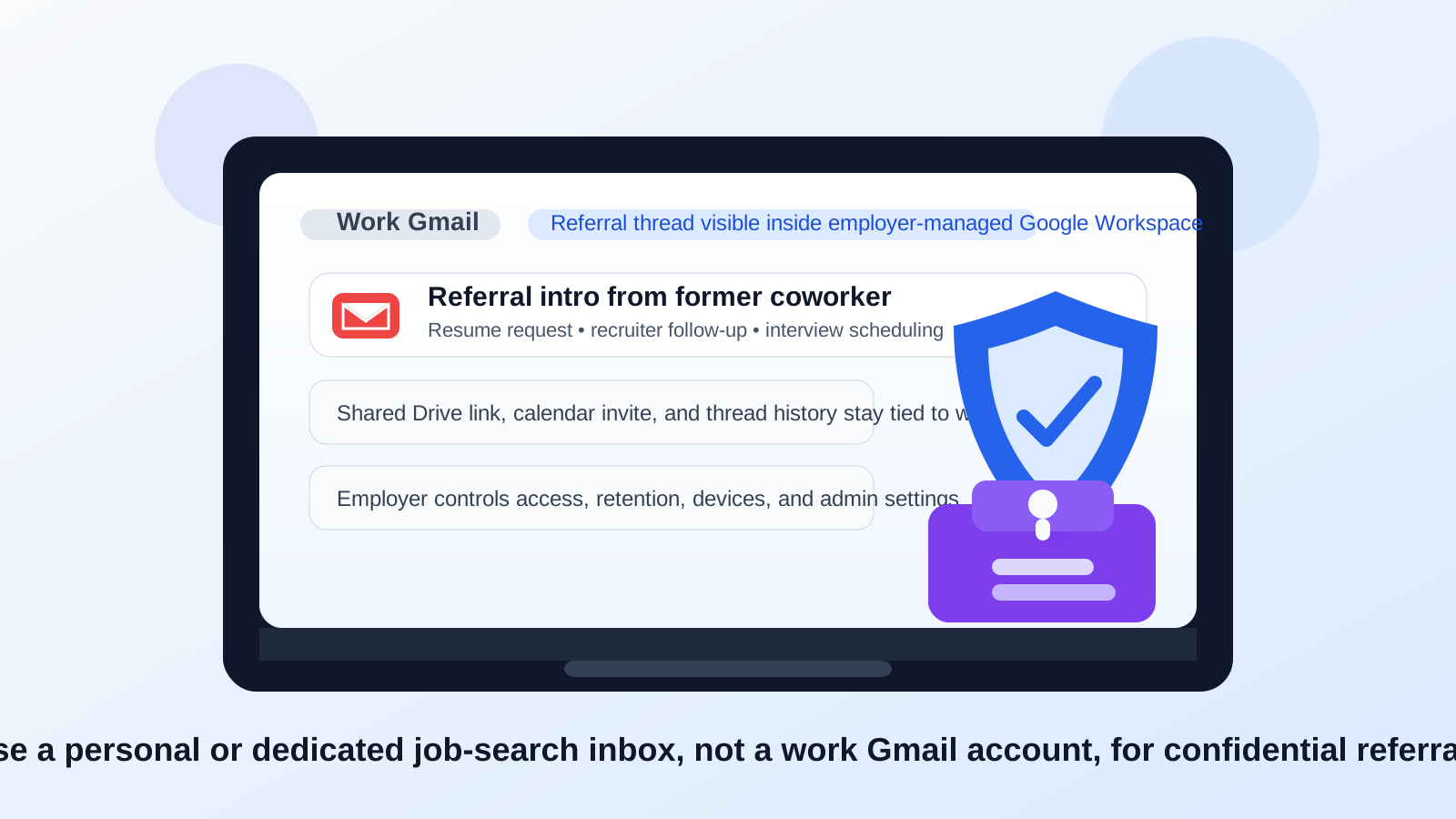
Short answer: use an account you own, not an account your employer owns
If the question is simply should you use your work gmail account for job referrals, the practical answer is usually no. The biggest problem is ownership. Your work Gmail account may feel convenient because you already use it every day, but the mailbox, connected devices, retention settings, and surrounding Google Workspace controls belong to your employer, not to you.
That matters because job referrals are not always quick one-message exchanges. They can stay active for weeks or months. A recruiter may reopen the thread later, a hiring manager may join midstream, or a referrer may send a second opportunity long after the first one fades. You want that conversation tied to an address that stays under your control the whole time.
Why job referrals create a bigger privacy trail than people expect
A cold application might only generate a confirmation email and maybe one recruiter reply. Referrals are different. They often create human, forwarded, multi-step threads. A typical referral can include:
- an introduction from the referrer,
- a reply with your resume or portfolio,
- follow-up questions from recruiting,
- links to an application portal,
- calendar invites,
- requests for writing samples, code samples, or case studies, and
- later re-contact if another role opens up.
That is a lot of activity to run through a work account. Even if no one is intentionally monitoring your messages, you are still leaving unnecessary traces in an environment designed for company business rather than personal career moves.
What makes work Gmail specifically risky
The site already covers the broader question of using a work email for job referrals. Work Gmail adds a more specific layer: Google Workspace. That means the risk is not just the mailbox itself. It can also include calendar events, account identity, Drive ownership, synced devices, and admin-level retention or logging policies.
1. Your employer controls the Google Workspace account
This is the core issue. A work Gmail address is usually part of a managed Google Workspace environment. Your employer may control sign-in rules, session timeouts, mobile-device access, security alerts, account recovery, data retention, and administrative settings. That does not automatically mean a human is reading every referral email. It does mean your confidential search is happening inside tools you do not own.
Even when employers act responsibly, the control problem remains. If a job referral matters to you, the thread should live in an inbox you can keep, back up, search, and access regardless of what happens at your current job.
2. Calendar invites can expose more than the email thread
Referral conversations often turn into screening calls or interviews. In a work Gmail account, that can mean interview invites landing directly in your work calendar. Even if nobody looks at the meeting title, the event itself can create awkward device notifications, visible browser badges, or timing conflicts on employer-managed hardware.
It is especially risky if you use company laptops, company phones, or shared workspaces where notifications can appear at the wrong time. A personal or dedicated job-search inbox keeps that scheduling activity separate.
3. Google Drive and shared docs can tie your identity to the wrong account
Sometimes a referral does not stop at “send me your resume.” You may be asked to share a portfolio, a writing sample, a slide deck, or a case study. If you share those through your work Google account, you can accidentally attach your employer-managed profile, Drive ownership, or sharing history to the conversation.
That creates two problems. First, it is messy from a privacy perspective. Second, it can become unreliable later. If you lose access to the work account, you may also lose clean control over the shared files connected to that referral process.
4. Work devices and synced sessions make exposure easier
Many people stay signed into work Gmail across several places at once: browser tabs, a company phone, a laptop, maybe a mail client. That means referral messages can surface in previews, notifications, recent searches, or autofill suggestions at exactly the wrong moment. No dramatic surveillance is required for this to become uncomfortable. Regular device sync is enough.
Job-search privacy failures are often boring, not cinematic. A preview appears on a lock screen. A calendar pop-up shows during screen sharing. A search suggestion reveals a recruiter name. That is the kind of leakage you are trying to avoid.
5. You may lose the thread if your job situation changes
Referrals can move slowly. If your employer offboards you, changes device access, or disables the account, you may lose the entire conversation history and any future follow-up attached to it. That is a bad failure mode for an opportunity that may revive later.
The safer rule is simple: if the relationship matters, the inbox should belong to you.
When using a work Gmail account might be acceptable
There are a few narrow exceptions, but they are not the normal case.
- Internal mobility: if the referral is inside your current company and the process is intentionally happening inside internal systems, a work account may be standard or required.
- A self-owned business domain: if the “work” Gmail account is part of a business or domain you personally control, the ownership problem changes.
- Unusual context-specific cases: sometimes an existing professional relationship makes one address convenient, but even then you should think about long-term access first.
For an external, confidential job search, though, those exceptions usually do not apply. Most people are better off keeping referral traffic out of their employer-managed Gmail entirely.
What should you use instead?
A dedicated personal Gmail for job searching
This is often the best answer. A separate Gmail account lets you keep referrals, recruiter follow-ups, application links, and interview scheduling in one stable place without mixing everything into your everyday inbox. It is especially useful if you are talking to several contacts at once or want a clean search archive you can retire later.
Your normal personal email, if it is professional and stable
If you already have a personal address that is professional, well maintained, and not overloaded with clutter, that can also work perfectly well. The key question is not whether it is Gmail or another provider. The key question is whether you control it and whether it will still be available next month, next quarter, or after a job change.
Temporary email only for low-trust or low-stakes situations
This is where Anonibox fits naturally. A temporary inbox can be useful when you are testing a job board, accessing a gated resource, signing up for something you do not fully trust yet, or trying to reduce early-stage spam exposure. But a real referral is usually too important and too long-lived for a throwaway inbox. Once a person is actively helping you, the better move is a stable personal account, not a disposable one.
A safer workflow for handling referrals
- Keep your job-search communication on an account you own. That can be a personal inbox or a dedicated search-only Gmail.
- Use a clean display name. Make it easy for referrers and recruiters to recognize you when threads are forwarded.
- Store resume and portfolio assets outside employer-controlled tools. Share files from an account you control long term.
- Keep interview scheduling separate from work systems. Avoid sending invitations into your employer-managed calendar when possible.
- Use temporary email selectively. Save it for low-trust signups or early research, not for referral relationships that may matter later.
Quick checklist before you reply to a referral
- Does the email account belong to you or to your employer?
- Would you still have access to this thread if you left your job tomorrow?
- Could calendar invites or notifications surface on work devices?
- Are you about to share Drive links, files, or documents from a company account?
- Would a separate personal inbox make this process cleaner and quieter?
If those questions make you hesitate, that hesitation is useful. It usually means the work account is the wrong place to run the referral.
Final answer
So, should you use your work Gmail account for job referrals? In most cases, no. The privacy trade-off is poor, the ownership problem is real, and Google Workspace adds extra spillover through calendar, Drive, synced devices, and account administration.
A personal inbox or dedicated job-search Gmail gives you better control, cleaner organization, and less risk of exposing your search through employer-managed systems. For casual browsing, low-trust signups, or inbox-spam control, tools like Anonibox can help at the edges. But for real referral conversations that may lead to interviews or offers, the safest path is a stable account that belongs to you from start to finish.