Usually, yes — a separate Outlook account is a smart way to handle job referrals if you want networking emails, recruiter follow-ups, and forwarded-resume threads kept out of your main inbox.
It is not mandatory for every referral, but it is often the cleanest option when you want better privacy, clearer organization, and less risk of missing something important in a crowded personal mailbox.
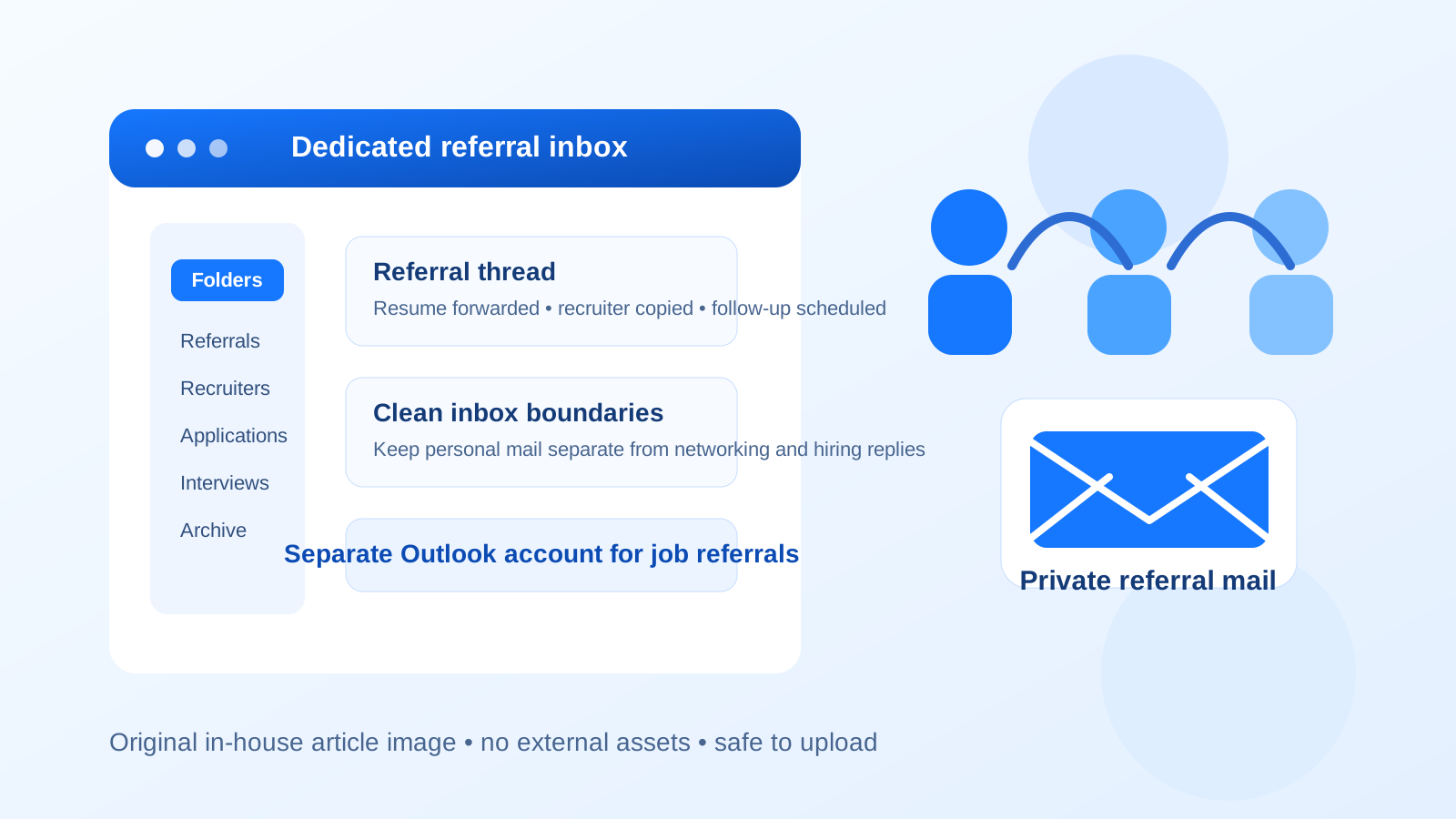
Why job referrals create a different email problem than ordinary applications
A standard job application is often simple: you submit a form, get a confirmation email, and wait. Referrals are messier in a good way. A friend, former coworker, alumni contact, or internal employee may introduce you to a recruiter, forward your resume, copy a hiring manager, or reply days later with extra instructions. That means one referral can turn into a long thread with multiple people, attachments, calendar links, and follow-up questions.
That is why the question should you use a separate Outlook account for job referrals is more practical than it first sounds. A referral is usually more personal than a cold application, but it can also stay active longer. If it lands in the same inbox as bills, newsletters, shopping receipts, family conversations, and old mailing lists, it is easier to lose the thread or answer too late.
What a separate Outlook account actually helps with
1. Cleaner inbox boundaries
A dedicated Outlook account keeps referral emails in one place. That sounds small, but it matters when you are juggling introductions, resume revisions, thank-you notes, and scheduling links. Instead of scanning your main inbox for one recruiter reply buried between everything else, you know exactly where job-referral traffic lives.
2. Better privacy during a sensitive job search
Some people are comfortable using their everyday personal email for referrals. Others are not. If your main Outlook account has years of subscriptions, account recovery history, personal contacts, and sign-ins tied to it, using a separate account adds a layer of separation between your normal life and your job search. It will not make you anonymous, but it does reduce unnecessary mixing.
3. Easier long-term follow-up
Referrals do not always move quickly. A contact may say, “Send me your resume and I’ll pass it along,” then a recruiter replies a week later, then a hiring manager comes back two weeks after that. A stable separate Outlook account works better than a throwaway inbox because you still control the thread when the process stretches out.
4. Less chance of missing the important email
Outlook is useful because you can create folders, rules, categories, flags, and focused sorting. If you dedicate one account to referrals, you can use those tools well. That is harder when the same inbox also handles everyday life.
Why Outlook specifically can be a good fit
Outlook is more than an email address. For many people it is tied to a broader Microsoft account with calendar reminders, saved contacts, sign-in codes, OneDrive sharing, and sometimes Teams access. That makes a separate Outlook account useful in a way that goes beyond simple inbox decluttering.
For example, a dedicated Outlook account can give you:
- Separate folders and categories for referrals, recruiters, and active applications.
- A dedicated calendar identity if a referral turns into interviews or recruiter scheduling.
- Cleaner notifications on phone and desktop so job-search messages do not get buried.
- A more professional naming setup if your everyday inbox has an old address you would rather not use for career conversations.
That does not mean Outlook is the only good choice. Gmail and other providers can work too. But if you already like Outlook’s folders, flags, and calendar integration, a separate Outlook account is a practical choice for referral workflows.
When a separate Outlook account makes the most sense
You probably benefit from a separate account if any of these are true:
- You expect several referrals at once and want all of them in one searchable place.
- You are networking heavily and do not want introductions mixed into your everyday inbox.
- You plan to use the same address for referral follow-ups, recruiter replies, and later interview scheduling.
- Your main email is overloaded, old, or tied to lots of non-job noise.
- You want a professional Microsoft-based address without using your work mailbox.
In short, the more active or sensitive your referral search is, the more useful the separate account becomes.
When you probably do not need one
A separate Outlook account is helpful, but it is not always necessary. You may be fine using your main personal inbox if:
- You only have one or two referrals in motion.
- Your personal inbox is already clean and easy to manage.
- Your existing email address is professional and not overloaded with marketing mail.
- You are confident you will not miss replies or let threads drift.
If that describes you, using a new account may add more setup than value. The point is control, not complexity for its own sake.
Should you use a throwaway temporary inbox instead?
Usually no — not for the main referral thread. A temporary inbox is useful for low-stakes signups, one-time downloads, or early experiments where you do not yet know whether a platform or community is worth ongoing attention. That is where a service like Anonibox can be handy.
But once a real person is referring you, stability matters more than short-term privacy. A referral can lead to a recruiter email days later, a follow-up question after a hiring freeze, or a fresh request for materials when a role reopens. A disposable inbox is too easy to lose control of. For serious referral conversations, a separate stable Outlook account is the better tool.
Best practices for setting up the account well
Use a professional address format
Pick something simple and adult-looking, ideally based on your name. You do not need to overthink branding, but you do want an address you will be comfortable sharing with employees, recruiters, and hiring managers.
Create a small folder system
Do not build a complicated taxonomy. Usually three to five folders is enough, such as:
- New referrals
- Active conversations
- Recruiters
- Applications submitted
- Closed / archive
This is enough structure to keep things organized without turning your inbox into a project-management system.
Turn on notifications carefully
If you create a dedicated account but never check it, you defeat the point. Add it to your phone or desktop in a way that makes you responsive without overwhelming yourself. The goal is prompt follow-up, especially when a referrer introduces you to a real person.
Use your real name and keep your profile tidy
If the account shows a display name, make sure it is the name you want professional contacts to see. This is especially important if you later use the same account for interview invites, Microsoft calendar events, or Teams guest access.
Common mistakes to avoid
Using your work Outlook account
If you mean “separate Outlook account” but actually end up using a company-issued Microsoft 365 mailbox, that is a different and riskier choice. A work account may be visible to admins, connected to company retention policies, or simply inappropriate for an external job search. For referrals, use an account you personally control.
Using too many job-search inboxes
One dedicated referral account is helpful. Five different inboxes for applications, referrals, networking events, side projects, and newsletters usually becomes a mess. Separation helps only if you can still manage it easily.
Forgetting that referrals turn into interviews
If your referral strategy works, the email account you use for introductions may later receive interview invites, scheduling changes, and decision updates. Set it up with that longer timeline in mind.
Letting the account look abandoned
If your mailbox fills with unread messages or bounced replies, it stops helping. Treat the account as a real communication channel, not a dumping ground.
How this differs from a separate Gmail account for referrals
The logic is similar: both give you cleaner boundaries and more control. The difference is mostly about ecosystem and workflow. A separate Outlook account may feel more natural if you already use Microsoft calendar tools, prefer folders and flags, or want an inbox that fits neatly with later Teams or calendar coordination. A separate Gmail account may feel more natural if your personal workflow already lives in Google. The important decision is not Outlook versus Gmail so much as main crowded inbox versus a dedicated stable referral inbox.
A simple decision rule
If a referral is casual, one-off, and unlikely to extend beyond a single introduction, your main personal inbox is often fine. If you are actively networking, expecting multiple intros, or want a cleaner boundary between your life and your job search, a separate Outlook account is usually worth it.
Conclusion
So, should you use a separate Outlook account for job referrals? In many cases, yes. It gives you better inbox control, cleaner privacy boundaries, and a more reliable place to manage referral threads that may evolve into recruiter conversations and interview scheduling.
It is not the only workable option, and it is not necessary for every single candidate. But if you want a stable, professional setup that keeps job-search activity organized without relying on a throwaway inbox, a separate Outlook account is one of the most practical ways to do it.