Usually no. You generally should not use your work email for job applications if you want to keep your search private and stay in control of recruiter replies.
A personal or dedicated job-search inbox is the safer default, because a work address can expose your search through notifications, retention systems, browser sync, and employer-managed devices.
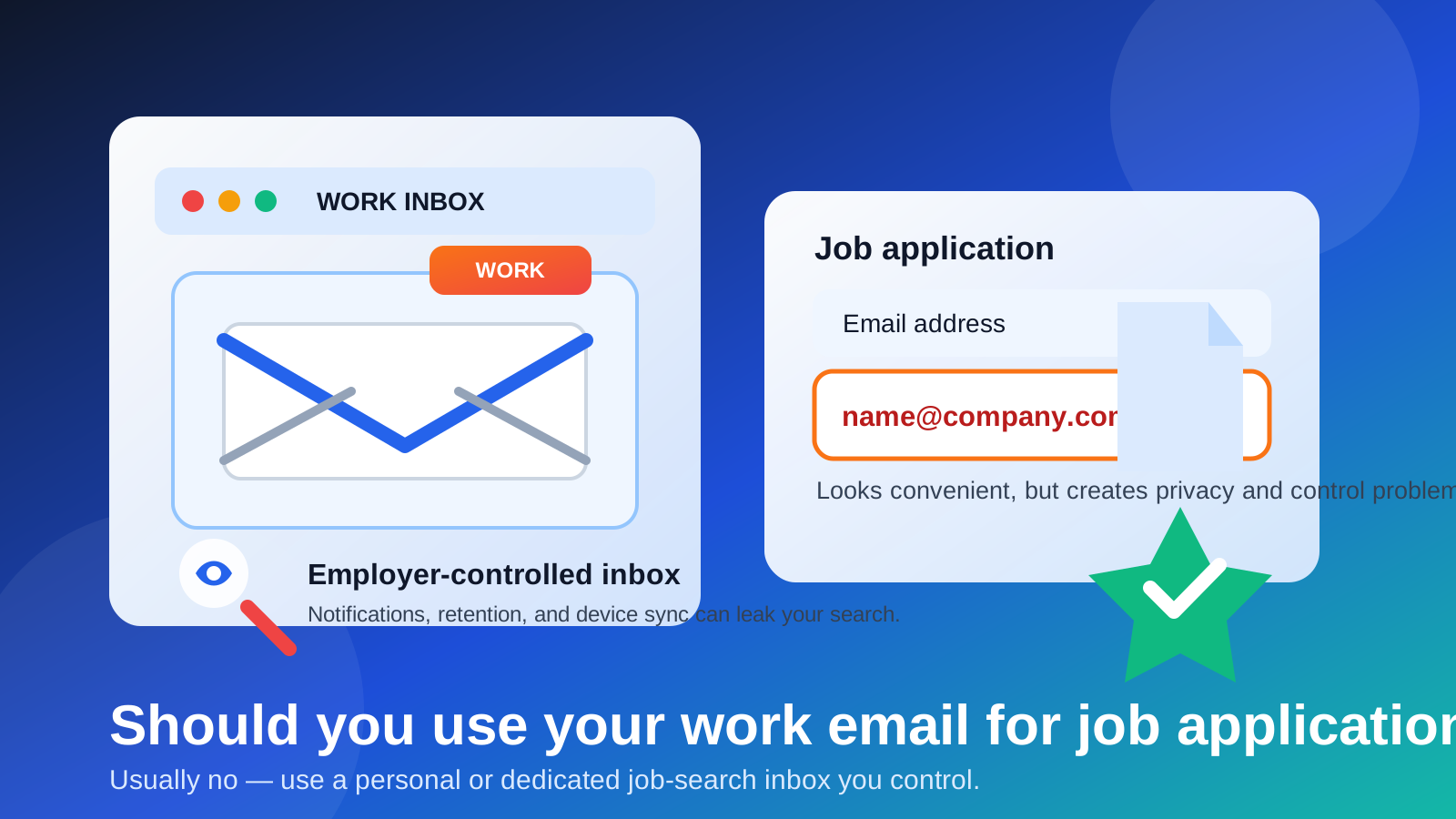
People sometimes think the real danger starts later, once interviews, calendar invites, or recruiter calls begin. That stage does carry more obvious exposure, but the application stage matters too. The email address you enter on a careers page often becomes the anchor for confirmation messages, candidate portals, assessment links, follow-up campaigns, and future recruiter outreach. If that address belongs to your employer, you are tying a personal job search to infrastructure you do not actually control.
That does not mean every company is actively watching your inbox. It means the mailbox, device policies, security logs, archived messages, and synced notifications belong to someone else. If you are trying to run a confidential search, that is a bad trade for a tiny bit of convenience.
Short answer: convenience is not worth the loss of control
If you use your work email for job applications, you may still get away with it for a while. Plenty of people do. But “it worked once” is not the same as “it is a smart default.” A work inbox can reveal more than you expect, and it can also create long-term problems if an application turns into a real hiring process.
The better approach is simple: use an email address you own, can access long term, and can separate from your employer’s systems. For most people, that means a personal inbox or a dedicated job-search inbox.
Why the application stage is still sensitive
A job application does not always end with one confirmation email. Depending on the employer and the software stack behind the careers page, that same address may later receive:
- application confirmations and status updates
- assessment links or coding tests
- requests for missing documents
- interview invitations and rescheduling notes
- candidate portal logins and password resets
- future outreach about related roles
- talent-pool marketing and recruiter follow-ups
So even if your first thought is “it is just an application,” the address often becomes part of a longer workflow. Starting with the wrong inbox makes the rest of the process harder to contain.
What can leak when you use your work email?
1. Notification previews can expose the search without anyone digging
Most privacy leaks are boring, not dramatic. A confirmation message pops up while you are screen sharing. A recruiter subject line appears on your lock screen. An assessment email lands on a company phone that syncs work accounts by default. A browser tab autofills your work address in front of someone else. None of that requires a manager to “monitor” you directly. It only requires normal workplace systems doing normal workplace things.
2. Employer-owned systems are still employer-owned systems
Your work inbox may live inside Microsoft 365, Google Workspace, or another managed environment with retention rules, admin visibility, security scanning, backups, and device-management policies. Again, the problem is not that somebody is reading every message in real time. The problem is that the account is not private in the same way a personal account is private. If you care about confidentiality, job-search communication does not belong there.
3. Company devices and browser profiles can create extra traces
Work email and work devices often travel together. If you apply from a work laptop, a work browser profile, or a company-managed phone, your email choice may connect to autofill history, saved logins, synced bookmarks, opened attachments, or downloaded documents. Even if the application itself is harmless, the surrounding traces can pile up quickly.
4. Portals and follow-up systems may keep using the first address you gave them
Many applicant tracking systems treat the original email address as your identity. Once you sign up, that address may power status updates, resume re-uploads, password resets, and future messages. Changing it later is sometimes possible, but not always clean. Threads split. Old notifications keep going to the wrong place. Recruiters reply to the first contact on file. Starting with a work address creates a mess you may have to untangle later.
5. You can lose access at the worst moment
Job searches do not move on a predictable schedule. Some employers respond in hours. Others return weeks later. If your work inbox gets disabled because you leave your job, switch companies, or lose access during offboarding, you might miss an interview invite or assessment without realizing it. That is one of the biggest practical reasons to avoid a work address even if you are less worried about privacy.
Are there any situations where a work email is acceptable?
There are a few narrow exceptions, but they are narrower than people think.
- Internal applications: if you are applying for another role inside your current employer and the process is explicitly internal, a work address may be expected.
- A business domain you personally own: if you are self-employed and your “work email” is really your own domain, that is different from an employer-controlled account.
- A low-risk first touch with no private context: even then, it is usually still smarter to avoid it.
Outside of those cases, a work email is usually the wrong tool. The main benefit is convenience, and the downside is reduced privacy plus reduced long-term control.
Better alternatives for job applications
Use a professional personal inbox
If your personal email is clean, name-based, and monitored regularly, it is already better than a work address for most applications. You own it, you keep it if you change jobs, and you control the notifications and recovery options.
Use a dedicated job-search inbox
For many people, this is the sweet spot. A dedicated inbox keeps recruiter traffic, job-board alerts, and application confirmations separate from everyday life. It also gives you a clean way to organize labels, filters, and folders around a specific search.
Use aliases when you want sorting without account sprawl
If your email provider supports aliases, they can help you separate job-search traffic without creating a totally separate daily workflow. That can be useful for trusted employers or a controlled search where you still want everything under one main account.
Use temporary email carefully, not blindly
A temporary inbox can be useful for low-trust job boards, one-off lead magnets, or situations where you only need a quick verification email and do not want long-term spam. That is where a service like Anonibox can make sense. But it is not the right tool for every serious application. If you may need follow-up weeks later, an interview invite, or portal access you cannot afford to lose, use a stable address you control long term.
If you already applied with your work email, what should you do?
Do not panic. One application is not a disaster. Just clean it up before the process gets deeper.
- Watch the inbox closely for short-term replies. You do not want to miss a confirmation or assessment while you transition.
- Ask the recruiter to update your contact email. A simple note is usually enough if a real person is already involved.
- Check the candidate portal settings. Some systems let you update the account email yourself.
- Save anything important. Download or forward confirmations, job descriptions, and portal details to the address you actually want to keep using.
- Stop using the work address for new applications. Fix the pattern, not just the one thread.
Red flags that make a work email even riskier
- you are job searching confidentially while still employed
- your employer manages devices aggressively or uses strict monitoring policies
- you often work on shared screens or in visible office environments
- the role may involve assessment tools, scheduling links, or multiple follow-up steps
- you are applying through third-party boards or recruiters rather than directly to a trusted employer
If several of those apply, the safer answer becomes even more obvious: do not use your work email.
A quick decision checklist
Before you submit an application, ask yourself:
- Do I fully control this inbox and its notifications?
- Will I still have access to it if I change jobs?
- Would I be comfortable if a subject line from a recruiter appeared on a work device?
- Could this application later turn into a portal login, test, or interview workflow?
- Do I have a personal or dedicated alternative that creates less risk?
If your honest answer points toward “this account belongs to my employer,” you already know the better move.
Final answer
In most cases, no — you should not use your work email for job applications. It is convenient in the moment, but it gives up privacy, weakens your control over the process, and can create avoidable problems if the application turns into a real hiring conversation.
Use a personal inbox or a dedicated job-search address instead. Save temporary inboxes for narrow cases where short-term verification matters more than long-term access. That way, you stay reachable for real opportunities without tying your job search to an employer-owned mailbox.