Yes — a temp email for Windsurf can make sense when you want to try the product, verify the account, and keep early testing separate from your permanent inbox.
It is usually a good fit for low-stakes evaluation, but not for a long-term setup you plan to keep tied to paid access, account recovery, team ownership, or important project history.
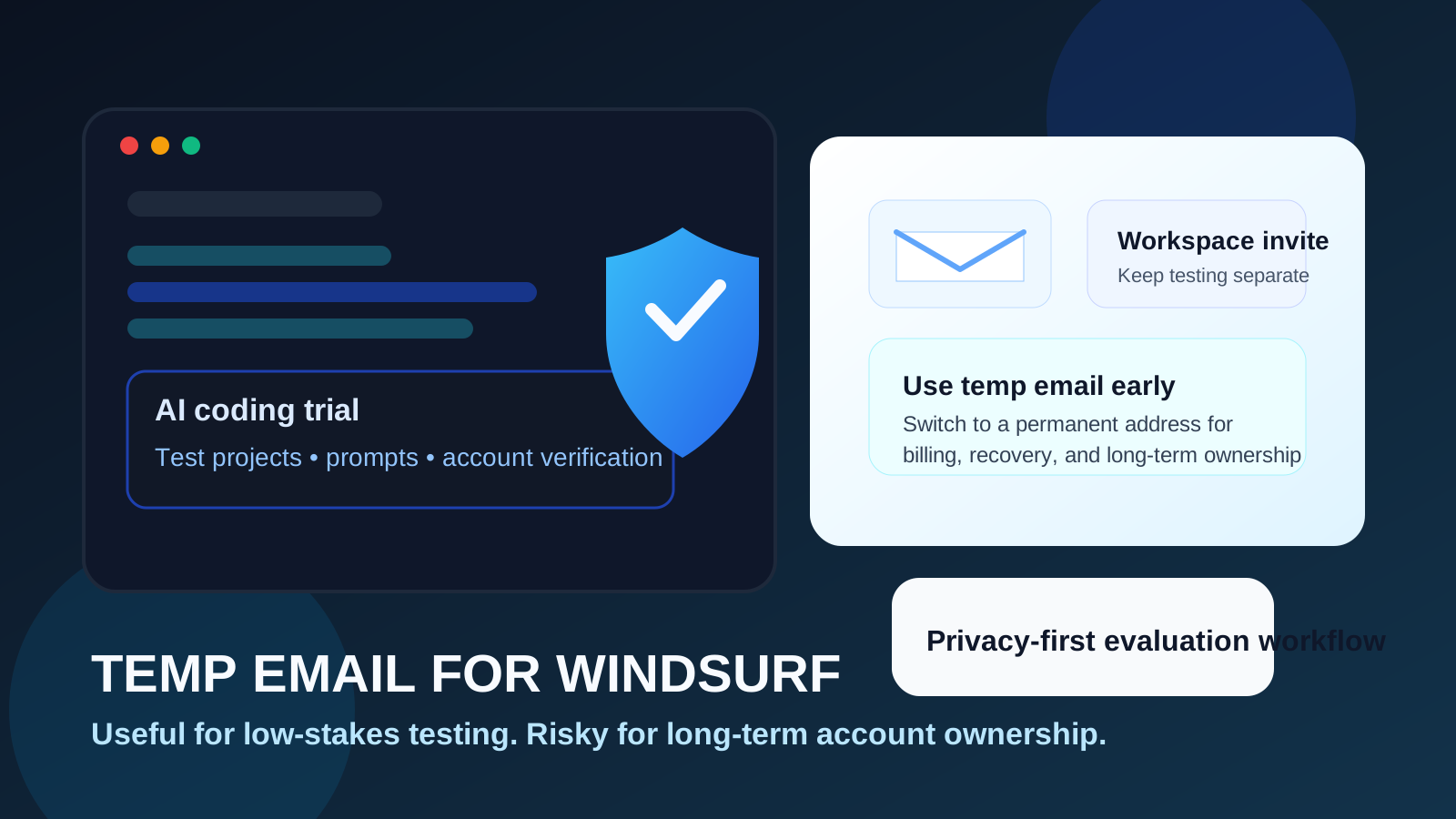
Why people look for a temp email for Windsurf
AI coding tools create a slightly different signup problem than ordinary newsletters or one-off web apps. You are often not just testing a simple feature. You are comparing editors, experimenting with prompts, connecting repositories, checking whether the suggestions feel useful, and deciding whether the workflow is good enough to become part of your daily development stack.
That evaluation phase can generate more email than people expect. You may receive account verification messages, onboarding steps, release updates, product education sequences, trial reminders, team or workspace invites, pricing nudges, and follow-up prompts asking you to return and finish setup. None of that is unusual. It is just noisy if you are still deciding whether Windsurf belongs in your real workflow.
That is the core reason a temporary inbox can help. It gives you a buffer between casual product exploration and your long-term personal or work email address.
Short answer: useful for testing, weak for long-term account ownership
If you only want to explore Windsurf, open the product, verify the account, and see whether the AI-assisted coding experience fits the way you work, a temporary inbox is usually reasonable. It keeps the evaluation lightweight and prevents every experiment from landing in the same permanent inbox you use for real work.
But if Windsurf is becoming your real environment for active projects, paid features, multi-device access, or collaboration, a temporary address stops being a good idea. At that point reliability matters more than inbox separation. You need an address you can keep, monitor, and recover later if something breaks or changes.
When using a temporary email for Windsurf makes sense
A disposable inbox is most useful during the early exploration stage. Common examples include:
- Trying Windsurf for the first time to compare it with other AI coding tools
- Testing the overall editing flow before deciding whether to commit
- Exploring the product on a side project that does not need long-term account continuity yet
- Keeping experimental signups separate from your main developer inbox
- Checking whether the onboarding experience, verification flow, and first-run prompts are worth continuing
- Evaluating the tool before you connect more important accounts, projects, or billing details
In those situations, the goal is simple: stay private, stay organized, and avoid turning every interesting test into permanent email clutter.
When a temp email is the wrong choice
There is a point where “temporary” becomes more annoying than useful. If Windsurf moves from casual testing into real use, you usually want to switch to a stable address.
That is especially true if any of the following apply:
- You plan to pay for the account or keep it long term
- You expect to rely on account recovery later
- You are connecting important repositories, credentials, or services
- You are joining a serious team or workspace setup
- You need a durable record of invoices, login notices, or security alerts
- You want one identity to follow you across devices and future projects
A temporary inbox is best treated like a staging area. It is good for the first look. It is weak for durable ownership.
How to use a temp email for Windsurf without creating bigger problems
1. Decide whether this is a real account or just an evaluation
Before you sign up, be honest about the goal. Are you doing a 20-minute test to see whether the interface and AI workflow feel promising? Or are you already leaning toward real adoption? If it is just a test, a temporary email is fine. If you already know you may depend on the account, start with an address you can keep.
2. Use the temporary address only for early verification and onboarding
The best use case is the first session: confirm the email, get into the product, read the initial setup messages, and figure out whether the tool is worth more time. If you are using Anonibox, this is the moment it helps most. You isolate the trial without instantly adding another long-lived product thread to your main inbox.
3. Avoid treating the temp inbox like your permanent safety net
Once you start caring about the account, do not keep pretending the temporary address is good enough. If recovery emails, plan changes, security notices, invite acceptances, or device verifications would matter to you later, move to a stable email before the account becomes important.
4. Save the information that matters during evaluation
Even during a short test, you may want to keep a few details: whether the signup was smooth, whether you received onboarding emails, whether the tool required certain confirmations, and whether invites or follow-up messages started arriving quickly. Capture the useful parts before the temporary inbox disappears.
5. Switch early if the test becomes a real workflow
The cleanest transition is to switch before you connect more services, invite collaborators, or rely on the account for active development. Waiting too long turns a simple privacy tactic into future cleanup work.
What a temporary inbox helps with
Used properly, a temporary address can solve several practical problems during product evaluation:
- Inbox control: you avoid mixing experimental signups with your long-term work and personal mail
- Privacy: you keep your main address out of one more marketing and onboarding sequence until the tool proves useful
- Cleaner comparisons: if you are testing multiple coding tools, each evaluation can stay more contained
- Lower commitment: you can explore without making the signup feel like a permanent relationship from minute one
That is why this approach is appealing for developer tools, especially when you are sampling several products in a short time.
What it does not solve
A temp email does not solve every privacy or account-management issue around an AI coding platform.
It does not automatically protect you if you later attach payment information, connect important external accounts, or store serious project access behind the same identity. It does not replace good password hygiene. It does not guarantee that every service will accept disposable inboxes. And it does not help much if you end up needing that account months later but no longer control the original address.
In other words, temporary email reduces early inbox exposure. It does not remove the need for long-term account planning.
Why Windsurf is a good fit for this kind of split approach
Tools like Windsurf often sit in a middle ground between “quick web signup” and “real work environment.” That is why the temp-email question keeps coming up. People want enough access to evaluate the product honestly, but they do not want every curiosity-driven test tied to a permanent identity before they even know whether they like the experience.
A split approach works well:
- Use a temporary inbox for the first look
- Judge the product on the real workflow, not on marketing email volume
- Move to a permanent email only if the tool earns a place in your stack
That keeps the evaluation lightweight while still respecting the reality that serious tools deserve stable account ownership once they become important.
Best practices if you try Windsurf with a temporary email
Keep the test focused
Know what you are evaluating. Maybe you care about how natural the coding suggestions feel, whether the setup friction is low, how fast you can get productive, or whether the environment fits your workflow better than a competitor. A focused test makes it easier to decide whether the account deserves a permanent email later.
Do not attach critical project access too early
If you are still in evaluation mode, avoid pushing the account too far into “real infrastructure” territory. The more essential the account becomes, the less appropriate a temporary inbox is.
Watch for signals that it is time to switch
Good signals include deciding to pay, planning to keep the account for months, working across multiple devices, expecting future recovery needs, or starting collaboration that depends on reliable identity continuity.
Use a stable address for anything business-critical
If the account is tied to your job, a client, a team, or production work, start treating it like a durable tool, not a casual experiment. That means a permanent address you can keep under your control.
A simple decision checklist
- Am I just testing Windsurf, or do I expect to keep using it?
- Would losing access to this inbox create a real problem later?
- Am I comparing several AI coding tools and trying to reduce inbox noise?
- Will I need invoices, security alerts, or recovery emails long term?
- Am I about to connect important projects, team access, or paid features?
If most answers point toward short-term experimentation, a temp email is probably fine. If they point toward durable ownership, start with or move to a permanent address quickly.
Final takeaway
A temp email for Windsurf is a smart choice for early evaluation, first-run verification, and low-stakes testing when you want to protect your main inbox and keep AI-tool experiments separate.
It stops being a smart choice once the account becomes valuable. If Windsurf earns a real place in your workflow, switch to a permanent address you control for billing, recovery, security notices, and long-term account continuity. That balance gives you the privacy benefits of temporary email without creating avoidable headaches later.