A temp email for Fresha can make sense for a one-off salon booking, a quick spa appointment, or an early software trial when you want less long-term inbox clutter.
It becomes a bad fit once reminders, reschedules, loyalty history, account recovery, or repeat client communication actually matter.
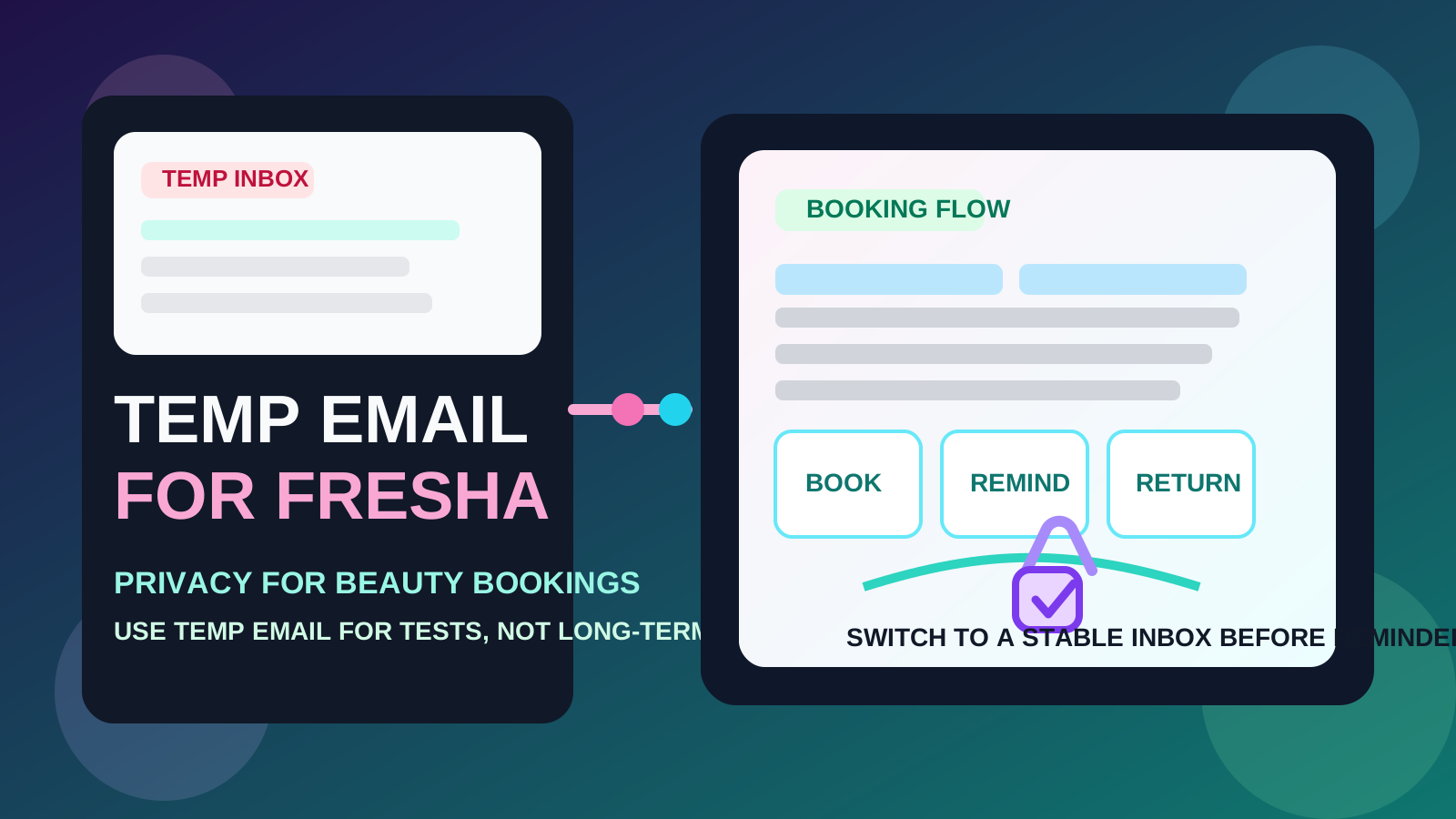
Fresha sits in an awkward middle ground for temporary email. On one side, it often shows up in exactly the kind of low-stakes situations where people want privacy: trying a new salon, testing a beauty booking flow, claiming a one-time offer, or exploring software before deciding whether it is worth using long term. On the other side, it is also tied to real-world appointments, changes, reminders, service history, and business workflows that can fall apart fast if the inbox disappears.
That is why the smart answer is not “always use a temp email” or “never use one.” The better rule is simple: use temporary email when the relationship is still disposable, and switch to a permanent address as soon as the booking or business workflow becomes something you actually care about keeping.
When a temp email for Fresha makes sense
There are a few common situations where a disposable inbox is genuinely practical.
- One-off customer bookings: you are booking a haircut, nail appointment, massage, or treatment with a business you may never use again.
- Testing a new provider: you want the confirmation email and maybe one reminder, but you do not want your main inbox added to another marketing list.
- Comparing salons or service providers: you are checking availability, offers, or booking flows across several businesses and want those messages separated from daily email.
- Early software evaluation: you run a salon, barbershop, or spa and want to see what Fresha’s onboarding, dashboard, and setup emails look like before deciding whether to commit.
- Short-lived promotions: you are only signing up to claim a deal, test a marketplace flow, or access a single service.
In those cases, a temporary inbox can do its job well. You get the verification link, the booking confirmation, or the first welcome emails without handing your everyday address to another platform too early. A service like Anonibox is useful in that first-pass stage because it gives you a clean inbox for quick decisions instead of mixing trial activity into your permanent account.
Why people want the privacy in the first place
Beauty and wellness bookings do not always feel “serious” from a privacy perspective, but email clutter adds up quickly. One new booking can lead to reminders, follow-up promotions, review requests, package offers, seasonal campaigns, abandoned-booking nudges, and newsletters from businesses you only meant to try once. If you test several providers in a short time, the noise compounds.
The same applies on the business side. If you are evaluating booking tools, every demo request or trial signup can trigger nurture emails, onboarding sequences, upsell campaigns, and sales follow-ups. Temporary email is attractive because it gives you a low-commitment way to inspect the workflow first and decide later whether a permanent relationship is worth it.
Where a temporary inbox starts creating problems
Fresha also has a very practical downside: its emails can matter after the original signup.
1. Appointment changes may arrive later, not first
The biggest mistake is assuming the only important email is the initial confirmation. In real life, the message you end up needing might be the one that arrives later: a reminder, a reschedule notice, a cancellation update, a waitlist opening, or an instruction for arriving on time. A disposable inbox is fine until the booking starts moving.
2. Repeat visits need continuity
If you plan to return to the same business, your email address can become part of a longer relationship. That may include stored booking history, repeat confirmations, loyalty perks, receipts, consultation notes, or aftercare information. The more ongoing the relationship becomes, the less useful a throwaway inbox is.
3. Business trials turn into real operations fast
On the merchant side, a temporary inbox may be okay for a quick test of the dashboard or setup flow. But once you are connecting staff calendars, taking live bookings, configuring reminders, or depending on account recovery, a disposable address becomes fragile. Software that touches client communication should not live on an inbox you may abandon.
4. Customer support and account recovery get harder
If something goes wrong, access to the original inbox can matter. That is true whether you are a customer trying to recover a booking trail or a business trying to recover account access. Temporary email works best when the account itself is temporary too.
A simple rule that works in practice
Use a temp email for Fresha when the booking or trial is low-stakes, short-lived, and replaceable.
Use a permanent inbox when missed emails would create friction, cost you time, or disrupt a real appointment or business workflow.
That rule is flexible enough to cover both customer bookings and software evaluation without pretending one answer fits every case.
How to use a temp email for Fresha safely
1. Decide whether this is disposable or ongoing
Before you sign up, ask yourself one practical question: if this booking or account still matters in a week, would losing the inbox be annoying? If the answer is yes, start with a stable address. If the answer is no because this is just a test, one-off appointment, or low-commitment experiment, temporary email is reasonable.
2. Watch for the emails that actually matter
During a one-off booking or trial, do not just verify the account and walk away. Check that you have the specific details you may need later, such as:
- booking confirmation number or appointment details
- date, time, and location
- cancellation or reschedule links
- trial onboarding links or setup instructions
- any receipt or service summary you may want to keep
Save those details outside the inbox if the appointment is important. That way you are not depending on a mailbox you never planned to keep.
3. Do the evaluation quickly and deliberately
If you are a business testing Fresha as software, move through the product with intent. Review the signup flow, first dashboard, setup steps, and follow-up emails in one focused session. Temporary email adds the most value when you are comparing tools quickly, not when you leave half-finished accounts sitting around for weeks.
4. Switch before real communication becomes routine
The moment the booking relationship becomes real, change the email address. That might mean you decide to keep returning to the same stylist, or you decide the software is good enough to use with actual staff and clients. Do not wait until important reminders are already in motion.
Real-world examples
Example 1: trying a salon once while traveling
If you are booking a one-time haircut or treatment in a city you are only visiting briefly, a temp email can be completely reasonable. You need the confirmation and maybe one reminder, but you probably do not want months of follow-up offers from a business you may never visit again.
Example 2: comparing several beauty providers
If you are checking availability and offers across multiple salons, spas, or barbers, temporary email can keep those messages neatly separated. That helps you compare providers without turning your main inbox into a stream of appointment promotions.
Example 3: testing Fresha as a business owner
If you run a salon or solo practice and only want to inspect the dashboard, onboarding, and first-run workflow, a temporary inbox is fair game. You can evaluate the product, compare it with alternatives, and avoid a long sales sequence until you are genuinely interested.
Example 4: setting up live client bookings
This is where you should stop using temporary email. Once staff, customers, reminders, and repeat appointments are involved, email continuity becomes part of the service itself. A stable inbox is the safer choice.
When a permanent inbox is clearly better
- you expect to book with the same business repeatedly
- you need reliable reminder and reschedule emails
- you care about receipts, treatment history, or follow-up instructions
- you are setting up a real business account rather than a quick software trial
- you may need account recovery later
- you are connecting staff, calendars, or customer-facing booking pages
In those situations, the small privacy win from a disposable inbox is usually not worth the operational hassle later.
Common mistakes to avoid
- Using temporary email for recurring appointments: what feels private today becomes inconvenient after the second or third visit.
- Ignoring reminder emails: the most important message is often not the first one.
- Keeping trial and real use on the same throwaway inbox: once the tool becomes useful, migrate early instead of patching around it later.
- Forgetting to save critical booking details: if you plan to use temporary email, assume you need to capture the important parts yourself.
- Treating every booking platform the same: some workflows are disposable; others sit close to real-life logistics and need more reliability.
A better middle-ground workflow
If you want privacy without making the process brittle, this is the practical middle ground:
- Use a temp inbox for first-time or low-stakes Fresha signups.
- Open the booking or trial emails immediately.
- Save appointment details, links, or setup information somewhere permanent.
- Switch to a stable address before repeat bookings, loyalty use, or live client operations depend on it.
That approach lets you keep your main inbox cleaner without pretending disposable email is the right answer for every stage of the relationship.
Final takeaway
A temp email for Fresha is useful for one-off beauty bookings, early software evaluation, and short-lived signups where you want less inbox spam and more privacy.
It stops being a smart setup once reminders, reschedules, receipts, repeat visits, or real client communication matter. Use temporary email for the testing phase, then switch to a permanent inbox before the booking or business workflow becomes something you rely on.