A temp email for Bonsai can work for a quick test, but it becomes a weak long-term choice once real clients, proposals, contracts, invoices, or account recovery matter.
Yes — if you only want to try Bonsai without feeding your main inbox into another SaaS onboarding sequence, a temporary inbox is a practical way to start.
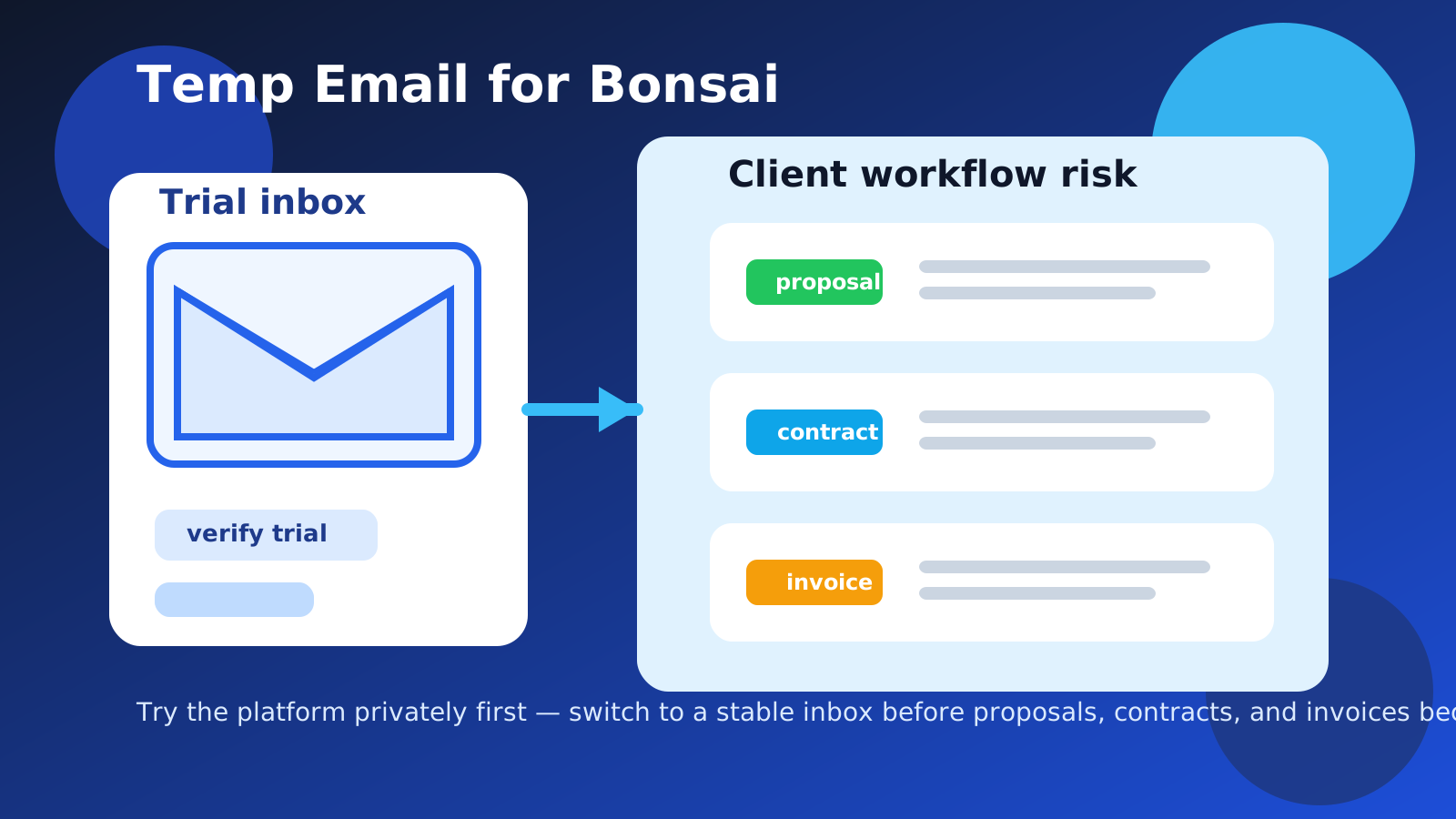
Why people look for a temp email for Bonsai
Most people searching for a temp email for Bonsai are trying to solve a familiar problem. They want to explore the product, see how the workflow feels, and avoid turning their main inbox into another stream of product education emails, upgrade prompts, and follow-up reminders before they even know whether the tool is a fit.
That instinct makes sense. Bonsai sits in the category of tools people often try during a focused evaluation period. A freelancer, solo consultant, small agency, or early-stage service business might compare Bonsai with HoneyBook, Dubsado, 17hats, or another client-workflow platform in the same week. When several tools all want your email at once, your real inbox stops being neutral and starts becoming part of the marketing funnel.
A temporary inbox gives you a clean way to verify the account, review the first-run experience, and decide whether Bonsai deserves deeper attention before your long-term address gets pulled into that cycle.
What makes Bonsai different from a throwaway one-time signup
The catch is that Bonsai is not just a simple download gate or a one-page app demo. If you actually like it, the account can become important quickly. Bonsai may end up holding proposal drafts, service packages, client forms, contracts, invoices, tasks, time records, or other workflow details that are not disposable anymore.
That changes the calculation. A disposable inbox is perfect for disposable activity. It is much less suitable for a system that could become part of your real business process. The more likely it is that you will return to the account later, the more important the email address behind it becomes.
When using a temp email for Bonsai makes sense
A temporary inbox is most useful when the evaluation is narrow, early, and low stakes. Good examples include:
- Comparing Bonsai with other freelance CRM or client-management tools before building a shortlist
- Checking the signup flow, dashboard layout, and first setup steps without using your main business email
- Testing whether the proposal, invoicing, or contract workflow feels intuitive for your style of work
- Running a solo trial before deciding whether the platform deserves a proper migration
- Keeping early software experiments separate from your long-term client-facing identity
In those situations, a service like Anonibox can help you receive the verification email, finish the first setup steps, and explore the product without immediately committing your permanent inbox to the relationship.
When a temp email becomes the wrong choice
1. You start building real client material inside the account
The moment you begin writing live proposals, storing signed agreements, sending invoices, or preparing client-facing documents, the account stops being a harmless test. If the information in the workspace would matter next week, next month, or during an account-recovery problem, a disposable inbox is no longer a smart foundation.
2. You plan to send anything outward from the platform
Bonsai can sit close to real client communication. Even if you only mean to test the interface at first, it is easy for a trial account to drift toward actual use. Once your workflow touches proposals, contracts, approvals, reminders, or billing, you want the account tied to an address you fully control and monitor.
3. You may need continuity later
Password resets, login alerts, ownership questions, and subscription notices are easy to overlook during a trial. They matter a lot more after a tool becomes useful. If you can imagine wanting the account again after the initial experiment ends, treat the email address as part of your infrastructure rather than a minor setup detail.
4. You really want separation, not disposability
A lot of users do not actually want a fully temporary address forever. They just want breathing room between evaluation traffic and their everyday inbox. That is a different goal. If separation is what you want, an alias or dedicated trial inbox is often better than a truly disposable address.
A smarter way to test Bonsai without cluttering your main inbox
Start with a specific evaluation goal
Before you sign up, decide what you are testing. Are you judging proposal templates? Contract flow? Time tracking? Invoicing? Client onboarding? A clear goal prevents the trial from turning into a vague account you keep half-alive for months.
Use the temp inbox only for the first pass
Create the temporary address before you visit the signup page. Use it for verification, the welcome emails, and your first hands-on look at the product. That keeps the evaluation contained and prevents your permanent address from getting pulled into another long software-nurture loop too early.
Save anything important immediately
If the signup flow sends setup details, onboarding links, or key trial information, save it early. Temporary inboxes are great for quick access. They are not meant to be your permanent record system.
Switch to a stable address as soon as Bonsai makes the shortlist
If the product starts looking genuinely useful, do not wait until the account contains valuable business material. Move the account while the setup is still simple and before your proposals, contracts, and billing workflow depend on a disposable inbox.
What to evaluate during a Bonsai trial
If you are going to spend time testing Bonsai, focus on the decisions that actually matter.
Does the proposal workflow match how you sell?
Some tools look polished but do not fit the way you scope work, present services, or structure pricing. Test whether your actual offers feel natural in the system. If proposals feel awkward, the rest of the workflow will probably feel awkward too.
Do contracts and approvals feel practical, not just neat on the surface?
A smooth-looking flow is not enough. Ask whether the contract and approval process would still feel reliable when a real client is involved. If you would hesitate to use it with an actual project, the trial has already told you something important.
Would invoicing and follow-up reduce work or create another layer?
The right tool should make your business easier to run. If you can see yourself doing extra manual cleanup, duplicating information, or working around the platform, that is a sign the product may not be worth long-term adoption.
Would you trust the platform with a real client relationship?
This is the simplest test and usually the most revealing. If the answer is no, then the temp inbox did its job: it helped you evaluate the product without deeper inbox exposure. If the answer is yes, that is your cue to stop treating the account like a disposable experiment and move it to a durable email address.
Better alternatives if you want privacy and reliability
A temporary inbox is not the only privacy-friendly option. Depending on how you work, one of these may be better:
- Email alias: useful if you want filtering and separation while keeping recovery practical.
- Dedicated trial inbox: useful if you review many business tools and revisit finalists later.
- Separate business-ops address: useful if you want software evaluations isolated from your everyday inbox without losing long-term control.
These options usually make more sense once a product stops being a throwaway test but you still want stronger inbox boundaries.
Common mistakes to avoid
- Leaving a temporary inbox attached after the account begins holding real proposal or billing work
- Forgetting to save the verification or onboarding details you may still need during the trial
- Testing client-facing workflows with a disposable setup longer than necessary
- Confusing inbox privacy with account durability
- Waiting too long to switch to a stable email after the tool proves useful
A quick checklist before you sign up
- Is this a short evaluation or something that could become part of your real client workflow?
- Would losing access matter once you create proposals, contracts, or invoices?
- Are you testing the product privately, or do you expect to involve actual clients soon?
- Do you really need a disposable inbox, or would an alias be enough?
- If Bonsai works well, how quickly can you move the account to a durable address?
Those questions help you decide whether a temporary inbox is the right starting point or whether you should begin with a more stable setup from day one.
Final verdict
Using a temp email for Bonsai is a sensible move if you only want a short, low-stakes trial and you are mainly trying to avoid feeding your main inbox into another SaaS onboarding sequence too early.
It becomes the wrong choice once the account starts holding real client material, supporting contracts you care about, or managing invoices and approvals that need continuity. Use the temporary inbox for the first pass, keep the test focused, and switch to a stable address as soon as Bonsai proves it belongs in your real workflow.
That gives you the privacy benefit up front without making future access harder than it needs to be.