Yes — a temp email for ClickFunnels can be useful for trial signup, early funnel testing, and keeping your main inbox out of yet another marketing software follow-up sequence.
It becomes a bad idea once real leads, order notifications, shared team access, billing, or account recovery depend on that inbox.
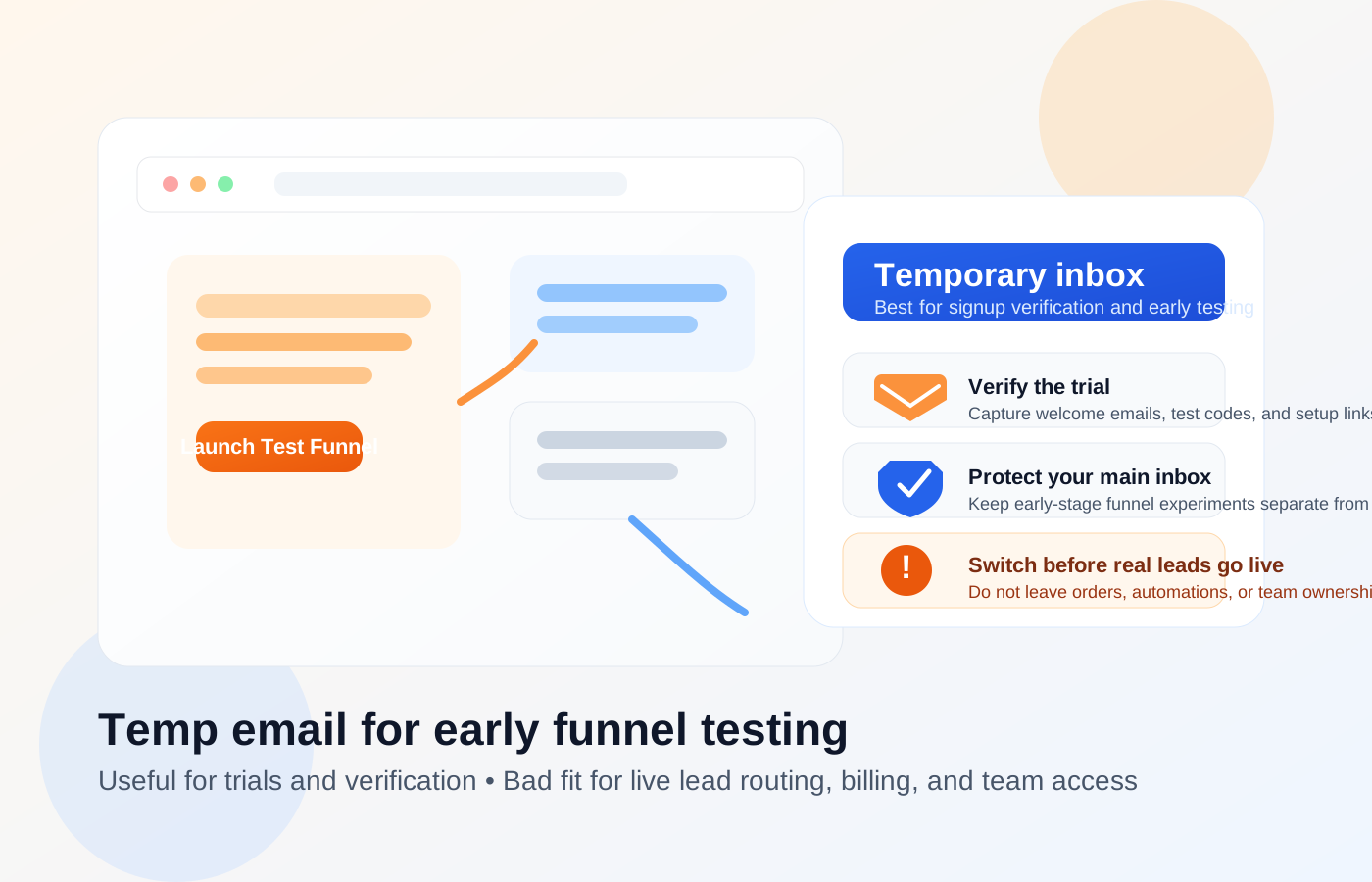
Why people use a temp email for ClickFunnels in the first place
ClickFunnels sits in that familiar gray zone where a quick test can turn into a real business workflow faster than you expected. You may sign up because you want to explore templates, test a lead magnet funnel, compare page builders, review the dashboard, or see how follow-up automation feels before deciding whether the platform is worth paying for.
That is a reasonable use case for a disposable address. Early evaluation often means verification emails, onboarding tips, webinar invitations, upsell sequences, and repeated follow-ups from a tool you may only be testing for an hour. A temporary inbox can keep that noise away from your main email while still giving you the confirmation links and setup messages you need.
If you already use Anonibox or a similar temporary inbox for low-stakes product trials, ClickFunnels fits the same pattern at the beginning. The important part is knowing where that safe testing phase ends.
When a temp email for ClickFunnels makes sense
A temporary address is usually fine when you are doing one or more of these early-stage tasks:
- Starting a free trial or short evaluation
- Browsing the interface and testing templates
- Building a draft funnel that is not yet public
- Running form tests with fake or internal test submissions
- Comparing ClickFunnels against tools like Unbounce, Instapage, or GoHighLevel
- Checking whether the workflow fits your sales process before using a permanent business inbox
In that phase, the main job of the email address is simple: receive the verification email, catch a few onboarding messages, and maybe store a password reset or setup reminder while you decide whether to keep going.
When a temporary inbox becomes risky
ClickFunnels stops being a “safe temporary-email use case” the moment your funnel starts touching real people, real money, or real team responsibility.
1. Live leads and form notifications
If a real prospect fills out a form and the alert goes to a throwaway inbox, that lead can disappear into a black hole. Even if the page itself works perfectly, your follow-up process breaks if nobody reliably sees the notification.
That matters even more if you are routing lead notifications into manual sales outreach, appointment booking, or CRM handoff steps. A disposable inbox is fine for test submissions. It is not a strong home for actual lead flow.
2. Orders, receipts, and revenue events
If your ClickFunnels setup touches checkout pages, order bumps, memberships, or upsell paths, email becomes operational rather than cosmetic. Account notices, payment-related alerts, admin notices, and troubleshooting messages should go to an address somebody actively owns and monitors.
Using a temporary inbox for that stage creates a preventable support problem. One missed admin message can turn a minor issue into a broken purchase experience.
3. Shared team access
Many people start with “I’m just testing this myself,” then quickly add a contractor, assistant, co-founder, client, or marketer. Once account ownership becomes shared, a disposable address becomes a weak foundation. Access resets, admin alerts, security notices, and handoff clarity all work better when the primary address is stable and intentional.
4. Billing and long-term account recovery
Trials are one thing. Paid plans are another. If the account matters enough to store billing, domains, integrations, or live funnel assets, the main email should be permanent, monitored, and controlled by the right person or team.
A practical workflow that keeps testing private without creating later headaches
If you want the privacy upside without the operational downside, use a temp email in a staged way rather than treating it as the forever address.
Step 1: Use the temp email only for the trial and first login
Create the temporary inbox before you sign up. Use it for verification, welcome emails, and your first pass through the dashboard. This keeps the evaluation separate from your main inbox immediately.
Step 2: Build only draft or internal test funnels
During the temp-email phase, keep the work obviously non-production. Use fake data, internal review traffic, and simple submission tests. Think of this phase as product research, not deployment.
Step 3: Save anything you actually need
If ClickFunnels sends a setup guide, confirmation link, or useful onboarding note, save it somewhere you control. Temporary inboxes are convenient, but convenience is not the same thing as permanence.
Step 4: Switch to a stable email before anything goes live
Before you publish pages, run ads, collect real leads, or add team members, move the account to a permanent inbox. That should happen before the funnel becomes part of your real workflow, not after you start getting submissions.
Step 5: Re-test the critical paths after the switch
Once you update the main account email, test the important basics again:
- admin notifications
- contact-form alerts
- account-access and reset flow
- integration notices
- billing or subscription alerts
This is the step people skip when they are in a rush. Do not assume the email change solved everything automatically. Verify the real operational path.
If you already signed up with a temp email and want to fix it
You do not need to scrap the whole account just because you began with a disposable inbox. The safer move is to clean it up before the funnel matters. Update the account email to a permanent monitored address, confirm that the new inbox receives admin notices, then run a short end-to-end test with one fake lead and one internal notification path. If you connected billing, custom domains, automations, or integrations during the trial, review those settings after the change instead of assuming everything followed the new address perfectly.
If more than one person now touches the account, decide who should actually own that inbox long term. For a solo business, that may be a dedicated operations address. For a team or client setup, it should be an inbox with clear responsibility and a recovery process the right people can access. Fixing ownership early is far easier than untangling it after live traffic starts coming in.
What ClickFunnels users often underestimate
The biggest mistake is treating the email address like a minor signup detail. In practice, it often becomes the anchor for ownership, notifications, recovery, and trust. That is why the right answer is not “always use a temp email” or “never use a temp email.” The right answer is to use the temporary inbox only while the work is still temporary.
Another mistake is confusing “the platform accepted the address” with “this is a smart long-term address.” Those are not the same thing. Plenty of low-friction signup choices become bad operational choices later.
Quick checklist: safe use vs risky use
Usually fine
- trial signup
- template browsing
- draft funnel testing
- fake lead submissions
- short product comparisons
Usually a bad idea
- real lead capture
- live customer orders
- team ownership
- billing administration
- long-term account recovery
So, should you use a temp email for ClickFunnels?
Yes, if your goal is simple: verify the trial, explore the product, test a draft funnel, and keep your real inbox cleaner during early evaluation.
No, if the funnel is already tied to real leads, real customers, shared access, or anything operationally important. At that point, the smarter move is to switch to a permanent monitored address and treat the account like production infrastructure rather than a casual software trial.
Used that way, a temp inbox is not a hack. It is just a practical privacy layer for the testing stage. The key is knowing when to stop using it.