A temp email for Teachable can be useful when you are previewing a course, testing a creator funnel, or checking whether a school is worth your real inbox.
It becomes a weak setup once you need dependable student access, password resets, receipts, billing notices, or ongoing course updates.
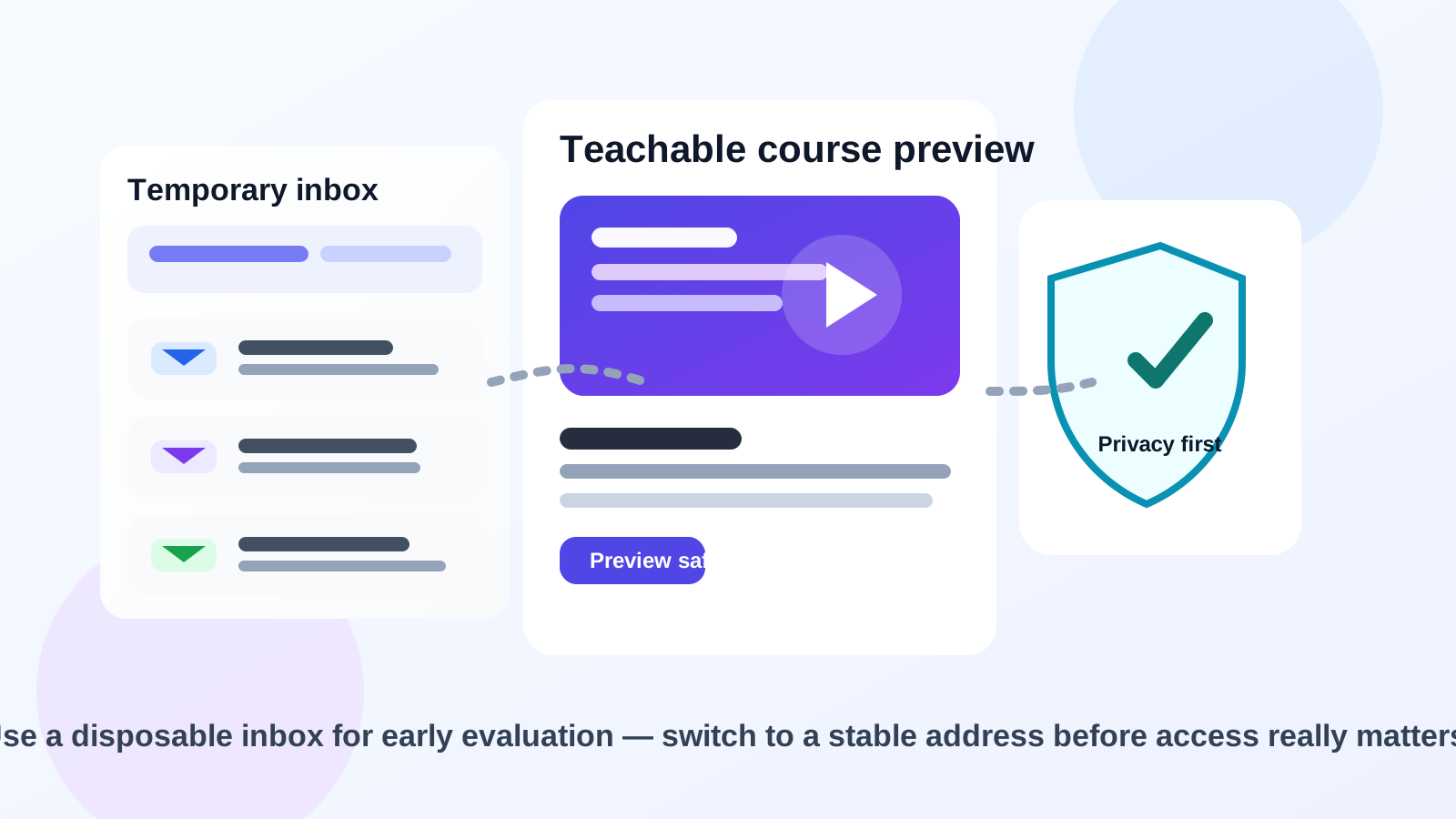
If you are exploring Teachable as a student, creator, or admin, a temporary inbox can help you keep early signups separate from your main email. That is especially useful if you are comparing course platforms, previewing free mini-courses, checking lead magnets, or testing a creator funnel without wanting weeks of follow-up messages in your permanent inbox.
But Teachable sits in a category where email continuity starts mattering quickly. Login links, password resets, enrollment confirmations, receipts, course announcements, lesson reminders, and product updates are all easier to manage when they arrive in a real inbox you plan to keep. The practical rule is simple: use temporary email for first-pass evaluation, then switch to a stable address before the account becomes important.
When a temp email for Teachable makes sense
There are a few situations where a disposable inbox is genuinely helpful rather than risky.
- Previewing a free course or lead magnet: you want to see what the signup flow looks like before deciding whether the content is worth following.
- Testing a creator funnel: you are checking how a Teachable signup, welcome sequence, or checkout path behaves without tying everything to your main inbox.
- Comparing platforms: you are evaluating Teachable alongside tools such as Kajabi, Gumroad, or Patreon and want cleaner side-by-side testing.
- Reducing inbox clutter: you want the confirmation email and first onboarding messages, but you do not want every promo campaign tied to your primary address immediately.
In those early stages, a temporary inbox from a service like Anonibox can help you separate curiosity from commitment. You still get the verification message you need, but you keep more control over when a platform earns access to your long-term inbox.
Where a temporary inbox starts breaking down
Teachable is not just a one-time newsletter signup. Even when a course starts small, the account can become important fast. That creates a few obvious weak spots for disposable email.
1. Password resets and account recovery matter
If you lose track of your password or want to return to the course later, recovery usually depends on the email address tied to the account. A throwaway inbox is fine when the account itself is throwaway. It is a bad match for anything you might want again next week, next month, or after a break.
2. Course emails can become part of the product
For many Teachable-based schools, email is not just marketing. It may include enrollment details, lesson reminders, launch announcements, community updates, bonus-download links, or support instructions. If you stop watching the inbox, you may miss part of the actual experience you signed up for.
3. Paid access and receipts need continuity
If you buy something, your email address stops being a casual testing detail. Receipts, billing questions, refunds, and purchase confirmations are all easier to manage from a stable account. Even if the course itself is fine, the administrative side becomes messy when the inbox disappears.
4. Real student access is different from early curiosity
There is a big difference between “I want to inspect this signup flow” and “I actually want to take this course.” A disposable inbox is better suited to the first situation than the second.
A simple rule of thumb
Use a temp email for Teachable when you are evaluating access, not when you are depending on access.
If your goal is to inspect a free offer, compare creator platforms, or see what happens after signup, temporary email can be reasonable. If your goal is to keep the account, buy a course, receive updates, or rely on support later, start with a permanent inbox or switch early.
How to use a temp email for Teachable safely
1. Decide whether you are testing or enrolling
Before you sign up, ask one basic question: is this a trial interaction or a real commitment? If you are only exploring, a temporary inbox is fine. If you already expect to complete the course, pay for something, or come back regularly, begin with a stable email instead.
2. Save the messages that actually matter
During early testing, you usually only need a few emails:
- account verification
- welcome or onboarding instructions
- access links worth saving
- confirmation of what the creator sends after signup
Capture those details while the inbox is still available instead of assuming you will remember them later.
3. Test the platform in one focused session
Temporary email works best when you use it on purpose. Instead of opening a Teachable signup and forgetting about it, move through the important questions in one sitting:
- What does the signup flow ask for?
- How aggressive is the follow-up email sequence?
- Is the free course or preview actually useful?
- Does the platform feel polished enough to deserve a real account?
- Do you expect to need this login again after today?
This is the stage where disposable email adds real value. It lets you filter noise before you commit.
4. Switch before money, progress, or support enters the picture
The moment you plan to buy, continue studying, track lesson progress, rely on course updates, or ask for support, move the account to a permanent inbox if the platform allows it. Do not wait until after you have something to lose.
When a permanent inbox is the better choice
Use a stable email address from the start if any of these are true:
- you expect to keep access to the course long term
- you are buying a paid product or subscription
- you may need password resets later
- you care about receipts, billing notices, or refund records
- you want lesson reminders and creator updates to arrive reliably
- you are using the account as part of a real learning plan rather than a quick test
For those cases, the convenience of a disposable inbox is usually smaller than the hassle it creates later.
Realistic examples
Example 1: checking a free mini-course
Suppose a creator offers a free Teachable class in exchange for an email address. If you only want to inspect the material and see whether the creator is worth following, a temporary inbox can be practical. You get the access link, sample the content, and avoid automatically joining a long promo sequence with your main account.
Example 2: comparing creator platforms
If you are reviewing Teachable next to Kajabi, Gumroad, or another platform, temp email keeps those trials organized. Each platform can have its own inbox, which makes it easier to compare signup friction, onboarding, and follow-up behavior without turning your permanent mailbox into a mixed pile of creator campaigns.
Example 3: buying a serious course
This is where a disposable setup usually stops making sense. If you pay for a course, plan to complete it, and expect future updates or support, you want a real inbox attached. Missing a receipt, a reset link, or a product update is not worth the small privacy gain.
Example 4: creator-side testing
If you are a course creator testing your own Teachable flow, a temporary inbox can be useful for one-off QA. You can confirm what the welcome email looks like, test a lead magnet path, or inspect the first messages students would see. But once the school is live, admin access should belong to a permanent controlled email account.
Common mistakes to avoid
- Treating a paid account like a throwaway test: once money or progress is involved, stability matters more than inbox privacy.
- Ignoring the follow-up stage: the biggest risk is often not signup verification but the useful messages that arrive afterward.
- Waiting too long to switch: if you already know you want the course, move to a permanent address early.
- Using one disposable inbox for everything: separate evaluations are easier to track when each trial has its own clean channel.
- Assuming temp email solves every privacy problem: it reduces inbox exposure, but it does not protect you from phishing, weak passwords, or careless account habits.
A cleaner evaluation workflow
If you want the privacy benefits without the long-term mess, this middle-ground workflow works well:
- Use a temporary inbox for first-pass Teachable testing or free-offer previews.
- Open the important verification and welcome messages immediately.
- Decide quickly whether the platform, creator, or course is worth keeping.
- Switch to a permanent inbox before you rely on the account for purchases, progress, or support.
That approach keeps your habits practical. Not every signup deserves your main email. But not every account should depend on a disposable inbox either.
Final answer
A temp email for Teachable is useful for early course testing, creator-funnel previews, and one-off free signups when your goal is simply to evaluate and protect your main inbox. It is much less useful once you need stable student access, password recovery, billing records, or ongoing course communication.
If the account is low-stakes and short-lived, temporary email can be a smart privacy filter. If the account is becoming real, switch to a permanent address before you risk losing access to something you actually care about.