A temp email for Thinkific can be useful for early course testing, free mini-course signups, and one-off creator experiments, but it becomes risky once real student access, password resets, billing alerts, or account ownership depend on that inbox.
If you only need to verify a test account or keep your main inbox out of another software trial, a temporary address can be practical. If the Thinkific account will matter next week, next month, or after launch day, switch to an email you actually control for the long haul.
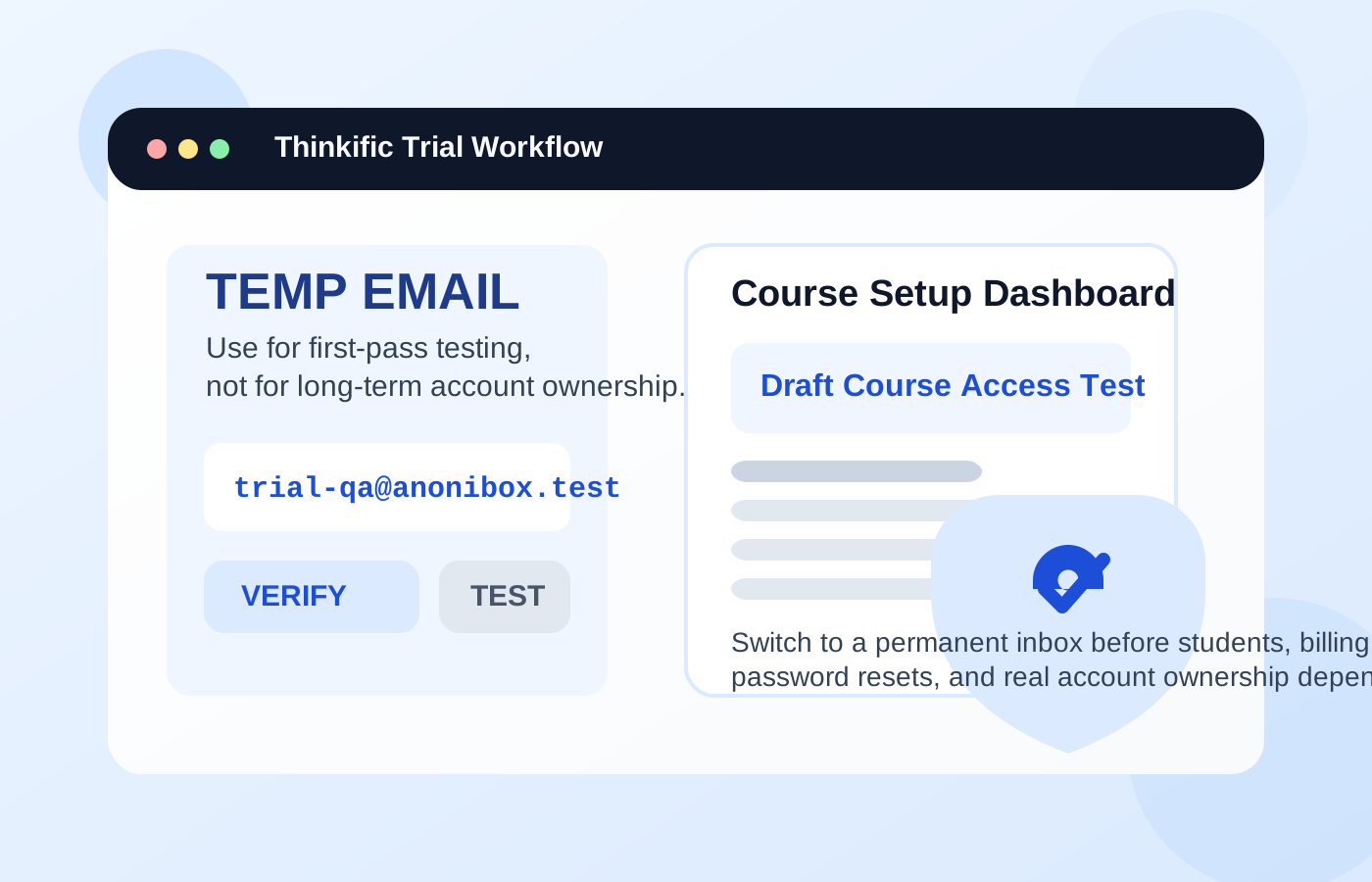
When a temp email for Thinkific makes sense
Thinkific usually enters the picture in one of two ways. Either you are a creator testing course software, or you are a learner signing up for a free workshop, lead magnet, or starter course hosted there. In both cases, the email address you use shapes what happens next: account verification, welcome emails, update notices, login resets, and future marketing follow-ups.
A temporary inbox makes the most sense when the relationship is still shallow and experimental. You want access now, but you do not yet want the platform, the course creator, or every connected promo funnel living in your main inbox forever.
- Testing Thinkific before committing: You are comparing course platforms and want to see the setup flow, dashboard, and checkout basics without opening the door to long nurture sequences right away.
- Creating a throwaway student account for QA: You need to test course access, lesson delivery, and login flows from a learner perspective.
- Signing up for a one-off free course or challenge: You want the confirmation email and first access link, but you do not want months of launch emails tied to your personal inbox.
- Checking a creator funnel before launch: You are reviewing landing pages, automations, and welcome flows before deciding which email should become the permanent owner address.
In those early situations, a temp inbox can reduce noise and keep experiments organized. A service like Anonibox is handy when the goal is simply to receive the verification email, inspect the onboarding flow, and protect your main inbox from follow-up clutter.
Where a temporary address starts to break down
The problem is not that Thinkific needs an email. The problem is that many people treat a short-term inbox like a long-term identity. That works badly as soon as the account carries real value.
If the account will hold paid courses, student progress, certificates, bundles, billing details, admin permissions, or important support conversations, a disposable address becomes a liability instead of a convenience.
- Password resets: If you lose access to the inbox, getting back into the account becomes harder fast.
- Student access: Learners may need login links, course updates, or support replies later, not just on day one.
- Billing alerts and receipts: Creators often need to see subscription notices, payment reminders, and account changes in a durable inbox.
- Account ownership and admin continuity: A real business should not depend on an email address that vanishes after the test phase.
- Launch-day troubleshooting: When something breaks, the recovery email matters more than the convenience you saved earlier.
That is the core rule: temporary email is best for evaluation, not ownership.
Think like two different users: creator vs. student
If you are a creator testing Thinkific
A creator usually has more to lose from using a disposable inbox too long. The moment your account moves beyond basic exploration, the email address becomes operational infrastructure. It affects logins, product setup, support, billing, and sometimes team workflows.
Using a temp inbox is reasonable for a first look at the dashboard or a quick sandbox-style test. It is a bad idea for the account that will actually run your courses, collect payments, or support real students.
A smarter creator workflow looks like this:
- Use a temporary inbox only for the earliest platform evaluation if you want to keep trials separate.
- Save any onboarding emails or setup notes you genuinely need.
- Once Thinkific looks like a serious option, move to a permanent email you control and monitor consistently.
- Before going live, make sure the owner email is durable, professional, and accessible to the right person or team.
If you are a student signing up for a Thinkific-hosted course
Students have a slightly different trade-off. If you are joining a one-time free workshop, a short email challenge, or a curiosity-driven mini-course, a temp inbox can make sense. You get the welcome email and avoid feeding your main address into another creator funnel.
But if the course is paid, long-running, certification-related, or something you will return to later, use a real email. You do not want to lose your access because the inbox disappeared before you needed a lesson link or a reset email.
The safest way to use a temp email for Thinkific
If you want the privacy benefit without the obvious downsides, use a staged approach instead of an all-or-nothing one.
1. Decide whether this is testing or ownership
Ask one simple question before signup: will this account still matter after the first few days? If the honest answer is yes, use a permanent email now or switch early before the account becomes important.
2. Keep temporary use narrow
Use the temp inbox only for the initial verification, first login, and early workflow review. Do not let it become the default email for a real launch, real students, or anything tied to money and access.
3. Save what matters immediately
During testing, capture the information you actually need: the verification email, the first login link, and any setup instructions worth keeping. Do not assume the inbox will stay available forever.
4. Switch before you go live
If you are a creator and Thinkific survives the evaluation round, change the account to a durable address before publishing courses, inviting collaborators, or connecting the platform to real business workflows.
5. Separate privacy from carelessness
Using a temporary email can be a smart privacy move. Using one because you do not want to manage your account setup carefully is different. The best setups reduce spam without creating recovery problems later.
Common mistakes people make
- They use a disposable inbox for a paid course: Then they need a password reset weeks later and no longer have access.
- They keep the temp address on a creator account after testing: The trial becomes the real account by accident.
- They forget that course access is ongoing: Educational products often send reminders, updates, and re-entry links long after signup.
- They mix privacy testing with live customer operations: A throwaway inbox is fine for QA, not for long-term student support and billing visibility.
- They never migrate to a controlled inbox: The easiest time to fix the address is before the account becomes central.
A practical checklist before you sign up
Use this quick filter before entering any temporary address into Thinkific or a Thinkific-hosted course form:
- Is this a quick test, or will I need the account again later?
- Will this account hold paid access, progress, or business-critical information?
- Do I expect to need password resets, support replies, or billing notices?
- Am I signing up for a one-off free resource or for something ongoing?
- If I lose this inbox tomorrow, what exactly breaks?
If the answer to the last question is “not much,” a temp email may be fine. If the answer is “my course access, my customer setup, or my billing visibility,” use a permanent address instead.
What is a better alternative when you want privacy but also continuity?
A lot of people do not actually need a disposable inbox. They need a controlled one. That can mean a secondary personal email, a dedicated creator inbox, or a role-based business address reserved for course tools. The point is the same: you keep separation and organization without gambling your future access on an inbox that may disappear.
This is often the better long-term answer for creators. A dedicated course-platform email gives you clean boundaries, fewer distractions, and full recovery control. You still avoid dumping everything into your primary inbox, but you also keep the account reachable when it matters.
Final answer
Using a temp email for Thinkific is a good idea only when the account is still temporary in practice: early platform testing, a one-off free signup, or a quick QA pass. It stops being a good idea once real student access, password resets, billing alerts, and account ownership enter the picture.
Use a temporary inbox to reduce spam and protect your main address during evaluation. Then switch to a permanent email before the account becomes important. That gives you the privacy benefit up front without creating avoidable recovery headaches later.