A temp email for Podia can be useful for early creator-store testing, free download signups, and one-off course access, but it becomes risky once real customers, product delivery, billing alerts, or account recovery depend on that inbox.
If you are only verifying a test account or checking how a Podia funnel works, a temporary address can be practical. If the account will matter after the test phase, switch to an email you control long term before sales, members, or paid products are involved.
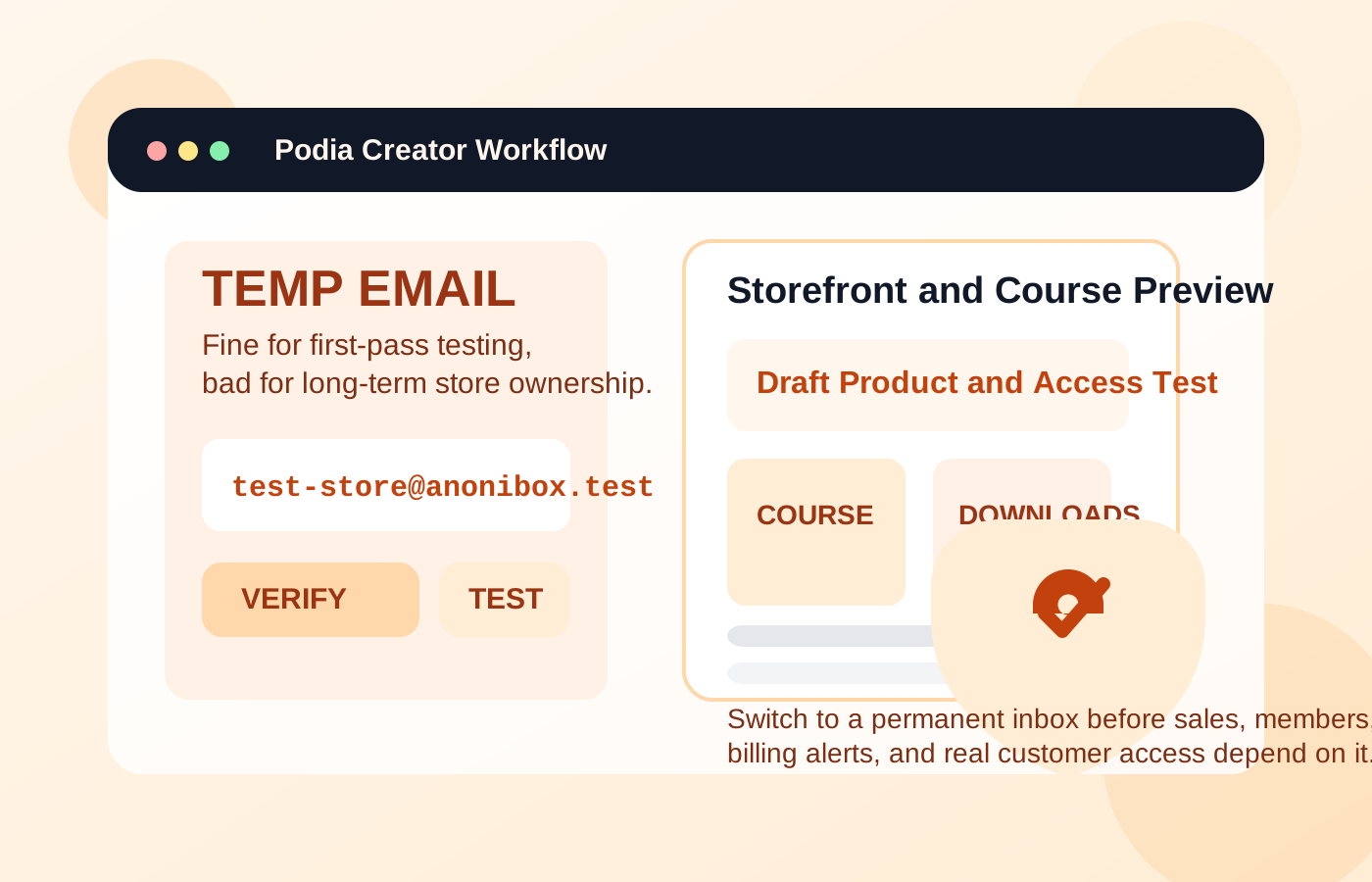
When a temp email for Podia makes sense
Podia sits in a part of the internet where one email address can quickly start pulling in a lot of follow-up. A creator may be testing course hosting, digital downloads, webinars, memberships, or checkout pages. A customer may be claiming a free resource, joining a challenge, or previewing a paid community. In those early stages, the goal is often simple: get access, inspect the experience, and avoid feeding your main inbox into another long marketing sequence.
That is where a temporary inbox can help. It creates a buffer between casual testing and long-term account ownership.
- Testing a creator setup before launch: You want to see the onboarding flow, storefront basics, or checkout emails without tying the first experiment to your primary inbox.
- Checking a free lead magnet or mini-course: You only need the confirmation email and first access link, not months of follow-up messages if the offer is not that relevant.
- Running QA on a student or customer journey: Creators often need a separate test account to review welcome emails, lesson access, download delivery, and post-purchase messaging.
- Comparing creator platforms: If Podia is one of several tools on your shortlist, a temporary inbox can keep the evaluation process tidy while you compare it with platforms already in the same cluster.
A service like Anonibox is useful in that early phase because it lets you receive the verification message, confirm the workflow, and keep your everyday inbox out of another funnel until you know the relationship is worth keeping.
Why temporary email becomes risky on Podia
The problem is not that Podia asks for an email. The problem is that email becomes part of the product itself. It is not just where the welcome message lands. It is often the key to access, recovery, receipts, product updates, and ongoing communication.
That means a disposable inbox stops being a convenience once the account carries real value.
1. Course and product access can depend on it
If you buy a course, join a membership, or download paid resources, the email address becomes tied to the way you get back in. Losing access to the inbox can make logins, support requests, and recovery much harder later.
2. Customer delivery messages matter
Podia is not just a course tool. It also supports downloads, communities, and creator commerce. That means the inbox may receive access links, receipts, launch updates, product changes, and purchase confirmations you actually need to keep.
3. Billing and failed-payment alerts are not optional
For creators, billing notices and account alerts are operational messages, not marketing fluff. For customers, subscription changes or failed charges can affect access to products you paid for. A short-lived inbox is the wrong place for those messages.
4. Password resets and support replies become fragile
A lot of people underestimate this until something breaks. The temp inbox feels fine on day one, but two weeks later a login issue, refund question, or recovery email suddenly matters. If the address is gone, you created your own support headache.
5. Team ownership gets messy fast
If a creator business grows beyond a solo experiment, the owner email should be durable and intentional. Using a disposable inbox for something tied to products, members, or revenue is asking for confusion later.
Think about Podia from both sides: creator and customer
If you are a creator testing Podia
Creators usually have more to lose by staying on a temp inbox too long. During the first pass, a disposable address can be fine for exploring the dashboard, drafting products, or testing a sample funnel. But the minute Podia becomes more than a curiosity, the email should change.
If you expect to sell a course, host a membership, deliver downloads, collect payments, or support real customers, the account email is part of your business infrastructure. It needs to be stable, monitored, and recoverable.
A sensible creator workflow looks like this:
- Use a temporary inbox only for early exploration if you want privacy and separation.
- Test the storefront, checkout, or member flow while the account is still disposable in practice.
- Save any onboarding information you genuinely need during comparison.
- Switch to a permanent email before adding real products, accepting payments, or inviting customers.
If you are a customer signing up through Podia
Customers have a slightly different trade-off. A temp email can be perfectly reasonable for a free workshop, lead magnet, or one-off preview when you mainly want to avoid another creator funnel landing in your main inbox.
But once money, repeat access, or ongoing membership enters the picture, a real inbox is the smarter move. If you pay for a product, expect to revisit lessons, or might need customer support, the temporary address becomes a weak link.
The safest way to use a temp email for Podia
If you want the privacy benefit without the obvious downside, the answer is not “always use disposable email” or “never use it.” The better answer is to use it in a narrow, staged way.
1. Decide whether this is testing or ownership
Before signing up, ask: will this account still matter after the next few days? If the answer is yes, use a permanent inbox now or plan the switch early.
2. Keep temporary use limited to the first-pass workflow
Use the temporary address only for initial verification, dashboard exploration, QA, or a one-time free signup. Do not let it quietly become the long-term identity for a real business account or a paid customer relationship.
3. Save the messages that actually matter
When you test with a temporary inbox, capture the access link, verification email, and any setup notes you may need. Assume the inbox is a short-term tool, not a permanent archive.
4. Switch before money or real access is involved
This is the big one. If Podia survives the evaluation phase, change the account to a durable email before you publish products, open a membership, deliver paid files, or rely on recurring billing notices.
5. Use a dedicated permanent inbox if you want separation
A lot of people do not actually need a disposable inbox forever. They need a clean one. A secondary personal inbox or a role-based creator address often gives you the privacy and organization you want without the recovery risk of a throwaway email.
Common mistakes people make
- They buy something with a temp email and forget about future access: then password resets, receipts, or lesson links become difficult later.
- They test Podia as a creator and never switch the account email: the trial account quietly becomes the real business account.
- They treat product delivery like ordinary marketing: some emails are promotional, but others are core to access and support.
- They assume “I can fix it later” will be easy: once customers, billing, and products are attached, cleanup gets more annoying.
- They confuse privacy with carelessness: using a temp inbox strategically is smart; leaving important operations tied to it is not.
A quick checklist before you enter the email
Use this short filter before signing up on Podia or a Podia-hosted product page:
- Am I only testing, or will I need this account again next month?
- Will this account hold paid products, memberships, receipts, or customer access?
- Could I need password resets, billing notices, or support replies later?
- Is this a one-off free signup or the start of a real relationship?
- If this inbox vanished tomorrow, what would break?
If the honest answer is “not much,” a temp inbox may be fine. If the answer is “my storefront, my purchases, my students, or my recovery path,” use an email you actually control.
What is a better long-term alternative?
For many creators, the best answer is not to dump everything into a primary personal inbox and not to rely on a throwaway one either. The better middle ground is a dedicated permanent address for course platforms, storefront tools, and member products.
That gives you separation, cleaner organization, and full recovery control. You still reduce clutter, but you do not gamble real access or revenue on a mailbox that was only meant to survive a trial.
For customers, the same logic applies. If you think you may return to the product, want your receipts, or expect future updates, use a controlled inbox instead of a disposable one.
Final answer
Using a temp email for Podia is smart when the relationship is still temporary in practice: early creator testing, a one-off free signup, or a quick QA pass through a storefront or course funnel.
It stops being smart once real customers, paid products, product delivery, billing alerts, memberships, or account recovery depend on that inbox. Use temporary email to reduce spam during evaluation, then move to a permanent address before the account becomes important.
That way you keep the privacy benefit up front without creating avoidable problems once Podia becomes part of a real creator business or a product you actually care about.