A temp email for LearnWorlds is useful when you are previewing a course, testing a creator funnel, or checking whether a school is worth your real inbox.
It becomes a weak setup once you need dependable student access, password resets, receipts, billing notices, or ongoing course updates.
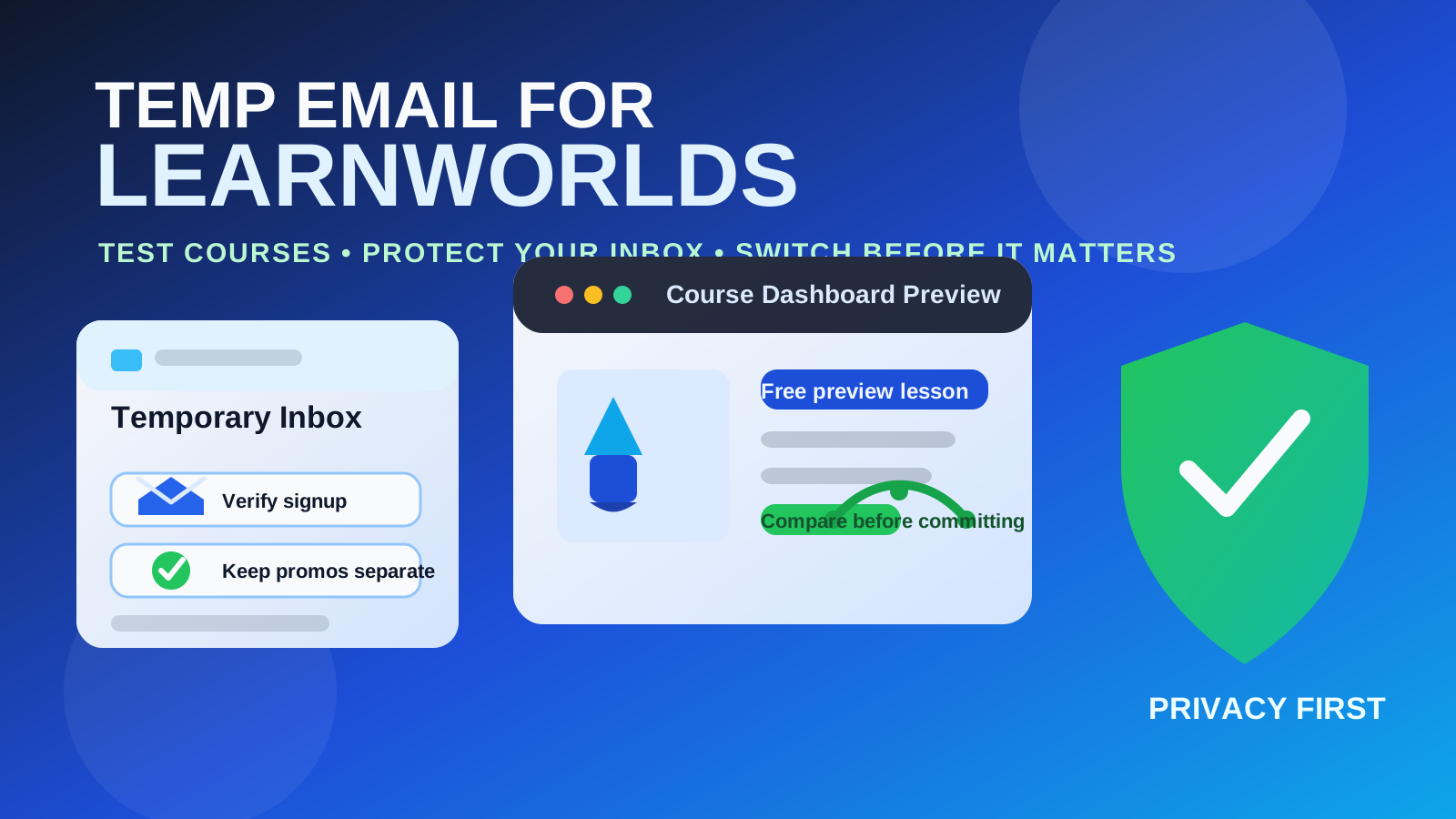
If you are exploring LearnWorlds as a student, creator, or team member, a disposable inbox can be a tidy way to separate early curiosity from real commitment. That is helpful when you want to preview a free mini-course, test a creator signup flow, compare course platforms, or verify a lead magnet without turning your main inbox into a permanent stream of launch emails, promo nudges, and webinar reminders.
But LearnWorlds is not just a throwaway newsletter signup. It often sits at the center of courses, memberships, communities, digital products, checkout flows, and long-term student access. Once an account matters, email continuity matters too. Login links, password resets, receipts, enrollment confirmations, subscription renewals, community updates, and lesson notifications are all easier to manage when they go to a stable inbox you actually plan to keep.
When a temp email for LearnWorlds makes sense
There are a few practical situations where using a temporary inbox is reasonable rather than reckless.
- Previewing a free course or lead magnet: you want to see the welcome flow, lesson layout, or onboarding sequence before deciding whether the content deserves your real address.
- Testing a creator funnel: you are checking how a LearnWorlds school handles opt-ins, free access, email confirmation, or first-time student setup.
- Comparing course platforms: you are looking at LearnWorlds alongside Teachable, Thinkific, Kajabi, or Podia and want cleaner side-by-side testing.
- Reducing promo clutter: you only want the confirmation message and first onboarding emails, not every future campaign tied to your permanent inbox.
For those low-stakes situations, a temporary address from a tool like Anonibox can be a useful filter. You still get the verification email you need, but you keep more control over when a platform earns long-term access to your real inbox.
Why people try this with LearnWorlds in the first place
LearnWorlds is often part school platform, part sales funnel, and part ongoing member portal. That combination creates a familiar privacy problem. A single signup can lead to welcome emails, launch reminders, upsell messages, abandoned-checkout follow-ups, lesson nudges, webinar promos, student newsletters, and product update campaigns.
If you are still in evaluation mode, that is more noise than value. Many people do not mind giving a real address to a platform they already trust. What they mind is giving that address too early, before they know whether the school, creator, or course is even worth keeping in their rotation.
Where a disposable inbox starts getting risky
The moment a LearnWorlds account moves beyond a casual preview, the trade-off changes. Temporary email becomes less helpful and more fragile.
1. Student access and login recovery
Even if the first login works, future access often depends on email. Password resets, one-time links, account notices, and security confirmations are much easier to manage from an inbox that will still exist next week or next month.
2. Paid enrollments and receipts
If you buy a course, bundle, or membership, your email may become the record for receipts, order confirmations, subscription renewals, refunds, and billing questions. That is not something most people should leave tied to an inbox designed for short-term use.
3. Lesson updates and community notifications
Many course experiences are not static. New modules can unlock later. Communities can send replies or announcements. Live sessions may be rescheduled. If you care about the course, missing those messages becomes annoying fast.
4. Certificates and progression records
Some schools use email for completion notices, milestone updates, or access instructions for next steps. If the course is tied to professional development or a paid program, continuity matters even more.
5. Team or admin use
If you are testing LearnWorlds as a creator or internal team member, a disposable inbox is a bad long-term owner for anything involving integrations, staff access, automation alerts, or payment settings. Early testing is fine; actual account ownership is different.
A good rule: use temporary email for evaluation, not ownership
The cleanest way to think about it is this:
- Use temporary email for curiosity.
- Use a permanent email for commitment.
That means a temp inbox can be perfectly reasonable for free previews, lead magnets, and first-pass product comparison. But once you decide to keep the account, pay for something, join a live program, or rely on the platform for actual learning, switch to a stable address you control.
The safest workflow if you want privacy without locking yourself out
You do not need to choose between total exposure and total chaos. A middle-ground workflow usually works best.
- Start with a disposable inbox for the first look: free lesson preview, signup confirmation, and early onboarding.
- Decide quickly whether the course or school is worth keeping. If the answer is no, you avoided clutter in your main inbox. If the answer is yes, move on to the next step.
- Switch to a permanent address before the account matters. That should happen before payment, before real student progress starts, or before the platform becomes tied to your ongoing learning or customer records.
- Save receipts and key emails. If you buy access, keep the messages that confirm what you purchased and how to recover the account later.
This keeps your evaluation cleaner without creating future headaches.
When a real email is the better move from day one
Sometimes the right answer is not “use a temp email first.” Sometimes the right answer is “just use a stable inbox now.”
- You are enrolling in a paid course immediately.
- You already trust the creator and know you want long-term access.
- You expect invoices, subscription renewals, or installment reminders.
- You need course progress, community access, or support replies to stay organized.
- You are testing LearnWorlds for your own business and may keep the account if the trial goes well.
In those cases, a dedicated but permanent address is usually better than a disposable one. You still protect your main personal inbox, but you do not risk losing access to something you care about.
What creators and course operators should take from this
If you run a LearnWorlds school, this pattern is also worth understanding from the other side. Some people use temporary inboxes because they are cautious, not because they are low quality leads. They may be testing your offer, checking your course quality, or deciding whether your funnel feels trustworthy.
That means the early signup experience matters. Clear onboarding, transparent pricing, and an obvious path to update the account email can reduce friction. If a prospect decides your school is valuable, make it easy for them to move from a disposable test address to a stable long-term one.
Red flags that should make you more cautious
If a LearnWorlds school or creator flow feels pushy, a disposable inbox may be helpful for privacy, but it is not a substitute for judgment. Pay closer attention if you see:
- vague promises about what the course includes,
- aggressive countdown timers on everything,
- upsells before basic value is explained,
- unclear refund terms,
- support channels that are hard to verify, or
- checkout pressure before you can properly preview the offer.
A temp inbox can reduce spam, but it cannot fix a weak or misleading offer. If something feels sloppy at signup, it may feel worse once payment is involved.
Should you use the same temp inbox for multiple course platforms?
Usually no. If you are comparing several platforms, separate inboxes are cleaner. Mixing Teachable, Thinkific, Kajabi, Podia, and LearnWorlds into one temporary inbox makes the test harder to interpret. Messages blur together, and it becomes harder to tell which platform sent what, how quickly they responded, and which onboarding flow felt more organized.
Separate inboxes give you a cleaner side-by-side comparison. That can be surprisingly useful if you are evaluating student experience, creator marketing style, or just how noisy each platform feels during the first few days.
Bottom line
A temp email for LearnWorlds is a sensible privacy move when you are still testing, previewing, or comparing. It helps you verify the signup, see the onboarding flow, and protect your real inbox from long-term promo clutter while you decide whether the platform deserves more attention.
It becomes the wrong tool once access, payments, password recovery, course updates, and real student ownership enter the picture. If LearnWorlds is just a first look, temporary email is fine. If LearnWorlds is becoming part of your real learning or business workflow, switch to a stable inbox before the account matters.
That gives you the privacy benefit upfront without creating an avoidable lockout later.