A temp email for Uscreen can be useful for early video membership testing, free trial setup, and one-off creator research, but it becomes risky once real subscribers, billing alerts, or account recovery depend on that inbox.
If you only want to inspect a Uscreen setup, test a viewer journey, or keep your main inbox out of another software funnel, a temporary address can help. If the account will matter after the test phase, switch to an email you control long term before payments, customer access, or admin ownership are involved.
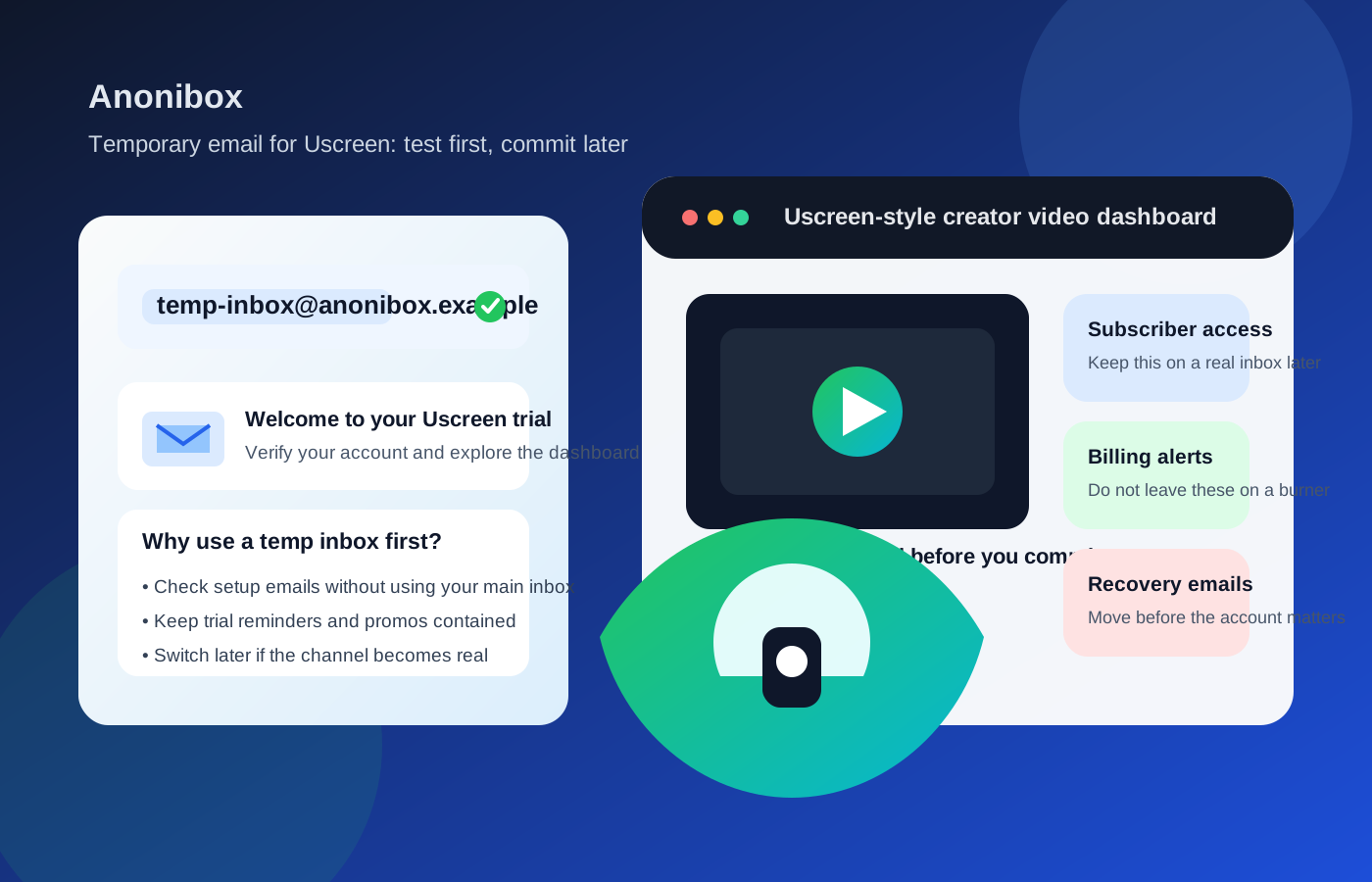
Uscreen lives in a category where email starts as a simple signup detail and quickly turns into infrastructure. A creator may be testing a video membership, branded streaming channel, or paid library. A viewer may be claiming a free workshop, joining a trial, or checking a creator’s content before subscribing. In both cases, the inbox you use can affect verification, login continuity, billing notices, content access, and the mess that follows if you use the wrong address for too long.
That is why a disposable inbox can be helpful at the beginning and frustrating later. In the first hour of testing, you often just need the verification message, the welcome email, and maybe one or two setup prompts. Months later, you may need password resets, subscriber updates, payment receipts, app notices, and support-related messages. Those are very different jobs, and they should not always use the same kind of inbox.
When a temp email for Uscreen makes sense
There are several normal, low-stakes situations where using temporary email for Uscreen is perfectly reasonable.
- You are comparing creator platforms: maybe Uscreen is on a shortlist with Kajabi, Podia, Thinkific, or another membership product, and you want to see how the onboarding flow feels before giving out your permanent address.
- You are testing a viewer journey: creators often need a throwaway customer account to check registration, welcome emails, login links, and content access from the subscriber side.
- You are claiming a one-off free resource: if a creator offers a free class, challenge, preview library, or webinar replay, a temp inbox can help you get the first access message without signing your personal inbox up for a long launch sequence.
- You want cleaner software research: if you test a lot of tools, a temporary inbox keeps early-stage experiments from spilling into your everyday email.
Those are all evaluation-focused use cases. The account is still disposable, so using a disposable inbox can be logical too.
Why people reach for temporary email on Uscreen
Video membership and creator platforms tend to generate more email than people expect. Even a light test can trigger welcome messages, setup reminders, product tours, creator newsletters, discount nudges, app prompts, upgrade offers, and billing-related follow-ups. None of that is unusual. It is just noisy when you are still deciding whether you care.
A separate inbox creates a buffer. You can verify the account, inspect the dashboard, test the playback experience, and decide whether the platform or creator is worth deeper involvement. If it is not, your real inbox stays out of the long tail of messages that usually follows.
That is where a tool like Anonibox fits naturally. It gives you a low-friction way to receive the first message, complete the first step, and keep your long-term inbox reserved for things you actually intend to keep.
Where a burner inbox starts to become a bad idea
The problems begin once the account stops being a casual test and starts becoming part of a real business or a real subscription relationship.
1. Real subscriber access depends on continuity
If you are using Uscreen as a creator, email may be tied to member login links, subscriber communication, purchase confirmations, course or channel access, and account updates. If you are using it as a viewer, the inbox may become the only easy path to recover access later. A throwaway address is fine when nothing matters yet. It is weak once real access depends on it.
2. Billing alerts and receipts are not disposable
As soon as money enters the picture, the risk changes. Trial-ending reminders, failed-payment notices, invoices, renewal updates, and receipts are the kinds of messages you do not want trapped in an inbox you stop monitoring. If you plan to pay for the platform, sell through it, or subscribe through it, billing email should live somewhere stable.
3. Password resets and recovery eventually matter
People often underestimate recovery until they need it. A temp inbox may work perfectly on day one and become a headache the first time you forget a password, change devices, need to confirm an account action, or contact support. Recovery email is boring right up until it becomes urgent.
4. Admin ownership is a higher-stakes issue for creators
Creators sometimes start with a harmless test and accidentally keep building on top of it. The trial account becomes the channel owner. Then it becomes the place where app settings, subscriber plans, integrations, or branded assets live. That is exactly when a disposable inbox becomes the wrong foundation. The owner account for a real business should never be an address you meant to forget.
5. Customer communication can outgrow your test setup fast
Even if you are only experimenting, things can move quickly once a launch starts. Free leads turn into members. Beta viewers turn into paying customers. Team members need invites. Support questions appear. What felt like a harmless throwaway test can become production faster than expected, especially if the offer gets traction.
How to use a temp email for Uscreen without creating future problems
If you want the privacy benefit without the usual downside, a few habits help a lot.
Treat it as a test-only address
Use the temporary inbox for first contact, verification, and low-stakes workflow testing. Do not mentally upgrade it into a permanent owner inbox just because the setup was convenient.
Save the messages that matter right away
If the signup sends a useful verification link, onboarding guide, or setup note, save what you need while you still have it. Disposable inboxes are not where long-term account memory should live.
Switch before billing or member access matters
The cleanest time to move is before a real payment, launch, or subscriber workflow depends on the account. Do not wait until after members are active, invoices are flowing, and recovery steps are tied to the wrong inbox.
Keep creator ownership on a durable email
If you are the person building the channel, the main admin account should sit on an address you control long term. That can be a dedicated work inbox or a separate creator-operations address, but it should not be disposable.
Use privacy tools deliberately, not lazily
There is a difference between protecting your inbox and postponing a decision. Temporary email is smart when you are filtering low-stakes signups. It is less smart when you are avoiding the simple step of choosing a stable owner address for something you know may become important.
A better middle ground than a disposable inbox
Sometimes the best answer is not your personal inbox and not a burner inbox either. A separate but durable address often works better.
- For creators: use a dedicated business or creator-ops email for ownership, billing, and team access.
- For heavy software testers: use a separate evaluation inbox that stays organized without exposing your primary address everywhere.
- For viewers: use temporary email for the first look, then move worthwhile subscriptions to a stable reading inbox if you actually plan to stay.
That middle-ground approach protects your privacy without sabotaging recovery, receipts, or long-term access.
Practical examples
Example 1: testing a creator channel before launch
You are building a membership video library and want to see the welcome flow, login path, and subscriber experience from a fresh account. A temp inbox makes sense for the test member account because the account itself is part of QA, not long-term ownership.
Example 2: trying a free workshop or preview library
A creator offers a free challenge or sample lesson through a Uscreen-powered page. You only need the access email and maybe the first reminder. A disposable inbox is a reasonable way to avoid months of follow-up if you are not sure you want the full offer.
Example 3: opening a real paid channel account
You already know you may charge members, manage apps, or run a long-term subscription business on the platform. In that case, skip the burner step or use it only for a throwaway test account. The real owner account should start on a dependable address.
Example 4: becoming a paying subscriber
If you plan to keep access to premium content, receipts, and renewal notices, a stable inbox is the better choice. A temporary address may help with casual exploration, but it is a poor home for a subscription you care about.
Quick checklist before you sign up
- Am I only testing Uscreen, or do I expect real ongoing use?
- Will this account handle billing, subscriber access, or app ownership later?
- Would missing a password reset or payment notice cause real friction?
- Is this a one-off preview, or am I probably building something that will matter next month?
- If the trial goes well, am I ready to move the account to a permanent inbox before it becomes operational?
If your answers point toward short-term experimentation, a temp email for Uscreen is a sensible privacy move. If they point toward recurring customers, paid content, or owner-level responsibility, the safer choice is a stable inbox you actually control.
Final answer
Using a temp email for Uscreen is helpful for early video membership testing, creator QA, and one-off preview signups when you want less inbox clutter and more privacy during the evaluation stage.
It becomes a weak long-term setup once real subscribers, billing alerts, password resets, account recovery, or admin ownership matter. Use temporary email for testing. Use a reliable inbox for anything you plan to own, charge for, or return to later.