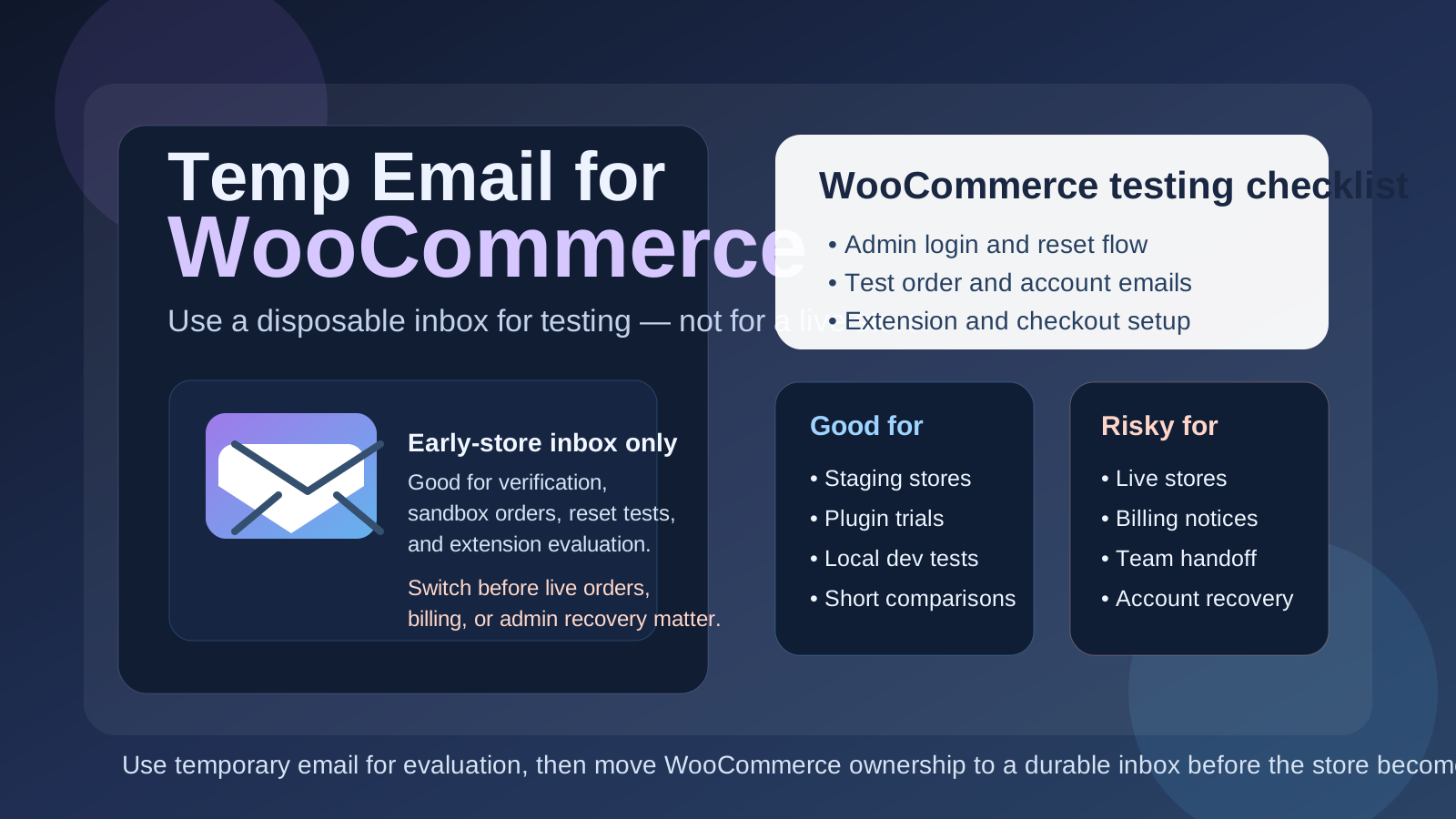
A temp email for WooCommerce can be useful when you are testing a store, checking extension signups, or keeping early setup separate from your main inbox. It becomes risky once live orders, billing notices, staff access, or account recovery depend on that inbox.
That means temporary email is a practical short-term tool for WooCommerce evaluation, not a smart long-term home for a real store you plan to operate.
Why people search for a temp email for WooCommerce
WooCommerce sits in a slightly different category from many SaaS products. It is not just one hosted trial account with a single onboarding path. People use it in local development environments, staging sites, client builds, test stores, plugin evaluations, payment-gateway sandboxes, and early product experiments. In that phase, using your everyday inbox for every trial, extension, and setup email can get annoying fast.
You may want to test customer account emails, verify a plugin-related signup, review store notices, or compare WooCommerce with another ecommerce option without inviting months of follow-up into your main inbox. That is a reasonable use case for a temporary inbox. A service like Anonibox can help you isolate the experiment, receive the messages you need, and keep the trial from becoming permanent inbox clutter before you even know whether the store matters.
The catch is that WooCommerce projects often stop being “just a test” faster than expected. A throwaway shop can become the real side-hustle store, client prototype, wholesale portal, booking workflow, donation site, or membership setup. Once that happens, the email behind the account starts to matter a lot more.
Short answer: yes for early testing, no for a live store
If you are spinning up a low-stakes test store, checking extension behavior, or exploring whether WooCommerce fits your workflow, a temp email can be a smart privacy move. You get the verification and setup messages you need without tying your main inbox to another experiment.
If you are launching a real store, taking orders, depending on extensions, connecting billing, or planning to keep the site long term, a temporary inbox is usually the wrong foundation. At that point, reliability matters more than short-term privacy.
When a temp email makes sense for WooCommerce
1. You are building a staging or local test store
This is probably the clearest good use case. If the store only exists so you can test themes, products, checkout flows, tax settings, shipping logic, or account emails, a temp inbox can keep the experiment contained.
2. You are comparing ecommerce options
Many people evaluate WooCommerce alongside platforms like Shopify or other storefront tools. During that comparison phase, it is normal to want some distance between your real inbox and every platform, extension, and store-related message that follows a signup.
3. You are testing extension or workflow behavior
Sometimes the real question is not “Can I install WooCommerce?” but “How does this store actually behave?” You may want to trigger account creation messages, password resets, order emails, notifications, or limited-scope extension flows. A temporary inbox is useful when the test itself is the goal.
4. You want to separate a side project from daily life
If you are experimenting with a niche store idea, validating a product concept, or building a proof of concept for a client pitch, it can be nice to keep that work out of your normal personal or business email until you know it deserves a permanent home.
When a temp email becomes a bad idea
This is where many people get into trouble. The store begins as something disposable, then slowly becomes real without anyone deliberately upgrading the email strategy underneath it.
A temp email is a poor fit if it is tied to:
- The long-term owner or administrator account
- Live order notifications or customer-facing operational messages
- Billing, license renewals, or extension purchase receipts
- Team access, handoff, or client ownership
- Password recovery and security-related alerts
- A store you would be upset to lose access to in six months
That last one is the simplest rule. If losing access to the inbox would create a real problem later, it is no longer a good candidate for a disposable address now.
Why WooCommerce can raise the stakes quickly
Order and account emails matter
Even if you are not using the temp inbox as the public customer support address, store-related email behavior can still become important quickly. Owner notices, account checks, reset flows, and store communications have a way of becoming operational before you notice.
Extensions can create long tails
WooCommerce stores often depend on plugins, add-ons, gateway tools, shipping helpers, and subscription or booking workflows. Those tools may generate confirmations, updates, receipts, warnings, or licensing emails that you do not want disappearing into an inbox you only meant to use for a one-hour experiment.
Client and team handoff gets messy
If the store is for someone else, the original signup choices matter even more. A temporary inbox might feel harmless during a solo prototype, but it becomes awkward when the store needs a clean, documented owner account that more than one person can trust.
Recovery is boring until you need it
Password resets, admin recovery, and security checks are easy to ignore during setup because nothing has gone wrong yet. But the point of a durable inbox is not convenience during the best day. It is resilience when something breaks, access is lost, or ownership needs to be proven later.
A safer workflow for using temp email with WooCommerce
Start with a defined scope
Before you create the inbox, decide what this store is actually for. Is it a checkout test, extension comparison, staging build, demo, or real launch candidate? Temporary email works best when the project has a short, explicit evaluation phase.
Use the inbox only while the store is disposable
That might mean a local environment, a staging domain, a short-lived sandbox, or a quick comparison run. The moment the store starts looking permanent, the email should stop being temporary too.
Save anything important immediately
If a verification link, receipt, invite, or setup note matters, capture it right away. Disposable inboxes are great for short access and bad for dependable records.
Switch before real operations begin
Do not wait until after the first live order, the first client handoff, or the first paid extension to make the switch. Update the admin email before the store becomes something people depend on.
Practical examples
Good use case
You want to test a WooCommerce build on a staging site, verify that account emails work, compare a few plugins, and decide whether the project should move forward. A temp inbox is perfectly reasonable there because the whole point is controlled testing.
Borderline use case
You are building a side-project store that might become real if the first few weeks go well. In that case, temporary email is fine for the first experiment, but you should switch early if the project survives the prototype stage.
Bad use case
You are launching a live store, collecting orders, connecting payment tools, buying extensions, or handing the site to a client while the main admin account still depends on a disposable inbox. That is the kind of shortcut that feels efficient until it becomes expensive.
Temp email versus a separate permanent store inbox
People often treat these as the same thing, but they solve different problems.
- Temp email: useful for short-lived testing, privacy during evaluation, and reducing early inbox clutter
- Separate permanent store inbox: useful for long-term ownership, team continuity, billing, admin recovery, and keeping store operations out of your personal email
In many WooCommerce projects, the best answer is not choosing one forever. It is using both at different stages. A temporary inbox helps during the earliest test phase. A dedicated permanent inbox is the right tool once the store becomes operational.
What to test while you still have the disposable inbox
If you are going to use a temp inbox, make the evaluation stage count. Instead of just confirming that a signup worked, test the pieces that actually help you decide whether the store setup is solid:
- admin verification and login flow
- customer account creation and reset behavior
- basic notification timing and clarity
- extension-related emails you expect to matter later
- whether the store structure feels manageable enough to keep
This turns temporary email into a deliberate testing tool instead of a lazy default.
Common mistakes to avoid
- Letting the test store quietly become the real store: this is the classic mistake.
- Using one temp inbox for multiple unrelated builds: verification and reset trails get confusing fast.
- Forgetting downstream dependencies: plugin billing, receipts, and account notices can matter even if the original store signup felt casual.
- Assuming you will “fix it later”: later usually arrives after the store has already become important.
- Keeping a disposable inbox attached to a client asset: this creates avoidable ownership headaches.
A simple rule that holds up well
If the inbox exists to help you test something, a temp email can be smart. If the inbox exists to help you own, secure, recover, or operate something, use a permanent address you control.
That rule is simple, but it fits WooCommerce extremely well. It keeps privacy and clutter reduction where they are helpful without undermining the long-term reliability a real store needs.
Final takeaway
A temp email for WooCommerce is a useful privacy tool during early store testing, plugin evaluation, and short-lived setup work. It helps you verify workflows and protect your main inbox while the project is still experimental.
Once the store becomes real, though, the email behind it should become real too. Switch to a durable inbox before live orders, billing, admin recovery, or shared ownership depend on it. That gives you the privacy benefit up front without turning a temporary convenience into a long-term store-management problem.