Yes, you can use a temp email for Volusion when you are testing a new store, checking signup and admin flows, or running short-lived storefront experiments. It is helpful during early evaluation, but it becomes a bad idea once real orders, account recovery, billing, or customer-facing notifications depend on that inbox.
In other words, a temporary inbox is fine for throwaway store testing. It is not a stable home for the email address that ends up owning anything important.
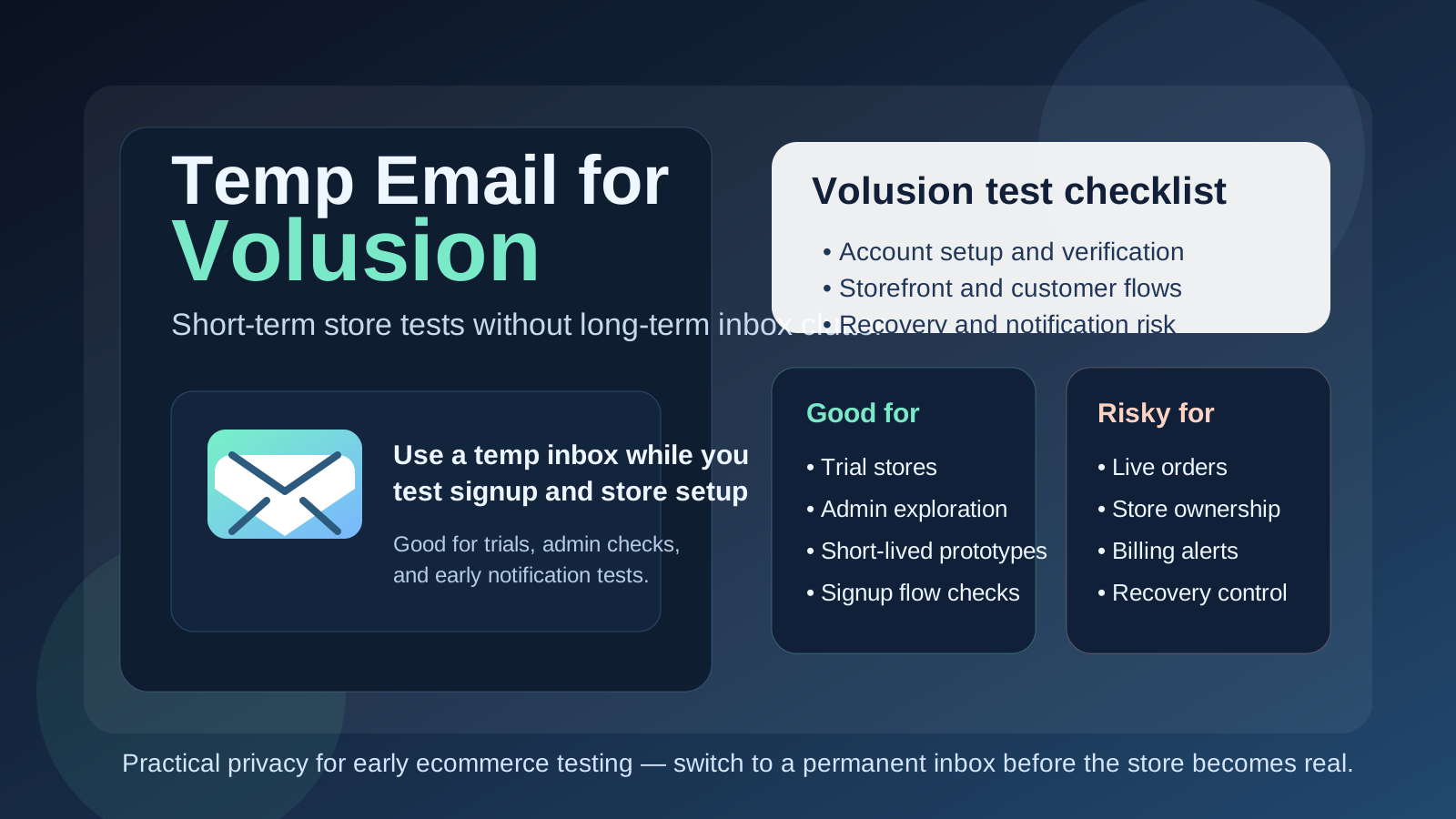
Why people look for a temp email for Volusion
Volusion sits in a category where people rarely sign up only to read a landing page. They usually want to see how the store setup feels, how the admin works, how products and categories look, what the checkout experience is like, and whether the platform fits the kind of store they actually want to run. That almost always means giving an email address somewhere along the way.
If you test several ecommerce tools in a short period, the email clutter arrives fast. Welcome sequences, setup reminders, feature announcements, upgrade nudges, and trial follow-ups can pile up even when you are not sure you will keep the store. A temporary inbox can make that first round of evaluation much cleaner.
That is the sensible use case. You want to verify the account, open the store, inspect the workflow, and keep your main inbox out of a long trail of messages until you know the platform deserves deeper attention. A tool like Anonibox fits that stage naturally because it keeps the early test isolated without pretending the account is ready for long-term ownership.
When a temp email makes sense for Volusion
A temp email is most useful when the store is clearly temporary, experimental, or low-stakes. Common examples include:
- Testing whether Volusion feels easier or harder than another ecommerce platform
- Reviewing the initial admin experience before committing to a real store build
- Trying a short-lived prototype for a side project or internal comparison
- Checking how customer account emails, password resets, or basic notifications behave during setup
- Keeping trial-related messages separate from your permanent business inbox
- Running a quick sandbox store that will be deleted if the platform is not a fit
In those situations, the inbox is serving the test, not the business. That is exactly where disposable email is strongest.
Where a temp email starts becoming risky
The danger appears when the test store quietly becomes a real store. That happens more often than people expect. A weekend experiment turns into a live catalog. A trial build becomes the actual small-business storefront. A temporary admin account ends up being the only address tied to recovery, important notifications, or ownership settings.
That is when convenience turns into fragility.
A temp email is a poor choice if it is tied to:
- The primary store owner or admin account
- Live customer order confirmations or support-related notifications
- Billing messages, subscription notices, or payment issues
- Password recovery for a store you plan to keep
- Shared team access that multiple people depend on
- Any store that is already accepting real traffic or real orders
Once money, customers, or ongoing operations are involved, the inbox should be boring, durable, and under your control. Disposable email is good at short-term convenience, not long-term accountability.
A good rule of thumb
If the Volusion account exists to help you test something, a temp email can be reasonable. If the account exists to own something, protect something, or support customers, use a permanent address you control from the start.
That one distinction prevents most of the common mistakes. It keeps the throwaway inbox attached to throwaway work and forces a deliberate handoff before the store matters.
Practical Volusion scenarios
Scenario 1: comparing store platforms
You want to compare Volusion with Shopify, WooCommerce, BigCommerce, or another platform before choosing one for a new project. In that case, a temporary inbox is reasonable. The goal is evaluation, not long-term ownership, and you probably do not want months of product emails just because you explored the admin for an afternoon.
Scenario 2: testing storefront and account flows
You may want to create a sandbox store, trigger a few account-related emails, and inspect how basic customer-facing flows behave. That is also a normal use for a temp email. It lets you complete the early checks without mixing those messages into your permanent inbox.
Scenario 3: preparing a store that may go live
This is where you should get more careful. If the store looks promising and you suspect it may become the real storefront, switch to a stable inbox early. Do it before the account becomes tied to important admin settings, team workflows, or customer communications.
Scenario 4: already taking real orders
At this stage, a temp email is simply the wrong tool. Real stores need dependable access to recovery emails, billing notices, customer-related messages, and any alerts connected to store health or account control.
How to use a temp email for Volusion safely
1. Decide whether the store is disposable before you sign up
Be honest with yourself at the start. Is this a quick trial, a one-day experiment, or a serious build that is likely to survive? If it has a real chance of becoming the permanent store, it is usually better to start with a permanent address instead of treating it like a throwaway by habit.
2. Use one inbox per store test
If you compare several platforms or several store concepts at once, do not funnel everything into one disposable inbox. Separate inboxes make it easier to keep verification links, reset messages, and platform-specific emails from turning into a confusing mess.
3. Save the messages you actually need
Temporary inboxes are useful because they are lightweight, but that also means you should not treat them like permanent records. If you need a verification link, setup note, or access message, capture it right away and do not assume you will want to dig it up later.
4. Switch before the store becomes operational
The best time to migrate away from a temp inbox is earlier than most people think. Move to a durable address before live orders, team logins, customer communications, or serious billing details enter the picture. Early migration is much easier than fixing ownership after the store has momentum.
5. Keep admin ownership separate from customer-facing tests
Sometimes people test customer email behavior and admin access in the same rough setup. That is fine during a controlled experiment, but once the store matters, separate the permanent owner account from temporary testing habits. Clear ownership reduces future confusion.
What to evaluate while you still have the temporary inbox
If you are going to use a temp email during the test phase, make the test count. Do more than verify that a signup email arrived.
Account setup friction
How smooth is the initial path from signup to store access? Are the instructions clear? Does the platform make the first tasks obvious, or do you feel lost right away?
Admin clarity
Once inside, can you understand the basic store-building workflow without hunting for every step? A good trial should help you judge whether the platform feels manageable for the way you work.
Email-driven flows
If your testing includes account verification, resets, or basic notification behavior, trigger those flows deliberately. Temporary inboxes are especially useful here because they let you review the actual messages without exposing your long-term address to every experiment.
Store realism
Ask whether the platform still feels good once you imagine real products, real customer expectations, and ongoing maintenance. A platform can feel acceptable for 30 minutes and frustrating for six months. That is the real decision.
Common mistakes to avoid
- Leaving the temp email attached too long: the store gradually becomes real before anyone updates the account address.
- Using the same inbox for multiple store tests: it becomes hard to tell which email belongs to which platform or project.
- Forgetting who controls recovery: later, nobody remembers which address can reset the admin account.
- Treating disposable email like a privacy guarantee: it is a convenience tool, not a magic shield.
- Letting customer-facing workflows depend on a throwaway inbox: that creates avoidable business risk.
Temp email vs separate permanent business inbox
It helps to separate two different ideas that people often blur together:
- Temp email: best for early testing, short-lived evaluation, and inbox cleanup during product comparison
- Separate permanent business inbox: best for store ownership, billing, customer-related notifications, team continuity, and account recovery
You do not always need to choose one forever. Many sensible workflows use both at different stages. A temp inbox keeps the trial clean. A permanent role-based address takes over once the store becomes important.
A simple workflow that works well
- Create a temporary inbox for the initial Volusion test.
- Use it to verify signup and inspect the earliest account and email-driven flows.
- Decide whether the store is disposable, promising, or likely to go live.
- If the project survives the test phase, move the account to a stable inbox you control.
- Only then tie real operations, customers, or team access to the store.
That keeps your evaluation tidy without accidentally building a fragile foundation underneath a real business workflow.
Final takeaway
A temp email for Volusion is useful when you are still exploring. It can keep platform trials, setup experiments, and short-term store tests from spilling into your main inbox.
But once the store starts looking real, the inbox should become real too. If admin recovery, billing, customer notifications, or long-term ownership matter, switch to a permanent address early and keep the temporary inbox where it belongs: in the test phase.