A temp email for Moodle is useful when you are testing self-registration, course enrollment, plugin behavior, or notification flows on a staging site without tying every experiment to your main inbox. It becomes risky once the account controls a real course, student progress, password recovery, moderation, or long-term admin access.
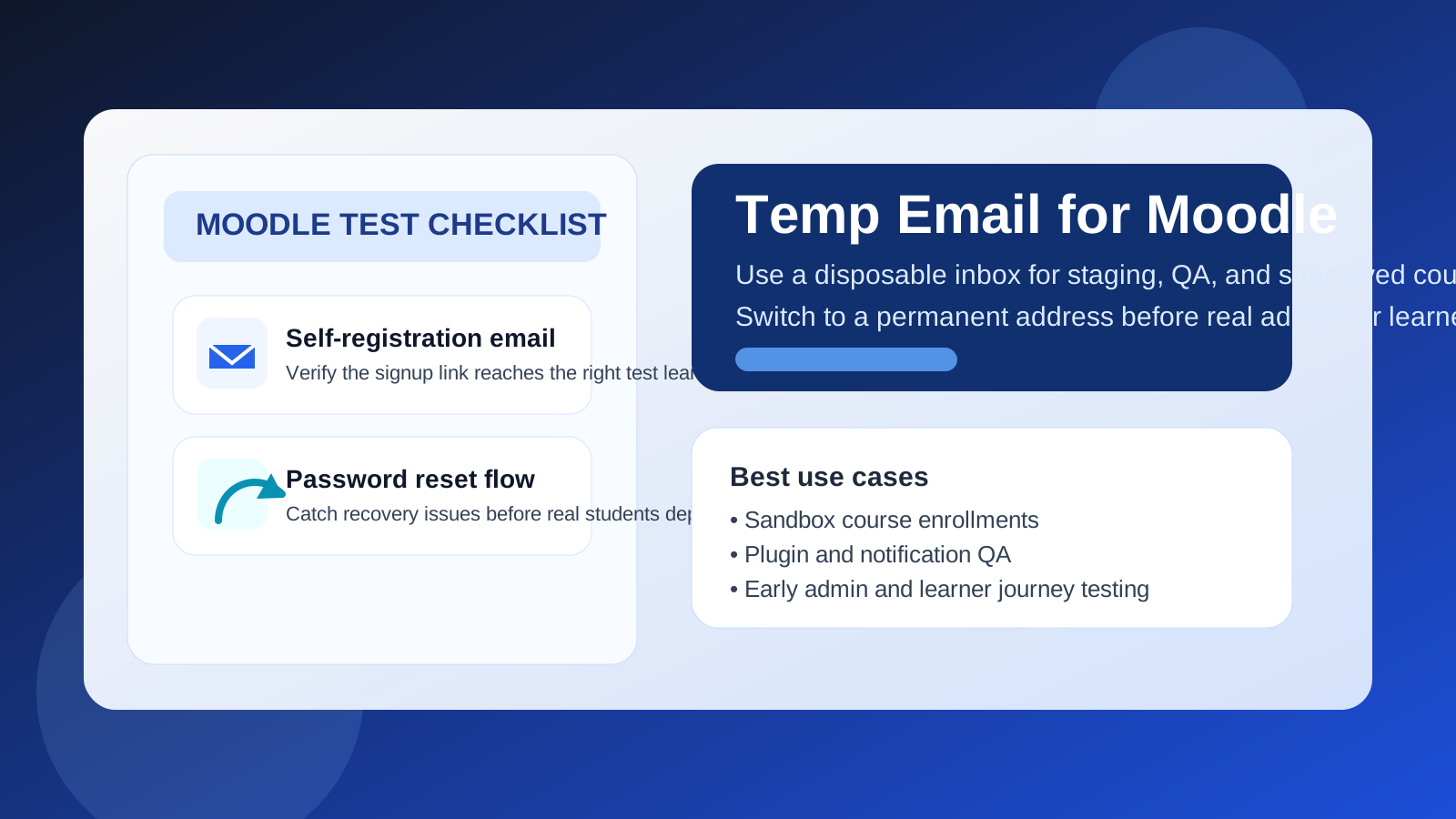
Use a disposable inbox for short-lived Moodle QA, sandbox classrooms, and one-off signups; switch to a permanent monitored address before real learners, grades, support, or institutional ownership depend on it.
Why people look for a temp email for Moodle
Moodle sits in an awkward middle ground that makes temporary email especially tempting. Some people use it for lightweight course previews, training pilots, and proof-of-concept learning portals. Other people use it for serious classroom delivery, internal employee training, certification programs, onboarding tracks, and long-term student records. Because the same platform can support both low-stakes testing and high-stakes access, people often start with convenience and only later realize the inbox behind the account has become important.
Email touches more of the Moodle experience than many people expect. It may be used for self-registration, account activation, password resets, forum digests, assignment reminders, enrollment confirmations, admin alerts, and messages generated by plugins or integrations. If you are spinning up a staging site, testing a new course template, or checking a signup workflow for a client, a throwaway inbox can keep that noise out of your daily mailbox. If you are building a real learning environment, the same shortcut can create painful recovery problems later.
When a temp email makes sense for Moodle
A disposable inbox is most useful when the Moodle account exists to test the platform rather than own the platform. Good examples include:
- Checking whether self-registration and email-based activation work on a staging site
- Creating throwaway learner accounts to test enrollment, completion tracking, and password resets
- Reviewing notification templates before launching a new training program
- Comparing Moodle with other learning platforms such as Teachable, Thinkific, Kajabi, or LearnWorlds
- Running a short internal pilot before assigning real administrators and support contacts
- Testing plugin behavior for quizzes, forums, certificates, memberships, or ecommerce add-ons
In all of those situations, the goal is controlled experimentation. You want the verification message, the first few workflow emails, and maybe a handful of reminder or forum notifications. You do not necessarily want every test account connected to your permanent inbox forever. A tool like Anonibox fits this stage well because it helps isolate the noisy part of setup while you decide whether the project is real.
When a temp email becomes a bad idea
The problem is not Moodle itself. The problem is how quickly a “temporary” account can become operationally important.
A temp email is the wrong choice when it is attached to:
- The main site administrator or long-term course owner
- A real teacher, trainer, or support account that will need dependable recovery access
- Live students or learners who need stable login and reset workflows
- Graded coursework, certifications, or compliance training records
- Billing notices, plugin-license alerts, or vendor communication tied to the site
- Any account that may need to be recovered months later after a course pause
If a learner forgets a password halfway through a course, if a training manager needs to regain access after staff turnover, or if an admin must respond to plugin and security notices, a disposable inbox is not good enough. Convenience during week one is not worth long-term fragility.
A Moodle-specific warning: domain rules, SSO, and institutional ownership
Moodle often lives inside schools, universities, nonprofits, and corporate training teams. That changes the temp-email decision in a few important ways.
First, some Moodle environments use institutional domains, manual enrollment rules, or single sign-on instead of open self-registration. In those setups, a throwaway inbox may not even reflect the real learner journey. You could test a fallback path, but not the actual production identity flow.
Second, institutional training environments usually need continuity. Learners may return for later modules, teachers may need message history, and administrators may need durable account recovery. A quick disposable signup can be fine for staging QA, but it is a poor foundation for accounts connected to real people and real records.
Third, Moodle is often extended with plugins for certificates, ecommerce, webinar tools, forum enhancements, or CRM connections. Those integrations can send their own email. Testing with a temporary inbox can help you see the flow, but production ownership should still move to a permanent monitored address before launch.
A simple rule that keeps the decision clear
If the account exists to test a workflow, temporary email can be fine. If the account exists to run a course, teach a class, recover access, or preserve learning history, use a permanent inbox.
That rule sounds basic, but it prevents most avoidable mistakes. Many inbox problems appear because a staging admin, QA learner, or one-off pilot account quietly becomes the real account after the project goes live.
How to use a temp email for Moodle safely
1. Decide whether the environment is truly disposable
Before you sign up, ask whether this Moodle instance is a sandbox, a client demo, a short pilot, or something likely to become production with minimal cleanup. If production is even moderately likely, starting with a permanent project inbox is usually smarter.
2. Separate test roles on purpose
Use different inboxes for different roles or environments instead of one catch-all address. A learner test account, an admin test account, and a plugin QA account should not all depend on the same inbox if you want clean troubleshooting.
3. Save the messages that matter right away
During testing, you usually only need a small number of emails: the activation message, one or two password resets, a forum notification, maybe an enrollment or completion notice. Capture those immediately so you can document what worked instead of assuming the inbox will still be convenient later.
4. Switch before real learners arrive
The best handoff point is before actual students, employees, or paying customers start depending on the course. Once real people enter the system, important accounts should already be tied to inboxes meant to last.
What to test while you still have the disposable inbox
If you are going to use a temp email during the evaluation stage, use that window well.
Self-registration and activation
Create a fresh learner account and walk through the full registration path. Does the activation email arrive quickly? Is the message clear? Does the learner land in the right place after clicking through?
Password resets
Do not stop at first login. Trigger a reset on purpose. Recovery flows are where many learning platforms feel fine in demos but break down in real use.
Enrollment and course access
Test whether a newly created account ends up in the correct course, group, or learning path. If your Moodle site uses manual approvals, self-enrollment keys, or plugin-based access rules, confirm the email side of that process too.
Forum and notification behavior
Moodle can generate a surprising amount of email through forums, announcements, reminders, and plugin events. A throwaway inbox makes it easier to see what learners will actually receive without polluting your everyday mailbox.
Plugin and integration overlap
Many Moodle sites are not plain Moodle installs. They may include ecommerce layers, webinar tools, certificate plugins, CRM syncs, attendance tracking, and reporting add-ons. Use the temp inbox to see how those pieces interact before you attach real accounts to them.
Common mistakes people make
- Leaving a disposable inbox on the main admin account after launch
- Testing registration but not password recovery
- Inviting real learners before ownership accounts are cleaned up
- Using one inbox for every environment and losing track of which email belongs to which test
- Assuming a successful signup test means the ongoing notification experience is fine
- Forgetting that student access may need to persist long after the initial trial
None of those errors look dramatic on day one. They become painful later when someone needs to recover a course account, confirm a training record, or troubleshoot a live learner issue.
Temp email vs a separate permanent project inbox
It helps to distinguish two different privacy strategies:
- Temp email: best for short-lived testing, QA learners, and low-stakes signup experiments
- Separate permanent project inbox: best for production admins, long-term support, real students, and ongoing recovery needs
They are not the same tool. Temporary email reduces short-term clutter and exposure. A permanent project inbox creates long-term continuity. Serious Moodle deployments often benefit from both at different stages rather than trying to make one approach do everything.
Where Anonibox fits naturally
Anonibox is most useful at the front of the workflow. It helps isolate activation emails, test resets, enrollment notices, and plugin-generated messages while you are still deciding whether the Moodle setup is worth keeping. That is helpful when you are comparing platforms, validating a staging build, or checking a training funnel before launch.
What it should not become is the permanent owner of accounts that matter operationally. Once Moodle is tied to real teachers, learners, grades, certifications, or support responsibilities, the inbox behind those accounts should be stable, monitored, and intentionally managed.
Final takeaway
A temp email for Moodle is a smart tool for early LMS testing. It works well for staging environments, throwaway learner accounts, registration QA, notification checks, and plugin experiments where you want less inbox clutter and more privacy.
But once the account controls real coursework, student access, admin ownership, or recovery paths, switch to a permanent inbox immediately. Temporary email is great for testing the learning platform. It is the wrong foundation for running the learning platform.