Use a temp email for TalentLMS when you are testing a trial account, sandbox portal, or a few learner flows and you do not want more signup noise in your main inbox. Do not keep a temporary address on the real admin or learner accounts once training access, invitations, password resets, or account recovery matter.
A disposable inbox can be practical for early evaluation because TalentLMS usually needs email for verification, invites, course notices, and resets. It becomes a bad long-term choice the moment the account starts controlling live learners, instructor access, branch admins, or training records you may need again later.
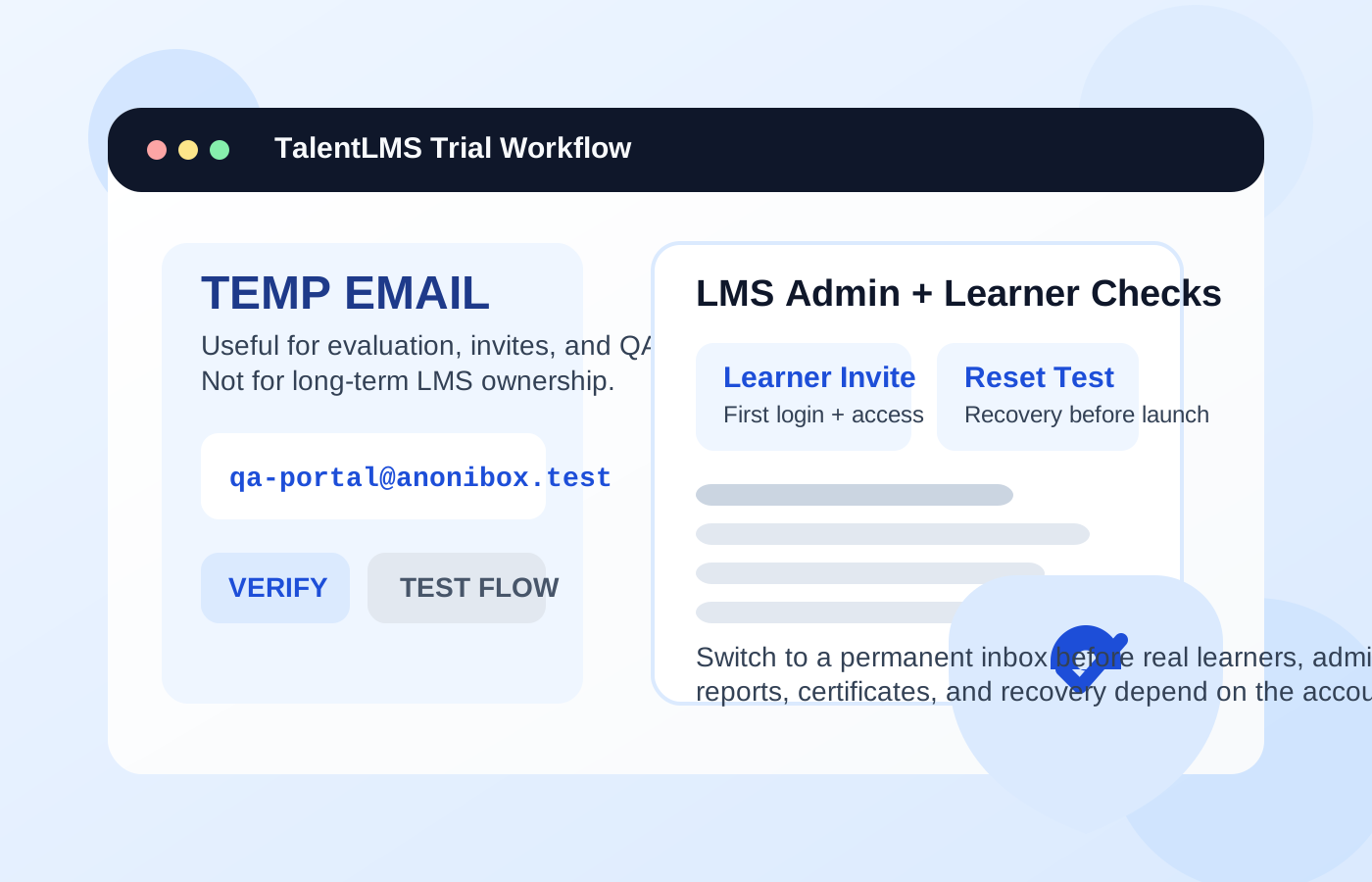
Why people look for a temp email for TalentLMS
TalentLMS is the kind of platform people often test before they fully trust it with real training operations. A company may be comparing learning systems for employee onboarding. A consultant may be building a proof of concept for a client. A trainer may want to see how learner invites, course assignments, and completion emails behave before launch. In all of those situations, email sits in the middle of the workflow.
You may need an inbox for account creation, verification, learner invitations, password resets, notifications, and follow-up messages. If you are only trying to confirm that the product works for your use case, using a temporary inbox can help keep that early-stage experimentation separate from your permanent business email. A tool like Anonibox is useful at this stage because it gives you the confirmation and test messages you need without forcing every trial and every test learner into your long-term inbox.
The mistake is assuming that a signup address that works during evaluation will still be acceptable after the system becomes real. In a learning platform, that assumption causes trouble faster than many people expect.
When a temp email makes sense for TalentLMS
A temporary inbox is most useful when the account exists to test the platform rather than own the platform. Good examples include:
- Running a short product evaluation: You want to see the admin dashboard, invite flow, and learner experience before deciding whether TalentLMS belongs on the shortlist.
- Testing learner signup and invitations: You need to confirm whether invite emails arrive, how registration behaves, and what a first-login experience looks like.
- Creating throwaway learner accounts for QA: You want separate learner personas without tying all of them to your main work inbox.
- Checking notification volume: You want to see what reminders, completions, or admin notices look like before you enable them for real users.
- Reviewing a staging or demo portal: You are validating branch setup, sample courses, or a client demo environment that may never become production.
Those are all low-stakes, reversible situations. If the account exists mostly to answer “Does this workflow behave the way I expect?” a disposable inbox can be a sensible privacy shortcut.
When it becomes risky
TalentLMS stops being a casual test very quickly once real people and real access depend on it. At that point, the email address behind the account is not just a contact detail. It is part of the platform’s recovery and ownership layer.
A temp email is a poor fit when it is attached to:
- The main administrator account that controls courses, users, settings, and integrations
- Real learners who may need login help, reset links, and return access weeks or months later
- Instructors or managers who need stable invites, reports, and notifications
- Accounts tied to certifications or completion history that may matter later
- Billing or account-owner roles that need dependable visibility into subscription changes and service notices
If an admin loses access to a temporary inbox, recovery can become messy. If a learner needs a password reset later, the original convenience is gone and the access problem remains. If an organization uses the platform for onboarding, compliance, or ongoing training, a disposable inbox is simply too fragile for production use.
Think about the role, not just the platform
Whether a temp email is acceptable depends heavily on what the account is supposed to do.
Admin or owner accounts
These should almost never stay on temporary email beyond the first few minutes of testing. The admin role may control invitations, user management, notifications, reporting, and account recovery. If the portal matters to the business, the admin inbox should be permanent, monitored, and intentionally managed.
Instructor or manager accounts
These are also poor candidates for disposable email once the environment is live. Instructors and managers may receive learner updates, course notices, assignment reminders, and reporting-related messages. Even if they are not the top-level owner, they still need reliable access.
Learner test accounts
This is where temp email is most reasonable. If you are simulating the learner experience, checking invitation flows, or testing enrollment logic, a throwaway inbox can be useful. You can verify the first-login path, trigger a reset, review notifications, and then discard the account once the test is complete.
Real learner accounts
These should use lasting email addresses if the training matters. Employees, customers, contractors, or students may need course links, progress reminders, certificates, and password recovery later. Temporary access is fine for QA. It is a poor foundation for real education or training delivery.
A safe way to use a temp email for TalentLMS
If you want the privacy benefit without creating a bigger problem later, use a staged approach.
1. Decide whether the environment is disposable
Ask whether this is a true sandbox, a short trial, or something likely to become the real portal. If production is even moderately likely, start with a permanent project inbox or switch very early.
2. Limit temporary use to evaluation tasks
Use the disposable inbox for first-pass verification, invite testing, learner QA, and notification review. Do not let it remain attached to the accounts that will actually run the training program.
3. Save the important messages immediately
During testing, the most valuable messages are usually the verification email, an invite email, maybe a password reset, and one or two notification examples. Capture what you need while the inbox is still active.
4. Switch before live rollout
Before you invite real learners or assign real managers, move the important accounts to durable inboxes. This is the cleanest handoff point. It is much easier to fix the email setup before adoption begins than after people are already relying on the system.
5. Separate privacy from permanence
You do not have to choose between exposing your main inbox everywhere and using a disposable address forever. Many teams are better served by a dedicated training-platform inbox that is permanent but separate from the rest of the business.
What to test while you still have the disposable inbox
If you are going to use a temp inbox during evaluation, make the most of that window.
- Admin signup and verification: Does the first account setup arrive quickly and work cleanly?
- Learner invitations: Are invite emails understandable, branded correctly, and easy to complete?
- Password resets: Do not skip this. Recovery flows often reveal problems that the happy-path signup does not.
- Notification behavior: Review how much email the platform actually sends and whether it is useful or noisy.
- Course-assignment flow: Confirm that invites, enrollment, and first access work the way your users will expect.
Those tests tell you much more than a simple “I created an account” check. They also help you decide when to stop using a throwaway inbox and start treating the environment like a real system.
Common mistakes people make
- Leaving a temporary address on the main admin account after the evaluation phase ends
- Testing invites but never testing password recovery
- Using one disposable inbox for multiple roles and then losing track of which message belongs to which test user
- Inviting real learners before owner and manager accounts are moved to permanent inboxes
- Assuming a training portal is “still temporary” long after people have started depending on it
None of these mistakes feel dramatic on day one. They become painful later when somebody needs urgent access, a reset email, or proof of course completion.
A better long-term alternative
A lot of people who search for temporary email do not really need a disposable inbox forever. They need separation. The better long-term answer is often a dedicated project or team email for training platforms. That gives you cleaner organization, less clutter in your main inbox, and much better recovery control than a short-lived address can provide.
For solo evaluators, that could be a secondary work inbox reserved for software trials and learning tools. For teams, it might be a role-based address used for LMS ownership and admin continuity. The point is the same: keep privacy and organization without sacrificing future access.
Final takeaway
A temp email for TalentLMS is a smart tool for early testing. It can help with trials, sandbox portals, learner QA, and invitation-flow checks when you want less clutter and more privacy.
It is the wrong foundation for real administrators, long-term learners, account recovery, and production ownership. Use temporary email for evaluation, then switch to a permanent monitored inbox before the training portal becomes important.