Yes, you can use a temp email for Blackboard when you are testing a trial environment, sandbox course, or a few student and instructor flows and you do not want extra signup mail in your main inbox. No, it is not a good long-term choice once real students, instructors, password resets, grades, or account recovery depend on that address.
The short version is simple: temporary email is helpful during evaluation and QA, but it becomes risky once Blackboard starts supporting real teaching, learning, or institutional access. Use it for early testing, then switch important accounts to a permanent monitored inbox before the environment matters.
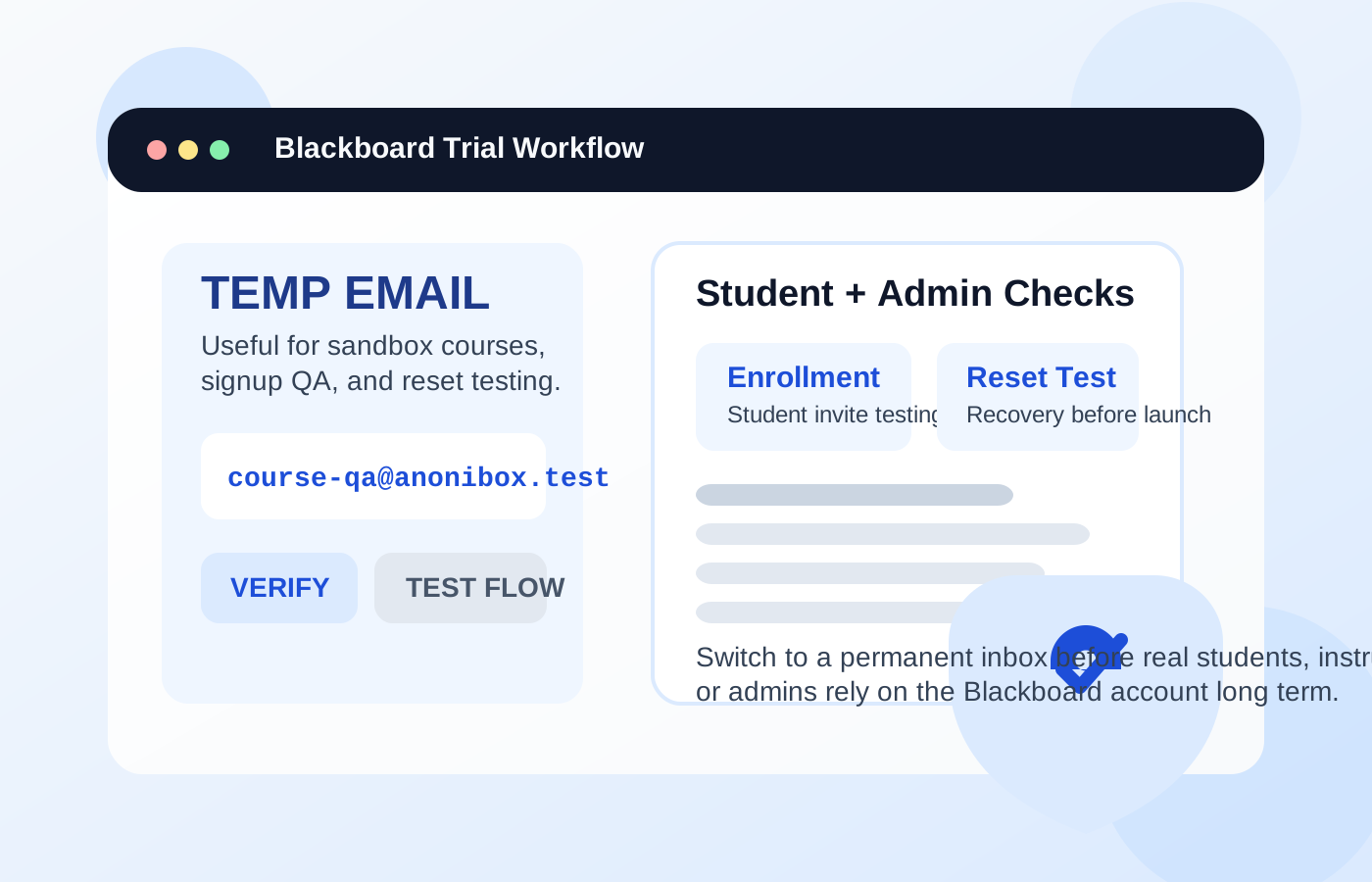
Why people look for a temp email for Blackboard
Blackboard sits in a part of the software world where email matters constantly. Institutions and training teams use it for login setup, course invitations, enrollment workflows, announcements, password resets, and access recovery. If you are evaluating Blackboard, building a demo course, testing a migration, or checking how a student journey works, you usually need an inbox somewhere in the loop.
That is why people look for temporary email in the first place. They are not always trying to hide forever. Often they just want separation. Maybe you are comparing learning platforms and do not want every test account hitting your normal work address. Maybe you are a consultant building a proof of concept for a client. Maybe you are simulating a few student accounts for QA and do not want to reuse the same inbox for every role. In those situations, a disposable inbox can make the testing phase cleaner.
A tool like Anonibox fits that early stage well because it gives you a quick inbox for verification, invite checks, and notification review without forcing every experiment into your long-term mailbox. The problem starts when a test account quietly becomes a real account and the temporary inbox stays attached much longer than it should.
When a temp email makes sense for Blackboard
Temporary email is most useful when the Blackboard account exists to test the platform rather than operate the platform. Good examples include:
- Running an early product evaluation: You want to see how account creation, login, and course access work before committing to a rollout.
- Testing sandbox courses: You need student and instructor test accounts to confirm enrollment, navigation, notifications, or content release behavior.
- Checking invitation and activation flows: You want to know what a new user actually receives by email and whether the path is clear.
- Creating throwaway QA personas: You need separate student accounts, not permanent identities, for regression testing or migration checks.
- Reviewing notification volume: You want to see how many emails the platform sends and whether they are useful or noisy.
Those are all low-stakes, reversible scenarios. If the account is temporary and the environment is temporary, a temp inbox can be a practical choice.
When it becomes risky
Blackboard stops being casual the moment people rely on it for real access. A live learning environment is not just another SaaS account. It can hold course entry, deadlines, messages, participation history, and the recovery path for the people using it. That raises the cost of a fragile inbox decision.
A temp email is a poor fit when it is attached to:
- The main administrator or platform owner account that controls settings, users, and integrations
- Instructor accounts that need stable access to courses, student communication, and reset links
- Real student accounts that may need to sign back in later, recover access, or receive course-related messages
- Institutional roles tied to onboarding, support, or account ownership
- Any account connected to real deadlines or long-term academic records
If that temporary inbox becomes unreachable, the inconvenience is not theoretical. It can block a reset link, lock out an admin, interrupt student access, or create unnecessary support work for a team that assumed the account setup was stable.
Think about the role, not just the platform
Whether temporary email is reasonable depends less on the Blackboard brand itself and more on what the specific account is supposed to do.
Administrator accounts
These should almost never remain on temporary email past the earliest testing window. The admin role can affect course creation, enrollment, permissions, integrations, and recovery. If the environment has any chance of becoming real, the admin inbox should be permanent and intentionally managed.
Instructor accounts
These are also poor long-term candidates for a disposable inbox. Instructors may need announcements, course updates, password resets, or messages from learners. Even if the account is not the top-level owner, it still needs reliable access if real teaching is happening.
Student test accounts
This is where temp email is most reasonable. If you are simulating student enrollment, checking a welcome email, testing a password reset, or confirming how notifications behave, a throwaway inbox can save time and reduce clutter.
Real student accounts
These should use lasting addresses if the learning experience matters. Students may need to return later, recover access, receive course updates, or manage ongoing coursework. A disposable inbox is fine for QA. It is a weak foundation for real learning access.
A safe way to use a temp email for Blackboard
If you want the privacy and convenience benefits without creating a messy recovery problem later, use a staged approach.
1. Decide whether the environment is disposable
Before you sign up or create test users, ask whether this is truly a sandbox, a short evaluation, or something likely to become the real learning environment. If the answer is even slightly “this may become production,” start with a permanent project inbox or switch very early.
2. Keep temporary email limited to evaluation tasks
Use the disposable inbox for first-pass verification, invite checks, test enrollments, password reset QA, and notification review. Do not let it remain attached to the people or roles that will actually run courses or depend on the platform later.
3. Capture the important messages while the inbox is active
During testing, the most useful emails are usually verification, an enrollment or invitation message, a password reset, and a sample notification or two. Save what you need while the inbox is still available rather than assuming you can always come back for it.
4. Switch before real users arrive
The cleanest handoff is before you invite real students, instructors, or staff into the live environment. It is much easier to replace a temporary address before adoption starts than after multiple people depend on it.
5. Separate privacy from permanence
You do not have to choose between exposing your personal inbox everywhere and using throwaway addresses forever. Many teams are better served by a dedicated institutional or project inbox that is permanent but separate from day-to-day personal mail.
What to test while you still have the disposable inbox
If you are going to use a temp inbox during the Blackboard evaluation phase, make it count. Do more than confirm that the first email arrives.
- Account setup and verification: Does the first login workflow work smoothly?
- Enrollment or invitation flows: Are student or instructor invitations understandable and easy to complete?
- Password resets: This is one of the most important checks because recovery often reveals issues the happy path does not.
- Notification behavior: Review reminders, announcements, and other messages so you know what users will experience.
- Role-based testing: Compare what students, instructors, and admins actually receive and where access problems appear.
These tests tell you whether the environment feels dependable, not just whether it technically exists.
Common mistakes people make
- Leaving a temporary address on the main admin account after testing ends
- Creating real instructor accounts before moving them to permanent inboxes
- Testing registration but never testing password recovery
- Using the same disposable inbox for too many roles and then losing track of which message belongs to which user
- Assuming the environment is “still temporary” long after real learners have started using it
None of these errors feels dramatic on the first day. The pain shows up later when access matters and the original inbox decision is hard to unwind.
A better long-term alternative
Many people searching for temporary email do not truly need a disposable inbox forever. They need a cleaner boundary. The better long-term answer is often a dedicated project or departmental address for Blackboard ownership. That gives you separation from your main inbox, better internal continuity, and more dependable recovery than a short-lived address can offer.
For solo evaluators, that could mean a secondary work inbox reserved for platform trials and testing. For institutions or teams, it usually means a role-based mailbox used intentionally for LMS ownership. The principle is the same: keep the noise out of your personal inbox without sacrificing future access.
Final takeaway
A temp email for Blackboard is a smart tool for early LMS testing. It can help with sandbox accounts, student-flow QA, invite checks, and notification review when you want more privacy and less inbox clutter.
It is the wrong long-term choice for production admins, real students, instructors, and account recovery. Use temporary email for evaluation, then move important Blackboard accounts to a permanent monitored inbox before the environment becomes something people rely on.