Yes, you can use a temp email for Canvas LMS when you are testing a sandbox course, checking signup and enrollment flows, or reviewing notifications without feeding your main inbox into every experiment. No, it is not a smart long-term address once a real admin, instructor, student, or observer account depends on that inbox for access and recovery.
The practical rule is simple: temporary email is useful for short-term Canvas LMS evaluation and QA, but risky for production ownership. Use it to test the platform early, then move important accounts to a permanent monitored inbox before the account starts to matter.
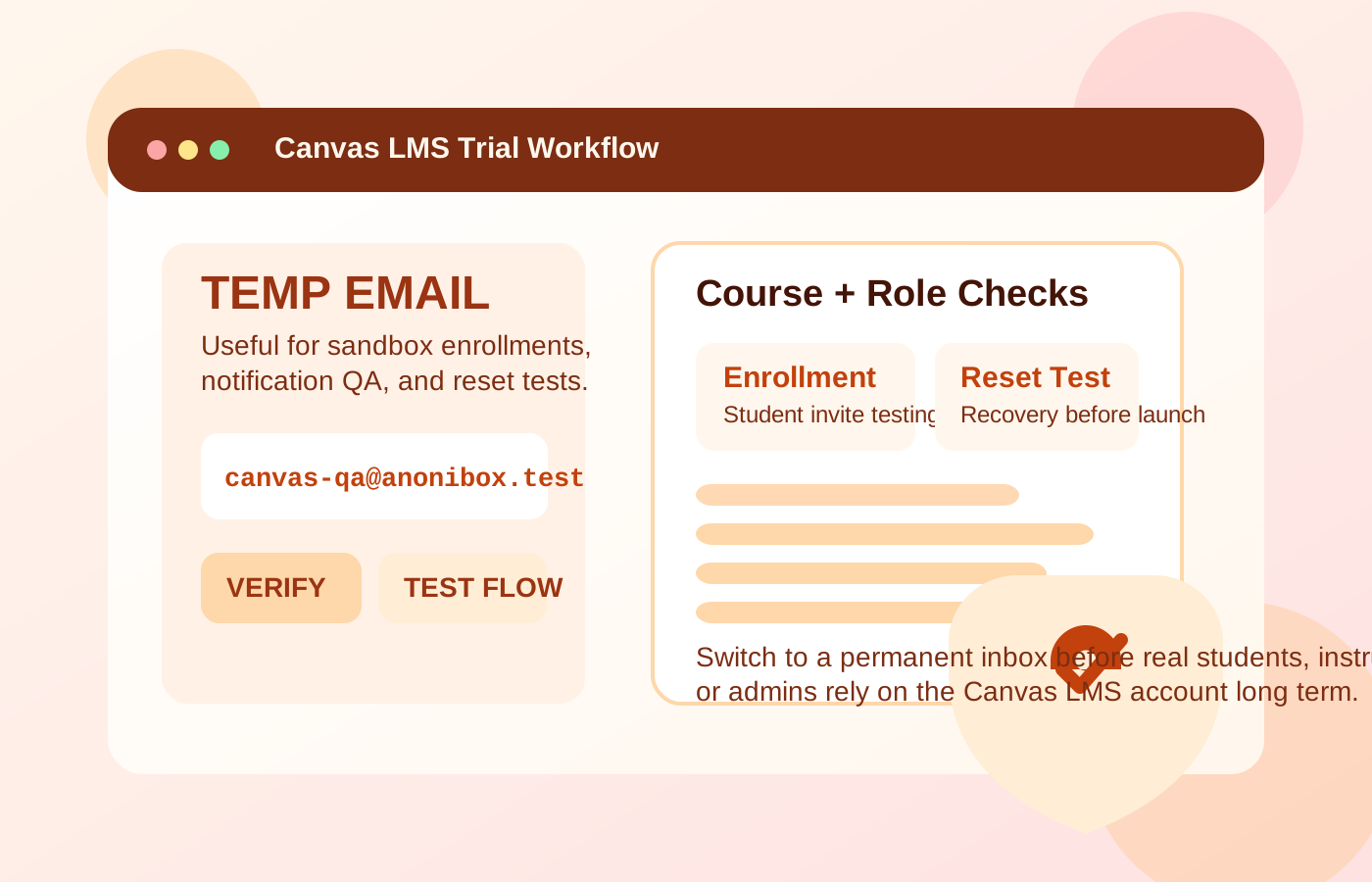
Why people look for a temp email for Canvas LMS
Canvas LMS is the kind of platform where email quickly becomes part of the user journey. Even a basic setup can involve account verification, course invitations, password resets, enrollment notices, announcements, observer access, and other routine messages. If you are evaluating Canvas, creating test courses, or simulating different user roles, you often need inboxes just to see how the workflow actually behaves.
That is why temporary email is appealing. Maybe you are an admin comparing learning platforms and you do not want several pilot environments sending updates to your normal address. Maybe you are a consultant building a proof of concept for a school or training team. Maybe you need separate student and instructor personas for QA and do not want those tests mixed into your day-to-day inbox. In those cases, a disposable inbox can keep the evaluation clean.
A tool like Anonibox is handy at that stage because it lets you receive the first verification and notification emails without tying a long-term inbox to every test account. The trouble starts when a short-lived test setup quietly turns into a real environment and nobody swaps the temporary address out in time.
When a temp email makes sense for Canvas LMS
A temp inbox makes the most sense when the account is temporary and the environment is temporary too. Good examples include:
- Early platform evaluation: You want to see how Canvas account creation, login, and notification flows work before a wider rollout.
- Sandbox course testing: You need throwaway student, teacher, or observer accounts to check navigation, announcements, and access permissions.
- Enrollment-flow QA: You want to confirm what new users actually receive by email and whether the invite path is clear.
- Password reset testing: You are checking recovery behavior before people rely on it.
- Notification volume review: You want to see how much mail Canvas generates during routine activity and which alerts matter.
These are all low-stakes, reversible tasks. If you are only trying to learn how the product behaves, a disposable inbox can save time and reduce clutter.
When it becomes a bad idea
Canvas stops being casual the moment real people depend on it for course access. At that point the email tied to an account is no longer just a convenience detail. It is part of the recovery path, the communication path, and sometimes the ownership path too.
A temporary email becomes risky when it is attached to:
- The main admin account managing users, settings, integrations, and system-level decisions
- Instructor accounts that need reliable access to course communication and reset links
- Real student accounts that may need to sign in again later, recover access, or receive class updates
- Observer or guardian accounts that expect stable notification delivery
- Any account tied to ongoing training or academic work rather than a short-lived test
If the inbox disappears or becomes inaccessible, the damage is not theoretical. It can create lockouts, missed resets, support headaches, and avoidable confusion for people who assumed the account setup was permanent.
Think about the role, not just the product
The best way to decide whether temporary email is reasonable is to ask what the specific account is supposed to do.
Administrator accounts
These should almost never stay on temporary email beyond the earliest test window. Admin accounts can affect provisioning, permissions, and the overall LMS setup. If the environment might become real, the admin inbox should be stable from the start or changed very early.
Instructor accounts
Instructor logins also need permanence once a course is live. Teachers may need reset links, system notices, and communication related to course access. A disposable inbox may be fine for a demo instructor account, but not for a person actually teaching through the platform.
Student test accounts
This is where temp email works best. If you are simulating enrollment, checking a welcome email, testing an assignment notification, or confirming a reset path, a throwaway inbox is efficient and low-risk.
Real student accounts
These should use an address that will still exist when the learner needs to sign in again. Real coursework, deadlines, and recovery paths do not mix well with an inbox designed to disappear.
Observer accounts
Canvas observer roles can matter for parents, guardians, or supervisors depending on the setup. If someone expects ongoing updates, they need a monitored address, not a temporary one left over from testing.
A safe workflow for using temp email with Canvas LMS
You can get the privacy and convenience benefits without turning them into a recovery problem later if you use a staged approach.
1. Decide whether the environment is truly disposable
Before you create accounts, ask whether this is a real production rollout, a likely production rollout, or an isolated test. If there is a good chance the environment will become important, start with a permanent project inbox or plan an early switch.
2. Limit temp email to evaluation tasks
Use the disposable inbox for first-pass verification, invite checks, reset testing, and short-term persona creation. Do not let it remain attached to the people who will own or rely on the LMS long term.
3. Save the messages that matter while they are fresh
During testing, the most valuable emails are usually verification links, enrollment notices, password resets, and a few sample notifications. Capture the details you need while the inbox is still available instead of assuming you can revisit it later.
4. Switch before real usage begins
The cleanest moment to replace a temp address is before real instructors, students, or observers are invited into the environment. Once adoption starts, changing account ownership details becomes more annoying and more error-prone.
5. Separate privacy from permanence
You do not need to choose between exposing your main inbox everywhere and using throwaway addresses forever. Many teams do better with a dedicated departmental or project inbox that is permanent but separate from personal mail.
What to test while you still have the temporary inbox
If you use a temp email during your Canvas evaluation, get real value from it. Test the parts that often cause friction later:
- Initial account setup: Does the first verification or invite path work cleanly?
- Enrollment and course invitations: Is the new-user experience understandable from the inbox side?
- Password recovery: Reset testing often reveals issues that normal sign-in does not.
- Notifications: Review announcements, assignment alerts, and other messages so you know what users will actually receive.
- Role-based differences: Compare teacher, student, and observer behavior instead of assuming every role sees the same thing.
These checks are more useful than merely confirming that one email arrived. They tell you whether the LMS communication experience is workable in practice.
Common mistakes to avoid
- Leaving a disposable inbox on the main Canvas admin account after pilot testing ends
- Creating real instructor or student accounts before moving them to stable addresses
- Testing sign-up but skipping password reset and recovery testing
- Using one throwaway inbox for too many roles and losing track of which account is which
- Assuming a pilot is still temporary long after people are actively using it
Most of these mistakes do not feel serious on day one. The pain shows up later when somebody needs access quickly and the original inbox decision becomes hard to undo.
A better long-term alternative
Most people searching for temporary email are really searching for separation. They want testing and evaluation to stay out of their primary inbox. That is reasonable. But once Canvas matters, the stronger long-term solution is usually a dedicated project, departmental, or institutional mailbox.
That approach gives you the same boundary benefits without the fragility of a disposable inbox. It also makes internal handoffs, support, and account recovery much easier if staff changes or responsibilities shift.
Final takeaway
A temp email for Canvas LMS is useful when you are in the short-lived testing phase. It helps with sandbox setup, enrollment-flow QA, sample notifications, and role-based account checks without cluttering your main inbox.
It becomes risky once the account belongs to a real admin, instructor, student, or observer who needs dependable access. Use temporary email for early LMS testing, then switch important Canvas accounts to a permanent monitored inbox before the environment becomes something people rely on.