Use a temp email for Absorb LMS when you are testing a sandbox portal, checking enrollment flows, or reviewing notifications without feeding your main inbox into every LMS experiment.
Do not keep a disposable address on a real admin or learner account that may later depend on that inbox for password resets, compliance notices, course communication, or account recovery.
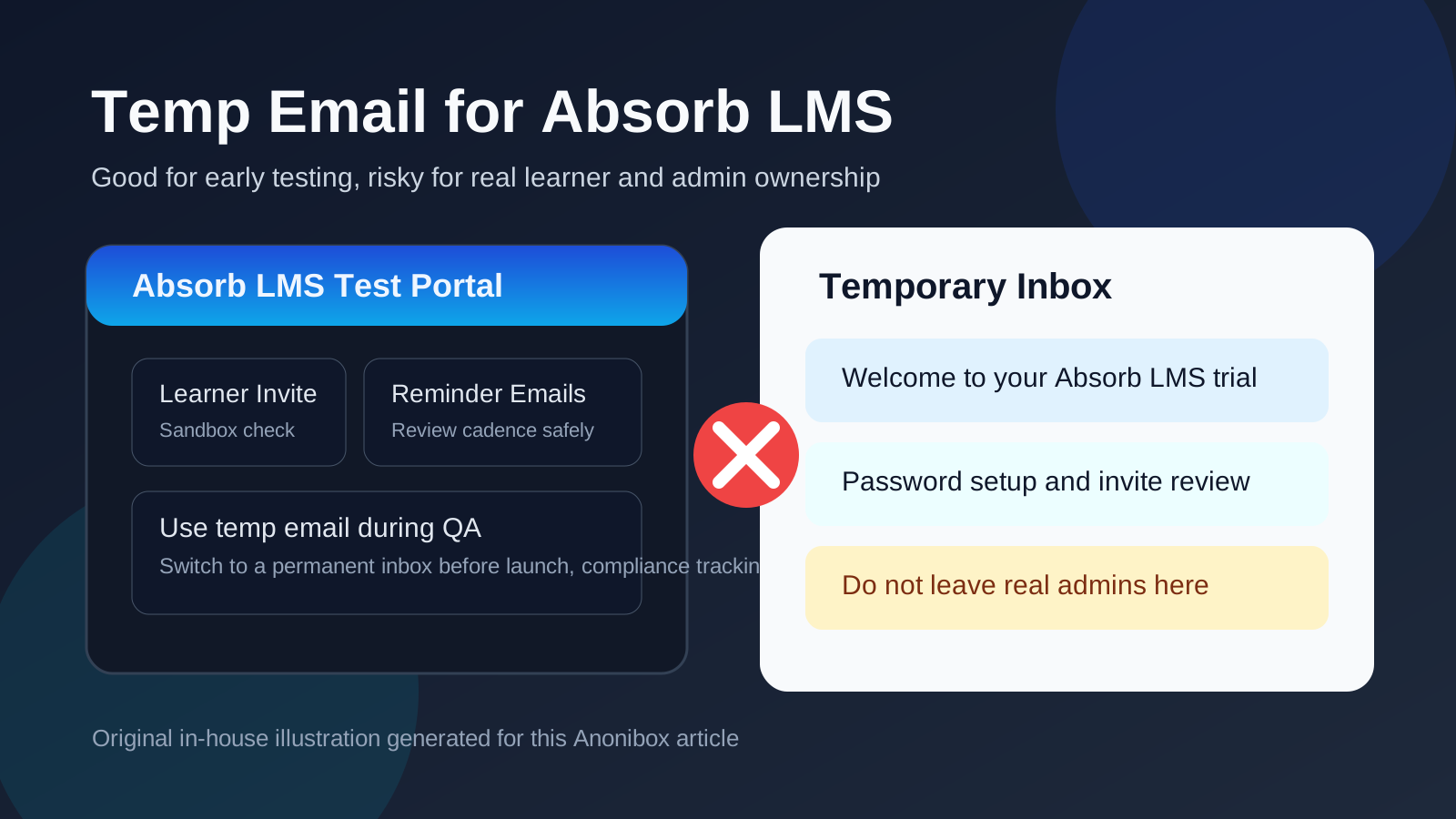
That is the practical answer. Temporary email is helpful during short-lived evaluation and QA, but it becomes fragile the moment the account matters to a real training program or a real person. If you are piloting Absorb LMS for internal training, customer education, partner onboarding, or compliance programs, the safest pattern is to use a throwaway inbox only during early testing and then move anything important to a permanent monitored address before rollout.
Why people look for a temp email for Absorb LMS
Absorb LMS is the kind of platform where email gets involved immediately. Even a basic trial or pilot can trigger invitations, verification messages, welcome emails, password setup links, course enrollment notices, reminder campaigns, and progress notifications. If you are comparing learning platforms or creating test users for QA, that traffic can pile up fast.
That is exactly why a temporary inbox is appealing. You may want to inspect how learner invitations look, test the first-login experience, compare reminder timing, or create several role-based accounts without attaching every experiment to your everyday work address. A tool like Anonibox is useful at that stage because it lets you catch the messages you need while keeping exploratory testing separate from your main inbox.
The catch is that LMS accounts have a habit of outliving their original purpose. A throwaway admin account becomes the one everyone still uses. A pilot learner account becomes part of real reporting. A quick test environment suddenly turns into the production training portal. That is when convenience turns into a liability.
When a temp email makes sense for Absorb LMS
A disposable inbox is most useful when both the account and the environment are clearly temporary. Good examples include:
- Early platform evaluation: you want to see how Absorb LMS handles invitations, onboarding, and first login before giving out a permanent address more widely.
- Sandbox learner testing: you need throwaway learner-style accounts to check catalogs, course assignment, navigation, and completion flows.
- Notification QA: you want to review welcome emails, overdue reminders, enrollment notices, or reset emails without cluttering your regular inbox.
- Workflow comparisons: you are comparing Absorb LMS with tools like Docebo, TalentLMS, Canvas LMS, Brightspace, Schoology, or LearnWorlds and want cleaner inbox separation.
- Short proof-of-concept work: you are helping a training team or client validate setup choices before assigning real ownership.
Those are reversible, low-stakes situations. If the goal is to learn how the platform behaves rather than to run the platform long term, temporary email can save time and keep testing tidy.
When it becomes a bad idea
Absorb LMS stops being casual the moment a real person depends on the account for ongoing access. At that point the email address is no longer just a signup detail. It becomes part of recovery, communication, and ownership.
A temp inbox becomes risky when it is attached to:
- The main admin account that controls users, automations, reporting, integrations, or portal-wide settings
- Instructor or manager accounts that need dependable access and password recovery
- Real learner accounts tied to onboarding, compliance, certification, or mandatory training
- Customer education or partner training users who may return weeks or months later
- Any account involved in audits, completions, deadlines, or regulated training records
If missing one email could mean a lockout, a missed compliance deadline, or a confused learner, the account should not be anchored to a disposable inbox.
Absorb LMS-specific complications people overlook
Automated reminders can matter more than expected
Absorb LMS is often used for recurring training and completion tracking. That means reminder emails are not just noise. In production, they may be part of how learners stay on time and how teams document participation. A temp inbox is fine for checking reminder wording during QA, but it is a poor long-term home for messages that actually matter.
Manager and admin roles are not just login shells
Admin and manager accounts can influence assignments, reporting views, approvals, and user access. If one of those accounts is tied to a throwaway address, you may discover the problem only when someone needs a password reset or an urgent ownership change.
HRIS, SSO, and provisioning can change the rules
Some Absorb LMS deployments are connected to identity systems, HR data, or structured provisioning rules. In those environments, a disposable inbox may not reflect the real production path anyway. It can still help for isolated QA, but it is not a substitute for testing the actual login and communication model your learners will use.
Customer training portals often last longer than the pilot
Teams sometimes treat external training pilots as temporary, then keep building on them. A learner account created casually for testing can linger longer than planned. If it sits on a disposable inbox, recovery and communication become fragile at exactly the wrong moment.
A safe way to use temporary email during Absorb LMS evaluation
If you want the privacy and inbox-control benefits without creating a future cleanup project, use a simple boundary:
- Use the disposable inbox only for testing. Keep it for signup confirmation, invite review, and notification QA.
- Label those accounts clearly. Make it obvious they are sandbox learners, demo managers, or short-term QA admins.
- Capture the messages you actually need. Save useful examples of welcome emails, reset links, or reminder cadence before the inbox disappears.
- Do not let the test identity become the real owner. If the portal is moving beyond QA, switch important accounts to permanent monitored addresses before launch.
- Retire throwaway users once testing is done. That keeps the environment cleaner and avoids future confusion.
This approach gives you the privacy benefit of temporary email without quietly turning a disposable address into part of your real training infrastructure.
What to test while you still have the disposable inbox
Invitation and first-login flow
Create a fresh learner-style account and walk through the full first-login experience. Does the invitation arrive quickly? Is the call to action clear? Does the learner land in the right place after activation?
Password reset behavior
Do not stop at account creation. Trigger a reset on purpose. Recovery flows are where systems often feel fine in demos but fail real users later.
Enrollment and reminder emails
Check what actually lands in the inbox after a course assignment, a due-date reminder, or a completion nudge. This is one of the fastest ways to see whether the learner communication model is helpful or noisy.
Role-based differences
Admin, manager, and learner experiences are not identical. If you are testing a serious rollout, create separate personas rather than using one inbox for everything. That makes it much easier to spot role-specific issues before production.
Common mistakes to avoid
- Using one temp inbox for every test role: that makes message review messy and hides role-specific differences.
- Forgetting about recovery: the first login is rarely the hard part. The second or fifth login is where disposable email starts to hurt.
- Letting a pilot account linger: temporary admin and learner accounts often survive by habit until they become real dependencies.
- Confusing privacy with durability: a temp inbox can improve privacy during early evaluation, but it does not improve reliability once the account matters.
What training teams should do instead for real rollouts
If you are running a real Absorb LMS implementation, the best middle ground is usually not “use temp email forever” and not “use your personal inbox for every test.” A better pattern is to separate testing identities from production identities.
Use temporary email for early verification, throwaway QA users, and notification review. Then move production admins, true managers, and any account tied to real learners or real training records to inboxes that your team intentionally monitors. If you need persistence during a longer pilot, a dedicated project mailbox is usually safer than a disposable one.
That balance keeps your early testing flexible without making later governance sloppy.
Quick decision checklist
Before using a temp email for Absorb LMS, ask:
- Is this account only for a short-lived sandbox or evaluation?
- Will a real learner, manager, or admin depend on it later?
- Do I need reliable password recovery for this account?
- Am I testing notifications, or am I creating a real operational identity?
- Is this deployment likely to connect to SSO, HRIS, or long-term reporting?
If the account is temporary and the answers stay low-stakes, a disposable inbox is probably fine. If the account is becoming real, move it to a permanent monitored address before it turns into technical debt.
Final answer
A temp email for Absorb LMS is useful for early LMS testing, invite review, learner-flow checks, and notification QA. It helps you evaluate the platform without turning your everyday inbox into a dumping ground for every pilot and experiment.
It is a poor choice for production admins, real learners, managers, or any account that may need dependable recovery and ongoing communication. Use temporary email to test Absorb LMS early. Do not let it become the long-term home of an account people actually depend on.