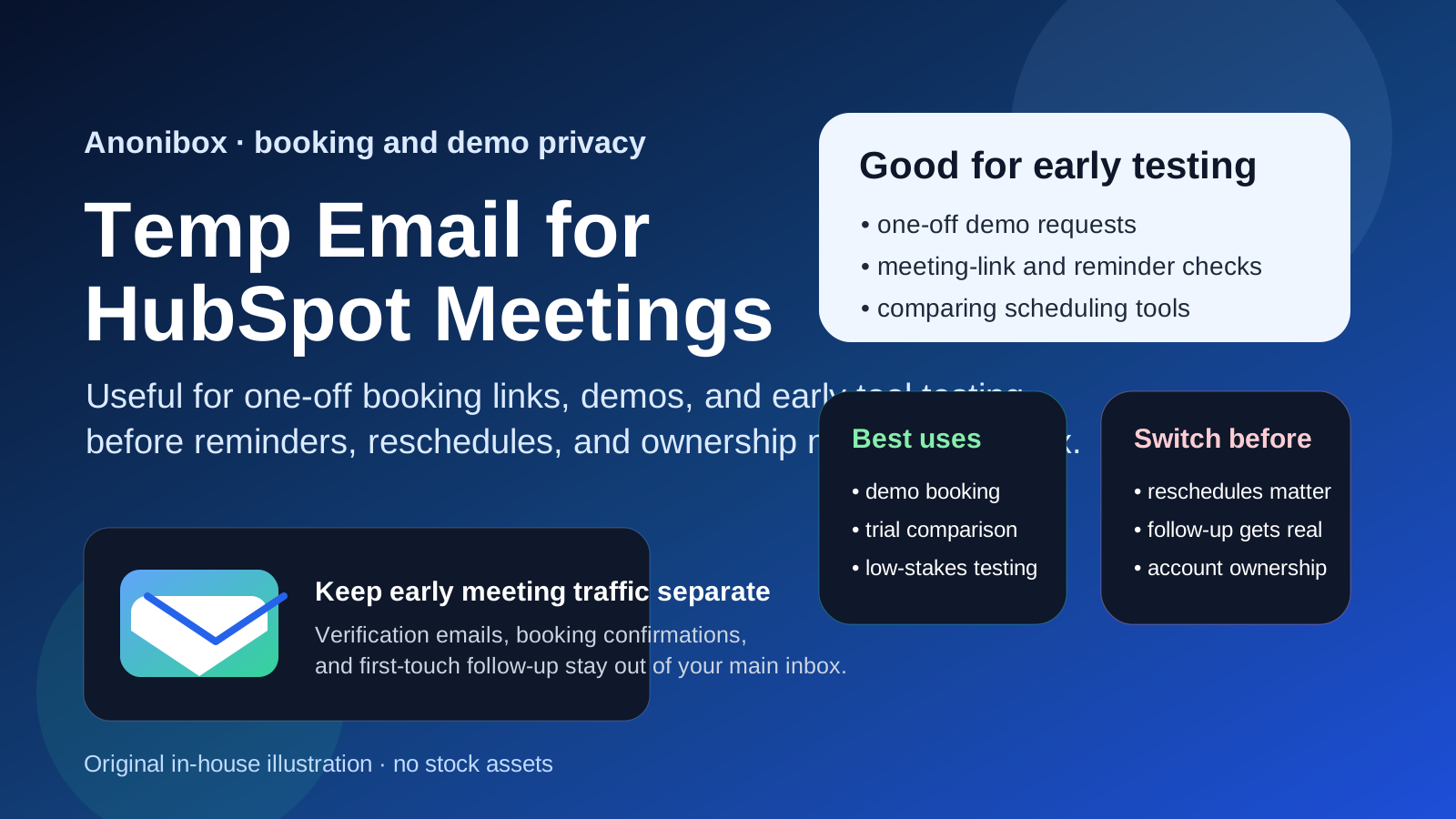
A temp email for HubSpot Meetings can be a smart way to book a one-off demo, test a meeting link, or compare scheduling tools without feeding your main inbox into another long sales sequence.
It stops being a smart setup once reminders, reschedules, account ownership, or a real buyer conversation starts depending on that inbox, so switch to a permanent address before the meeting flow becomes important.
Why people look for a temp email for HubSpot Meetings
HubSpot Meetings sits at a very specific point in the signup journey. It is usually not the final product someone commits to after months of planning. More often, it is part of an earlier stage: booking a demo, testing a sales workflow, checking a meeting link, or comparing how a scheduling flow feels against tools like Calendly, Chili Piper, TidyCal, Acuity Scheduling, or SavvyCal.
That early stage is exactly where temporary email can help. You may want the confirmation email, the first reminder, and a look at the onboarding flow, but you may not want your permanent inbox tied to every vendor the moment you click a booking page. If you are researching several tools at once, that follow-up pile builds fast.
A service like Anonibox can act as a buffer during that evaluation phase. You still get the message you need to complete the booking or verify the test, but you keep low-stakes research separate from the inbox you use every day.
When a temp email for HubSpot Meetings makes sense
Temporary email is most useful when the interaction is clearly short-lived, exploratory, or low risk. That usually means one of the following situations.
One-off demo requests
If you want to book a sales demo just to see the product and ask a few first-round questions, a temporary inbox can help you avoid dragging that vendor into your main inbox before you know whether the product belongs on your shortlist.
Testing booking links
Maybe you are reviewing HubSpot Meetings from the operator side and want to understand how the booking flow behaves. You may only need a verification message and a couple of notifications while you check the form, the calendar logic, and the reminder sequence.
Comparing scheduling tools
When you are evaluating several meeting or routing tools in the same week, separate inboxes make the comparison cleaner. You can see which platform sends what, keep each trial contained, and walk away from weak options without carrying weeks of follow-up mail.
Keeping early sales follow-up out of your main inbox
Meeting tools often sit close to CRM and sales automation. That means a simple booking can lead to reminder emails, follow-up sequences, case studies, webinar invitations, and more outreach than you wanted from a casual first look. A temp inbox can help control that.
Where a temporary inbox becomes risky
The problem is not using a temporary inbox too early. The problem is using it for too long.
HubSpot Meetings starts as a lightweight scheduling touchpoint, but it can quickly become part of a real business conversation. Once that happens, continuity matters more than privacy convenience.
Reminders and reschedules matter more than the welcome email
The first email is easy to replace. The message that says your meeting moved, your time slot was updated, or the host sent extra details is much harder to lose without consequences. Disposable inboxes are best at the beginning, not in the middle of an active scheduling thread.
Real buying conversations need continuity
If a booked meeting turns into a real evaluation, procurement conversation, onboarding path, or continuing relationship, you need a durable address. The email trail may end up holding invite changes, follow-up notes, recordings, collateral, or next-step communication that you do not want tied to an expiring inbox.
Account recovery and ownership become more important
If you are testing the Meetings tool from the inside and there is any chance the account will stay around, a throwaway inbox becomes a weak foundation. Password resets, ownership changes, and admin messages are exactly the kinds of emails you should not risk losing.
Shared team workflows are not disposable
Once colleagues, SDRs, account executives, or operations staff depend on the scheduling setup, the inbox stops being a private testing detail. It becomes part of a wider workflow. That is the point where a permanent monitored address is the safer choice.
Temp email vs a dedicated evaluation inbox
People often treat these as the same thing, but they solve different problems.
A temp email is great when you want fast isolation and low commitment. It is best for one-off demo requests, short-lived trials, and early-stage comparison shopping.
A dedicated evaluation inbox is better when you are running a serious comparison across several vendors and expect the process to last more than a day or two. It still protects your main inbox, but it gives you continuity if you need to revisit messages later.
If you already know your team may continue the conversation with HubSpot, a separate long-lived evaluation inbox may be smarter than a fully disposable one. If you just want to check a booking flow or take a single demo call, temporary email is usually enough.
How to use a temp email for HubSpot Meetings without causing problems later
1. Decide whether this is a quick look or a real buying process
Before you sign up, ask a simple question: is this just a test, or is there a serious chance this conversation continues? If it is only a quick look, a temporary inbox is fine. If the answer is “we may actually buy this,” start with a stable address instead.
2. Keep the trial intentionally low-stakes
Use the temp inbox for verification, first reminders, and the earliest meeting flow. Do not treat it like a long-term home for an ongoing thread with real scheduling consequences.
3. Save the messages that matter
If the booking includes a confirmation link, reschedule link, meeting location, or extra setup note, keep a copy while you still have easy access. A temporary inbox helps with privacy, but it is not meant to be a permanent archive.
4. Switch before the workflow turns real
The best time to move to a permanent inbox is before a second or third touchpoint depends on it. If the meeting went well and follow-up matters, switch early instead of waiting until reminders and next-step emails are already piling up.
5. Use one inbox per test when possible
If you are comparing several tools, do not cram everything into one disposable inbox. That makes it harder to see which reminders belong to which platform and defeats the point of keeping the trials organized.
Examples of good and bad use cases
Good use case: one booked demo with a vendor you are still screening
You want to see the product, ask basic questions, and avoid handing your long-term work inbox to every vendor at the top of your list. That is a clean fit for temporary email.
Good use case: testing the booking flow from the inside
You are evaluating HubSpot Meetings as part of a scheduling-tool comparison and mainly want to inspect the confirmation, reminder, and booking experience. Again, temporary email makes sense here.
Bad use case: keeping the same temp inbox for an active sales cycle
If your team is already moving forward, pricing is being discussed, or meeting follow-up matters, a disposable inbox creates unnecessary risk. At that point you want continuity, not isolation.
Bad use case: tying a long-term owned setup to a throwaway inbox
If the account could become part of your real scheduling stack, a temp inbox is the wrong owner address. Change it before the tool becomes operational.
Common mistakes to avoid
- Using a temp inbox for a relationship that is no longer temporary: the trial quietly becomes a real conversation.
- Ignoring reschedule risk: the inbox feels disposable until a moved meeting or missed reminder matters.
- Leaving account ownership on the throwaway address: convenient on day one, annoying on day ten.
- Mixing multiple vendor trials in one mailbox: now the comparison is messy and the reminders blur together.
- Assuming privacy and durability are the same thing: they are not. A disposable inbox gives you separation, not permanence.
A practical rule of thumb
If your goal is to book, test, compare, and move on, a temp email for HubSpot Meetings is usually fine.
If your goal is to continue the conversation, manage a real schedule, or depend on the account later, move to a permanent monitored address as soon as possible.
That is the balance that makes temporary email useful instead of sloppy. You get privacy at the front of the process, then reliability once the relationship becomes real.
Final takeaway
A temp email for HubSpot Meetings is a practical tool for one-off booking links, early demo scheduling, and lightweight testing when you want to keep another vendor sequence out of your main inbox.
It becomes the wrong tool once reminders, reschedules, follow-up communication, team ownership, or account recovery matter. Use temporary email to protect your inbox during evaluation, then switch to a real address before the meeting flow becomes part of a real business relationship.