If you are wondering whether a temp email for Reprise is a smart move, the short answer is yes for early trial signup and solo evaluation, but no for long-term ownership of demos that other people will rely on.
A temporary inbox can help you verify a Reprise account, review the workspace, and avoid another long sales-email trail in your main inbox, but you should switch to a stable address before shared workspaces, prospect-facing demo links, or account recovery start to matter.
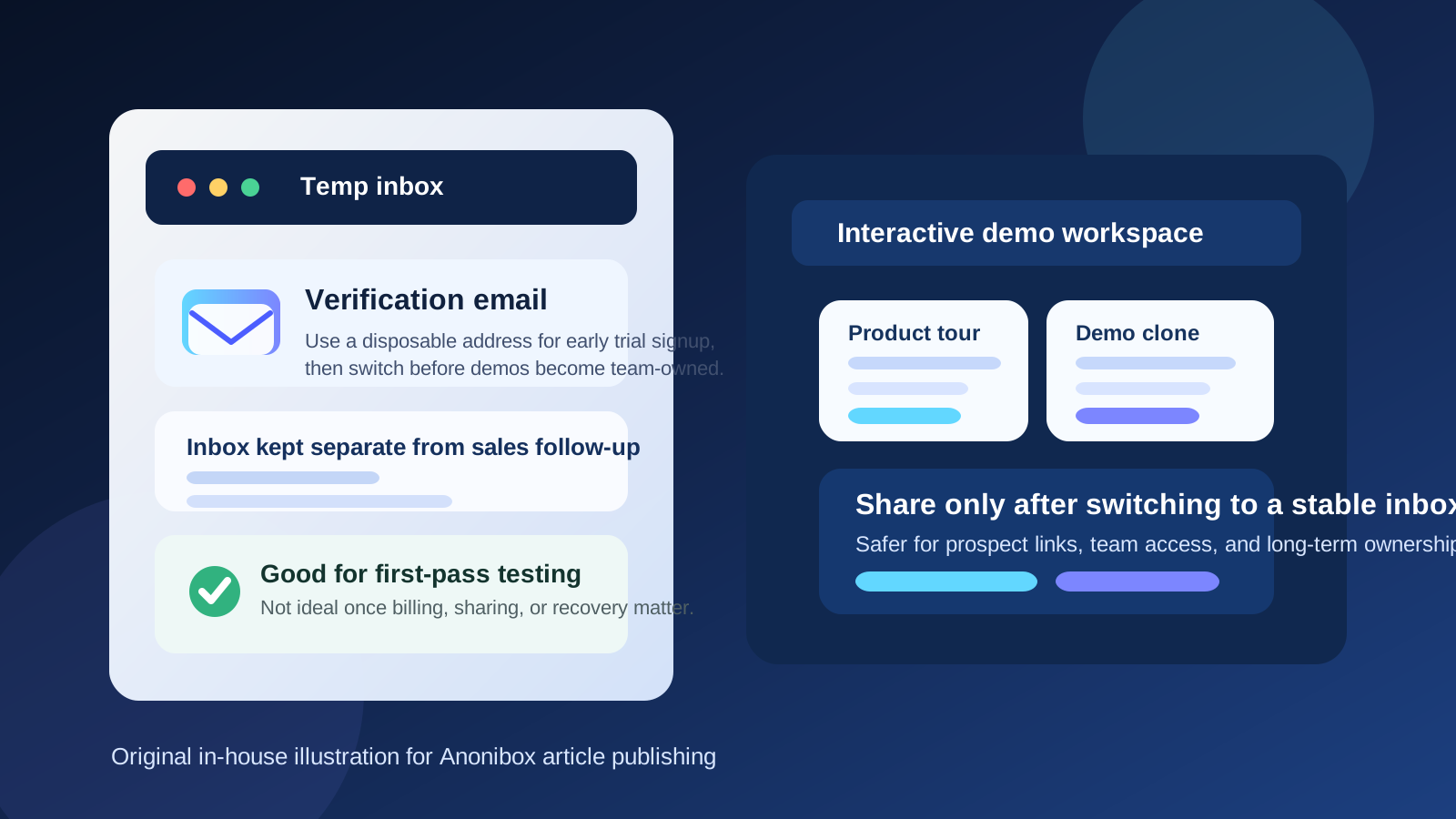
Why people look for a temp email for Reprise
Reprise sits in a part of the software world where evaluation can get serious quickly. Teams use demo platforms to build product tours, create controlled click paths, generate leave-behind demos, and give sales or solutions teams reusable ways to show a product without rebuilding every environment from scratch. That is much more consequential than signing up for a lightweight newsletter tool or a basic utility app.
Still, the first step is familiar. You create an account, confirm your inbox, and start exploring. Within a short time you may receive onboarding emails, setup prompts, product-tour suggestions, requests to book a demo, and follow-up from the vendor side if the account looks interesting. If you are comparing several interactive demo platforms at once, those messages pile up fast.
That is where a disposable address helps. It gives you a low-friction way to open the account, collect the verification email, and see whether Reprise deserves deeper attention before your main work inbox gets folded into another long sales sequence.
When a temporary inbox makes sense for Reprise
A temp inbox is most useful during the phase when you are asking one basic question: does this platform belong on the shortlist?
- Early trial access: you want to create the account quickly and inspect the workspace before involving anyone else.
- One-person research: you are doing the first pass yourself, not rolling it out to a team yet.
- Vendor comparison: you are reviewing Reprise alongside other demo tools and want separate inboxes for each trial.
- Inbox protection: you want the verification link and onboarding notes without committing your primary address too early.
- Low-stakes exploration: you are evaluating fit, workflows, and rough capabilities rather than publishing real demos to buyers.
In those cases, a temporary address is practical. You get into the product, understand the shape of the platform, and keep your real inbox cleaner while you decide whether the tool is worth taking seriously.
When a temp email becomes a bad idea
The trouble starts when the account stops being disposable in practice even though the inbox still is. Reprise is not just an account you click through once and forget. If the platform turns out to be useful, it may become part of how your team presents the product to prospects, trains sellers, or manages a library of reusable demos.
- Shared workspaces: once multiple teammates need access, ownership should sit on an inbox your organization actually controls.
- Prospect links and leave-behinds: if buyer-facing assets depend on the account, a throwaway inbox becomes a weak foundation.
- Support and troubleshooting: it is much easier to work with support when the account belongs to a durable business identity.
- Billing and procurement: if the trial moves toward a paid plan, a monitored address matters.
- Account recovery: losing access to the original inbox can turn a simple ownership problem into a tedious recovery process.
That is the real dividing line. A temp email works well for first-pass testing. It works badly for infrastructure you expect other people to depend on later.
A practical workflow that keeps the risk low
If you want the privacy benefit without creating a mess, use a staged approach instead of treating the whole account lifecycle the same way.
1. Start with a temporary inbox for the first look
Use a disposable address only for the initial signup. This is the moment when you want to confirm the account, check the product tour, inspect the workspace, and understand how much setup the platform expects.
2. Save the messages you actually need
Do not assume the inbox will be around forever. Grab the confirmation email, any critical onboarding notes, and anything else that would be annoying to lose. Temporary email is best when you treat it as short-term access, not permanent storage.
3. Evaluate the product, not just the email experience
Once inside, focus on the real buying questions. Can your team create demos without too much overhead? Is the workflow repeatable? Are the outputs good enough for live selling, product tours, or follow-up links? Does the platform feel easy to govern, update, and share?
4. Switch to a stable address before collaboration starts
The moment you decide Reprise is worth deeper testing with sales, solutions engineering, product marketing, or leadership, move the account to a permanent inbox. Do not wait until there are shared assets, internal dependencies, or external links floating around.
What to evaluate inside Reprise before you switch
A useful article should help people make the product decision too, not just the inbox decision. During your early test, pay attention to the things that actually affect adoption:
- Demo creation speed: can you get from blank workspace to something convincing without a huge setup tax?
- Consistency: does the platform make it easier to standardize what your team shows?
- Personalization workflow: how hard is it to adapt demos for different industries, personas, or accounts?
- Internal handoff: will marketing, sales, and technical teams be able to work from the same foundation?
- Governance: does the platform feel manageable once more than one person is involved?
If those answers are weak, a temp inbox did its job: you learned enough to walk away without handing over your long-term address. If the answers are strong, that is your signal to graduate the account to something more durable.
What a temp email does and does not solve
It is easy to overestimate what a disposable inbox accomplishes. A temp address is mostly an inbox-management and privacy-buffer tool. It helps you reduce clutter and avoid attaching your primary email identity to every early-stage trial. That is useful, but it is not magic.
It does not guarantee anonymity, prevent every type of tracking, or solve account-governance problems for you. It also does not protect a team from confusion if the original account owner disappears and nobody can access the inbox tied to the workspace. In other words, the tool is good for the start of the journey, not for the whole lifecycle.
How Anonibox fits into this workflow
Anonibox is useful when you want a quick, disposable inbox for low-stakes evaluation. If you are testing Reprise because you want to compare interactive demo platforms without immediately opening your main inbox to another onboarding and follow-up sequence, that is a reasonable use case.
What Anonibox should not become is the permanent home for an account that may later hold buyer-facing demos, internal libraries, team invitations, or billing ties. Once the product survives first-pass evaluation, the grown-up move is to transition the account to a stable address that your team monitors.
Simple decision checklist
Before you use a temp email for Reprise, ask yourself:
- Am I just testing the platform on my own?
- Will anyone else need this workspace soon?
- Could the account end up tied to prospect-facing links or demo assets?
- Would losing access to the inbox create a recovery headache later?
- Have I already decided this tool is a real contender?
If you are still in solo exploration mode, a temporary inbox is usually fine. If the account is already drifting toward real collaboration or external use, switch now rather than later.
Final takeaway
A temp email for Reprise makes sense when you are doing early interactive demo testing and want to keep your main inbox out of another vendor workflow until the product proves itself. It is a practical way to verify the account, inspect the platform, and compare options without unnecessary inbox clutter.
But the second Reprise starts to matter to teammates, prospect links, support, procurement, or account recovery, the temporary inbox has outlived its job. Use it to reduce friction at the beginning, then move to a stable address before the workspace becomes something your team truly depends on.