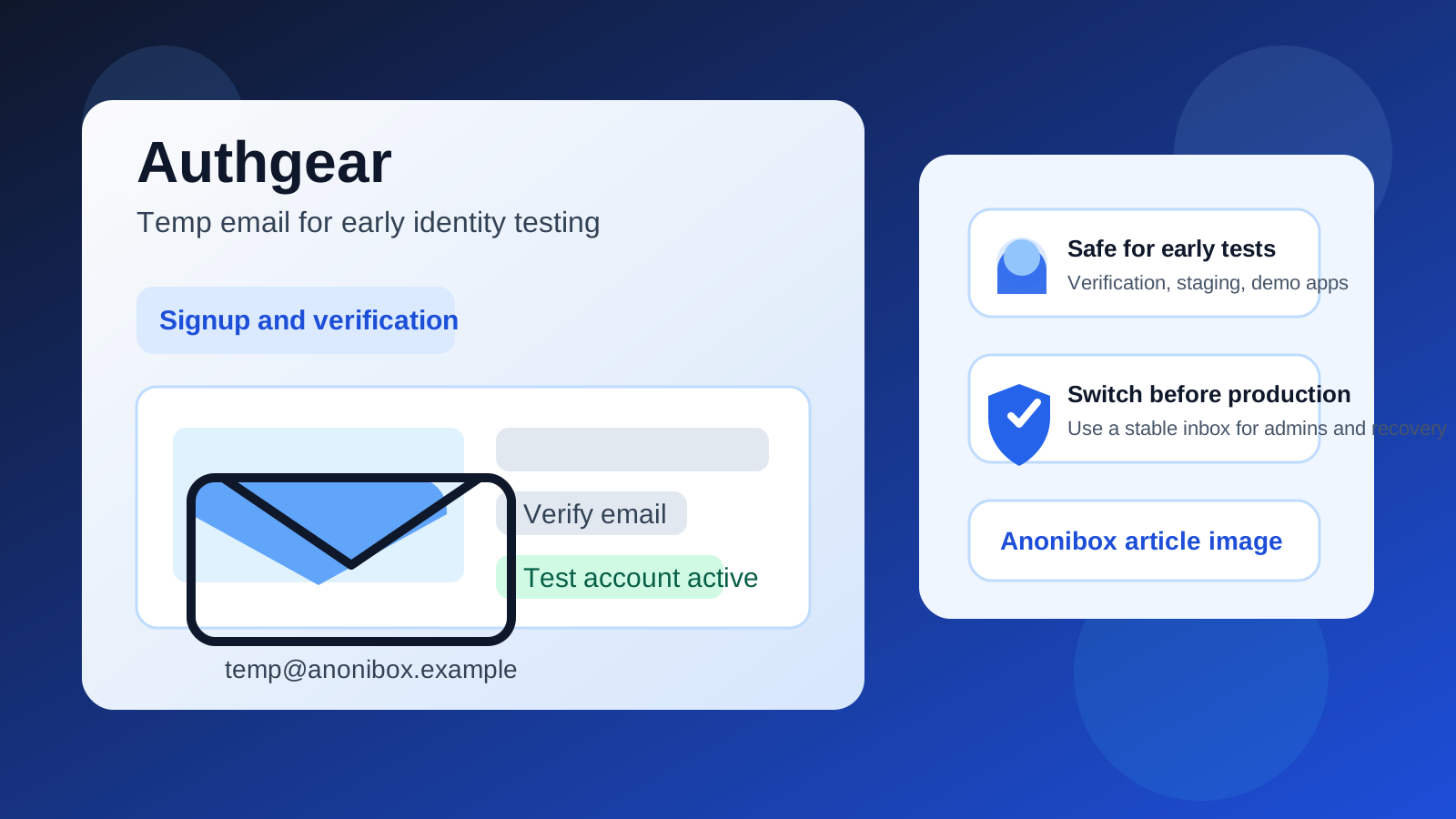
A temp email for Authgear can be a smart choice for early identity testing, signup checks, and disposable demo apps, but a stable inbox is safer for production users, admin access, and account recovery.
Use a temporary inbox when you need to verify an account quickly, inspect email-based flows, and keep low-stakes testing out of your main mailbox. Switch to a permanent address as soon as the account starts to matter beyond the first round of evaluation.
If you are evaluating Authgear for an app, portal, or customer sign-in flow, email tends to show up immediately. You may need it for sign-up verification, password-reset testing, invite-based access, or simple end-to-end checks in a staging environment. That is exactly why people search for a temp email for Authgear in the first place.
The short version is simple. Temporary email is useful when the account itself is temporary. It becomes risky when the account starts representing a real user, a production admin, or a team-owned environment that may need recovery later. The trick is not to treat every Authgear account the same. Some are throwaway test identities. Others quietly become infrastructure.
Why people use a temp email for Authgear
Most identity-platform evaluations begin before a team has committed to anything. A developer wants to confirm that the sign-up experience works. A product team wants to compare onboarding friction. A founder wants to see how quickly they can stand up a demo app without feeding another vendor sequence into a personal inbox. In that phase, a temporary inbox solves a very ordinary problem: it lets you get the verification email, read the first setup messages, and move quickly without adding more long-term clutter to your primary address.
That is where Anonibox fits naturally. You get the message you need for the test, but you do not have to keep every exploratory login attached to the inbox you actually depend on every day.
When a temp email for Authgear makes sense
1. Early sign-up and verification testing
If you only need to confirm that account creation works, a temporary inbox is usually fine. This is especially true when you are testing whether a verification email arrives, whether the confirmation link behaves correctly, or whether a new-user flow feels smooth from start to finish.
2. Disposable staging and sandbox accounts
Teams often need short-lived accounts for QA, preview environments, demos, or one-off implementation checks. A temp inbox can keep those identities separate from real operational accounts and make it easier to create multiple clean test users without filling one inbox with repeated verification traffic.
3. Reviewing email-based auth behavior
If your evaluation includes email confirmations, reset links, or other message-driven steps, a temporary inbox helps you inspect the real experience. You can see whether messages arrive on time, whether the content is understandable, and whether the links send users where they are supposed to go.
4. Fast product comparison
Identity-platform research often involves more than one tool. You may compare Authgear with broader identity or authentication options before choosing what belongs in a real product. In that stage, temporary email keeps each trial separate and makes it easier to decide which account is still worth keeping.
When temporary email becomes a bad idea
The risk is not that temporary email fails immediately. The risk is that a disposable account stops being disposable while the inbox behind it still is.
Production users need durable ownership
If an Authgear-linked account belongs to a real customer, teammate, or stakeholder, the email should be one they or your team can control over time. Verification is only the beginning. Later, the same identity may need password recovery, security notices, or access confirmation. Disposable email is not a strong foundation for that kind of continuity.
Admin accounts should not depend on a throwaway inbox
Admin and owner access deserve more caution than casual testing accounts. If an administrator loses access, changes devices, or needs to confirm an important action later, recovery matters. A burner inbox might be acceptable for a proof of concept that ends the same day. It is a poor choice for anything with long-term administrative value.
Shared team access gets messy fast
A common mistake is keeping a handy test account around after the initial evaluation. One teammate reuses it, then another, and suddenly it becomes the shared account everyone expects to work. If that account later needs a password reset or another email action, the missing inbox becomes a workflow problem for the whole team.
Billing, contracts, and vendor follow-up should go somewhere stable
Even if you start with a low-stakes trial, the account may eventually receive subscription notices, billing updates, or other messages that matter. Temporary email is fine for the first look. It is not the right home for the business side of a tool your team may actually adopt.
A practical way to use temp email with Authgear
Start by deciding whether the identity is temporary or durable
Before you sign up, ask a blunt question: is this account only for evaluation, or could it become something your team will keep? If the answer is truly “just testing,” a temporary inbox is reasonable. If there is a good chance the account becomes an admin login, a shared workspace identity, or part of a real implementation, start with a stable address instead.
Create the temporary inbox before the account
Generate the inbox first so the verification email, welcome messages, and early setup links all land in one place. That keeps the evaluation tidy and avoids mixing yet another trial into your primary mailbox.
Use it for activation and first-pass discovery
The best use of a temp email for Authgear is answering early product questions. Does sign-up work smoothly? Do email-based steps arrive quickly enough? Is the platform easy to inspect during the first session? Those are solid reasons to use a disposable address. Long-term ownership is not.
Save anything important right away
Temporary inboxes are useful for access, not for recordkeeping. If you may need a project name, dashboard URL, test notes, or setup detail later, save it in your own docs immediately. Do not rely on a short-lived inbox to hold information the team may need next week.
Migrate before the account becomes important
There is usually a clear handoff moment. If the evaluation is going well, if teammates are about to join, or if the account is starting to connect to a real app or business workflow, move it to a permanent email. That is the right time to trade convenience for continuity.
Benefits of using a temp email during Authgear evaluation
- Less inbox clutter: early testing stays out of your everyday email.
- Cleaner experiments: verification messages and test flows remain separate from live work.
- Faster iteration: you can create new test identities without managing a pile of old messages.
- Better privacy: not every trial needs direct access to your main inbox on day one.
Common mistakes to avoid
- Letting a test account become operational: if the account matters later, move it early.
- Using one burner inbox for everything: it becomes harder to tell which message belongs to which environment.
- Forgetting recovery risk: a temp inbox may be convenient now but painful later when access depends on it.
- Keeping admin ownership on a disposable address: stable access matters more than short-term inbox hygiene.
- Failing to document the useful parts of the test: the inbox should support the test, not become the archive.
Quick decision checklist
Before using a temp email for Authgear, ask:
- Is this account only for short-term testing?
- Would it be a problem if nobody could access this inbox later?
- Will this account ever represent a real user or team-owned admin login?
- Could billing, recovery, or security messages matter for this account?
- Do I need a disposable test identity, or do I actually need a durable owner account?
If the account is clearly temporary, a burner inbox can make the evaluation cleaner. If the account may become important, start stable or migrate quickly.
Final takeaway
A temp email for Authgear is a practical tool for early identity testing, sign-up checks, and disposable demo or staging work. It helps you verify the account, review email-based steps, and keep your main inbox from filling up with low-stakes messages.
It stops being a good idea once the account becomes tied to production users, admin access, long-term recovery, or anything your team may rely on later. Use temporary email for exploration, then switch to a monitored permanent inbox before the account becomes part of real ownership.