A temp email for LoginRadius is useful for early identity testing, sign-up verification, and short-lived demo accounts, but a permanent inbox is safer for production users, team admins, and account recovery.
Use a temporary inbox when you need to test email-based flows quickly without feeding another long-term sequence into your main mailbox. Switch to a stable address as soon as the account will matter for real users, shared access, billing, or recovery.
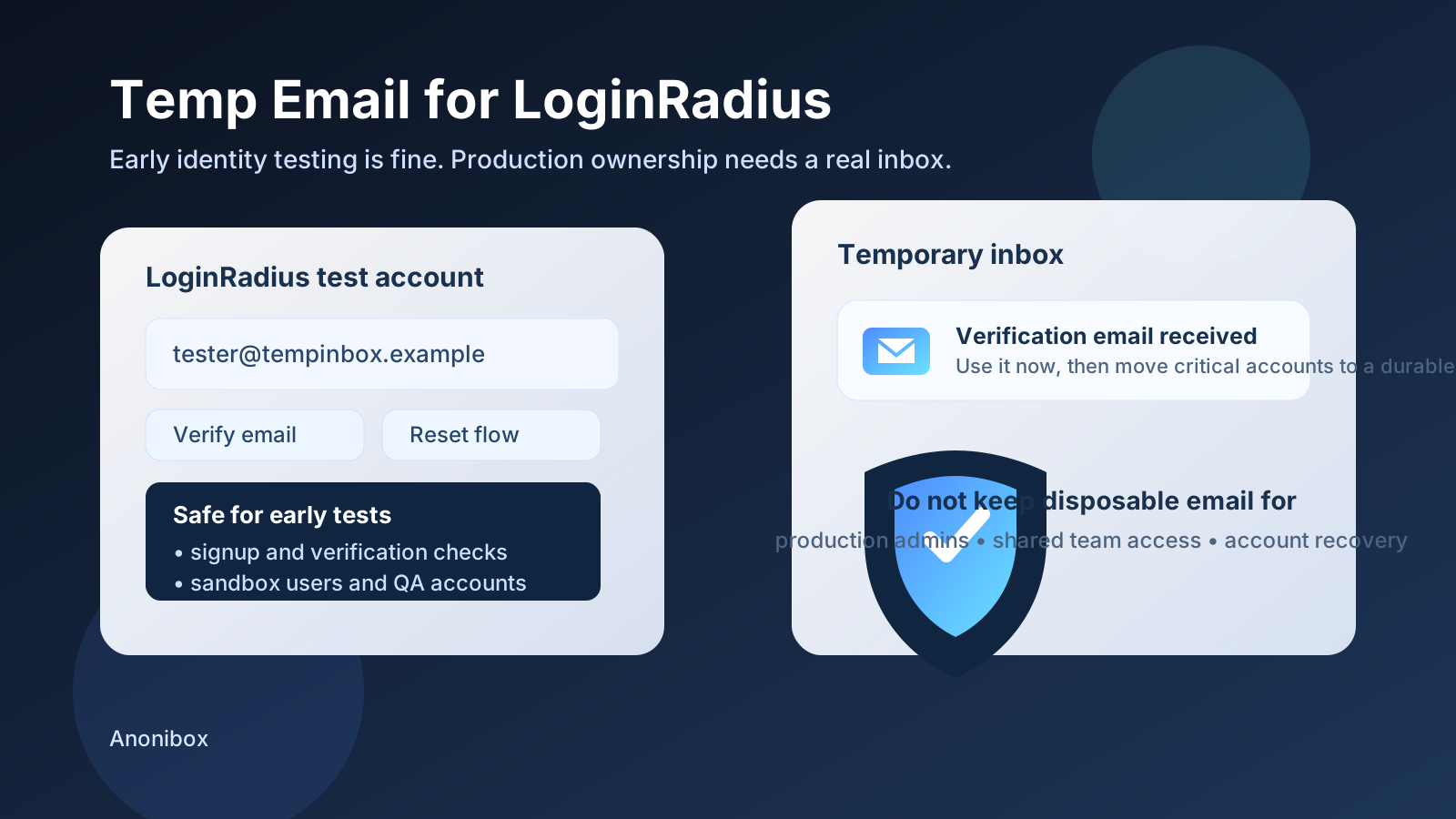
If you are evaluating LoginRadius, email shows up early in the process. You may need it for account verification, password-reset checks, invitation flows, staging users, or a quick proof-of-concept for a customer identity setup. That is why people search for a temp email for LoginRadius in the first place: they want to test the workflow without turning a short evaluation into long-term inbox clutter.
The practical answer is not “always use a temporary inbox” and not “never use one.” It depends on what kind of account you are creating. A throwaway test user in a sandbox is very different from the inbox tied to a production admin, a customer-facing tenant, or an account your team may need to recover months later.
Why people use a temp email for LoginRadius
Early identity testing is usually messy by design. Teams create multiple accounts, retry verification links, inspect password-reset messages, and compare how onboarding behaves across staging and demo environments. In that phase, a temporary inbox is convenient because it keeps low-stakes testing separate from the addresses you actually rely on every day.
That is where Anonibox fits naturally. You can collect the message you need, confirm that the flow works, and move on without permanently attaching every test account to your personal or team mailbox.
When a temp email for LoginRadius makes sense
1. Early sign-up and verification testing
If you only need to confirm that a sign-up flow works, a temporary inbox is usually fine. This includes checking whether the verification email arrives, whether the link expires correctly, and whether the basic user journey feels smooth from account creation to first login.
2. Staging, sandbox, and QA identities
Developers and QA teams often need a clean batch of short-lived users for testing. A temp inbox helps you create those identities without mixing them into the same mailbox that already receives real support, product, or vendor traffic. It also makes it easier to isolate one test round from the next.
3. Password-reset and email-action checks
Many identity evaluations are not just about creating an account. You may also want to see how reset emails look, how quickly they arrive, whether they land cleanly, and whether they send users to the right screen. Disposable inboxes are handy when the only goal is to inspect the email-driven part of the experience.
4. Comparing identity vendors before a real commitment
Identity buying decisions are rarely made after one signup. Teams often compare several tools before choosing what belongs in a real product. If you are looking at LoginRadius alongside other identity platforms, a temporary inbox can keep each evaluation isolated and make it easier to abandon the accounts that never move past the first round.
When a temporary inbox becomes a bad idea
The problem with temporary email is not that it fails immediately. The problem is that a disposable account can quietly stop being disposable while the inbox behind it is still temporary. That is when convenience turns into avoidable risk.
1. Production admins and long-lived ownership
If the account controls production settings, user management, or anything tied to a real application, use a permanent inbox. The moment an account becomes operational, you need a stable recovery path and a mailbox that your team can access when it matters.
2. Shared team access
Temporary email is a poor fit for accounts that more than one person depends on. Team members change, projects get handed off, and access rules evolve. If the original inbox disappears, recovery becomes harder than it needs to be.
3. Customer-facing or business-critical workflows
Once an account is connected to real customers, active tenants, production authentication, or important integrations, a disposable inbox is the wrong foundation. At that point, reliability matters more than convenience.
4. Account recovery and security follow-up
Recovery messages only matter when something goes wrong, which is exactly why people underestimate them during setup. If you may ever need to reset access, confirm ownership, or investigate an issue later, use an inbox that will still exist later.
A safe workflow for using temp email with LoginRadius
You do not have to choose between total convenience and total caution. The best workflow is usually phased.
- Start with a temporary inbox for low-stakes evaluation, verification, and basic email-flow testing.
- Document what you learn while the messages are still available: delivery timing, link behavior, copy quality, and any friction points in the flow.
- Decide quickly whether the account matters. If the test is over, let it go. If the project is moving forward, upgrade the contact email to a permanent address you control.
- Reserve durable inboxes for durable accounts, especially anything tied to admin rights, shared ownership, or live applications.
This approach keeps early experiments lightweight while preventing an accidental test account from becoming a critical dependency.
What to check during early LoginRadius email testing
If you are using a temporary inbox for evaluation, make the most of it. Do not stop at “the email arrived.” Use the test to answer practical questions:
- Does the verification email arrive quickly enough for a real user experience?
- Is the message easy to understand on first read?
- Do links open the expected page without confusion?
- Does the password-reset flow feel trustworthy and clear?
- Can you tell the difference between low-stakes demo behavior and what would need to change before production?
That gives you more than a throwaway signup. It gives you a usable product signal.
Common mistakes to avoid
Treating every account like a throwaway
Not every test account stays a test account. Teams often create something “just for evaluation,” then keep building on top of it. If the project starts sticking, move it to a real inbox early instead of waiting until access becomes harder to untangle.
Using the same disposable inbox for everything
If you are testing several flows or environments, using one inbox for all of them can create confusion. Separate tests are easier to interpret when the incoming messages are not mixed together.
Forgetting to save important observations
Temporary inboxes are useful precisely because they are temporary. That also means you should not assume you can come back later. If a message reveals a bug, a copy issue, or a flow problem, document it while you have it.
Keeping a temporary inbox attached for too long
The safest time to switch to a permanent address is earlier than most teams think. Once the account is connected to real admin work, a persistent environment, or a collaborative setup, the testing phase is over.
Should you use a temp email for LoginRadius?
Yes, if the account is truly temporary. A disposable inbox is a practical tool for early sign-up checks, verification emails, password-reset tests, and staging users. It keeps your real inbox cleaner and helps you evaluate the flow without overcommitting too early.
No, if the account is becoming important. The moment LoginRadius is tied to production users, team ownership, or recovery-sensitive access, the safer move is a real inbox with long-term availability.
Final takeaway
A temp email for LoginRadius works well for short-lived identity testing because it lets you verify flows, inspect emails, and compare setups without dumping every test into your main mailbox. That is the convenience side.
The discipline side is knowing when to stop. If the account starts to matter for real users, admin access, or ongoing ownership, move to a permanent address before the temporary setup becomes technical debt. Used that way, a disposable inbox is not reckless at all. It is just a clean way to separate experimentation from production reality.