Yes — if you are comparing customer education software free trials, a temporary email generator is a practical way to verify the account, receive the setup emails you actually need, and keep long-term vendor follow-up out of your main work inbox.
It works best during early evaluation, shortlisting, and side-by-side platform comparisons; once the account starts owning a real academy, learner access, or team workflows, move it to a permanent monitored address.
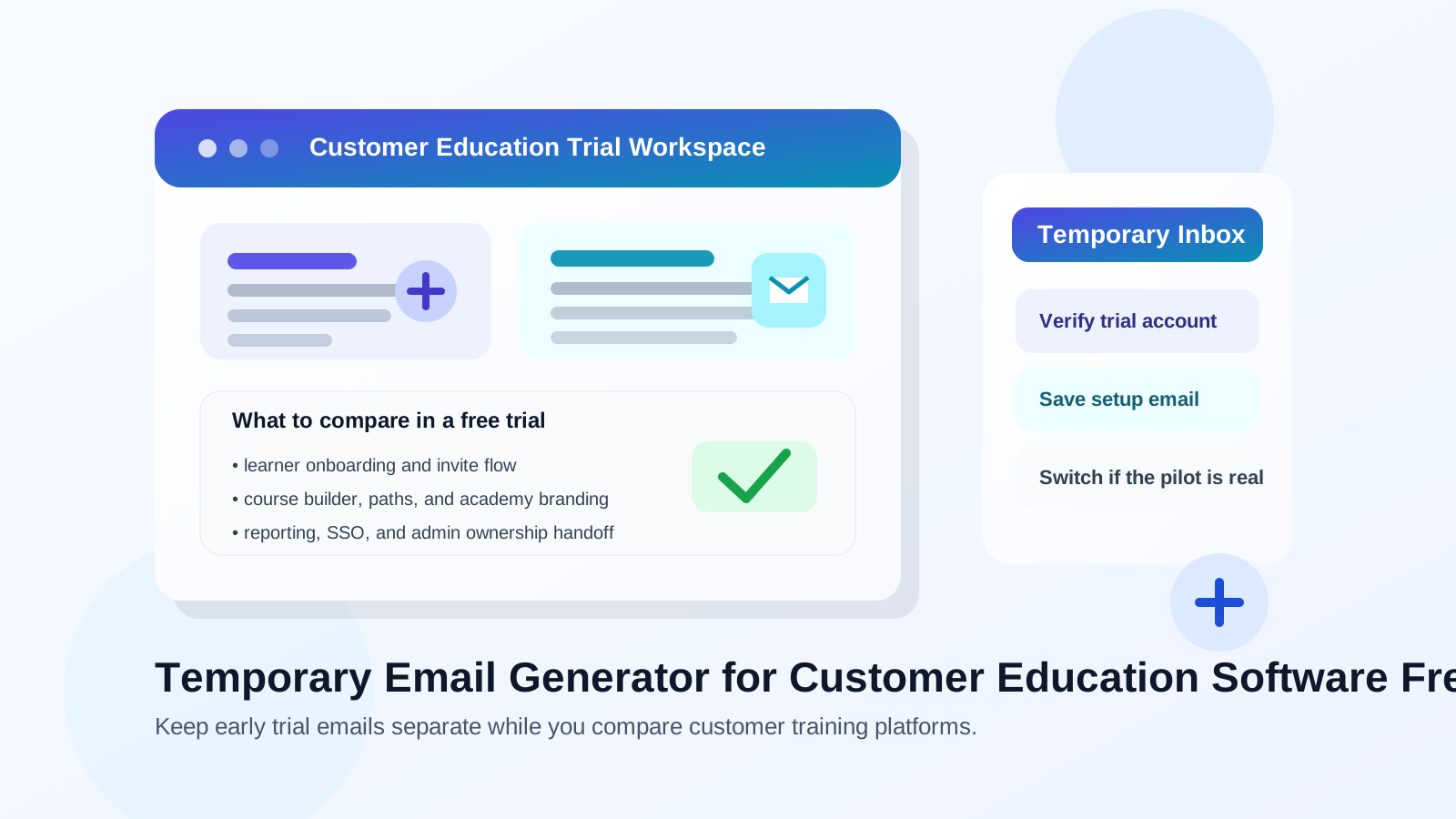
Customer education platforms often look simple at signup and surprisingly important a week later. At first, you may only want to see how the admin area feels, whether course paths are easy to build, how branded academy pages look, or whether reporting seems strong enough for onboarding, partner enablement, and customer training. But once a trial starts to feel promising, that same account can turn into the place where learner invitations, certifications, support resources, and customer-facing content live.
That is why a disposable inbox is useful at the start but risky to keep forever. During the first pass, it helps you avoid giving every vendor your main work address before you know which platform deserves a serious pilot. After that, the balance changes. The more operational the account becomes, the more you need stable ownership, reliable password recovery, and a mailbox your team actually monitors.
A tool like Anonibox fits that early stage well. You can collect the verification link, the welcome messages, and the setup instructions without turning your day-to-day inbox into a holding pen for demo nudges, webinar invites, “checking in” emails, and nurture campaigns from every platform on your shortlist.
Why this workflow fits customer education software free trials
Customer education software usually sits between marketing, onboarding, support, and customer success. Teams evaluate it when they want a better way to deliver product training, onboarding lessons, partner courses, certifications, or self-serve learning. In practice, that means a trial often attracts several kinds of follow-up at once:
- welcome emails and verification links
- setup checklists and academy-launch templates
- demo invitations and sales follow-up
- integration guidance for SSO, CRM, or support tools
- reminders to invite learners or publish the first course
If you are reviewing platforms such as Skilljar, Thought Industries, Intellum, Northpass, or similar customer training tools, that inbox noise builds quickly. A temporary inbox gives you a clean buffer while you compare products, gather the important messages, and decide whether the trial deserves deeper involvement from customer success, support, operations, or procurement.
When a temporary inbox makes sense
Shortlisting several platforms at once
This is the clearest use case. If you are opening multiple free trials in the same week, you probably do not want your primary work inbox tied to every vendor before you even know which product is a serious contender. A temporary address keeps the exploration phase contained.
Testing the product before bringing in more stakeholders
Sometimes one person is doing the first pass before the wider team gets involved. You may only need enough access to inspect the admin dashboard, learner flow, reporting, and branding options. That is exactly the stage where a burner inbox is helpful.
Researching on behalf of a team or client
You may be collecting options for a manager, client, or internal recommendation rather than launching a program yourself. In that case, a separate trial inbox helps you keep early research organized without mixing it into long-term operational mail.
Protecting your main inbox from vendor sequences
Free trials are rarely quiet. Even solid vendors will send onboarding tips, feature highlights, case studies, and repeated prompts to book a call. There is nothing wrong with that, but it becomes clutter when you are comparing several platforms in parallel.
What to evaluate inside the trial instead of judging the email nurture
Once the temporary inbox has done its job, use the breathing room to test the product properly. Customer education software is easy to judge by surface-level polish, but the real questions are operational.
Learner experience
How does the academy feel from the learner side? Look at navigation, mobile usability, progress tracking, enrollments, search, and whether the platform makes it easy for customers or partners to find the next useful lesson instead of getting lost.
Course structure and admin workflow
Test how courses, learning paths, certifications, and audience segmentation are organized. A platform may look attractive in a demo while still feeling cumbersome when you actually create categories, upload content, manage cohorts, or update material later.
Branding and customer-facing polish
Customer education software is often external-facing. Review how much control you get over branding, custom domains, academy layout, login experience, and whether the learning environment feels trustworthy enough to represent your company.
Reporting that supports real decisions
Check whether reporting goes beyond vanity metrics. Can you see course completion, certification progress, engagement trends, and learner drop-off in a way that helps onboarding, partner teams, or support leaders make better decisions?
Integrations and identity
Even if you are not connecting systems during the first test, you should still inspect how the platform handles SSO, CRM syncs, support integrations, notifications, and user management. Those details matter later when the trial becomes a pilot.
When a disposable email becomes the wrong choice
The key mistake is not using a temporary inbox. The real mistake is leaving an important account tied to one after the evaluation phase is over.
The workspace is becoming a real academy
If your team is uploading customer onboarding content, partner certifications, or support education that may actually go live, the account is no longer just a throwaway trial. At that point, ownership matters.
You are inviting real learners or teammates
Once learner access, internal admins, or stakeholder approvals enter the picture, recovery and continuity become more important than inbox hygiene. Team members should not be guessing which temporary address controls the account.
Password recovery and security alerts matter now
Account recovery looks unimportant right up until you need it. If the original inbox disappears or no one can access it later, a valuable pilot can turn into a preventable mess. The same goes for login alerts, domain verification steps, and account change notifications.
Procurement or compliance review is beginning
Serious software evaluation usually expands beyond product feel. Security review, vendor assessment, legal review, and pricing discussions all benefit from a stable monitored address. That is the right moment to switch.
A practical step-by-step workflow
- Create the temporary inbox before signup. Keep the whole trial separate from your everyday work mailbox from the start.
- Use it to verify the account and capture the early setup emails. Save the confirmation link, welcome message, and any onboarding instructions that matter.
- Evaluate the product with a real checklist. Review learner experience, course management, branding, reporting, and integrations instead of getting distracted by vendor emails.
- Decide quickly whether the platform deserves a deeper pilot. If it does not, you kept your main inbox clean. If it does, move to a permanent monitored address before the account becomes operational.
- Document the handoff. If multiple people are involved, record which mailbox now owns the account so recovery, billing, and future admin access are clear.
Common risks to watch for
- Forgetting to save a critical email: temporary inboxes are helpful, but you still need the verification or setup messages that matter.
- Letting a useful pilot stay on a throwaway address too long: this is how recovery problems start.
- Confusing short-term testing with production ownership: a trial account can become important faster than expected.
- Using one temp inbox for too many unrelated vendors: keeping each evaluation organized makes later decisions easier.
Quick checklist before you use one
- Are you still in the early comparison stage?
- Do you mainly need signup verification and first-pass product access?
- Are you avoiding unnecessary long-term sales email while you test?
- Will you switch to a permanent monitored address if the pilot becomes real?
If the answer is yes to those questions, a temporary inbox is probably the right tool for this stage.
Final takeaway
A temporary email generator for customer education software free trials is a smart way to compare platforms without sacrificing control of your main inbox. It helps you verify accounts, gather the setup messages you need, and keep exploratory signups separate while you judge which product actually deserves a deeper pilot.
Just keep the boundary clear: temporary email is excellent for early evaluation, but not for long-term academy ownership. Once the account starts to matter for learner access, reporting, branding, team workflows, or recovery, move it to a permanent monitored address and treat it like the operational system it is becoming.