Usually no — Microsoft Teams is fine for quick scheduling or follow-up with a verified employer, but it is a weak primary channel for job applications.
Use it only after you confirm the company and move resumes, formal answers, and sensitive documents to an official careers page or company email.
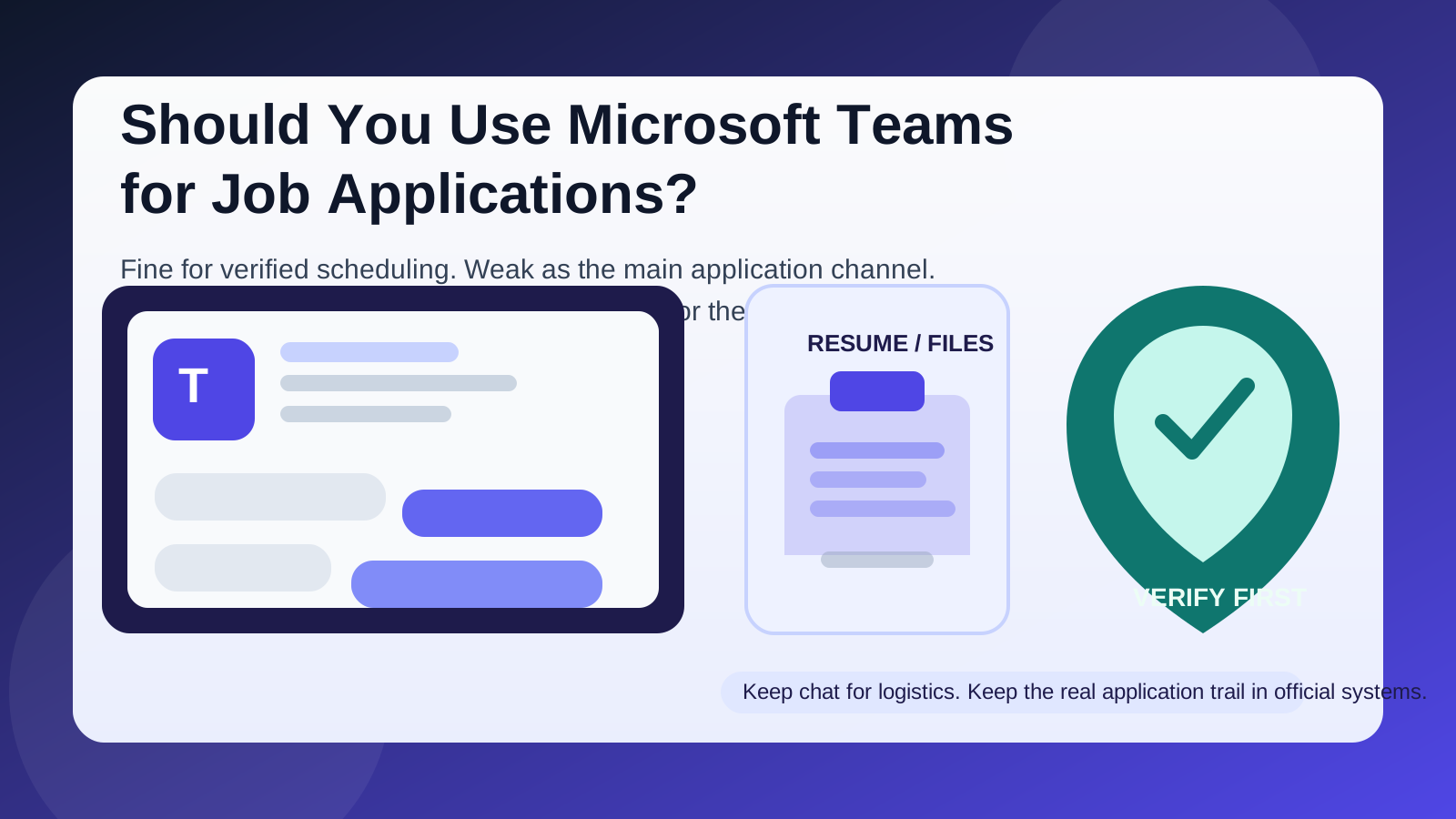
That is the practical answer behind searches like should you use Microsoft Teams for job applications. Teams feels professional because it is associated with meetings, company accounts, and internal collaboration. If a recruiter or hiring manager reaches out there, the message may look more legitimate than a random text or social-media DM. But the interface is not the same thing as a safe hiring workflow. A familiar Microsoft environment can still create privacy problems, weak verification, confusing records, and unnecessary dependence on someone else’s preferred tool.
The best default is simple: Microsoft Teams can be acceptable for light coordination once you already know the employer is real, but it should not be the main place where you apply, share important documents, or manage the full hiring trail. Official careers pages, company-domain email, and well-documented scheduling workflows are usually better.
Short answer: useful for limited follow-up, weak as the main application channel
Teams is not automatically a red flag. Some employers genuinely use it for internal recruiting coordination, campus hiring, agency collaboration, or quick scheduling after an application is already in motion. In some companies, the recruiter lives in Teams all day and may reach for it as naturally as email.
The issue is not that Teams exists. The issue is when Teams becomes the whole process. If your first outreach, resume sharing, interview notes, and next steps all sit inside one chat thread, you lose a lot of clarity. It becomes harder to verify who you are talking to, easier to miss details, and more likely that a job search ends up tangled with someone else’s collaboration stack instead of a formal hiring workflow.
Why Microsoft Teams comes up in hiring at all
People consider Teams because it seems fast, professional, and already business-oriented. A recruiter can send a message, propose a meeting, drop a link, or ask a quick question without writing a formal email. That can feel efficient, especially if the role is moving quickly or the employer already relies heavily on Microsoft 365.
Teams may show up in hiring situations like:
- interview scheduling after you already applied somewhere official
- follow-up with a verified recruiter who wants to move logistics faster
- campus or internal-network recruiting where collaboration tools are already normal
- small clarifications such as meeting links, time changes, or document reminders
Those are coordination uses. They are very different from using Teams as the primary place to submit a job application or manage everything from first contact to offer stage.
When using Teams may be reasonable
1. You already applied through a legitimate channel
If you found the role on a real company careers page, submitted the application there, and a recruiter later uses Teams for a scheduling message, that is usually fine. The key is that the hiring process began in a verifiable place.
2. The Teams chat is limited to logistics
Quick questions like “Can you do 3 p.m. tomorrow?” or “Here is the updated meeting link” are low-risk compared with sending resumes, salary history, identification, or signed forms through chat. Teams works best when the message is short, specific, and easy to cross-check elsewhere.
3. The sender is independently verifiable
If you can confirm the person’s identity through a company website, company-domain email, LinkedIn presence that matches the employer, or prior official contact, Teams becomes less risky. Verification should come from outside the chat, not from the chat itself.
Why Teams is a weak primary channel for job applications
1. It can blur identity instead of clarifying it
Teams looks corporate, but that does not automatically prove the person messaging you is the right person, acting in the right role, or following a legitimate process. A polished interface can create false confidence. You still need to know which company you are dealing with, what role is being discussed, and whether the sender can be confirmed independently.
That matters because job scams increasingly borrow business-looking environments. A familiar brand, a clean UI, or a meeting invitation can feel more trustworthy than they deserve. Professional-looking is not the same thing as verified.
2. It creates messy records for a process that should be trackable
Applications are easier to manage when the important steps live in systems built for hiring: careers portals, structured email threads, or at least a clear written trail you can search later. Teams is fine for “Running five minutes late.” It is much worse for keeping the durable record of who asked for what, what you sent, which role was discussed, and what the next step actually was.
If the process stretches over days or weeks, a chat thread can become a poor substitute for organized hiring records. That is especially true if different people join the thread, meetings spin off into separate invitations, or attachments are shared without clear naming and context.
3. File sharing in chat is not always the best privacy choice
If someone asks you to send a resume, portfolio, references, or other documents directly in Teams before you have verified the employer, you are giving a lot of trust to a channel that may not be your safest option. Even in legitimate cases, chat-based file sharing is often less deliberate than email or an applicant portal. It is easier to send the wrong file, easier to forget what version you sent, and easier to lose context later.
4. Teams can tie your search to work or school ecosystems
For some people, Teams is not a neutral tool. It may already be tied to a current employer, university, contractor account, or existing Microsoft identity. That can create awkward overlap if you are job searching discreetly. Even if you are using a personal Microsoft account, the tool still lives in a space many people associate with work oversight, shared calendars, meeting histories, and collaboration logs.
If you are trying to keep your search private, that overlap matters. The safest application workflow is usually the one that keeps your current work environment and your new job search clearly separate.
5. Informal chat can weaken boundaries
Chat tools invite quick replies. That can be helpful, but it also makes it easier for employers or recruiters to nudge conversations into evenings, weekends, or scattered back-and-forth without much structure. A formal hiring process benefits from a little friction. That friction creates documentation, clearer expectations, and fewer careless decisions.
Red flags if someone wants to use Teams for the whole hiring process
- They contact you first on Teams without a clear explanation of how they found you.
- They avoid sending a company-domain email or official careers link.
- The role details are vague, urgent, or unusually generous.
- They want resumes, ID documents, banking details, or tax forms directly in chat.
- They pressure you to trust the Teams environment itself instead of independently verifying the company.
- They keep the process off the company website while acting as if that is normal.
If you see those patterns, slow the conversation down immediately. Legitimate opportunities survive verification. Scammy or sloppy ones often fall apart as soon as you ask for official context.
Better alternatives than Microsoft Teams for the real application workflow
Official careers page or applicant portal
This is usually the best place to submit the actual application. It gives you a clear record, reduces ambiguity about whether you applied, and keeps the process inside the employer’s normal workflow.
Company-domain email
Once the recruiter or hiring manager is verified, email is usually better for attachments, formal follow-up, scheduling confirmations, written questions, and searchable records.
Verified scheduling links or phone calls
If speed matters, a quick call or a known scheduling tool can handle logistics without turning a chat platform into the permanent home of the application.
A separate job-search inbox
If you want privacy without becoming unreachable, a separate email workflow is often smarter than relying on whatever messaging tool a recruiter prefers. Anonibox can help keep low-trust job boards, one-off signups, and early-stage employer portals away from your main inbox while you decide which opportunities deserve deeper trust. When a role becomes serious, move the process to a stable address you control long term.
A safer way to handle Teams if an employer uses it anyway
- Verify first. Confirm the company, the role, and the sender through independent sources.
- Use Teams mainly for logistics. Keep it to meeting times, quick clarifications, and low-risk follow-up.
- Move formal steps elsewhere. Ask for the careers page, company email thread, or official hiring portal before sending anything important.
- Keep your own notes. Do not rely on the chat thread as the only record of what happened.
- Protect your boundaries. If necessary, limit notifications, avoid mixing the thread with your work environment, and keep sensitive files out of casual chat.
A quick decision checklist
Before using Teams in a hiring conversation, ask yourself:
- Did I already apply through a legitimate channel?
- Can I verify the employer and sender independently?
- Is this just scheduling, or is it replacing the formal application process?
- Would company email or an official portal create a better record?
- Am I mixing this conversation with an identity or environment I would rather keep separate?
If the answers point toward convenience but not clarity, step back. Fast communication is only useful when it does not cost you verification and control.
Final answer
You usually should not use Microsoft Teams as the main channel for job applications. It can be acceptable for quick coordination with a verified employer, but it is weak for identity checks, recordkeeping, privacy, and clean process management.
The better approach is to use Teams only after trust is established and keep the real application flow in official systems. Careers pages, company email, verified scheduling links, and a separate job-search inbox give you more control, clearer documentation, and fewer chances to confuse a polished tool with a trustworthy hiring process.