A temp email for Guusto is fine for a short, low-stakes evaluation where you only need to verify the account, explore the dashboard, and decide whether the platform belongs on your shortlist.
It becomes a bad long-term choice once rewards workflows, team access, reporting ownership, or account recovery depend on that inbox.
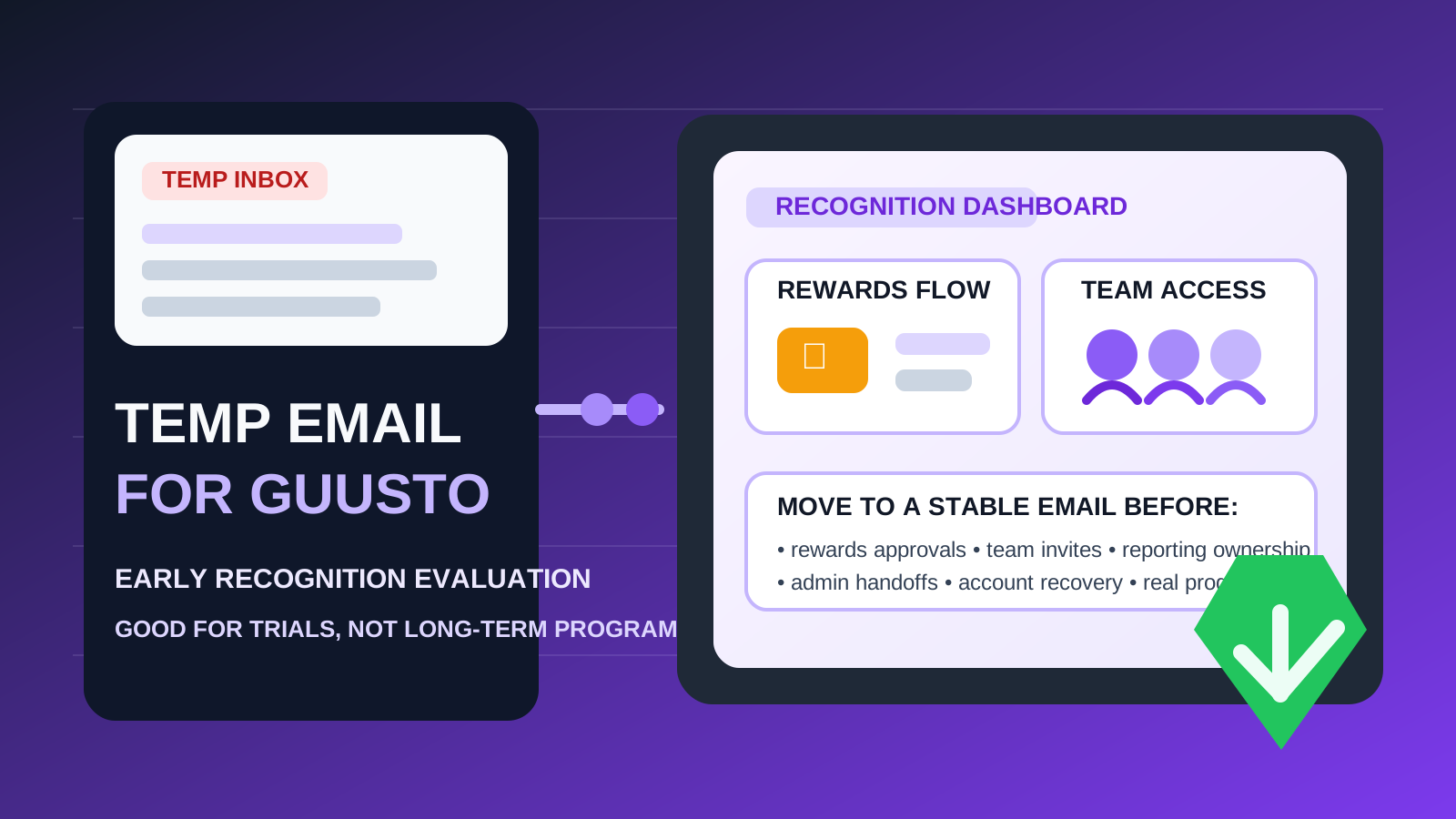
That is the practical answer behind most searches for temp email for Guusto. A lot of people want a clean way to test employee recognition software without funneling every vendor follow-up, sales sequence, and onboarding reminder into a permanent work address. That part is reasonable. The mistake is assuming a disposable inbox stays harmless after the account starts to matter.
Guusto lives in a category where email quickly stops being a simple signup detail. Recognition tools often begin as a trial, but if the platform looks promising it can quickly move toward manager access, employee invites, rewards budgets, approval workflows, reporting, and recovery settings. Once that happens, the email behind the account matters more than it did on day one.
If you are only comparing vendors, a temporary inbox can be a smart buffer. If the account might become a real team workspace, move to a stable work-owned address before the evaluation turns into an operational dependency. A tool like Anonibox can help keep the research phase tidy, but it should not become the permanent anchor for a program your team may rely on.
Why someone would use a temp email for Guusto
The appeal is simple: less inbox clutter, more control, and a cleaner evaluation workflow. Recognition platforms often ask for an email before they unlock the product tour, onboarding sequence, or trial setup. If you are comparing several tools at once, that can create a lot of follow-up mail fast.
A disposable inbox helps when you want to:
- verify an account quickly without using your main work address
- compare multiple recognition platforms during a shortlist review
- keep vendor follow-up separate from daily internal communication
- test the product quietly before deciding whether it deserves a real pilot
That is the strongest case for a temp inbox: the account is temporary because the decision is temporary too.
When a temporary inbox makes sense
You are doing first-pass vendor research
If your goal is simply to see whether Guusto looks worth deeper attention, a temporary inbox can be a practical starting point. You can confirm the signup, inspect the admin experience, review the positioning, and decide whether it belongs on the shortlist.
You want to isolate vendor email during comparisons
Recognition software evaluations often trigger a familiar stream of messages: welcome emails, setup suggestions, best-practice guides, webinar invites, case studies, trial reminders, and demo nudges. If you are evaluating several platforms in the same week, separating those messages is useful.
You are evaluating alone
A temp inbox is safest when one person is exploring the platform and nobody else is depending on the account. The more people, workflows, or expectations you attach to the workspace, the weaker the disposable-email approach becomes.
Where the temp-email approach starts to break down
Employee recognition software stops being disposable the moment real ownership and coordination appear. That is when a throwaway inbox shifts from convenient to fragile.
1. Rewards workflows need stable ownership
If the platform starts touching real recognition budgets, reward approvals, or redemption-related communication, the account is no longer just a test login. Someone needs durable access to settings, notifications, and recovery paths.
2. Team access makes the stakes higher
Once managers, HR, people operations, or program owners join the workspace, the email behind the primary account matters more. A recognition platform works best when there is a clear, monitored owner address rather than an old throwaway signup detail.
3. Reporting and program continuity become important
Even if your trial begins casually, a promising recognition tool can quickly become the place where usage patterns, participation trends, and program activity are reviewed. If the core account is tied to a disposable inbox, continuity gets weaker exactly when the platform becomes useful.
4. Recovery only matters after something goes wrong
Password resets, suspicious-login alerts, verification prompts, and access approvals all assume you still control the address on file. That is the problem with temporary email: it often feels fine until the day you actually need it again.
5. Admin handoffs get messy
If the account might later be handed from one evaluator to a team owner, the cleanup is easier when the account already uses a stable business address. Starting with a temporary inbox can create extra friction during a handoff.
A simple rule that works
Use a temp email for Guusto only while the account is disposable in every other sense too.
If the workspace is only a trial, a temp inbox is fine. If the workspace might become a pilot, a shared evaluation, or the beginning of a real recognition rollout, switch to a durable work-owned email early. That one rule avoids most of the preventable account-ownership problems later.
How to evaluate Guusto safely with a temp inbox
1. Decide whether this is research or a likely pilot
Before you sign up, be honest about the goal. Are you only exploring the platform, or do you already expect your organization might seriously use it? If it is just research, a temporary inbox is reasonable. If a real pilot is likely, start with a stable address instead.
2. Keep the first session focused
Go in with a checklist rather than wandering through the platform. For example:
- Is the admin experience easy to understand?
- Does the platform fit your recognition culture and budget style?
- Does it look practical for managers and employees to use regularly?
- Would your team realistically want to keep testing it after this first pass?
A focused evaluation keeps the account temporary if the answer turns out to be no.
3. Avoid attaching real workflows too early
If you are using a disposable inbox, keep the trial low stakes. Avoid turning the workspace into a real program before you stabilize account ownership. The more real activity you attach to the account, the more annoying the cleanup becomes later.
4. Save the details that matter
During the trial, capture useful notes such as what you liked, what felt confusing, what settings seemed important, and what questions you would want answered in a deeper demo. That way, if you recreate the workspace later under a permanent email, you do not lose the value of the first pass.
5. Switch early if the tool earns a second look
The best time to move to a permanent inbox is before teammates join, before workflows start to matter, and before the account accumulates too much history. Early migration is boring, which is exactly why it is easier.
When a permanent inbox is clearly the better choice
Skip the temp-email step and use a stable work address from the start if any of these are already true:
- you expect the evaluation to turn into a real pilot
- other stakeholders may need access soon
- the account could become tied to rewards workflows or program reporting
- you care about clean account recovery later
- the workspace belongs to a company process rather than one evaluator’s curiosity
In those cases, the privacy benefit of a burner inbox is smaller than the operational risk it creates.
Common mistakes to avoid
Letting the trial account become the real account
This happens constantly with SaaS evaluations. A quick test becomes a promising pilot, the original login stays in place, and then everyone discovers too late that the owner inbox was never meant to last.
Confusing inbox hygiene with account durability
Keeping vendor follow-up out of your main inbox is genuinely useful. But a clean inbox is not the same thing as good long-term account ownership.
Waiting until a recovery issue appears
Once a login problem, ownership question, or admin transition shows up, the wrong inbox becomes urgent. It is easier to fix early than under pressure.
Adding teammates before stabilizing the owner email
As soon as multiple people depend on the workspace, the stakes change. Team collaboration works better when the account already sits on a monitored, durable address.
A quick decision checklist
Before you use a temp email for Guusto, ask yourself:
- Is this just a first-pass evaluation?
- Will anyone else need access soon?
- Could the trial turn into a real recognition pilot?
- Would losing the inbox create a recovery problem later?
- Am I trying to reduce inbox clutter, or am I delaying proper account ownership?
If the account is genuinely temporary, a disposable inbox is reasonable. If the account may become meaningful to a team, a permanent address is the better choice.
Final takeaway
A temp email for Guusto is useful when you want to evaluate the platform quickly, compare recognition software options, and keep early-stage vendor messages out of your main inbox.
It becomes risky once rewards workflows, team access, reporting, or account recovery depend on that inbox. Use a temporary address for low-stakes exploration, then move to a stable work-owned address before the platform becomes part of a real recognition program.
That gives you the privacy and inbox-control benefits of temporary email without turning a small trial shortcut into a long-term ownership headache.