Should you use Outlook for job applications? Usually yes — a personal or separate Outlook address is normally a solid choice if it looks professional, you monitor it closely, and you control the account.
The bigger risk is not the Outlook brand. It is using the wrong kind of Outlook inbox, especially a work-managed Microsoft 365 account, an old cluttered address, or any mailbox you will not keep active through interviews and follow-up.
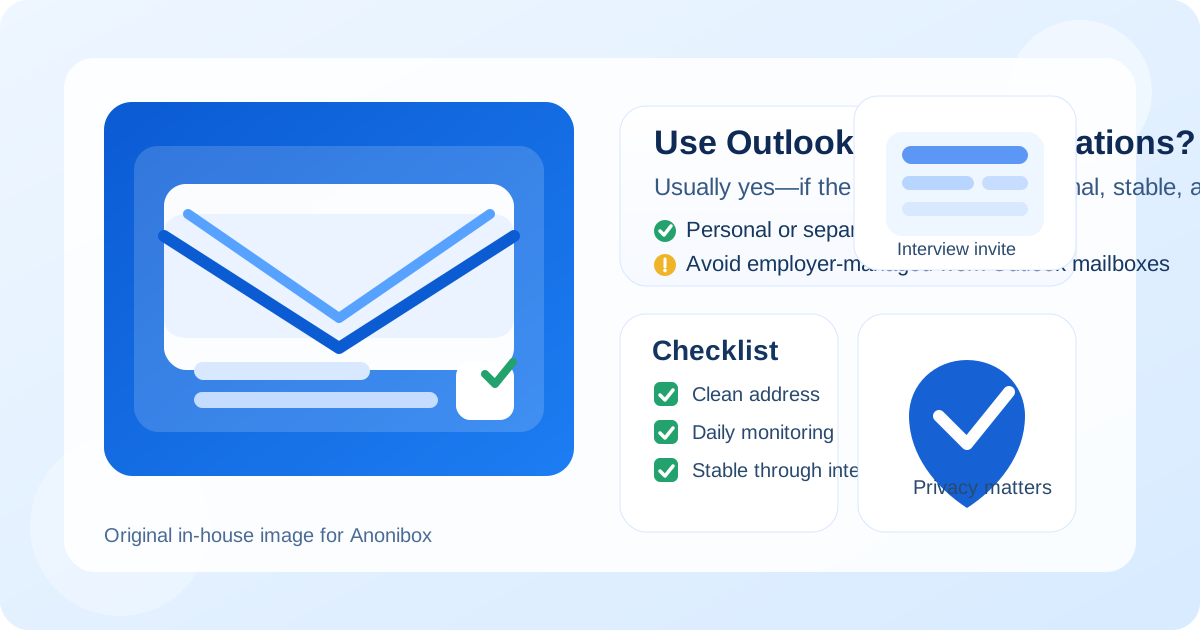
That distinction matters because “Outlook” covers a few very different realities. One person means a normal @outlook.com inbox they use every day. Another means an old Microsoft account tied to a noisy personal life. Someone else means a company-controlled Outlook mailbox on their current employer’s Microsoft 365 tenant. Recruiters may see all of those as email, but the privacy and practical consequences for you are not the same.
So if you are wondering whether Outlook is acceptable for job applications, the honest answer is: yes, in most cases it is absolutely fine. But the best setup is usually a personal Outlook account you own, or an intentionally separate Outlook inbox dedicated to your job search — not a mailbox tied to your current employer and not a disposable address for serious hiring conversations.
Does Outlook look professional to employers?
Usually, yes. Outlook is a mainstream, familiar email provider. Recruiters are not likely to treat it as strange, outdated, or suspicious. In most hiring processes, they care far more about whether your address is readable, your replies are timely, and your inbox remains stable throughout the process.
An address like firstname.lastname@outlook.com is typically fine. What can look weak is not the provider but the formatting: a nickname-heavy address, a joke username, a string of random numbers, or an inbox you barely check. That would be a problem on Gmail, Yahoo, or any other provider too.
In other words, Outlook itself is not a red flag. Execution matters more than brand.
Why Outlook is often a practical choice
Outlook can actually work very well for job searching because it is built around exactly the kinds of workflow details applicants deal with: email threads, attachments, interview scheduling, and calendar invites. If an employer sends you a screening request, a Microsoft Teams meeting, a calendar hold, or a follow-up file, Outlook handles all of that perfectly well.
It is also familiar enough that nobody needs an explanation. A recruiter does not wonder whether they can trust the mailbox format or whether the provider is temporary. From a communication standpoint, Outlook gives you continuity, which matters a lot once an application becomes real.
Where people run into trouble with Outlook
The problems usually come from the type of Outlook account, not the word “Outlook” itself.
1. Using a work Outlook account
This is the biggest mistake. If your Outlook inbox belongs to your current employer, your job search may leave traces in an environment you do not fully control. Depending on company policies and tooling, admins may have visibility into mailbox activity, calendar details, retention settings, or account access. Even if nobody is actively watching you, it is still not good privacy hygiene to run a personal job search through an employer-managed mailbox.
For job applications, a work Outlook account is usually the wrong choice. A personal account you control is safer.
2. Using an old, cluttered Microsoft inbox
Some Outlook users have had the same Microsoft account for years. That can mean retail receipts, newsletters, password resets, family messages, and random signups all landing in one place. A recruiter email can get buried fast in that kind of environment.
If your Outlook inbox already feels chaotic, it may still be technically usable, but it is not ideal. A separate job-search inbox is often much cleaner.
3. Mixing job search with everything else in Microsoft 365
Outlook often connects to calendars, contacts, Teams, and other Microsoft services. That can be helpful, but it also means your job search can spill into reminders, notifications, and devices you use for everyday life. If you value separation and privacy, that ecosystem effect is worth thinking about.
Personal Outlook vs separate Outlook vs work Outlook
If you want the simple version, think about Outlook in three buckets.
Personal Outlook account
This is usually fine if the address looks professional and the inbox is under control. A personal Outlook inbox works well when you are applying selectively and you are comfortable letting recruiter messages land in an account that is already part of your daily life.
Separate Outlook account for job searching
This is often the best middle ground. You still get a stable, mainstream mailbox, but you keep applications, interview invites, recruiter threads, and job-board alerts away from your normal inbox. That reduces clutter, helps you respond faster, and limits how widely your everyday address gets shared.
For many people, this is the cleanest Outlook setup of all: familiar to employers, easy to manage, and better for privacy than handing out your main personal inbox everywhere.
Work Outlook account
Usually no. A work-managed Outlook mailbox can expose your search to unnecessary employer visibility, and it can create awkward problems if you leave the company or lose access while applications are still active. Even if the risk feels low, the upside is small. Use a personal account instead.
When Outlook is a strong choice for job applications
Outlook is a very reasonable option when:
- your address looks professional at a glance,
- you check it daily during an active search,
- you can receive attachments, interview links, and scheduling messages reliably,
- you expect to keep the inbox active for the full hiring process, and
- you want a stable provider rather than a throwaway tool.
Those conditions cover most legitimate job applications. If that sounds like your setup, Outlook is not just acceptable — it is practical.
When Outlook is probably not the best option
Outlook becomes a weaker choice when:
- the address itself looks too casual or outdated,
- the inbox is so noisy that you might miss recruiter replies,
- you only have access through a current employer or school account,
- you share the account or the devices around it in ways that reduce privacy, or
- you want tighter separation between your everyday life and your job search.
In those situations, the fix is often not “abandon Outlook forever.” The fix is to use a cleaner, dedicated Outlook account or another long-term email you control.
Outlook vs temporary email for job applications
This is where people often confuse two different tools. Outlook is a long-term inbox. Temporary email is a short-term privacy tool. They solve different problems.
For real applications, recruiter conversations, interview scheduling, candidate portal logins, assessments, and offer-stage follow-up, Outlook is usually the safer choice because it is stable. You do not want an important message tied to an inbox that may expire or disappear before the employer replies.
Temporary email makes more sense earlier in the funnel, such as when you are:
- testing a job board you do not trust yet,
- downloading gated career resources,
- signing up for one-off hiring webinars or salary reports,
- checking whether a platform sends aggressive marketing follow-up, or
- protecting your main inbox from low-commitment job-search experiments.
That is where Anonibox fits naturally. It can help you protect your long-term inbox during low-trust or one-off signups. But once an employer conversation becomes serious, a stable Outlook account is usually the better destination.
Privacy and scam issues to keep in mind
Using Outlook does not automatically solve privacy problems. Job seekers are frequent phishing targets, and mainstream inboxes still collect spam if you share them too widely.
Watch for these issues:
- Fake recruiter messages: a familiar inbox does not make a suspicious sender legitimate.
- Inbox overload: too many job boards, alerts, and vendor messages can bury real opportunities.
- Calendar spillover: if Outlook is connected to your broader personal or work routine, job-search scheduling can become more visible or harder to separate.
- Account recovery risk: if the mailbox is not truly yours long-term, you may lose access to important candidate portals later.
The practical lesson is simple: use an account you control, verify unexpected outreach, and keep sensitive job-search communication away from employer-managed mailboxes.
Best practices if you use Outlook for job applications
Make the address boring in a good way
A clear, readable address is better than a clever one. If your current Outlook username looks juvenile, crowded, or hard to say aloud, create a cleaner account for job searching.
Keep the inbox organized
Create folders or rules for applications, interviews, assessments, and offers. Outlook is good at organization, so use that strength. The fewer important messages buried in clutter, the better.
Separate serious applications from low-trust signups
You do not have to use one address for everything. A stable Outlook inbox for real employers and a temporary inbox for low-trust signups is often a smart combination.
Do not use your employer’s mailbox
This rule is worth repeating. A job search belongs in an account you own, not one administered by the company you may be trying to leave.
Stay consistent
Use the same email on your résumé, application forms, and follow-up replies unless you have a deliberate reason to change it. Consistency reduces confusion and helps recruiters move faster.
A quick decision checklist
- Is this Outlook inbox personal and fully under my control?
- Does the address look professional?
- Will I monitor it closely for weeks or months if needed?
- Is the inbox clean enough that recruiter messages will not get lost?
- Would a separate Outlook account make my search easier and more private?
If the answer to most of those is yes, Outlook is probably a perfectly good choice.
Final answer
Yes, you can use Outlook for job applications. For most employers, a professional personal Outlook address is completely normal, and a separate Outlook account can be even better if you want cleaner boundaries and less inbox clutter.
The real caution is not about Outlook itself. It is about account ownership, inbox hygiene, and continuity. Avoid employer-managed Outlook mailboxes for private job searching, keep temporary email for low-trust signups rather than serious hiring conversations, and use a stable inbox you will still control when the interview invitations and follow-up messages start arriving.
That approach gives you the privacy benefits of better separation without sacrificing the reliability real hiring processes need.