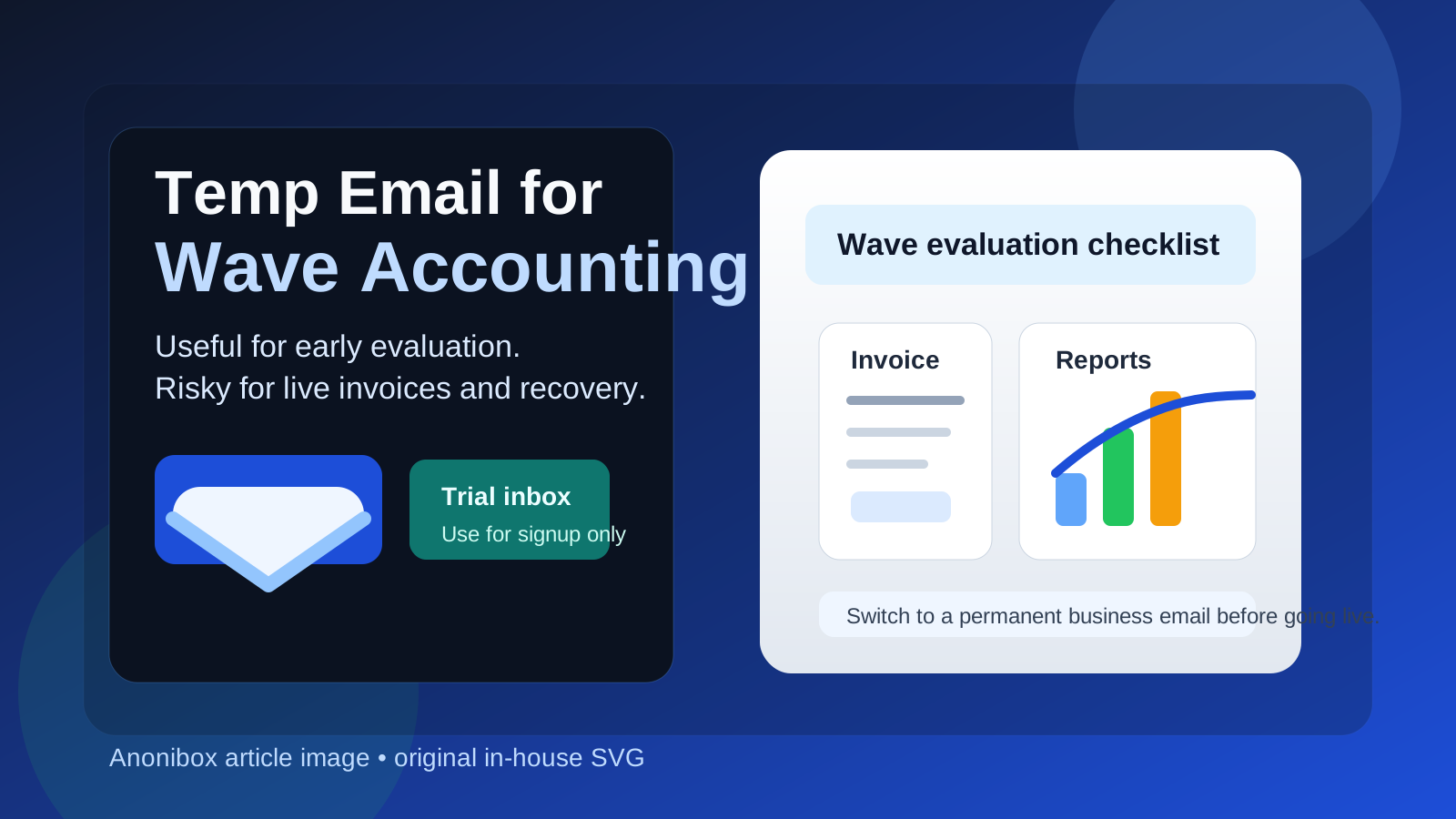
Yes, a temp email for Wave Accounting can be useful if you only need to create an account, confirm signup, and inspect the product during an early evaluation.
No, it is a poor choice for a live accounting workflow, because invoices, recurring billing, team access, bank-linked activity, and account recovery should sit on a permanent business email you control long term.
That difference matters. Many small businesses, freelancers, and side-project operators want to test Wave before they commit real inboxes, bank details, and client communication to a new platform. That is reasonable. A temporary inbox can reduce spam, keep product trials organized, and let you compare several tools without turning your everyday email into a vendor follow-up graveyard. But once you move from “trying it” to “running finance workflows,” the trade-off changes fast.
If you are using a service like Anonibox to keep product research separate from your main inbox, the safest approach is simple: use the temporary address for initial evaluation only, then switch to a durable business email before anything important starts depending on it.
Why people consider a temp email for Wave Accounting
Wave Accounting appeals to small businesses because it offers approachable accounting and invoicing workflows without the heavy setup some larger finance systems require. That makes it a natural candidate for quick evaluation. You may want to see how the dashboard feels, test invoice templates, explore expense categorization, or compare it against QuickBooks Online, Xero, and FreshBooks before deciding which tool deserves real setup effort.
In that early phase, a temporary inbox can be genuinely useful:
- It keeps trial and onboarding emails out of your main inbox.
- It helps separate accounting-software research from live client communication.
- It reduces long-term marketing follow-up from tools you may never adopt.
- It lets you compare multiple products with cleaner organization.
That is the best use case. The mistake is assuming that because a temporary email works for the first login, it is also good enough for the long-term account. Usually it is not.
When a temp email makes sense
A temp email makes the most sense when you are still in the low-risk, exploratory stage. In practice, that means things like:
- Creating a test account to review the interface.
- Checking whether the signup and onboarding flow are smooth.
- Looking at invoice templates, estimates, or dashboard layout.
- Comparing Wave with other small-business accounting tools before choosing one.
- Keeping software trials segmented while you research options.
If your goal is simply “show me what this product looks like and whether it fits my workflow,” a disposable inbox can be a sensible privacy tool. You only need the verification email, perhaps a welcome sequence, and maybe one or two setup notes. That is manageable.
When it becomes risky
The moment Wave stops being a trial and starts becoming part of your real bookkeeping or invoicing setup, a temp inbox becomes fragile.
1. Live invoices and client communication
If customers, payment reminders, or invoice-related notifications depend on the account, you do not want that account tied to an inbox that may expire or become inaccessible. Even if the platform itself works fine, losing the email side of the workflow can create needless confusion.
2. Account recovery
Email access often becomes the fallback when you forget a password, confirm a new device, or resolve a lockout. A temporary inbox is fine when nothing important is attached to the account yet. It is much less fine when your bookkeeping history depends on that login.
3. Team or accountant access
If you later involve a bookkeeper, tax preparer, contractor, or business partner, you want the account anchored to a stable address that reflects your business operations. Disposable inboxes are weak foundations for shared financial workflows.
4. Record retention and audit trails
Even when most accounting data lives inside the product, email still matters. It can contain account notices, billing changes, alerts, export confirmations, and other records you may want later. Throwaway access does not pair well with long-term record keeping.
5. Financial integrations and operational trust
As soon as you start connecting bank feeds, payment tools, receipt workflows, or recurring processes, the account should move onto an email address that belongs to your real business setup. Temporary email is best for evaluation, not infrastructure.
A safer workflow for trying Wave Accounting
If you want the privacy benefits without creating future headaches, use a staged approach.
Step 1: Start with a temp email only for the evaluation phase
Create the temporary address before signup. Use it for verification, the first login, and any low-risk onboarding messages. This gives you a clean environment for testing without exposing your main inbox too early.
Step 2: Test features without building production dependency
Explore the dashboard, invoice flow, reports, and account settings. If possible, use sample data or obviously non-production data while you evaluate. The purpose at this stage is to judge fit, not to build permanent finance operations on a disposable foundation.
Step 3: Save anything important immediately
If the onboarding email includes login instructions, setup recommendations, or information you may need later, save it outside the temporary inbox. Temporary email works best when you assume the inbox is short-lived and act accordingly.
Step 4: Switch to a permanent business email before going live
If Wave makes the shortlist or becomes your chosen tool, move the account to a durable inbox you control before you send real invoices, connect financial data, invite collaborators, or depend on the account for daily operations.
Step 5: Treat the long-term email as part of your finance stack
Your accounting platform is not just another app. It sits close to billing, reporting, taxes, and client relationships. That means the email behind it deserves the same seriousness as the rest of the setup.
What you should evaluate during the temp-email phase
If you are only going to spend a short time in the account before deciding whether to keep it, focus on the questions that matter most:
- Is the interface understandable for your business size?
- Can you create invoices and estimates quickly?
- Do the reports feel useful for your real decision-making?
- Is the workflow lightweight enough for a solo operator or small team?
- Would you trust yourself or your staff to use it consistently?
- Does it compare well with QuickBooks Online, Xero, or FreshBooks for your use case?
Those are better evaluation questions than “did the signup email arrive?” The inbox gets you in the door. The product has to earn the rest.
What to save before the temp inbox expires
If you do use a disposable address, do not leave important details trapped inside it. Save:
- verification confirmations,
- any setup instructions you want to keep,
- notes about account settings you tested,
- export samples or screenshots that help comparison, and
- the point at which you decided whether to keep or abandon the account.
This is especially important if you are comparing several accounting tools at once. Organized notes matter more than a crowded inbox.
Common mistakes to avoid
Using the temp email too long
The biggest mistake is forgetting to switch once the trial becomes real. What began as a tidy privacy tactic can quietly become a weak point in your finance workflow.
Putting real client activity into a throwaway setup
If clients are receiving invoices, payment reminders, or other real communications, the email behind the account should already be permanent and monitored.
Assuming “temporary” means “private enough for everything”
Temporary email can reduce inbox exposure, but it does not magically solve every privacy, security, or operational problem. It is one tool in a workflow, not a guarantee.
Failing to separate evaluation from production
Testing software and running your books are different phases. A lot of avoidable headaches disappear when you treat them that way from the start.
Is a temp email for Wave Accounting worth it?
Yes, if your goal is controlled early evaluation. It is a practical way to review Wave without immediately tying your main inbox to yet another software vendor. For freelancers and small businesses researching options, that can be genuinely useful.
No, if your plan is to keep using that same temporary inbox once the account matters. Accounting tools are too important for that. When invoices, records, collaborators, and recovery workflows enter the picture, you want a stable business email that you own and monitor long term.
Final verdict
A temp email for Wave Accounting is best used as a short-term screening tool, not as a permanent foundation. Use it to verify signup, inspect features, and compare the platform against other accounting options without cluttering your main inbox. Then, if Wave proves useful, switch to a real business email before you rely on it for invoices, reporting, team access, or recovery.
That gives you the best of both worlds: cleaner early-stage privacy and a more reliable long-term accounting setup.