Yes — Google Meet is usually a perfectly acceptable platform for job interviews, especially when an employer already uses Google Workspace.
The safest version is to join from a clean personal or separate setup, not a work-managed Google account with calendar, browser, and profile spillover.
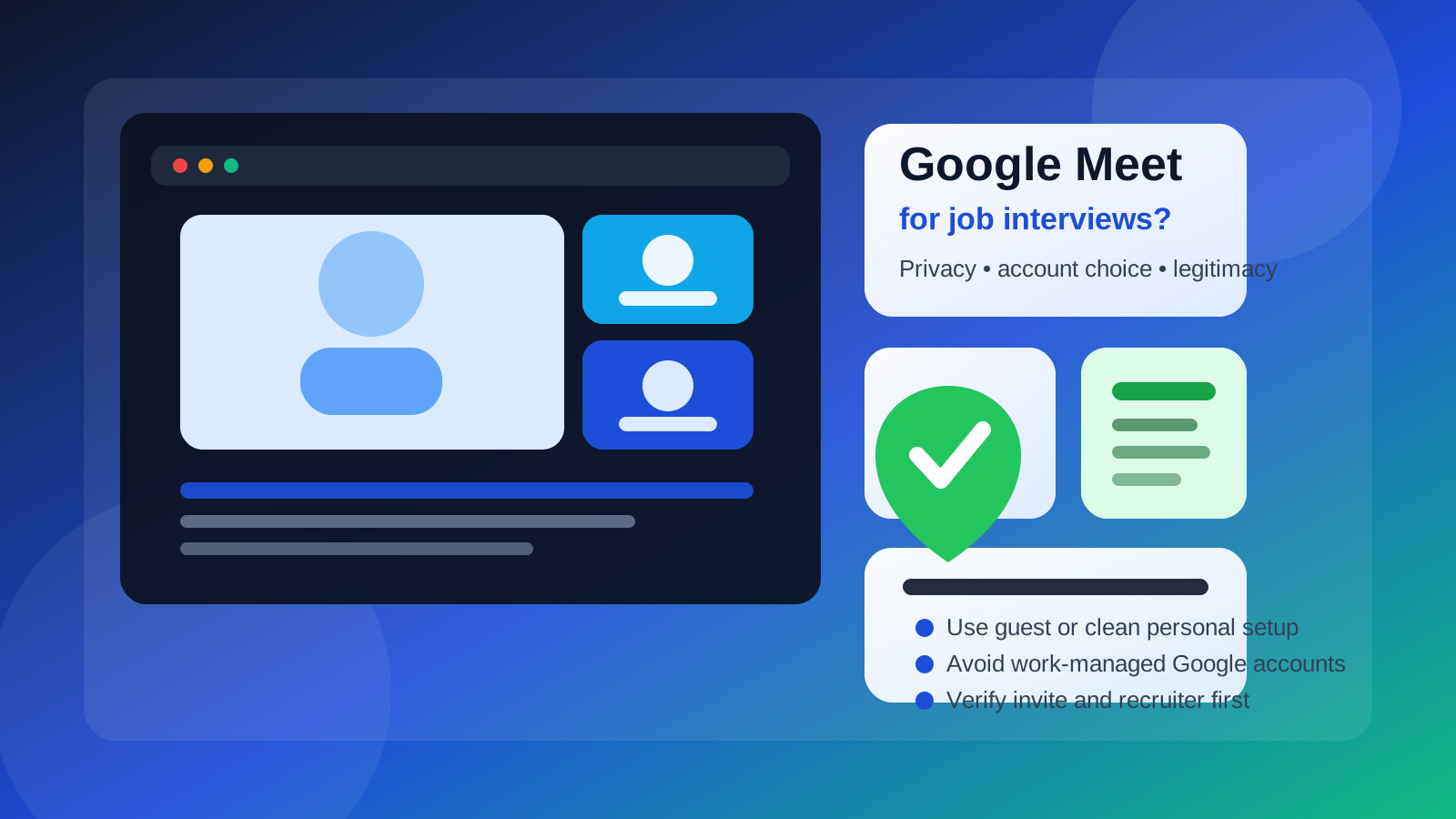
That distinction matters because Google Meet itself is usually not the problem. The real privacy and professionalism issues come from the account you attach to the meeting, the browser state you bring into it, the calendar trail behind the invite, and whether the recruiter and role are legitimate in the first place.
For many employers, Google Meet is simply normal infrastructure. It is built into calendars, easy to schedule, and familiar to candidates. So if a real hiring team sends a straightforward Google Meet invite, that is usually a green flag, not a red one. But “normal” does not mean “careless.” If you join through a work Google account, expose an awkward profile photo, leave sensitive tabs one click away, or accept a suspicious invite too quickly, you can still create problems you did not intend.
Short answer: Google Meet is fine, but your account choice matters
If a legitimate recruiter or hiring manager sends a normal Google Meet link, it is usually fine to use it. The smarter question is not just should you use Google Meet for job interviews. It is how should you use Google Meet for job interviews without leaking unnecessary personal or employer-linked information?
In most cases, the best answer is simple:
- use a personal device rather than a work-managed one
- join with a clean personal Google account, a separate interview-only account, or guest mode
- avoid using your current employer’s Google Workspace account
- verify the invite before you click anything unusual
Why employers use Google Meet so often
Google Meet is common because it is friction-light. Companies that already live in Gmail and Google Calendar can send interview invites quickly without making candidates create a special enterprise login. It works for first-round screens, recruiter chats, panel interviews, and follow-ups. Candidates also tend to recognize it instantly, which lowers technical confusion.
That convenience is exactly why it can be a good interview platform. Compared with strange messaging apps, anonymous social DMs, or random “download this unofficial tool” requests, a plain Google Meet invite often looks more legitimate. On its own, using Google Meet does not suggest a scam. The details around the invite matter much more.
What are the real privacy issues with Google Meet interviews?
The platform itself is mainstream. The risks come from account linkage and context.
1. Calendar spillover
If you join with a Google account that is tied to your current job, the meeting may sit inside a work-visible calendar environment. Even if your employer is not actively watching, the point is simple: your job search should not ride on top of employer-managed tools when you can avoid it.
2. Profile details you forgot about
Google accounts can carry profile photos, full names, older aliases, contact hints, and sync history that feel invisible until a live call starts. A casual profile picture or a cluttered account identity is not catastrophic, but it may not be how you want to show up in an interview.
3. Browser and notification leakage
Meet often runs inside the same browser where people keep Gmail, documents, saved passwords, and personal tabs open. If you need to share your screen, that environment matters. One wrong notification preview or visible tab can create an avoidable distraction or privacy leak.
4. Fake invites that borrow a trusted brand
Because Google Meet is so familiar, scammers can hide behind that familiarity. A meeting link alone does not prove the recruiter is real. You still need to verify the sender, the company, and the hiring process around the meeting.
Which setup is best for a Google Meet interview?
There is no universal answer for everyone, but some options are clearly better than others.
Best: a separate interview-only Google setup
If you are actively job hunting, a separate Google account or at least a separate browser profile is often the cleanest option. It keeps interview invites, reminders, recruiter messages, and meeting history separate from your everyday personal life. It also helps you present a tidy name, neutral profile image, and focused environment.
This is especially useful if you are applying widely, interviewing quietly, or trying to avoid mixing your search with your current employer’s ecosystem. If you already use Anonibox or another separate inbox strategy for early-stage applications, a dedicated interview setup keeps that same separation going once interviews start.
Very good: a clean personal Google account
A personal Google account is usually fine if it is reasonably polished. Make sure the display name is professional, the profile photo is either neutral or removed, and the calendar tied to that account is not cluttered with meeting names you would rather not flash during screen-share moments.
This is the most practical choice for many people because it is easy, stable, and under your control.
Sometimes good: guest mode or a signed-out join
Google Meet often allows you to join without being fully embedded in a signed-in Google environment. That can be great for privacy because it reduces profile spillover. The trade-off is that guest mode can feel slightly less convenient if you rely on account-linked reminders or one-click calendar access. Still, for one-off interviews, it is often a smart low-footprint option.
Worst: your work Google account
Your current employer’s Google Workspace account is usually the worst choice. It may be subject to admin visibility, device management, audit trails, browser sync, calendar exposure, and account policies you do not control. Even when nothing dramatic happens, it is simply unnecessary risk.
When Google Meet is a green flag
Using Google Meet is usually reassuring when:
- the invite comes from a real company domain
- the recruiter has a credible LinkedIn or company presence
- the role exists on the employer’s careers page
- the meeting fits a normal hiring process with clear names and scheduling
- the employer is already a Google Workspace-heavy organization
In those cases, Google Meet is just another normal professional video channel, much like Zoom or Microsoft Teams.
Red flags that still matter even if the interview is on Google Meet
A familiar platform does not automatically make the opportunity real. Slow down if you see any of these:
- the sender uses a free email address but claims to represent a large company
- you are pressured to join a meeting immediately with no clear role details
- the recruiter avoids giving a full name, company page, or official job posting
- the “interview” quickly turns into requests for documents, payments, or account logins
- the link is paired with odd download instructions or off-brand login pages
Google Meet can be used by real employers and fake recruiters alike. The surrounding context is the real trust signal.
Best practices before the interview starts
Use a clean browser profile
If possible, join from a browser profile created just for job search activity. That keeps bookmarks, autocomplete suggestions, unrelated tabs, and active sessions from bleeding into the interview.
Check your display name and photo
Look at exactly what the interviewer will see. Make sure your name is clear, your profile image is appropriate or removed, and any linked account identity matches how you want to present yourself professionally.
Review the calendar invite details
Read the meeting invitation carefully. Confirm the interviewer names, the time zone, and any attached materials. A sloppy or inconsistent invite is not always malicious, but it is worth noticing.
Silence notifications
Turn off pop-ups, chat previews, and desktop alerts before the interview. This matters even more if you may share your screen or if Gmail is open in nearby tabs.
Test your environment once
Camera framing, microphone levels, lighting, and background cleanliness matter more than fancy software. Do one test call or preview and then leave the setup alone.
Should you sign in or join as a guest?
If you need the simplest privacy answer, guest mode often wins. It minimizes account exposure and can keep the experience focused. If you need stable reminders, easier invite handling, or repeated interviews with the same employer, a separate or polished personal Google account is often more convenient. Either way, the goal is the same: avoid dragging your current employer’s Google environment into your job search.
A practical decision checklist
- Is the recruiter and company independently verifiable?
- Is the Google Meet invite coming from a credible email domain?
- Are you joining from a personal or separate setup rather than a work account?
- Does your displayed name and profile look professional?
- Would guest mode reduce clutter or exposure for this interview?
- Have you closed sensitive tabs and silenced notifications?
If most of those answers look good, Google Meet is usually a perfectly reasonable platform for the interview.
Final answer: should you use Google Meet for job interviews?
Yes — in most cases, Google Meet is a normal and legitimate platform for job interviews. The bigger issue is not whether the platform is acceptable. It is whether you are using it from a setup that protects your privacy, keeps your job search separate from work infrastructure, and presents you cleanly.
For most candidates, the best path is a clean personal or separate Google setup, or guest mode when appropriate. Avoid work-managed Google accounts, verify the invite, and treat Google Meet like a professional tool rather than proof that the opportunity is automatically safe. Done that way, it is one of the easier interview platforms to use well.