Yes — you can use AOL Mail for job offers if the address looks professional, you control the account, and you will keep checking it through offer letters, benefits forms, and onboarding steps. The bigger risk is not the @aol.com label itself; it is using an old, cluttered, rarely checked inbox when the most important documents in your job search start arriving.
If you are asking should you use AOL Mail for job offers, the practical answer is that AOL Mail is usually fine for this stage when it is stable and secure. But if the account is full of spam, tied to outdated recovery settings, or mixed with years of personal noise, moving the offer conversation to a cleaner inbox is often the smarter play.
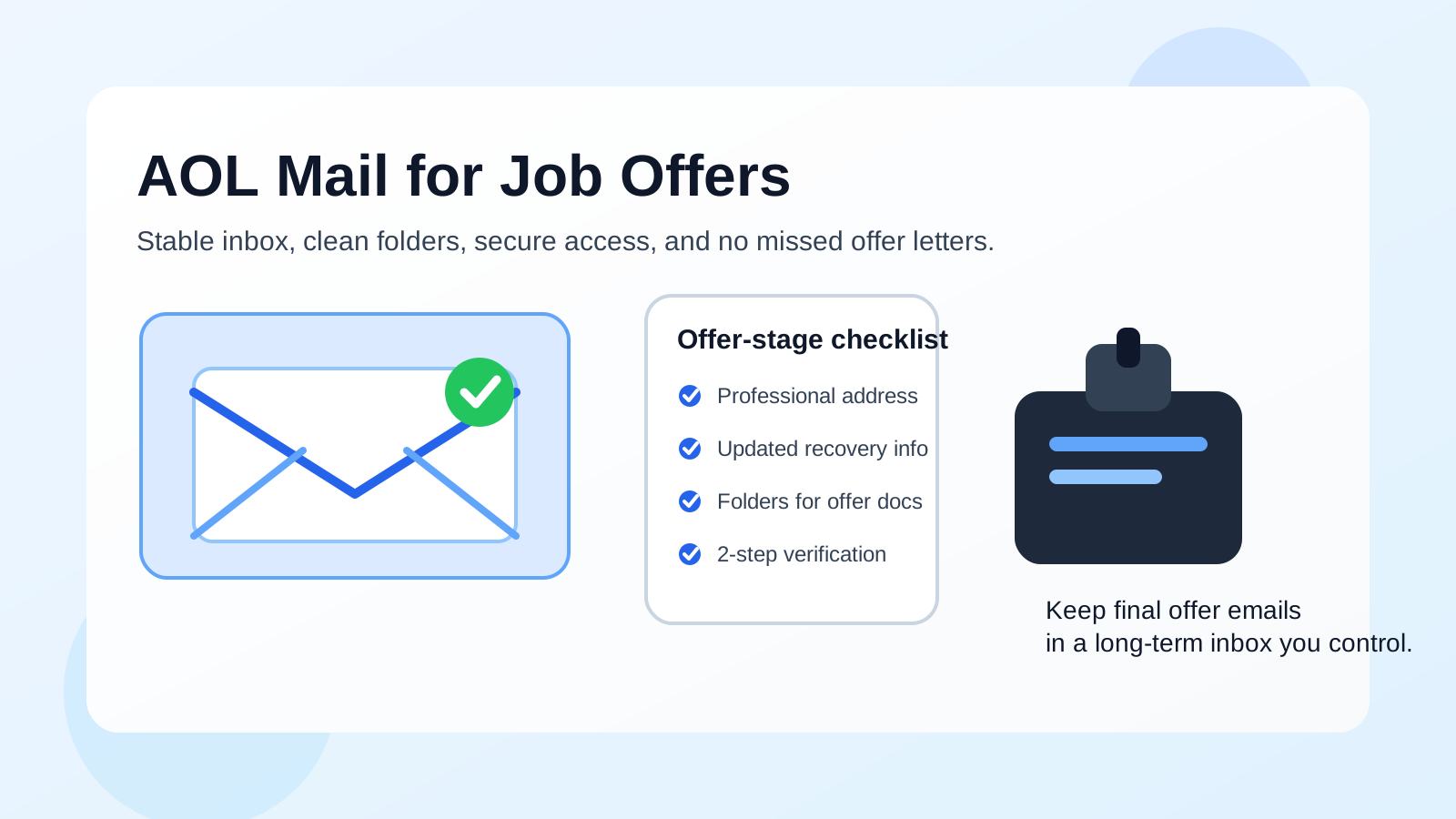
The offer stage is different from the application stage. Once a company wants to hire you, the inbox holding that thread may receive salary summaries, formal offer letters, benefits instructions, start-date confirmations, background-check requests, tax paperwork instructions, and follow-up questions from HR. That means reliability matters more than branding. An employer is unlikely to reject you because your address is on AOL Mail. They are much more likely to get frustrated if you miss deadlines, lose attachments, or reply late because your inbox is chaotic.
Why the offer stage raises the stakes
Job offers are not just another recruiter email. They often include sensitive documents, expiration dates, signature requests, and details you may need to reference later. Even a short delay can create unnecessary stress if you miss a response deadline or fail to notice that an attachment landed in the wrong folder.
At this point in the process, you want an inbox that does four things well:
- receives messages consistently,
- keeps attachments easy to find,
- stays under your control for the long term, and
- does not bury important emails under newsletters, promotions, and random spam.
AOL Mail can meet that standard. The question is whether your specific AOL account does.
When AOL Mail is perfectly fine for job offers
AOL Mail is usually a reasonable choice when the account is active, clean, and obviously yours. If you have used the address for years, check it multiple times a day, and keep it organized, there is nothing inherently wrong with receiving offer-stage communication there.
AOL Mail can work well if:
- your address looks professional and uses your real name or a simple variation,
- you have current password and recovery settings,
- you regularly monitor the inbox on both desktop and phone,
- you can open and save PDF attachments without friction, and
- the account is not shared with family members or mixed with old household logins.
For many hiring teams, that is enough. Recruiters are not running a provider beauty contest. They want a candidate who can receive the message, review the offer, ask clear questions, and respond on time.
What can go wrong with AOL Mail at the offer stage?
The problems are usually practical, not reputational. AOL Mail becomes risky when it is treated like a legacy inbox you rarely maintain.
1. The account is old and overloaded
Many AOL Mail users have had the same address for a long time. That history can be useful, but it can also mean years of retail emails, newsletters, password resets, mailing-list clutter, and spam. When an employer sends a time-sensitive offer letter, you do not want it competing with hundreds of unrelated messages.
If your AOL inbox feels noisy every time you open it, the problem is not the provider brand. The problem is inbox hygiene.
2. Your recovery settings are outdated
An old email account sometimes has an old phone number, a forgotten backup email, or security settings you have not reviewed in years. That becomes dangerous when you suddenly need guaranteed access to an account holding job-offer documents. Before you use AOL Mail for offer-stage communication, make sure you can still recover the account if you are locked out.
3. The address itself looks unprofessional
AOL Mail can be perfectly acceptable, but a messy handle is still a problem. An address packed with nicknames, birth years, jokes, or random numbers looks weaker whether it ends in @aol.com, @gmail.com, or anything else. If your AOL address is something you would hesitate to say out loud in a professional call, that is a sign to switch.
4. You rely on a shared or semi-shared device setup
Offer letters often contain salary information, legal names, addresses, and next-step instructions. If your AOL account stays logged in on a household computer, an old tablet, or a browser profile other people touch, privacy becomes a real concern. Offer-stage communication deserves a little more separation.
5. You use the account like a catch-all for everything
A single inbox for shopping receipts, personal conversations, travel alerts, social logins, old subscriptions, and job-search communication can still work — but it requires discipline. If you know you do not have that discipline, a cleaner separate inbox may save you from avoidable mistakes.
Should you move the offer to a different email account?
Sometimes, yes. If your AOL Mail account is technically fine but operationally messy, moving the hiring conversation to a cleaner address can make the final stage smoother. You do not need to panic-transfer every recruiter thread. But if you reach the offer stage and realize your AOL inbox is buried, that is a good moment to simplify.
A better long-term inbox might make sense if:
- your AOL address is old and cluttered,
- the handle looks dated or unprofessional,
- you do not fully trust the account recovery setup,
- you want stronger separation between personal life and job-search paperwork, or
- you expect onboarding documents to keep arriving for weeks after acceptance.
If you do switch, do it clearly. Tell HR or the recruiter that you would like future offer and onboarding communication sent to your preferred address. A simple message is enough. You do not need to overshare the reason.
Best practices if you keep using AOL Mail for job offers
Clean the inbox before the offer arrives
Archive or delete obvious junk, unsubscribe from noisy mailing lists, and set up a couple of simple folders. Even basic folders like Applications, Interviews, and Offers make a difference when you need to retrieve a PDF quickly.
Search for missed messages and spam filtering issues
As soon as you expect an offer, check spam and trash as well as the main inbox. Search by company name and recruiter name, not just the subject line. If a company says it sent something and you do not see it, act fast instead of waiting a full day.
Update account security
Review your password, recovery email, recovery phone number, and any available verification settings. Offer-stage emails can contain some of the most sensitive information in your job search, so this is not the moment to leave an old account on autopilot.
Download and save important documents
Do not leave everything floating in the inbox. Save offer letters, compensation summaries, and onboarding instructions to a secure location you control. That way, even if a thread gets buried or an attachment becomes harder to find later, you still have your copy.
Respond from the same address consistently
If the thread started in AOL Mail and you plan to keep using it, avoid bouncing between multiple email accounts unless you intentionally tell the employer you are switching. Consistent communication reduces confusion and makes your identity clearer to HR teams.
What should you avoid using instead?
The main alternatives that cause trouble are not “newer” providers versus older ones. They are unstable inboxes.
- Do not use a temporary inbox for actual job offers. Disposable email can help with low-trust signups or early research, but final offer letters belong in a durable account you control long term.
- Do not use a work-managed email from your current employer. That creates obvious privacy and access risks if you change jobs.
- Do not use a shared household inbox. Job-offer communication is too personal for that.
- Do not keep using a neglected mailbox just because it already exists. Familiarity is not the same as reliability.
This is where tools like Anonibox fit naturally earlier in the funnel. A temporary inbox can be useful for low-stakes testing, sketchy boards, or situations where you want to limit long-term spam exposure. But when a real employer is sending an offer, you want the opposite: a long-lived, well-monitored inbox with stable access.
A quick checklist before you say yes to AOL Mail for offer-stage communication
- Does the address look professional?
- Can you log in easily on your main devices?
- Are your recovery settings current?
- Is the inbox clean enough that you will not miss attachments?
- Can you save offer documents somewhere secure?
- Will you keep using this inbox through onboarding and follow-up questions?
If the answer to most of those is yes, AOL Mail is probably fine. If several answers are no, a cleaner separate inbox is worth considering before the paperwork starts moving.
Final answer: should you use AOL Mail for job offers?
Yes — AOL Mail can be a perfectly usable option for job offers when the account is professional, secure, and actively monitored. Employers usually care far more about response speed, attachment handling, and communication reliability than the age or popularity of the provider.
But if your AOL account is old, noisy, or poorly maintained, the offer stage is the wrong time to gamble on it. Use the account only if you trust it to hold important documents without confusion. Otherwise, move the conversation to a cleaner inbox you control for the long term and keep the final steps of your job search organized.