If you are asking should you use Fastmail for job referrals, the short answer is yes — as long as the address looks professional, stays active, and you monitor it closely.
Fastmail is usually a better choice than a disposable inbox for referrals because referrals depend on trust, continuity, and quick follow-up.
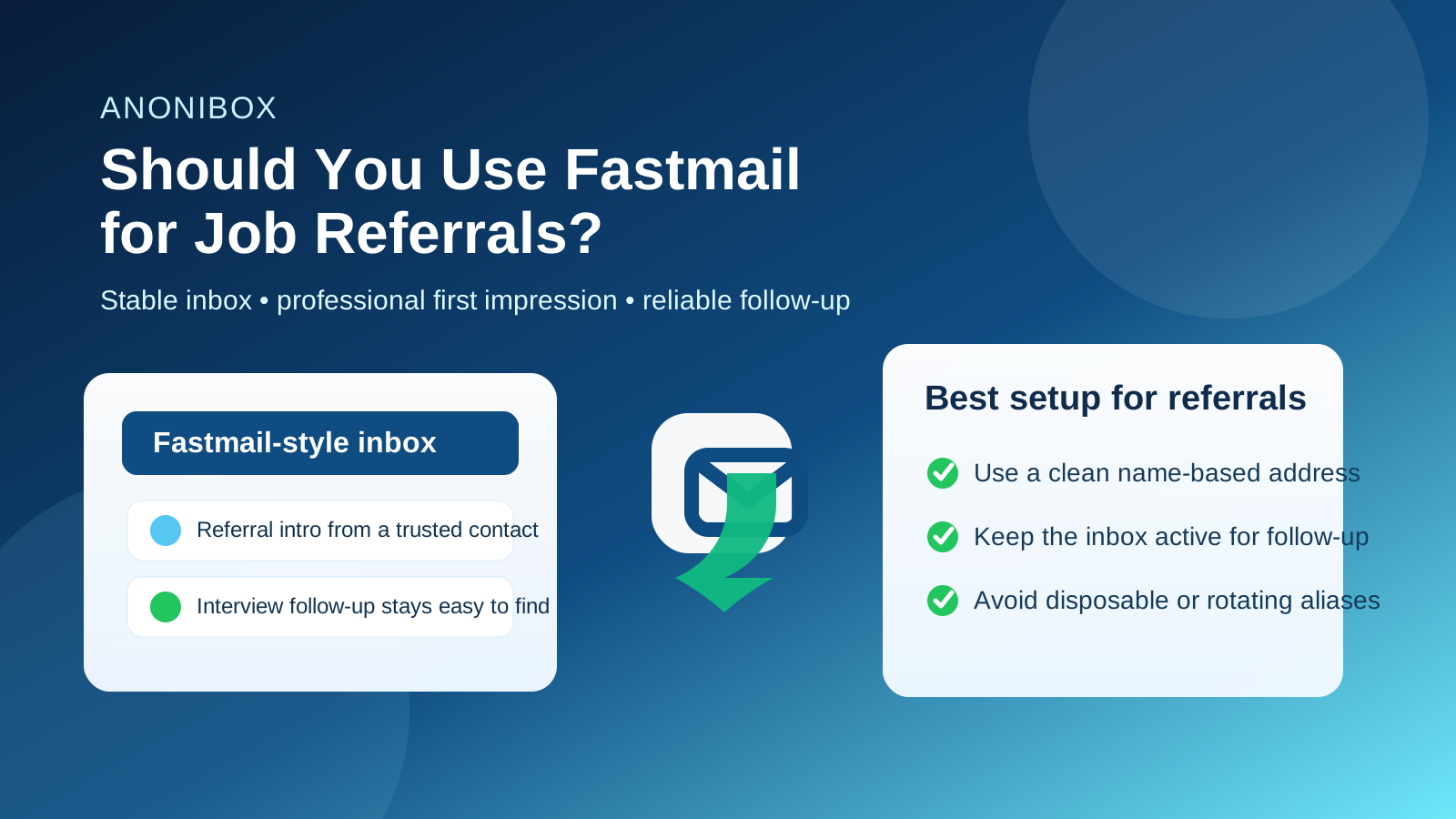
That is the real issue behind this keyword. A job referral is not the same thing as a random signup on a job board or a one-time download of a salary guide. When someone refers you, they are attaching their own credibility to your name. The employer is not just seeing your résumé. They are seeing a candidate who arrived through an introduction, and that makes your contact details part of the first impression earlier than usual.
The good news is that Fastmail can work very well in that situation. It is a legitimate, stable email service, and most recruiters will not care that you use it instead of Gmail or Outlook. What they will care about is whether your address looks normal, whether you reply quickly, and whether the inbox stays available through scheduling, interview coordination, and follow-up messages. In other words, the risk is usually not Fastmail itself. The risk is using it in a way that feels inconsistent, overly experimental, or hard to trust.
Why job referrals need a more stable email setup
With a normal cold application, the company often reviews your materials first and contacts you later. With a referral, contact can start almost immediately. A friend might introduce you to a hiring manager. A former coworker might forward your résumé and copy you. An internal recruiter might reach out directly because someone inside the company already vouched for you.
That faster path is helpful, but it also means you need an inbox that behaves like a dependable professional tool. If a referral turns into a screening call, interview invitation, or follow-up question, you do not want the message landing in an address you barely check, a masked alias you might disable, or a throwaway account you created only for low-trust signups.
Fastmail fits the referral use case better than many privacy tools because it can give you both control and stability. You can keep your job search separate from your personal clutter, but you are still using an inbox you own and can reliably access.
When Fastmail is a strong choice for job referrals
You use a clean, readable address
A recruiter is much more likely to notice the quality of the address than the brand behind it. An address based on your real name usually works well. If your Fastmail inbox looks clear and professional at a glance, the provider will rarely be the thing that holds you back.
You actually monitor the inbox
Referrals can move quickly. Sometimes the difference between a live lead and a missed opportunity is just a same-day reply. Fastmail is a good option if it is part of your real workflow, with notifications, a clean folder setup, and habits that let you respond on time.
You want separation without looking disposable
A lot of job seekers want privacy, but they do not want to look like they are hiding behind a temporary address. Fastmail can be a nice middle ground. It gives you separation from your everyday inbox without creating the instability of a burner email. That matters when a referral may lead to several rounds of back-and-forth communication.
You may need the account for weeks or months
Referrals do not always turn into immediate interviews. Sometimes there is a delay, an internal transfer, or a follow-up weeks later when a hiring team opens a new role. A stable Fastmail inbox gives you continuity that a disposable address cannot promise.
Does Fastmail hurt credibility with recruiters?
Usually no. Most recruiters are not ranking candidates by email provider. They are looking for practical signals: does the inbox look professional, does the candidate respond, and does the contact information stay consistent from the introduction to the application portal to the interview process?
Fastmail is not a weird or obviously suspicious choice. If anything, it can signal that you prefer a more organized and intentional setup. That does not automatically impress anyone, but it also does not usually create a problem. Credibility issues tend to come from other things:
- a childish or confusing username,
- slow or missing replies,
- switching email addresses halfway through the process,
- using a masked address that stops forwarding, or
- making your referral contact look different from the one on your résumé or LinkedIn profile.
So the right question is not “Will employers reject Fastmail?” It is “Will this inbox help me look reachable, consistent, and professional?” In most cases, the answer can be yes.
Where Fastmail can create problems in a referral workflow
1. You keep changing aliases
Some privacy-minded users love aliases, and aliases can be useful. But referrals are not the place to keep rotating contact details. If one person refers you with one address, you apply with another, and then you reply from a third, you create unnecessary confusion. Even if all of them route to you, the employer only sees inconsistency.
2. You treat the referral like a low-trust signup
There is a big difference between a real referral and a job board you are testing for the first time. If a trusted person is introducing you to a hiring team, using a stable inbox is smarter than using a disposable or semi-disposable layer. Over-protecting yourself can backfire when the main thing the employer needs is confidence that they can reach you.
3. Your custom domain is too clever or unclear
Fastmail users sometimes rely on custom domains, and that can be fine. But if the domain is joke-based, overly branded, or hard to parse quickly, it can make your referral feel less polished. Simplicity wins. A clean address helps the referring person look organized too.
4. You let filtering hide important messages
Fastmail is powerful, which is great until you build rules that bury recruiter messages. A referral can produce calendar invites, attachments, automated applicant system emails, or direct replies from multiple people. If you route all unknown senders into a side folder, make sure you still see them.
Fastmail versus temporary email for job referrals
This is where a lot of people mix up two different privacy goals. A temporary inbox is useful when you are dealing with low-trust or low-stakes situations: testing a job board, downloading a gated guide, or signing up for something before deciding whether it deserves your real contact details. A referral is different. It is a higher-trust, higher-value conversation that depends on continuity.
That means Fastmail is usually the better tool for the referral itself. It is stable enough for scheduling, follow-up questions, and interview logistics. A temporary inbox is better for the outer layer of the job search, not for the core relationship once an actual person is introducing you.
This is also where Anonibox fits naturally. If you want to protect your main inbox while exploring job boards, newsletters, or early-stage signups, a temporary email workflow can be useful. But once a referral becomes real and you may need ongoing communication, a durable inbox like Fastmail is the safer choice. Think of Anonibox for filtering noise at the edge, and Fastmail for keeping real opportunities reachable.
Best practices if you want to use Fastmail for referrals
Use one consistent address for the referral path
If someone is introducing you, give them the same address you plan to use for any follow-up. Consistency reduces friction for everyone involved.
Make sure the display name is normal
Your display name should match how you present yourself professionally. If the referral email arrives with an outdated nickname or strange sender label, it can distract from the introduction.
Keep the inbox quiet enough to notice new messages
If you use Fastmail because you like organization, use that advantage. Keep newsletters, shopping receipts, and unrelated signups out of the way so referral messages do not get buried.
Check forwarding and notifications before you need them
Do not assume your setup works perfectly. Send yourself a test message, confirm your mobile notifications behave the way you expect, and make sure important senders are not hitting a rule you forgot about.
Stay available after the first reply
A referral is not over when you answer once. You may need the same inbox for interview confirmations, take-home instructions, scheduling changes, or a later follow-up if the role reopens. Keep the address active for the full cycle.
When you might choose something other than Fastmail
Fastmail is a good option, but it is not mandatory. If you already have a clean Gmail, Outlook, iCloud, Proton Mail, or custom-domain address that you use reliably, that may be perfectly fine too. The best inbox for referrals is usually the one that is stable, easy to monitor, and professionally presented.
You might avoid Fastmail for referrals if:
- you barely use the account and are likely to miss replies,
- your preferred address on Fastmail looks messy or dated,
- your custom domain creates more confusion than trust, or
- you are still in a low-trust exploratory phase where a temporary inbox makes more sense than a long-term contact address.
In other words, Fastmail is strong when it is part of a reliable workflow. It is less useful if it is just another half-monitored account in a pile of rarely checked inboxes.
A quick checklist before using Fastmail in a referral
- Does the address look professional and easy to read?
- Will you check it quickly enough for same-day follow-up?
- Are your filters and forwarding rules under control?
- Will you use the same address throughout the referral process?
- Is this a real relationship-driven referral rather than a low-trust signup?
If the answer to most of those is yes, Fastmail is probably a solid choice.
Final answer: should you use Fastmail for job referrals?
Yes, in most cases you can. Fastmail is usually a credible and practical option for job referrals when the address looks professional, the inbox stays active, and you use it consistently.
The main thing to avoid is treating a referral like a disposable interaction. Referrals work best when employers and recruiters can trust that your contact details will stay stable from introduction to follow-up. Use Fastmail as a dependable professional inbox, keep the setup simple, and reserve temporary email tools for lower-trust parts of the job search rather than the referral itself.