Usually no—not as your main channel for a real offer. Facebook Messenger can be fine for a quick reply or scheduling update, but a legitimate job offer should move to a verified company email address, phone call, or official hiring portal before you share sensitive information or make a decision.
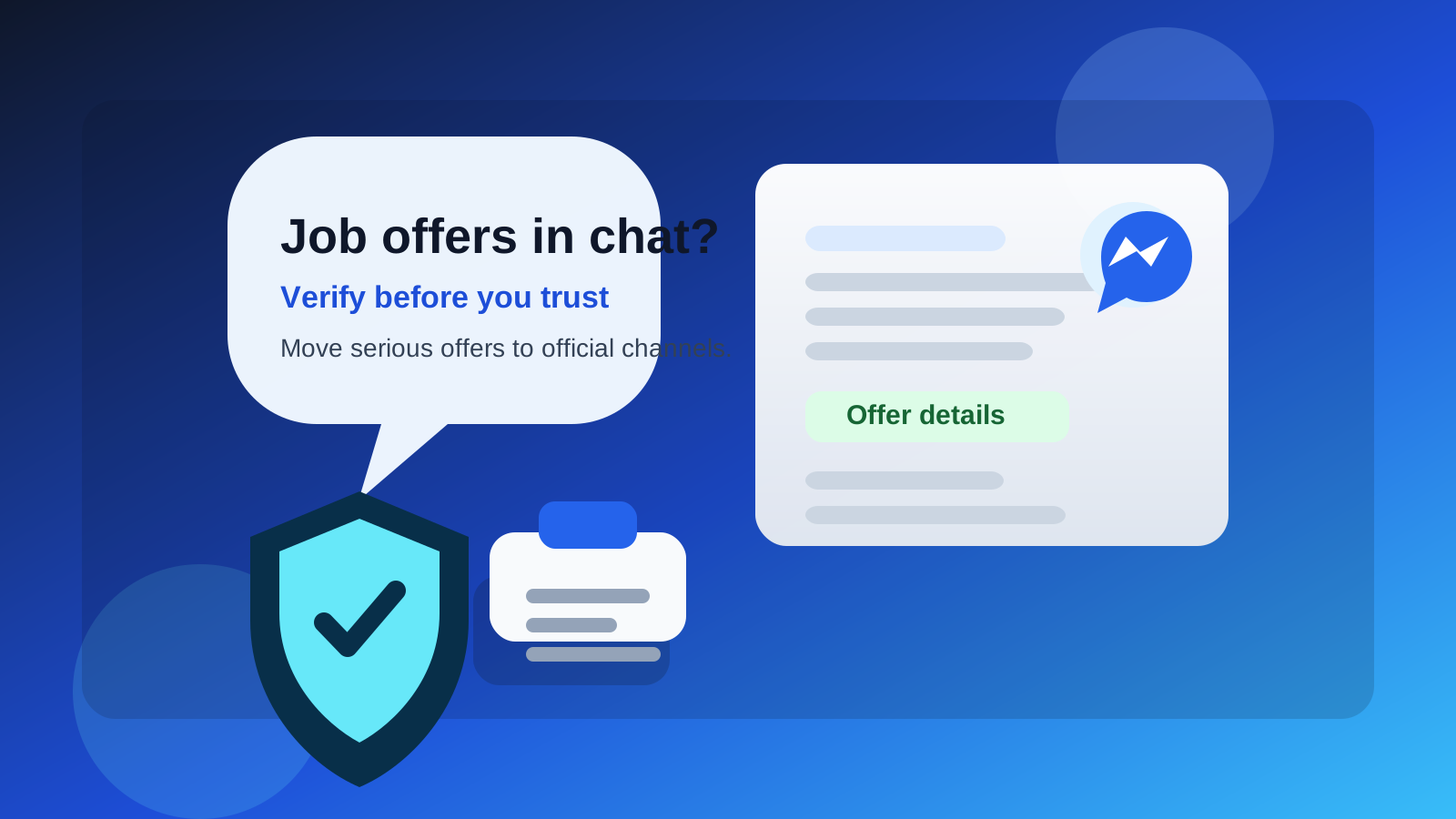
If someone sends you an offer over Messenger, treat that message as a starting point, not final proof. Messenger is convenient, but it is also a common place for impersonation, pressure tactics, and job scams. The safest move is to verify the employer independently and shift the conversation to a more formal channel.
Why employers sometimes use Messenger in the first place
Facebook Messenger is fast, informal, and easy to open on any phone. That makes it tempting for recruiters, small businesses, and hiring managers who want to reach candidates quickly. In some industries, especially local service work, retail, hospitality, gig roles, and small business hiring, Messenger may be used for first contact because the employer already communicates with customers and applicants there.
That does not automatically make the conversation fake. A real employer might send a short note such as, “Thanks for applying—can we call you this afternoon?” or “Please check your email for the formal next step.” The problem is that Messenger is also easy for scammers to use because creating a convincing account, copying a company logo, and sending urgent messages takes almost no effort.
The short answer: use Messenger only for light coordination
Messenger is acceptable for simple logistics if the employer is already verified. It is not a great place for the serious parts of an offer process. Offer letters, salary terms, start dates, background-check instructions, tax paperwork, and identity documents should usually live in channels that are easier to authenticate and easier for you to archive.
If the whole “offer” stays inside chat, that is where the risk climbs. Professional employers usually want a clearer record than a social messaging thread. They also know candidates may want time to review the terms, compare versions, or forward the details to a spouse, mentor, or lawyer. Email handles that better than Messenger.
What can go wrong with job offers over Messenger?
1. It is easy to impersonate a real company
A scammer can use a profile photo that looks official, copy the name of a recruiter, and message people as if they represent a legitimate business. Even if the company is real, the account contacting you may not be. That matters a lot more at the offer stage, because scammers know candidates are emotionally invested by then and more likely to respond quickly.
2. Messenger creates urgency that works in a scammer’s favor
Chat apps feel immediate. A message saying “Reply in 20 minutes or we will offer the role to someone else” can push people into bad decisions. Scam offers often rely on that pressure. They want you to stop verifying and start reacting.
3. Sensitive documents do not belong in a casual social thread
Offer-stage communication may involve your legal name, address, payroll forms, background-check notices, or equipment instructions. Even if Messenger itself is encrypted in some cases, that does not mean the person on the other end is trustworthy, the account is real, or the workflow is professionally managed.
4. The paper trail is weaker
Messenger conversations are harder to sort, search, label, and preserve than a proper email thread. If the salary number changes, the start date shifts, or the recruiter goes silent, you want a clear, professional record. Formal email communication is simply better for that.
5. Your personal social identity becomes part of the hiring interaction
Using Messenger can expose more of your personal profile than you intended. Even if your public settings are limited, the channel itself can blur boundaries between your private social life and your job search. Some candidates are comfortable with that. Many are not.
When Messenger might be okay
There are a few situations where Messenger can be fine as a supporting channel:
- You already applied to a real company and the message is only confirming next steps.
- You can independently verify the sender through the company website, public phone number, or a matching email from the same recruiter.
- The message is logistical, not substantive—for example, rescheduling a call or asking when you are available.
- The employer quickly moves the formal details elsewhere, such as email, an applicant portal, or a signed document workflow.
In other words, Messenger can be acceptable as a doorbell. It should not be the vault.
When you should be skeptical right away
- The first “offer” appears before any real interview process.
- The sender refuses to email you from a company domain.
- The company page exists, but the Messenger account looks newly created or inconsistent.
- You are asked to pay for equipment, training, shipping, software, or background checks.
- You are told to keep everything inside Messenger and not contact the company directly.
- You are pushed to send ID, banking details, or one-time verification codes through chat.
None of those are small warning signs. At the offer stage, they are often enough reason to stop and verify before doing anything else.
A safer workflow if a recruiter contacts you on Messenger
Step 1: Verify the company outside Messenger
Do not rely on the profile alone. Open the employer’s official website, find a public careers page, and compare the job title, office location, and recruiter identity. If needed, call the published number and ask whether the recruiter actually works there.
Step 2: Ask for formal details by email
A simple reply works: “Thanks. Please send the offer details from your company email so I can review them properly.” A real employer should not treat that as a strange request.
Step 3: Do not send sensitive information in chat
Even if the opportunity looks real, keep documents and personal identifiers out of Messenger until you know exactly who is handling them and why. If the employer uses secure onboarding software, that is a better place for official forms.
Step 4: Save everything important
Take screenshots, save the job posting, keep the email thread, and note names and dates. If something later feels inconsistent, you will want that record.
Step 5: Slow the process down if the message feels rushed
Real employers may move quickly, but legitimate hiring still survives basic verification. If a recruiter becomes hostile when you ask for confirmation, that tells you something useful.
What is better than Messenger for real job offers?
The best channel depends on the stage of the process, but in general these are stronger than social chat for offer-related communication:
- Company email: better for written terms, attachments, and a clean record.
- Official applicant portal: useful for status updates, document requests, and signatures.
- Phone or video call: good for discussing compensation, timelines, and questions in real time.
- Secure onboarding workflow: better for forms that contain personal or tax information.
If Messenger is the only channel an employer is willing to use, that alone does not prove fraud, but it is a good reason to be more cautious.
How privacy-conscious job seekers can handle this well
A smart job-search setup separates convenience from trust. You can be responsive without giving every contact full access to your personal accounts. For example, many people use a separate email workflow during early job searching to keep recruiter traffic away from their main inbox. A tool like Anonibox can help with early-stage signups, listings, or low-trust forms when you want less spam exposure. But once an employer becomes real and an offer is on the table, you should move the conversation to a stable, professional address you control long term.
The same logic applies to phone numbers and chat apps. Use low-friction channels for light contact if you want, but keep important decisions, documents, and confirmations in places that are easier to verify and easier to manage later.
A quick checklist before you trust a Messenger job offer
- Did you apply for this job, or did the message appear out of nowhere?
- Can you verify the recruiter on the company’s official website or LinkedIn page?
- Has the company emailed you from a real domain?
- Are the salary, role, and start-date details consistent across channels?
- Are you being asked for money, gift cards, crypto, or bank details too early?
- Is the sender comfortable moving the formal process to email or a portal?
If several answers feel shaky, trust that instinct and verify first.
Final answer: should you use Facebook Messenger for job offers?
Use it cautiously, if at all. Facebook Messenger can be fine for quick coordination with a verified employer, but it is a weak channel for the serious parts of a job offer. It is too easy to impersonate people, too easy to create urgency, and too informal for sensitive documents and final terms.
If a real company reaches out there, the best move is simple: confirm the sender, ask for the formal details by company email, and keep your private information out of chat until the opportunity is clearly legitimate. That gives you the speed of Messenger without letting a casual social thread control an important career decision.