Usually no. You generally should not use your work Outlook account for job offers because offer letters, compensation details, and onboarding messages can sit inside an employer-managed Microsoft 365 environment you do not fully control.
A personal inbox or a separate job-search account is usually safer, especially if you still work there and want to keep negotiations, deadlines, and documents private.
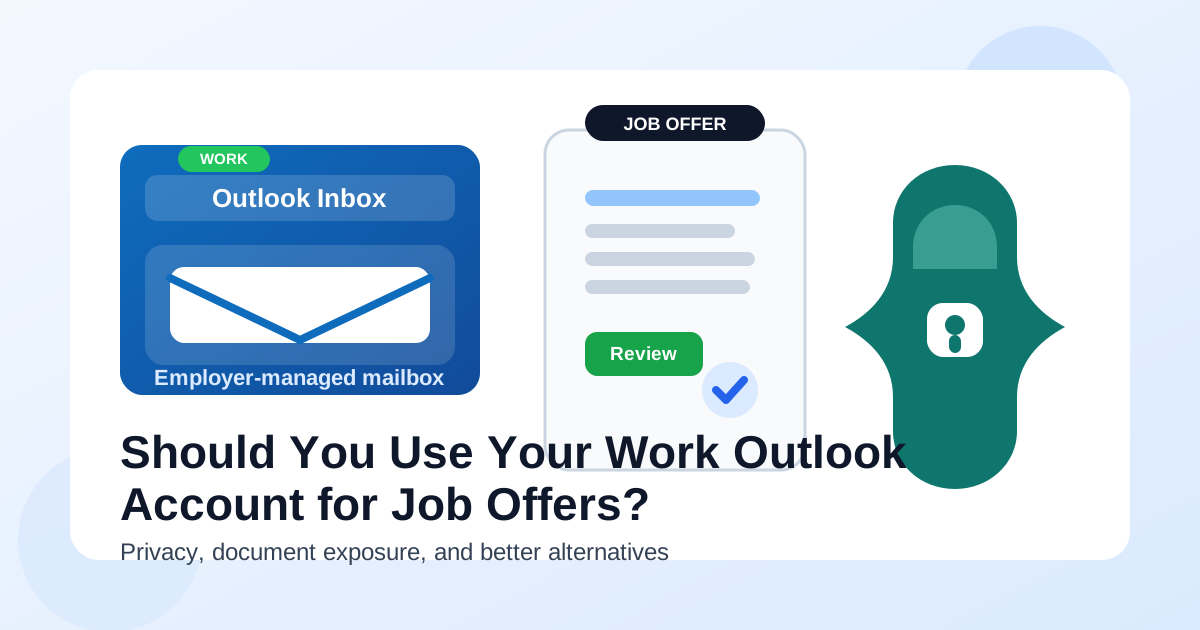
Why this matters more at the offer stage
The offer stage is not like the application stage. Early in a job search, the main privacy worry is often spam, recruiter noise, or low-trust signups. By the time an employer is ready to make an offer, the stakes are higher. The messages may include salary details, benefits summaries, background-check instructions, start-date discussions, tax paperwork, and signatures that you may need to reference weeks later.
That means the question is no longer just “Will this inbox look professional?” The real question is whether the account is private enough, stable enough, and fully under your control. A work Outlook account can look normal on the surface, but it usually sits inside systems you do not own and policies you cannot change.
Short answer: Outlook is fine, but a work-managed Outlook account usually is not
Outlook itself is not the problem. Plenty of people handle job offers through Outlook.com or personal Microsoft accounts without any issue. The problem is using an account that belongs to your current employer, is managed by your employer, or is closely tied to company devices, company calendar systems, and company retention settings.
If the mailbox lives inside your employer’s Microsoft 365 tenant, assume the environment is built for company business, not confidential career moves. That does not mean someone is manually reading every message. It means the mailbox may be logged, retained, synced, or recoverable in ways that make a private job search less private than you think.
How a work Outlook account can expose your offer details
1. Offer emails can remain on employer-controlled infrastructure
A job offer is often one of the most sensitive points in a search. It can include compensation numbers, equity details, relocation information, start dates, and contact details for HR or leadership. If those emails land in a work Outlook account, they usually land on employer-controlled infrastructure too.
Even if you delete the message later, that does not necessarily mean it disappears from every layer that matters. Retention policies, legal hold settings, archives, mailbox backups, or security tools may preserve copies you cannot see and cannot erase yourself. That is a poor privacy trade if the information concerns your next move.
2. Attachments can create a longer trail than you expect
Offer letters are rarely just plain text. Employers often send PDFs, benefit guides, stock-plan summaries, identity-check instructions, policy packets, and forms that need review or signature. On a work-managed Microsoft environment, those files may be downloaded onto a company laptop, indexed by local search, synced through OneDrive behavior you forgot was enabled, or opened in apps tied to your employer profile.
The more documents involved, the more places traces can appear. A single offer letter can lead to recent-files history, preview panes, synced downloads, cached attachments, and notification banners. Even if none of that becomes a direct incident, it is still more exposure than most people want during confidential negotiations.
3. Calendar and Teams integrations can leak timing
Job offers often turn into follow-up meetings: compensation calls, benefits walkthroughs, start-date planning, or a final conversation with a hiring manager. When those invites hit a work Outlook account, they may also touch your work calendar, Teams surfaces, reminder popups, mobile notifications, and meeting suggestion flows.
That matters because privacy leaks are often boring, not dramatic. A lock-screen alert. A reminder during a screen share. A calendar event with an unfamiliar external organizer. A meeting subject that looks harmless to you but suspicious to anyone else who catches a glance. Outlook is designed to surface scheduling details helpfully. During a private job search, that “helpfulness” can work against you.
4. Delegates, admins, and compliance policies may exist whether you think about them or not
Some people assume the only risk is a boss actively snooping. That is too narrow. Many workplaces have mailbox delegation, security logging, device management, eDiscovery controls, or compliance workflows that operate quietly in the background. Even if no one is curious about your inbox, the system itself may preserve or expose more than you realize.
That is why work Outlook accounts are not a good default for offer-stage communication. The risk is structural. The account lives in an environment that is not designed around your personal privacy.
5. You could lose access at exactly the wrong time
The offer stage can overlap with resignation planning, notice periods, or sudden changes at your current employer. If access to your work account changes, you do not want your pending offer letter, benefits questions, or background-check instructions trapped in a mailbox you can no longer reach comfortably.
Even if nothing dramatic happens, relying on a work account for personal career documents is simply fragile. Your future employer should not have to chase you because the mailbox attached to your current employer became inconvenient or inaccessible.
Are there any situations where a work Outlook account is acceptable?
In theory, there are edge cases where it may not create immediate harm. For example, maybe you are self-employed on your own Microsoft setup, or maybe the account is technically a work-style Outlook account but still fully owned by you. In those cases, the important question is still control. If you truly own the domain, the mailbox, the devices, and the policies, the risk looks different.
But for most employees, “my work Outlook account” means one thing: an account administered by the company that currently pays them. In that normal situation, using it for job offers is usually a bad trade. The convenience is real, but the privacy downside is bigger than the convenience is worth.
Better alternatives for job offers
Use your personal Outlook account if it is stable and professional
If you already have a clean personal Outlook address that uses your real name or a straightforward variation, that is usually fine. Employers are familiar with it, attachments work normally, and you keep control over the account long term.
Use a separate personal account just for your search
This is often the best option. A dedicated personal inbox for job searching helps you separate recruiters, interviews, offers, and onboarding from everyday life. It also makes it easier to find the latest compensation email, compare multiple offers, and keep threads organized without involving your employer’s systems.
If you like Microsoft’s interface, a separate personal Outlook account works well for this. If you prefer another provider, that is fine too. The key is ownership and continuity.
Use temporary email only for early-stage, lower-trust situations
Temporary email tools such as Anonibox can be useful when you are testing job boards, downloading guides, or protecting your main inbox from low-trust exposure in the early stages of a search. That is a smart privacy move in the right context.
But an actual job offer is not the right moment to stay on a disposable setup. Offer-stage communication needs an inbox you will still control next week, next month, and during onboarding. A stable personal account is usually the right handoff point.
What to do if a recruiter already has your work Outlook address
If you accidentally used your work Outlook account earlier, do not panic. You can still fix it cleanly.
- Move the conversation before the offer gets deep. Reply promptly and ask them to use your personal address for the rest of the process.
- Be simple and professional. You do not need a long explanation. A short note like “Please send future job-related communication to this address” is enough.
- Ask for key documents to be resent. If the recruiter already sent an offer summary or attachment, ask them to resend it to the correct inbox so your recordkeeping stays clean.
- Update calendar handling too. If meetings are involved, make sure new invites go to your personal account and calendar rather than your work tenant.
- Stop using the work mailbox for replies. Once you switch, stay switched.
This is common enough that a legitimate recruiter or HR contact usually will not find it strange. Many candidates start with one contact method and later move to a more appropriate one.
Practical signs you should not use your work Outlook account
- Your company manages the mailbox, devices, or Microsoft 365 policies.
- Your work laptop or phone shows Outlook notifications on the lock screen.
- Your work calendar auto-adds events or suggestions.
- Your company uses Teams heavily and Outlook is tightly integrated with it.
- You are discussing salary, signing documents, or coordinating a resignation timeline.
- You would feel uncomfortable if a compensation email or offer PDF were visible on a company device.
If several of those are true, the answer is straightforward: use another inbox.
A simple decision checklist
Before you let a recruiter send an offer to any Outlook address, ask yourself:
- Do I fully own this account, or does an employer control part of the environment?
- Will I still have easy access to this inbox if my current job situation changes fast?
- Could this account surface messages, files, or reminders on company-managed devices?
- Would I be comfortable storing compensation and onboarding documents here for the next few months?
- Would a separate personal inbox make this cleaner and safer?
If your answer raises doubt on control, visibility, or continuity, switch to a personal account before the most important documents arrive.
Final answer
No, a work Outlook account is usually not the best choice for job offers. The main problem is not professionalism. It is privacy, control, and continuity. Offer letters, negotiation emails, attachments, and meeting invites can all create traces inside an employer-managed Microsoft 365 setup that you do not fully control.
A personal Outlook account or a separate personal job-search inbox is usually the safer move. Use temporary inbox tools like Anonibox where they make sense earlier in the search, but move real offer-stage communication onto a stable account you own before salary details, PDFs, and onboarding steps start piling up. That way, you stay organized, reachable, and far less exposed while making one of the most important career decisions in the process.