Usually yes. A separate browser profile is one of the easiest ways to make networking events cleaner, more private, and less error-prone.
It helps by isolating event registrations, recruiter forms, autofill data, saved logins, and follow-up links from your everyday browsing so you are less likely to leak the wrong email, open the wrong account, or clutter your normal browser with job-search tracking.
That may sound like a small setup detail, but networking events generate more browser mess than many people expect. You click registration pages, webinar platforms, sponsor booths, LinkedIn links, resume drop forms, QR-code landing pages, calendar tools, and follow-up surveys. If all of that happens in your normal browser profile, it is easy to mix your personal life, work accounts, and job-search activity together.
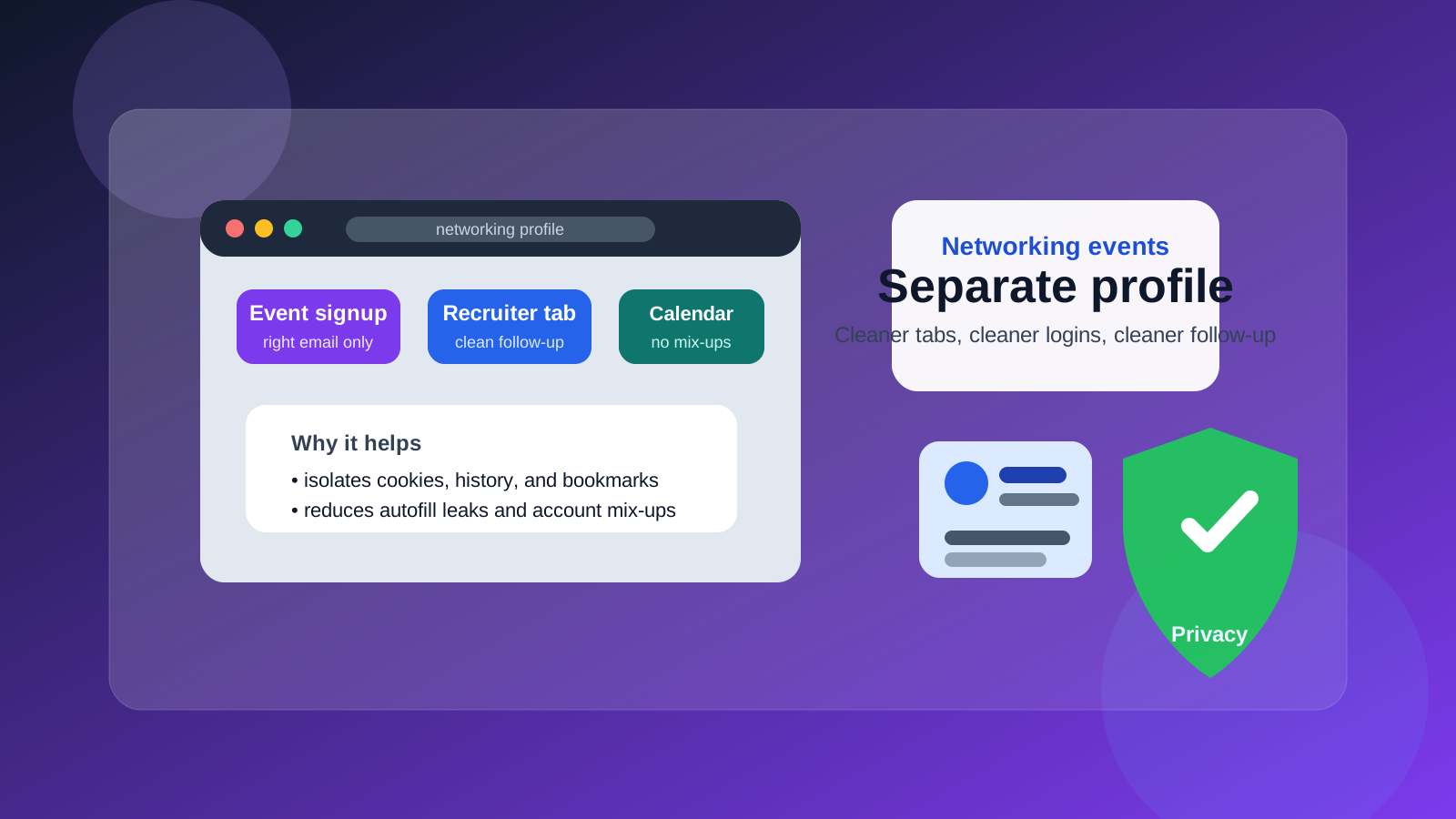
Short answer: usually yes
If you are attending networking events while job hunting, career exploring, or quietly testing the market, a separate browser profile is usually a smart idea. It creates a dedicated space for event logins, bookmarks, cookies, autofill, and history. That lowers the chance of account mix-ups and gives you better control over what event platforms, sponsor pages, and follow-up tools can see together.
You do not need advanced security tools to get the benefit. In most cases, a normal browser profile created specifically for networking and career activity is enough to make the process feel more organized and less exposed.
Why networking events create browser clutter so quickly
Networking events are rarely just one website. Even a simple event may involve a registration page, confirmation emails, a calendar link, a virtual event platform, speaker-session pages, sponsor downloads, live chat, recruiter profile pages, and post-event follow-up forms. In-person events often add QR codes, mobile sign-in pages, and quick signup forms for newsletters or talent communities.
That means your browser becomes the place where identities collide. Your normal profile may already contain saved personal emails, work logins, shopping autofill, home addresses, LinkedIn sessions, payment cards, and random browsing history. When you start using that same environment for networking events, mistakes become much easier:
- You autofill the wrong email address into a recruiter form.
- You open LinkedIn in the wrong account.
- You accept a calendar invite into the wrong calendar.
- You save event passwords beside unrelated personal accounts.
- You let event trackers blend into your normal browsing habits.
A separate profile does not solve every privacy issue, but it reduces a lot of ordinary friction and a lot of ordinary mistakes.
Main benefits of a separate browser profile for networking events
1. Fewer account mix-ups
This is the most practical reason. Many job seekers have multiple email identities, multiple calendars, and at least one work-managed account they do not want tied to job-search activity. A separate profile lets you stay logged in only to the accounts you want to use for event registrations and follow-up.
That matters when you are clicking fast during an event, jumping between tabs, or registering for several sessions in a row.
2. Less autofill leakage
Browsers remember a lot: names, email addresses, phone numbers, employers, street addresses, and payment details. On a networking-event signup page, that convenience can turn into accidental oversharing. A clean browser profile reduces the chance that your work email, home address, or unrelated contact details appear automatically in forms where they do not belong.
3. Cleaner tracking isolation
Event pages, sponsor booths, and marketing follow-up tools often rely on cookies and other browser-level signals. A separate profile helps contain those signals inside a job-search or networking context instead of blending them into your everyday browsing history. It is not perfect anonymity, but it is a sensible layer of separation.
4. Easier follow-up organization
If all your networking-event bookmarks, saved recruiter portals, speaker pages, and virtual-event tools live in one profile, you can come back later without digging through unrelated tabs and clutter. That makes follow-up easier when you want to send a thank-you note, revisit a company page, or check a webinar recording.
5. Better boundaries if you are still employed
If you are currently working and want to keep exploratory networking separate from your normal browsing habits, a dedicated profile helps create that boundary. It is cleaner than mixing everything into the same browser environment you use for personal errands, current work, and everyday browsing.
When a separate profile helps the most
You will get the biggest benefit in situations like these:
- Virtual career fairs: many booths, repeated signups, fast tab switching, and recruiter chat tools.
- Industry webinars and summits: registration pages, sponsor offers, downloadable guides, and follow-up campaigns.
- Conference networking: QR codes, session pages, attendee directories, and post-event meeting links.
- Quiet job searching while employed: you want cleaner boundaries between normal browsing and career exploration.
- Using multiple contact identities: for example a separate networking email, dedicated phone number, or job-search calendar.
If you only attend one small event per year, the benefit is smaller. But if networking is part of an active search, the separation pays off quickly.
How to set it up well
1. Create a new browser profile just for career activity
Name it something obvious like “Networking,” “Career,” or “Job Search” so you do not confuse it with your regular profile. The point is to make switching intentional rather than accidental.
2. Sign in only with the accounts you actually want tied to events
If you plan to use a separate email, separate calendar, or professional LinkedIn workflow, sign into those accounts inside this profile and leave unnecessary accounts out. The fewer unrelated accounts you carry into it, the cleaner it stays.
3. Keep only relevant bookmarks and extensions
Bookmark event platforms, speaker pages, recruiter portals, and company pages you plan to revisit. If you use browser extensions, keep the profile lean. Too many extensions can add noise, cross-site tracking, or just more clutter.
4. Review autofill and payment settings
Check whether the new profile has stored addresses, cards, or saved form data you do not want. A dedicated profile works best when it starts clean and stays deliberate.
5. Use a consistent naming system
If you save resumes, cover letters, or notes from events, keep the naming and storage predictable. The browser profile is only one part of the workflow. Consistent files, folders, and bookmarks make follow-up much easier.
Should you use incognito mode instead?
Incognito or private mode can help for one-off actions, but it is usually not the best long-term solution for networking events. Incognito sessions forget most cookies and logins when you close them, which means you may have to keep starting over. That can be annoying if you are attending a multi-day event, checking several sponsor booths, or following up over time.
A separate browser profile is usually better because it gives you isolation and continuity. You keep the useful context without mixing it into your main browsing life.
What a separate browser profile does not do
It is useful, but it is not magic.
- It does not make you anonymous to the event platform.
- It does not hide information you voluntarily submit in forms.
- It does not solve privacy problems caused by using a work laptop or work network.
- It does not replace a thoughtful email strategy.
Think of it as a containment tool. It reduces accidental overlap. It does not remove the need to choose good contact details and good devices.
How it works with email and follow-up strategy
A separate browser profile is most useful when it matches the rest of your setup. If you are using a dedicated networking email, job-search calendar, or separate phone number, keep those inside the same profile. That way, event signups, follow-up links, and recruiter messages all stay in one controlled lane.
Anonibox can also be useful for low-trust event registrations where you mostly want access to a webinar, a sponsor download, or a one-off event page without feeding your main inbox into a long marketing sequence. But if you expect real recruiter follow-up, use a stable inbox you can monitor reliably. Disposable access is useful at the edges; dependable contact details matter once real conversations start.
Common mistakes to avoid
- Using the separate profile once, then forgetting it exists: consistency matters more than the initial setup.
- Signing into every personal account anyway: that defeats much of the benefit.
- Using the profile on a work-managed device: the browser may be separated, but the device still is not.
- Letting autofill repopulate sensitive data: check settings after setup.
- Mixing low-trust signups with important recruiter follow-up: use more stable contact details for conversations you care about.
A simple checklist before your next event
- Do I have a dedicated browser profile for networking activity?
- Am I signed into the right email, calendar, and LinkedIn account there?
- Have I checked autofill, saved addresses, and payment details?
- Am I using a device and network I am comfortable with?
- If I expect real follow-up, am I giving a stable contact method rather than a throwaway one?
If the answer to most of those is yes, you are in much better shape than someone clicking through event forms in a cluttered everyday browser profile.
Final answer
Yes, in most cases you should use a separate browser profile for networking events. It is a low-effort way to reduce account mix-ups, limit autofill leakage, contain tracking, and keep event follow-up better organized.
It will not solve every privacy problem, but it gives you cleaner boundaries and better control. If networking events are part of an active job search or professional exploration, a dedicated browser profile is one of the simplest upgrades you can make.