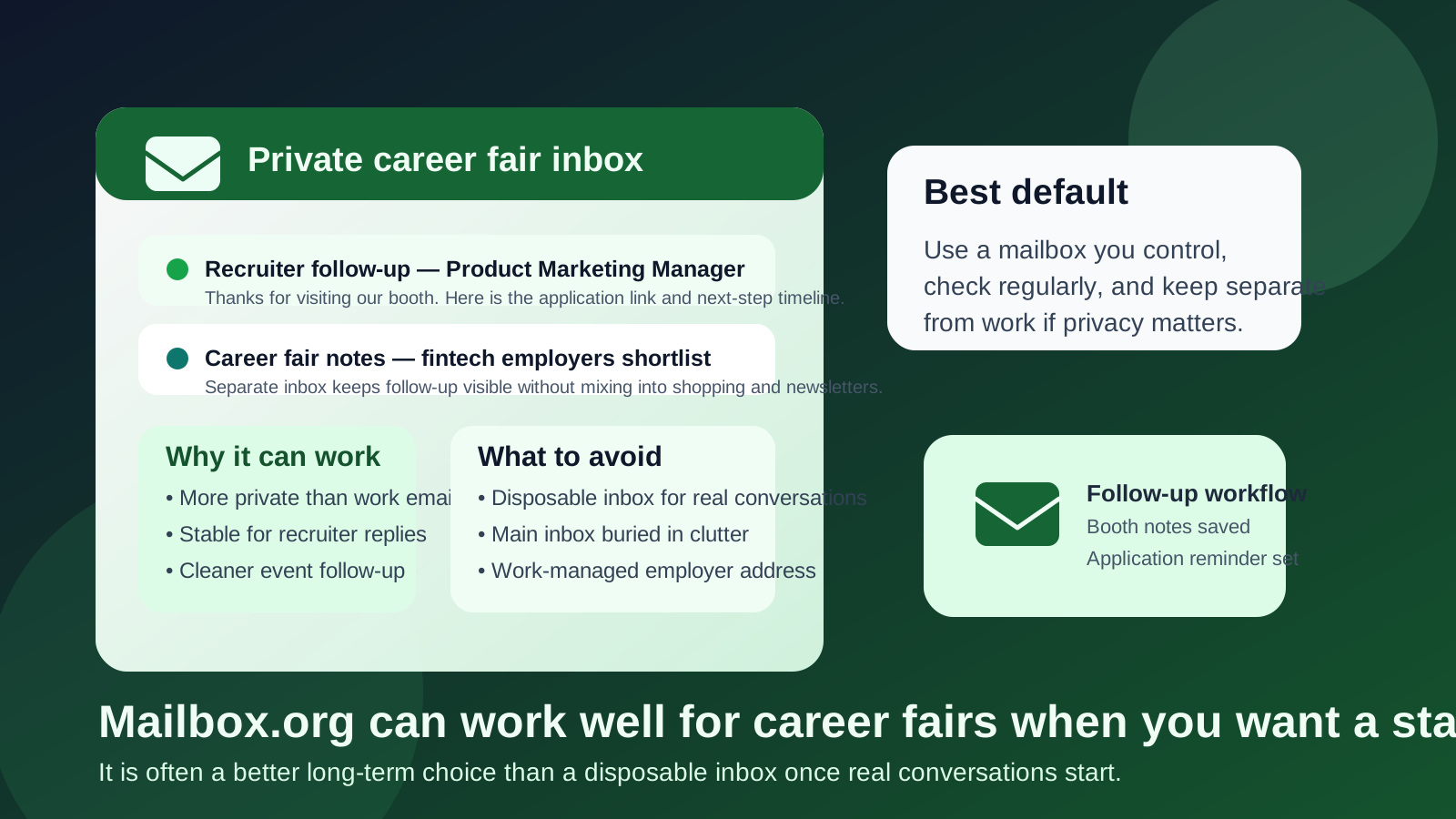
Yes—Mailbox.org can be a strong choice for career fairs if you want a more private, professional inbox that still supports real recruiter follow-up.
It works best as a stable email account you control, not as a disposable replacement for conversations that may continue after the event.
Why this question matters
Career fairs generate a strange mix of short-term and long-term communication. In one afternoon you might scan a QR code, upload a resume, join a talent network, collect a recruiter’s card, register for a follow-up event, and get told to watch for an application email later that week. Some of those messages are low-stakes and spammy. Others matter a lot because they contain deadlines, interview invites, or contact details from a recruiter who actually remembers meeting you.
That is why your email choice matters. A career fair inbox has to do two things well at the same time: reduce unnecessary exposure and remain reliable enough for serious follow-up. Mailbox.org sits in an interesting middle ground. It is more privacy-minded than a typical free mailbox, but unlike a temporary inbox, it is built for ongoing communication.
Short answer: Mailbox.org is often a good fit when you want privacy without looking disposable
If you want an inbox that feels more controlled than your main personal account and far more sustainable than a throwaway email, Mailbox.org is a reasonable option for career fairs. It can help you separate recruiting traffic from the rest of your life while still giving employers a normal-looking address that can support replies, attachments, and follow-up over time.
It is usually a better fit than temporary email for real recruiter conversations. It is also usually a better fit than work email if you want to keep your job search or career exploration separate from employer-managed systems.
What Mailbox.org does well at career fairs
1. It supports long-term recruiter follow-up
Many career fair interactions do not convert instantly. A recruiter may email a day later, a week later, or after your application reaches a review stage. That makes account stability important. Mailbox.org is a real inbox you can keep monitoring, which is much more useful than a temporary address that might disappear before the next step arrives.
2. It gives you cleaner inbox separation
Career fairs can create a wave of automated mail: application confirmations, company newsletters, event reminders, “join our talent community” prompts, and occasional mass outreach that is barely personalized. Using a separate Mailbox.org account can keep that traffic out of your main personal inbox so it is easier to see what is useful and what is just noise.
3. It feels more professional than a disposable inbox
A recruiter does not need your email provider to be famous, but it helps when the address looks like a real, maintained mailbox instead of a one-time sign-up trick. Career fairs often sit in a gray area between casual networking and formal recruiting. A stable address helps on both sides.
4. It gives privacy-minded users more control
If privacy matters to you, a dedicated inbox you control can be easier to manage than your oldest personal account, which may already be tied to shopping, subscriptions, family logistics, and years of random signups. A separate account gives you cleaner boundaries and simpler filtering.
When Mailbox.org is a better choice than temporary email
Temporary email is useful for low-trust signups, quick downloads, or situations where the only goal is to receive a code and move on. Career fairs are not always like that. Even when the event itself is noisy, the conversations that matter usually require continuity.
Mailbox.org is the better choice when:
- you expect recruiters to reply days or weeks later,
- you may need to send a resume or cover letter after the event,
- you want one inbox for applications, thank-you notes, and next steps,
- you are trying to avoid giving out your work email, and
- you want better privacy without looking hard to reach.
If you use Anonibox or another temporary inbox tool, it often makes more sense at the edges of the process: spam-heavy registrations, low-trust webinar gates, or one-off downloads. Once a career fair interaction turns into a real professional thread, a stable mailbox usually wins.
When Mailbox.org may be overkill
Not everyone needs a separate privacy-focused mailbox for career fairs. If you attend one event per year, already have a clean personal inbox, and do not mind some follow-up mail landing there, your existing personal email may be enough.
Mailbox.org becomes more compelling when career fairs are part of a broader process: active job hunting, an industry pivot, internship applications, graduate recruiting, or a desire to keep recruiting traffic out of your daily personal inbox. In those cases, the separation is doing real work for you.
Why work email is usually the wrong comparison
For some people the real choice is not Mailbox.org versus Gmail. It is Mailbox.org versus using a current employer’s work address because it happens to be convenient. That is usually a bad trade if privacy matters. A work-managed inbox can sit inside employer-controlled systems, retention policies, admin visibility, and devices that are simply not ideal for private career exploration.
Even if no one is watching, the point is control. Career fairs are exactly the kind of activity many people prefer to keep off employer-managed accounts.
How to use Mailbox.org well for career fairs
1. Treat it as a real recruiting inbox
Do not create the account and forget to monitor it. If you use Mailbox.org for career fairs, check it consistently during and after the event. A privacy-first inbox is only helpful if it is also reliable.
2. Keep the address simple and readable
Use a normal-looking address based on your name or a straightforward variation. Career fair follow-up should feel low-friction. If your address looks overly clever, cryptic, or temporary, you create unnecessary friction.
3. Create folders or labels for employers
Career fairs move quickly. After a few conversations, it is easy to forget who asked you to apply online, who wanted a portfolio, and who said to follow up next week. Basic organization helps a lot. A folder or label for each employer, or at least one for “Career Fair Follow-Up,” is often enough.
4. Pair it with a calendar reminder workflow
The message is only half the job. Add reminders to send thank-you notes, finish applications, or reply before deadlines. The inbox should support action, not just storage.
5. Save the signal, ignore the noise
Some career fair messages matter. Some are generic marketing dressed up as recruiting. Do not give every incoming email equal weight. Triage quickly, save the promising leads, and unsubscribe or filter low-value mail when possible.
A practical setup that works for most people
- Use a dedicated Mailbox.org account or another non-work inbox you control.
- Use that address on resumes, QR-code signups, and recruiter follow-up forms at the event.
- Check it daily during the event week and the week after.
- Create a simple folder or tag structure so important employer replies stay visible.
- Use temporary email only for low-trust registrations where long-term follow-up is unlikely to matter.
This setup is simple, private enough for most people, and still professional. It avoids the biggest mistake career fair attendees make: treating every email interaction like a throwaway when some of them are actually the start of a real hiring process.
Common mistakes to avoid
Using temporary email for actual recruiter conversations
A disposable inbox can help reduce spam, but it is a poor default for a recruiter who may reply later with a real opportunity. The moment continuity matters, stability matters more.
Using your oldest catch-all personal inbox
If your main email is already overloaded, important follow-up can get buried. A separate mailbox is often less about secrecy and more about staying organized enough to respond quickly.
Using work email because it feels more professional
Professionalism is not worth much if the account creates privacy risk or employer overlap you did not want. A personal inbox you control is usually safer.
Failing to follow up promptly
The value of a good career fair inbox is not just receiving messages. It is making it easier to act on them. If the inbox helps you reply faster, submit better applications, and keep conversations moving, then it is doing its job.
So should you use Mailbox.org for career fairs?
Usually yes—if you want a privacy-minded, stable inbox that can handle both event noise and real recruiter follow-up. It is often a smart middle ground between a cluttered main inbox and a disposable address that is too temporary for ongoing communication.
For many people, the best workflow is simple: use a dedicated mailbox you control for real recruiting conversations, keep it organized, and reserve temporary email tools like Anonibox for the lower-trust or spam-heavy parts of the process. That way you stay reachable without turning your main inbox into permanent career-fair overflow.