Usually no—iMessage is best used for alumni networking only after both people already know who each other are and want a faster, more informal follow-up channel. As a first-contact method, it exposes your phone number, feels more personal than email or LinkedIn, and can blur boundaries before trust exists.
If you want the safest default, start alumni outreach with email or LinkedIn, then move to iMessage only when the other person invites it or the relationship is already warm. That keeps you reachable without giving away more personal access than the situation really needs.
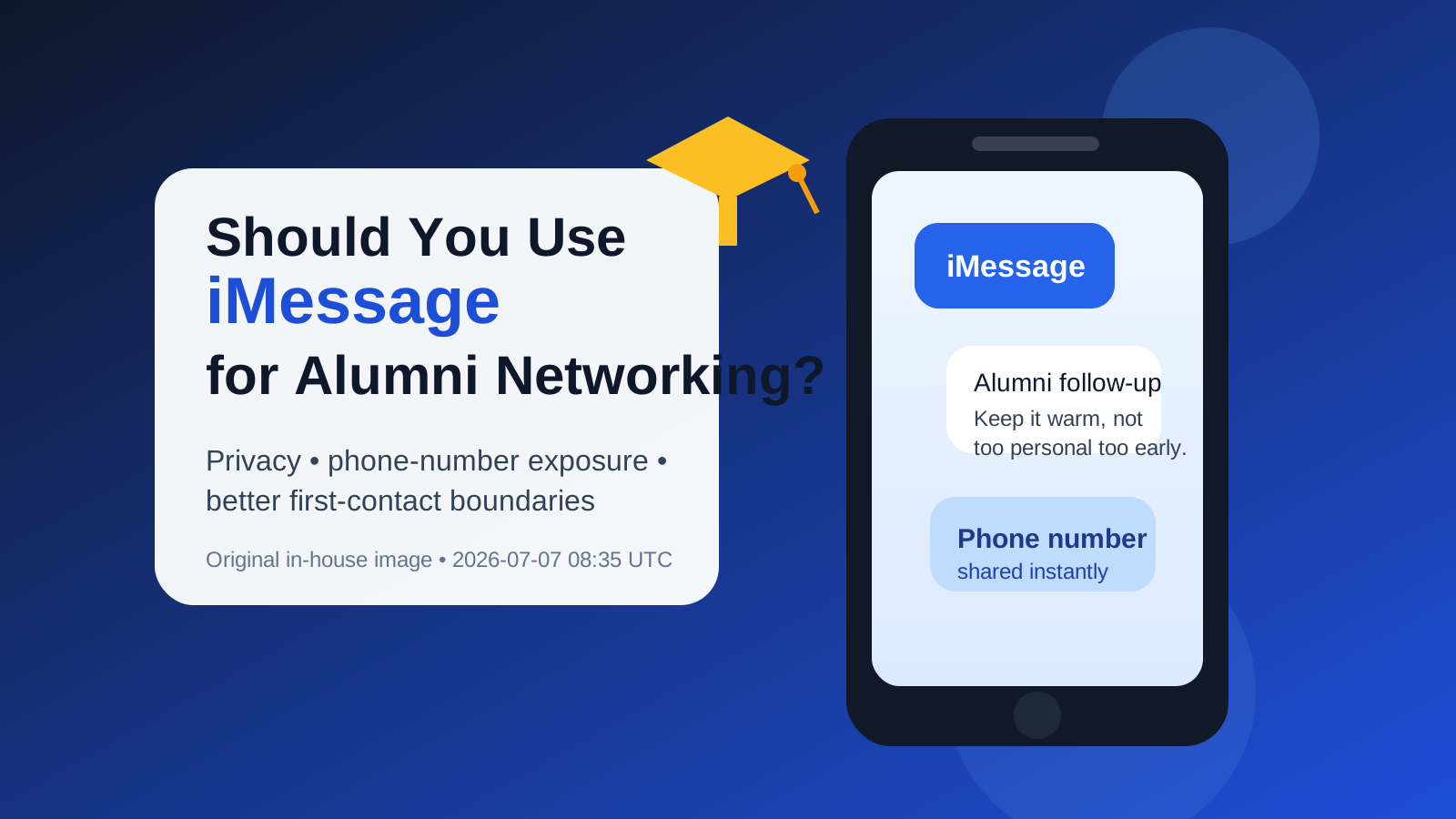
Why people consider iMessage for alumni networking
iMessage feels convenient because many alumni conversations start small. You may want to thank someone after an alumni panel, confirm a coffee chat, follow up after an introduction, or keep a light connection going after a helpful conversation. In those situations, texting can seem faster and friendlier than writing another formal email.
That convenience is real, but it does not automatically make iMessage the best first channel. Alumni networking works best when it balances warmth with professionalism. The channel you choose sends a signal about that balance. Email says “thoughtful and respectful.” LinkedIn says “professional but low-pressure.” iMessage often says “personal access,” which is fine later on, but can feel too intimate too early.
The biggest privacy and boundary risks
1. You reveal your phone number immediately
With iMessage, the main tradeoff is simple: the other person gets your real phone number. That may be perfectly fine once you trust them, but it is more exposure than many people want at the first-contact stage. A phone number is durable personal data. Unlike a one-off social handle, it can be reused later for calls, texts, contact syncing, and identity lookups.
If you are networking with several alumni, especially through directories, school communities, event attendee lists, or mutual introductions, giving out your main number too quickly can turn a short networking phase into long-term personal access for people you barely know.
2. iMessage can reveal more of your identity than you intended
Depending on your Apple settings, iMessage may show your full name, profile photo, or other recognizable identity cues. That is not a security disaster on its own, but it is still different from sending a carefully framed outreach email. Email lets you control your signature, tone, and context. iMessage can feel much more immediate and much less curated.
That matters in alumni networking because first impressions count. You want to come across as thoughtful, respectful, and easy to help. A cold blue-bubble message from an unknown number can land very differently from a short, well-written email that explains who you are and why you are reaching out.
3. It can feel too informal too early
Some alumni are happy to text. Others strongly prefer email, especially for first contact. If you open with iMessage before they have opted into that level of access, your outreach may feel presumptuous even if your message is polite. That does not mean texting is rude in every case. It just means the relationship stage matters.
Alumni networking is often about earning a small amount of trust first. Starting with a channel that respects the other person’s time and boundaries usually works better than starting with the fastest channel available to you.
4. iMessage is not ideal for searchable, structured follow-up
Email is still easier for long-form context, attachments, thank-you notes, scheduling details, and keeping a simple record of what was discussed. iMessage can handle short logistics well, but it is not the strongest home for a relationship that may involve career advice, referral context, resumes, or follow-up over several months.
If you are serious about maintaining alumni relationships, a searchable, organized communication trail is useful. Text threads are easy to lose, mute, or forget to revisit.
5. Not everyone uses Apple devices
iMessage is also platform-specific. If the other person is not on Apple, your outreach becomes standard SMS or MMS, which changes both the experience and the expectations. That is one more reason not to build your first-contact strategy around it.
When iMessage can work well
There are situations where iMessage is completely reasonable for alumni networking:
- After the alumnus already suggested texting: if they say “feel free to text me,” take them at their word.
- For short logistical follow-up: confirming a meeting time, sending a quick “I’m here,” or rescheduling a call.
- When you already know the person socially: former classmates, club leaders, mentors, or alumni you have interacted with multiple times.
- After a warm email or LinkedIn exchange: once a relationship exists, moving to text can make future check-ins easier.
- In small trusted groups: for example, when a campus mentor group or alumni volunteer program already operates through texting.
In other words, iMessage tends to work best as a secondary channel, not the first one. It is better for maintaining momentum than creating the initial connection.
When iMessage is a poor first choice
You should usually avoid starting with iMessage in these situations:
- Cold outreach from an alumni directory: emailing first is more respectful and more normal.
- Asking for a referral or job help from someone you do not know: that kind of request deserves professional framing.
- Contacting many alumni at once: giving your main number to every new contact creates unnecessary exposure.
- When you are actively job searching and already dealing with recruiter texts: adding alumni outreach to the same number can make boundaries messy.
- When the relationship may stay occasional and long-term: email is usually easier to manage over time.
If your goal is thoughtful career networking rather than casual chat, opening with iMessage usually gives away too much access too early for too little benefit.
A better default workflow for alumni networking
If you want a privacy-conscious but still professional approach, this order works well for most people:
- Start with email or LinkedIn. Introduce yourself, mention the shared school connection, and make a specific, low-pressure ask.
- Move to a call or video chat only if the conversation is progressing. This keeps your first touchpoint documented and easy to revisit.
- Use iMessage later for convenience. Once the alumnus knows who you are and is open to quick follow-up, texting becomes much more natural.
This sequence protects your privacy without making you look overly guarded. It also makes the alumnus’s experience better. They get context first, then convenience later.
What about using a separate number?
If you strongly prefer texting, a separate number is often the cleanest compromise. It lets you stay reachable without tying every networking contact to your main personal line. That can be useful if you are balancing alumni outreach, recruiter conversations, and normal life on the same phone.
A separate number is especially helpful if you expect a lot of outreach around job searching, mentorship requests, alumni events, or informational conversations. It gives you more control over when you respond, what voicemail people hear, and how much of your personal identity footprint you expose.
The same principle applies to email. For actual alumni relationships, use a stable address you can keep checking. A disposable inbox is usually the wrong long-term channel for relationship-building. Where a tool like Anonibox helps more naturally is at the edges: event registrations, one-off signups, protecting your main inbox from marketing follow-up, or keeping early-stage contact forms separate from your primary personal email. For real networking, stability matters more than throwaway convenience.
Best practices if you do use iMessage
If you decide iMessage is appropriate, a few habits make it much more effective:
- Get permission first when possible. If the other person has not invited texting, start somewhere more professional.
- Introduce yourself clearly. Do not assume they saved your number. Say who you are and how you met or got connected.
- Keep the first text short. iMessage is good for concise follow-up, not a five-screen career autobiography.
- Do not send attachments immediately. A surprise resume or portfolio file in a first text can feel intrusive.
- Respect time boundaries. Texting late at night or sending repeated nudges makes the channel feel even more personal.
- Move bigger topics back to email. If the conversation turns into detailed career advice or referral discussion, email is often better.
Three quick examples
Good use
You met an alumnus at a school event, had a good conversation, and they said, “Text me if you want to set up coffee next week.” In that case, iMessage is fine. The permission is clear, the context already exists, and the message is logistical.
Bad use
You found an alumnus in a directory, located their phone number through a mutual contact, and sent a cold text asking if they could refer you for an opening. That is high-pressure, highly personal, and much more likely to feel invasive than helpful.
Mixed case
You exchanged one email after a panel and the alumnus replied warmly. If you want to move faster, you can ask, “Would you prefer I follow up by text, or should I keep using email?” That gives them control over the boundary instead of guessing for them.
Final answer
iMessage can work for alumni networking, but it is usually not the best first channel. It works best after trust already exists, after the other person has invited texting, or when you are handling quick logistics rather than making the initial ask.
For most first-contact alumni outreach, email or LinkedIn is the better default because it is more professional, more searchable, and less intrusive. If you eventually switch to iMessage, do it deliberately, keep the messages short, and think carefully about whether you want that person to have your real phone number long-term. That small boundary choice can make alumni networking feel smoother, safer, and more professional.