DuckDuckGo Email Protection can work for job referrals if you want a privacy buffer for early introductions, but a stable dedicated inbox is usually safer once the referral turns into recruiter outreach, interview scheduling, or multi-person follow-up.
Yes — you can use DuckDuckGo Email Protection for job referrals, but it works best as an early-stage alias rather than the only address you rely on for the whole hiring process.
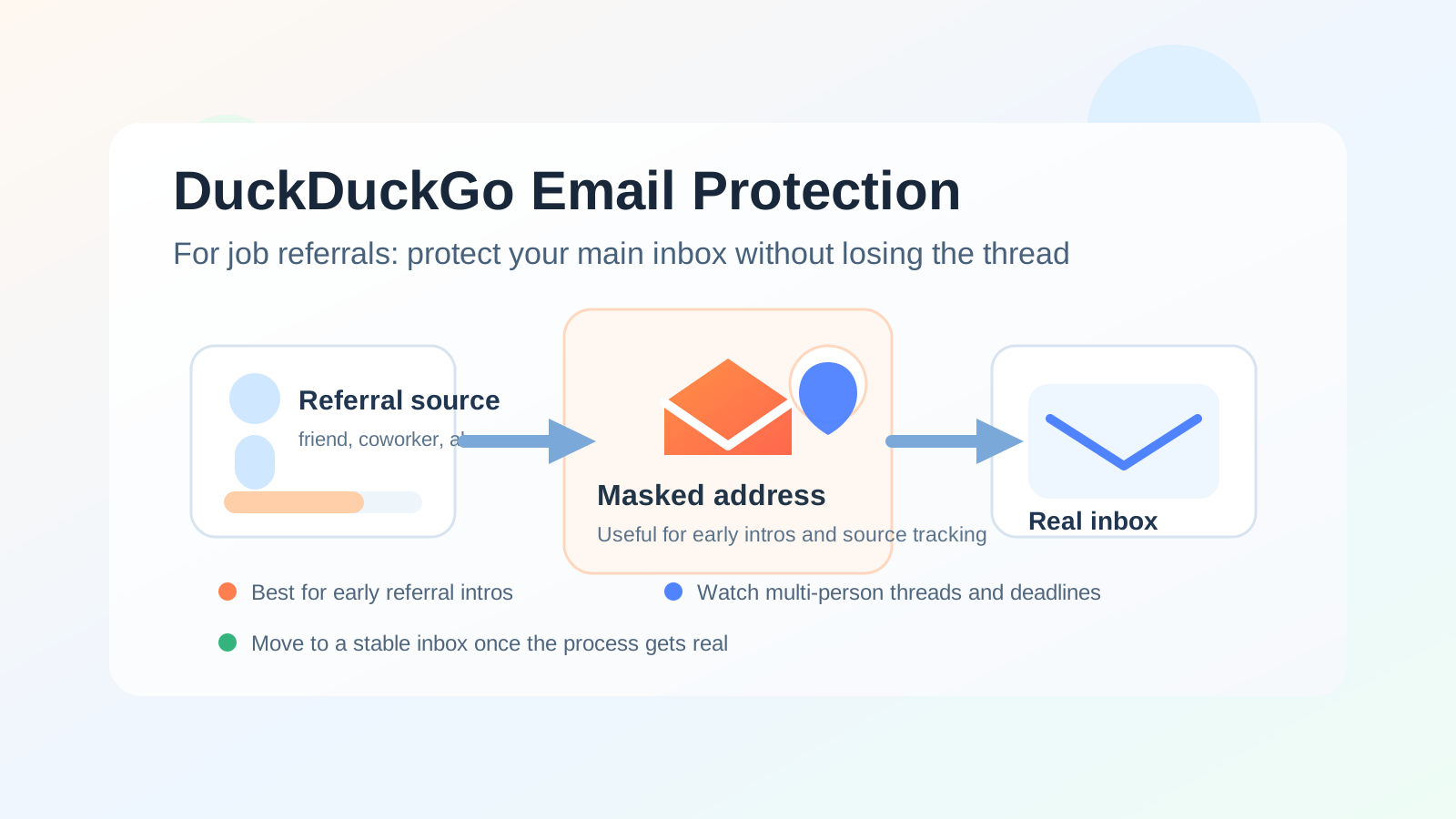
Why job referrals need more than a throwaway mindset
A referral is different from a normal application form. When you apply through a job board or a company careers page, the process is usually structured: you submit your résumé, the system logs your details, and you wait. A referral is messier, more human, and often more valuable. A former coworker may forward your résumé internally. A friend may introduce you to a hiring manager. An alumni contact may send your note to a recruiter and copy you later.
That means the email address you use has to survive handoffs between real people, not just one automated confirmation message. In a referral workflow, your address may appear in forwarded threads, calendar invites, recruiter follow-up, internal talent-team outreach, and interview scheduling. Privacy still matters, but durability and clarity matter more than they do in a simple signup flow.
Why someone would use DuckDuckGo Email Protection for job referrals
The appeal is obvious. A referral often starts before you fully trust the company, the recruiter, or the process. You may be talking to a loose professional contact, a staffing intermediary, or an employee who is happy to help but not closely connected to the hiring team. In those situations, a masked forwarding address gives you a layer of separation between your real inbox and the outside world.
- It protects your oldest personal inbox: not every referrer, recruiter, or hiring contact needs the address you use for banking, travel, and family communication.
- It reduces long-term clutter: plenty of referrals go nowhere, but the emails can linger for months if you use the same inbox for everything.
- It helps you track sources: using a specific alias for a specific referral path can make it easier to see which contact or company generated which follow-up.
- It keeps early outreach lower-stakes: if the opportunity turns out to be vague, disorganized, or spammy, you have not handed over your primary address immediately.
Those are real advantages. They are the same reasons privacy-conscious job seekers often use separate inboxes, alias services, or tools like Anonibox for very early-stage signups. The important difference is that a referral is supposed to become a relationship, not stay a disposable interaction forever.
Where DuckDuckGo Email Protection works well in referral workflows
1. Early introductions from lower-trust contacts
If someone you barely know offers to refer you, a masked address can be a sensible first step. You still receive the intro, but you do not immediately expose your long-term inbox to a person or system that may never matter again.
2. Multiple referral paths at once
Job searches often branch. You might have one former teammate referring you to a startup, another contact forwarding your résumé to a large company, and an alumni connection introducing you elsewhere. If you are juggling several parallel conversations, alias-based separation can keep the threads easier to manage.
3. Referral conversations that still feel exploratory
Sometimes a “referral” is not really a committed handoff. It is more like, “Send me your résumé and I will see what I can do.” In that stage, using a privacy layer is reasonable because the opportunity may never become a formal process.
Where it starts to get risky
The biggest problem is not that DuckDuckGo Email Protection is bad. The problem is that forwarding adds another moving part at the exact moment you want fewer of them.
Referral threads can become multi-person threads
A referral often stops being a one-to-one conversation very quickly. The original contact may introduce a recruiter. The recruiter may add a coordinator. The coordinator may send interview times from a different domain. A hiring manager may reply later from another address. The more people involved, the more important it is that your inbox setup is simple, stable, and easy to monitor.
Time-sensitive messages matter more than they did at application stage
A referral can jump straight past the slowest part of hiring. Instead of waiting in a big applicant queue, you may get a fast note asking for availability, a résumé update, or a screening call within a day or two. If you miss that message because a forwarding workflow gets messy or you are not watching the destination inbox closely, the privacy benefit stops looking very impressive.
Continuity matters
The best referrals create momentum. A strong introduction can become a recruiter call, then an interview, then a take-home exercise, then an offer. If your initial address is something you plan to abandon or stop monitoring, you are creating future friction for yourself. A referral channel should be able to carry the conversation for as long as the opportunity stays real.
Reply habits can get awkward
Alias workflows are often smooth when all you need to do is receive a message. They can feel less clean once you are replying repeatedly, forwarding attachments, keeping track of which contact used which thread, and deciding when to move the conversation to a long-term inbox. That does not make them unusable. It just means they are not always the least-friction option.
So should you use DuckDuckGo Email Protection for job referrals?
Usually: only at the beginning, and only if you monitor it like a real hiring inbox. That is the practical answer.
If the referral is tentative, low-trust, or one of many exploratory conversations, DuckDuckGo Email Protection can make sense. If the referral is strong, the company is credible, and the conversation is clearly moving toward recruiter screening or interviews, a stable dedicated job-search email is usually the better choice.
When to switch to a more durable inbox
You do not need to wait until the last minute. In fact, switching earlier is often better. Move to a stable inbox when any of these things happen:
- The referrer confirms they are introducing you to the actual hiring team.
- A recruiter or coordinator starts scheduling calls.
- You are sending résumé updates, portfolios, or formal application materials.
- You expect multiple people to contact you over the next several days.
- You would be genuinely annoyed or harmed by missing one email.
At that point, privacy is still important, but reliability becomes the bigger priority.
A better setup than your main personal inbox
If your real concern is privacy, the answer does not have to be “use your oldest personal address for everything.” A better middle ground is a dedicated long-term job-search inbox. That could be a separate mailbox you control, a dedicated job-search identity, or another stable address reserved for applications, referrals, interviews, and offers.
This gives you most of the benefits people want from a masked address without making the workflow too fragile:
- You keep recruiting traffic out of your main personal inbox.
- You maintain continuity if the process lasts weeks.
- You can build filters, folders, and calendar habits around one dependable address.
- You still have the option to retire that inbox later if it becomes noisy.
That is usually a better long-term structure than treating a serious referral like a temporary signup.
Best practices if you decide to use it anyway
Test the forwarding path first
Before you use the alias in a real referral, send yourself a message and make sure it lands where you expect. A privacy tool only helps if the underlying workflow is dependable in practice, not just in theory.
Check the destination inbox aggressively
If a recruiter or referrer might respond quickly, treat the destination inbox like a live communication channel. Check spam, promotions, clutter, and any filtered folders that might catch messages from unfamiliar domains.
Keep one referral per source when possible
Separate sources are easier to manage when you avoid collapsing everything into one messy thread. Cleaner tracking makes follow-up less confusing.
Do not let the privacy tool become the story
Your goal is not to impress anyone with an alias strategy. Your goal is to stay reachable while protecting your personal information. If a stable dedicated inbox would make the conversation smoother, use it.
Move important conversations to a durable channel
Once the process becomes real, stop optimizing only for separation. Optimize for continuity, clarity, and fast response time.
Quick decision checklist
- Is this a vague exploratory referral or a serious warm introduction?
- Do I trust the referrer and the company yet?
- Would missing one email matter?
- Will multiple people probably join the thread?
- Do I already have a stable job-search inbox that would work better?
If your answers point toward uncertainty and low trust, DuckDuckGo Email Protection can be a reasonable starting point. If your answers point toward a real process with real timing, use a stable inbox instead.
Final takeaway
DuckDuckGo Email Protection is not a bad option for job referrals. It can be useful when you want early privacy, cleaner source tracking, and a bit more control over who gets your real address. But referrals are one of the places where “temporary” thinking can backfire if the opportunity becomes meaningful.
The safest practical rule is simple: use DuckDuckGo Email Protection for early referral intros if you want the buffer, then move to a durable dedicated inbox as soon as the conversation starts turning into a genuine hiring process. That gives you privacy without making yourself harder to reach when the referral finally pays off.