If you are comparing site builders, a temporary email generator for website builder free trials is a practical way to verify accounts, test editors, and keep long-term sales follow-up out of your main inbox while you are still deciding.
It works best during shortlisting and early evaluation, not after you connect a real domain, start collecting leads, invite collaborators, or attach billing. In other words: use a temporary inbox to explore, then switch to a permanent address once the project becomes real.
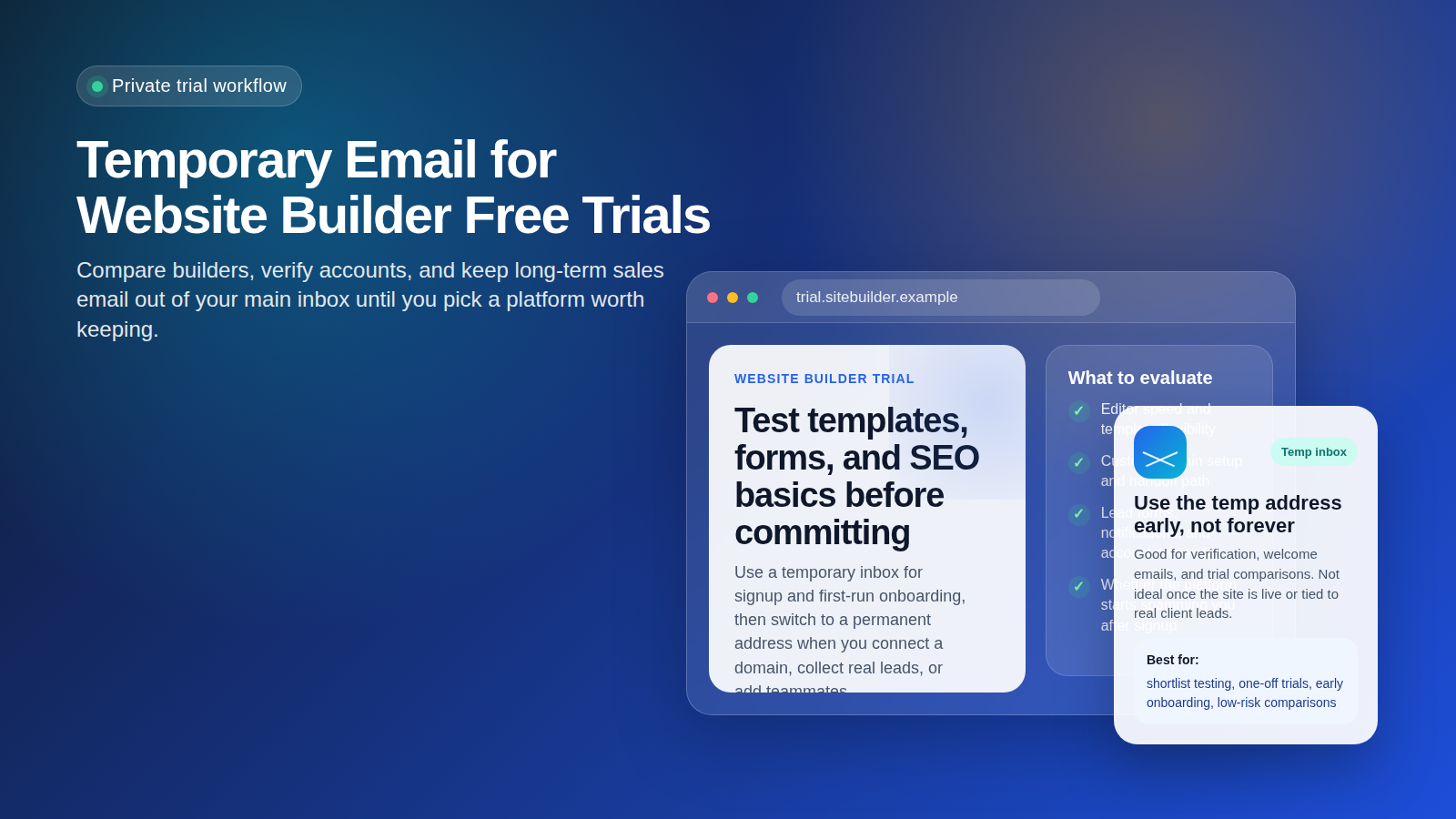
Why this keyword matters
Website builders almost always ask for an email address before they unlock templates, AI site generation, publishing previews, onboarding checklists, or trial dashboards. That is normal. The problem is what happens after signup. One quick comparison across a few builders can turn into welcome sequences, upsell campaigns, webinar invites, agency offers, domain bundles, SEO add-ons, and “finish your site” reminders that keep arriving long after you made your choice.
That is why people look for a temporary email generator for website builder free trials in the first place. The goal is not to hide forever or run a live business from a throwaway address. The goal is much simpler: isolate early-stage testing, protect your main inbox from unnecessary clutter, and decide which platform deserves a real long-term account.
A tool like Anonibox fits naturally into that early evaluation stage. It lets you receive the verification message, open the trial, and compare builders without handing your main address to every platform on your shortlist.
When a temporary inbox makes sense for website builder trials
A temporary inbox is usually helpful when you are doing any of the following:
- Comparing multiple builders in one week: for example, testing how Wix, Squarespace, Framer, Carrd, Duda, Typedream, Tilda, or similar tools feel before you commit.
- Checking template quality: you want to see the starting designs, mobile responsiveness, and editing experience before you hand over your real address.
- Testing AI website setup flows: many builders now ask a few questions and generate a starter site. A temporary address is fine for that first pass.
- Reviewing trial restrictions: you may only need to confirm what is available on free plans, what is gated behind a trial, and how aggressive the follow-up becomes.
- Separating client research from your main inbox: if you are scouting options for a side project, internal prototype, or future client work, a temporary inbox keeps the noise contained.
It is especially useful when your real question is not “Can I build a live business on this today?” but “Is this platform even worth taking seriously?”
What to evaluate during a website builder free trial
A lot of people waste the trial by focusing on the welcome emails instead of the actual platform. Use the temporary inbox to get in, then judge the builder on the things that matter.
1. Editor speed and ease of use
Does the editor feel intuitive? Can you move sections around easily? Is there unnecessary friction when changing fonts, spacing, layout blocks, or navigation? A builder that looks good in ads but feels clumsy in the editor is not a real contender.
2. Template quality and mobile behavior
Look beyond the homepage hero section. Test inner pages, mobile previews, menu behavior, spacing, and typography. A polished template gallery means very little if the site becomes awkward as soon as you customize it.
3. Forms, notifications, and lead capture
If you plan to use the site for real inquiries, newsletter signups, demos, or client leads, pay close attention here. Some builders make forms easy but lock important notifications, integrations, or automations behind higher tiers. A temporary email is fine while you test the experience, but not once real submissions matter.
4. SEO basics
Check whether you can edit page titles, meta descriptions, slugs, headings, image alt text, redirects, and sitemap behavior. You do not need enterprise SEO features for every site, but you do need a platform that will not fight you on the basics.
5. Domain, export, and lock-in risk
Many builders feel convenient until you try to connect a custom domain, move projects between workspaces, hand a site off to a client, or leave the platform later. A good trial should help you understand what becomes harder once the site is no longer just a test.
6. Pricing pressure after signup
Watch what happens after the first session. Do you get a simple trial reminder, or do you start receiving a flood of promotions about premium templates, annual discounts, business email bundles, ecommerce upgrades, and agency services? That pattern tells you something about the product and about why a temporary inbox can be useful at the evaluation stage.
How to use a temporary email generator for website builder free trials
- Create the temporary address before opening vendor signup pages. That keeps each trial separate from your personal or work inbox from the start.
- Use it for account verification and early onboarding. You only need the confirmation email, welcome link, and maybe the first product tour message to begin testing.
- Shortlist several builders and compare them quickly. Open the same kind of test project in each one, such as a simple services page, portfolio, landing page, or brochure site.
- Save anything important before the inbox expires. If a platform sends a login link, discount code, setup checklist, or plan comparison you want to reference later, store it outside the temporary inbox.
- Switch to a permanent address if the builder survives your shortlist. Once you know the platform might become a real project, move it to an email account you control long term.
This workflow keeps the early research clean. You do not have to wonder which builder leaked into your main inbox because each test starts in its own container.
When you should stop using the temporary inbox
Temporary email is useful for trials, but it is the wrong tool once the website starts carrying real responsibility. Move to a permanent address when any of these become true:
- You connect a custom domain that matters to your brand or business.
- You begin receiving real lead form submissions from prospects or customers.
- You add teammates, clients, or collaborators who may need admin access later.
- You enter billing details or purchase a plan you expect to keep.
- You rely on the account for recovery, ownership, or handoff.
- You integrate with analytics, marketing tools, booking forms, stores, or other systems tied to long-term operations.
That handoff point matters. A temporary inbox is there to reduce noise and exposure during research, not to become the foundation of a live business asset.
Common mistakes people make
- Using one temporary inbox for every builder: that defeats much of the organizational benefit. If possible, keep trials distinct so each platform is easier to track.
- Forgetting to save important verification or discount emails: temporary inboxes are best for short-term access, not permanent record keeping.
- Keeping the throwaway address attached too long: once a site is serious, you want stable recovery and ownership.
- Confusing privacy with permanence: a temporary inbox can reduce clutter and unnecessary exposure, but it does not eliminate every operational risk.
- Judging the vendor by email volume alone: the real decision still comes down to the builder itself: templates, usability, SEO, forms, domains, pricing, and handoff.
A practical checklist before you commit to one builder
- Did the editor feel fast enough for your workflow?
- Were the templates good after real customization, not just in the gallery?
- Could you handle forms, SEO basics, and mobile adjustments without frustration?
- Did the platform make domain setup and ownership clear?
- Would you trust the builder for a real client handoff or long-term business site?
- Do you still want the account once the free trial ends and the promotional emails stop?
If the answer is yes, that is the moment to replace the temporary address with a permanent one. If the answer is no, you can walk away without dragging months of extra marketing email behind you.
Final take
Using a temporary email generator for website builder free trials is a simple, practical way to compare site builders without letting every vendor claim a permanent place in your inbox. It gives you room to verify the trial, explore templates, test forms and SEO basics, and see how the product behaves before you commit.
Just keep the boundary clear: temporary email is for early evaluation, not long-term site ownership. Once a builder becomes the real home for your domain, leads, billing, or team access, move the account to a stable address you control. That way you get the convenience of clean trials without creating unnecessary headaches later.