Yes, usually. A separate browser profile is one of the easiest ways to keep internship applications organized and reduce privacy mistakes like autofill leaks, saved-login mix-ups, and recruiter messages landing in the wrong account.
It is not a magic anonymity tool, but for students and early-career applicants juggling school, personal, and job-search accounts, it is often smarter than running everything in the same browser profile.
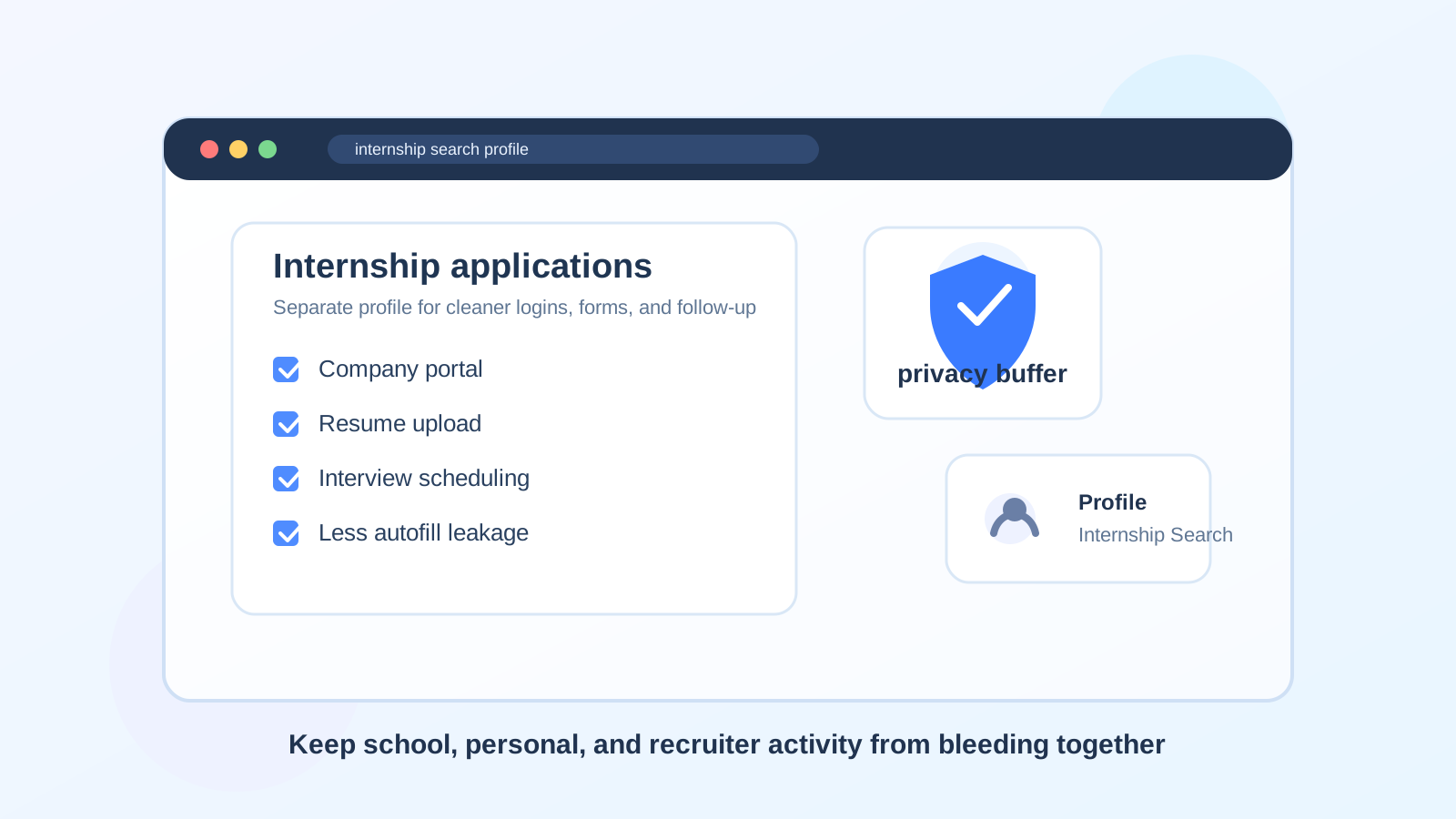
Why this matters more than people think
Most internship applications do not happen in one place. You may jump between a company careers site, LinkedIn, Handshake, your school career center, email threads, calendar invites, résumé PDFs, portfolio links, coding assessments, and video interview platforms. When all of that happens inside the same everyday browser profile you use for classes, shopping, personal email, and social accounts, small mistakes become much easier to make.
That can mean the wrong email autofilling into an application form, an old résumé uploading from a recent downloads folder, a recruiter scheduling link opening under the wrong Google account, or a shared family computer surfacing internship-related tabs and history to the next person who sits down. None of those mistakes are catastrophic every time, but they create avoidable friction in a process where clean follow-up matters.
What a separate browser profile actually helps with
A separate browser profile gives you a cleaner workspace for internship search activity. In practical terms, it separates your cookies, saved logins, browsing history, bookmarks, and autofill suggestions from the rest of your online life.
- Autofill control: fewer chances that the wrong email, phone number, address, or social link gets dropped into an application form.
- Login separation: easier to stay signed into the inbox and calendar you want recruiters to use.
- Cleaner document handling: your downloads, bookmarks, and recent files can stay focused on internship materials instead of random class or personal clutter.
- Better privacy on shared devices: internship-related browsing history and saved sessions stay compartmentalized.
- Less cross-account confusion: especially helpful if you already have a school email, a personal inbox, and possibly a separate job-search address.
That is why a separate profile is often more useful than people expect. It does not just feel tidy. It directly reduces the small operational mistakes that can make you look disorganized.
When a separate profile helps the most
You will get the biggest benefit if any of the following sound familiar:
- You are applying to many internships at once and jumping across multiple portals.
- You use both a school email and a personal email and occasionally mix them up.
- You rely on shared or family devices, or you switch between laptop and desktop often.
- You attend career fairs, networking events, or student recruiting sessions and save lots of follow-up links.
- You are using a separate internship-search inbox and want your browser setup to match it.
- You keep missing recruiter scheduling emails because they disappear into a busy everyday account.
For internship applications, those situations are common. Student job searches often overlap with classes, campus systems, and part-time work, which means account mix-ups happen more easily than they do in a more settled full-time recruiting workflow.
What it will not do
A separate browser profile is helpful, but it is not the same thing as anonymity. It does not hide your identity from an employer, remove tracking from the wider web, or make a suspicious internship posting safe. It is mainly a compartmentalization tool.
Think of it as a privacy and organization buffer, not a disguise. It keeps your internship activity from bleeding into unrelated parts of your digital life, but you still need good judgment about where you apply and what information you share.
How to set one up in a useful way
1. Create one profile only for internship search activity
Name it something obvious like Internships or Job Search. The goal is to remove ambiguity. If you create too many overlapping profiles, you just create a new kind of mess.
2. Sign into the email account you want tied to applications
This matters more than the browser itself. If recruiters should reach you at a dedicated search inbox, use that inbox in the separate profile. If you are using Gmail, Outlook, or another mainstream provider, keep the internship profile signed into the version you actually monitor.
For early low-trust signups, giveaways, or noisy job-board experiments, some people pair a separate workflow with Anonibox or another temporary inbox. That can be fine at the very start. But once an internship is real and follow-up matters, move to a stable address you check consistently.
3. Add only the bookmarks you need
Keep it lean. A few useful bookmarks are enough:
- your main internship inbox
- calendar
- school career center or Handshake
- LinkedIn or a specific job board you actually use
- your résumé folder or portfolio
- video interview platforms you expect to use
The cleaner the profile, the easier it is to spot what matters.
4. Review your autofill and saved-password settings
This is one of the main reasons to bother with a separate profile in the first place. Check what the browser wants to save automatically, especially addresses, phone numbers, and old sign-in details. If the point is to avoid accidental oversharing, do not leave the profile stuffed with irrelevant saved data.
5. Use the profile for the whole application cycle
Do not switch back to your default everyday profile halfway through the process. Use the same profile for applications, assessments, interview scheduling, and follow-up. That consistency is what keeps the workflow clean.
Incognito mode is not the same thing
A lot of people assume private browsing solves this problem. Usually it does not. Incognito mode forgets sessions when you close it, which can be useful in narrow cases, but it is a poor substitute for a dedicated profile.
Internship applications often require return visits, saved drafts, follow-up portals, and repeat sign-ins. A separate browser profile keeps the right environment available without mixing it with everything else. Incognito is temporary. A profile is organized.
Best practices for keeping the setup human-friendly
The separate profile should make your search easier, not more fragile. A few habits help:
- Check it daily: do not build a clean system and then forget to open it.
- Use one main calendar: interview scheduling gets messy when invites land in different calendars.
- Keep one résumé folder: avoid uploading the wrong version because your downloads directory is chaotic.
- Limit unnecessary extensions: fewer extensions usually means less clutter and less accidental data exposure.
- Keep voicemail and email aligned: the profile should match the contact details you are actually sharing with recruiters.
If you want a simple rule, this is it: everything a recruiter might reasonably use to contact or assess you should be easy to reach from that one profile.
Common mistakes to avoid
- Using a profile but signing into the wrong accounts anyway: the setup only works if the account choices are deliberate.
- Creating too many compartments: one internship profile is helpful; five slightly different ones are usually overkill.
- Leaving class, shopping, and personal tabs mixed in: that defeats the point.
- Relying on a temporary email too long: disposable inboxes can help at the edge of the process, but stable recruiter follow-up usually needs a dependable address.
- Assuming the profile makes sketchy applications safe: it does not remove scam risk.
When you might not need one
If you are applying to only a handful of internships, using one device, and already have a tidy search setup with a professional email, you may not need a separate browser profile. Some people are organized enough without it.
But even then, a separate profile is often a low-effort upgrade. It takes only a few minutes to set up and can prevent the kind of annoying small mistakes that are hard to notice until after you click submit.
A quick decision checklist
- Do you use more than one email account?
- Do you apply through several portals or school systems?
- Have you ever autofilled the wrong details into a form?
- Do you want a cleaner split between classes, personal life, and recruiter follow-up?
- Would a dedicated workspace make you more likely to respond quickly and stay organized?
If you answered yes to most of those, a separate browser profile is probably worth it.
Final answer
Yes, usually. A separate browser profile is a smart, low-friction way to handle internship applications with fewer autofill mistakes, less account confusion, and better privacy boundaries between school, personal, and recruiting activity.
It will not solve every job-search risk, and it does not replace a good email and phone strategy. But as a practical workflow tool, it is one of the simplest ways to make your internship search cleaner, calmer, and more professional.